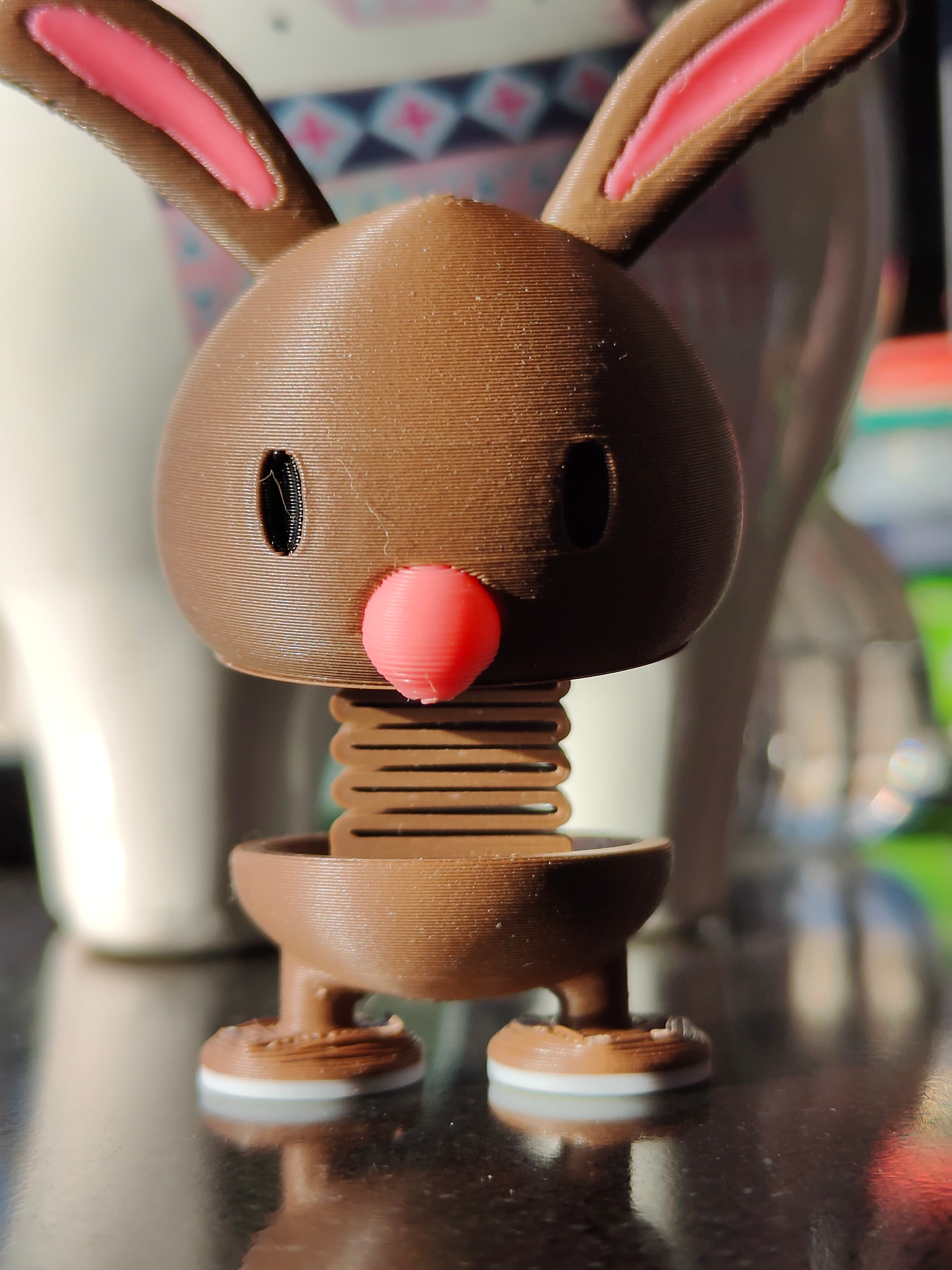


Springy Bunny
Small Bunny with a springy body Version 1.1 17 V 2026
Can be printed in parts (body + eyes) Optional keyring or space for 5x5mm magnet Additional files for multicolor print
If you want to sell prints of this models you can buy a Commercial license (for life) Check a LinkTree in my bio Or join my Commercial Plan where you can sell prints of all of my models on Thangs
Printing Tips
0.1-0.2mm layer height 7% gyroid infill 2-3 walls
May be harder to print than typical models You will need a good bed adhesion and a good cooling
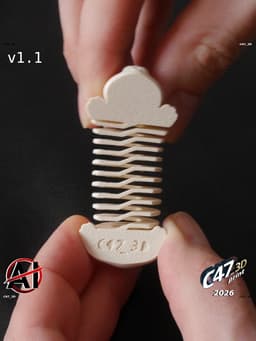
You may be needed to separate spring coils from each other after a print. Usually just with your finger nails, in some more rare cases with a thin knife (scalpel) It mostly depends on your seam settings and filament stringing
If you will have problems with a nozzle knocking out spring parts you can use ADDON_Spring-joiner wich will connect spring parts on the bottom with two lines - you will need to cut it with a knife after a print
ADDONs should be merged with base model (except ADDON_Magnet)
If you want a magnet inside add a 'negative volume' and select ADDON_Magnet_5x5mm or add a cylinder with proper size (0.1-0.2mm bigger diameter than a magnet and 0.2-0.4mm highier) Also you will need to add a pause - usually on the first layer where the magnet hole is closing
MULTICOLOR
Select a base model and all of MULTI files, then drop them in slicer, merge together and select color for each part
Multicolor files are with a 'frame' that helps with models aligning DO NOT try to 'repair' the models - frame will not be printed and it's not causing any problems with slicing
Colors Body - creame Light - white Black - black or dark brown Pink - light, desaturated pink
Tips if the model is breaking
Filament should be dry and with good self adhesion Printing with wet filament will make the model more brittle (especially PLA) and model may break when stretched
Silk filaments (especially dual or tripple color) and the ones with particles (like 'marble') may not be a good option - but it all depends on the filament
You can try printing it slower, bonds between layers should be stronger
Springy Bunny

Piggy Bank

Flexi Reindeer Doodle

Springy Piggy

Low-Poly Bunny Phone Holder

Halloween Capybara

Flexi Transforming Cat

Tetris Puzzle Cube

Flexi Capybara Skeleton Snake

One-coin Piggy Bank

Reindeer Phone Stand

SpringBee

Crappy Piggy Bank V2

Fox Phone Holder

Skull Vase V2

Flexi Transforming Dog

Flexi Snake

Capybara Phone Holder

Springy Cat

Piggy Set