BW_Dragon_01_Hueforge-MTF
Black and White Dragon_01 By Kimball Marston © 2025-07 Kimball Marston and Mars-TonFoundries Visit our Store for Bookmarks at: Mars-TonFables.com
This is a Hueforge Filament Painting using only two colors. This makes it easy to print for those who don’t have an automatic filament changer. This can be done by adding a pause to the print at layer 9 or if your slicer has a change filament option you can use that. Start with a solid black color filament and then at layer 9 (0.8mm) swap to a white colored filament. Preferably one with a high transmission distance rating. The Base image is AI generated using my personal image generator. It is then edited and converted into an STL using Hueforge. The HueForge Settings and Filament Painting is done manually using the software.
Print Settings:
Nozzle: 0.4mm Bed Type: Smooth High Temp (You can use any Bed Type you want just be sure to change it.) Layer Height: 0.08mm First Layer: 0.16mm Wall Loop: 1 Top Layers: 0 Bottom Layers: 99 Sparse Infill Density: 100% Sparse Infill Pattern: Rectilinear Prime Tower Enabled: Width: 10mm Prime Volume: 10mm³ Brim Width: 3mm Brim Type: Mouse ear (Optional) Brim Width: 5mm Brim-Object gap: 0.1mm Brim ear max angle: 125 Brim ear detection radius: 1mm These are basic settings I used for all my Hueforge files. his is the instructions from HueForge:
Print at 100% infill with a layer height of 0.08mm with a base layer of 0.16mm
The Model is 100x100mm in size You may print at higher layer heights below the Base Thickness of 0.56mm The Max allowed Thickness is 1.76mm and the Actual Thickness is 1.76mm
Filaments Used: #000000 PLA+ Sunlu Black Transmission Distance: 0.6 #ffffff PLA+ Sunlu White Transmission Distance: 5 This print uses 2 unique filaments
Swap Instructions: Start with Black At layer #9 (0.8mm) swap to White for the rest.
Some common white filament with a high transmission distance are as follows: Bambu Lab PLA Basic White: TD=5 Sunlu PLA Basic White: TD= 7.5 Creality PLA Basic White: TD= 10.4 Elegoo PLA Basic White: TD= 5.5 ESun PLA Basic White: TD= 5 Polymaker PLA PolyLite White: TD= 5 (These are just some reported TD readings. They can change per roll, brand, mixture, batch and a ton of other factors. But any white should do fine.) I use Sunlu, Jayo, and TecBears Filaments (These are all produced by Sunlu.) I also use Polymaker HT-PLA black for our bookmarks and other commercial Hueforge products. I would recommend but it’s not necessary.
Please Comment and Like if you enjoy this type of Prints. Commercial License will be forth coming so stay tuned.
BW_Dragon_01_Hueforge-MTF

Wolf - Cinder Hatchling

River Otter - Cinder Hatchling
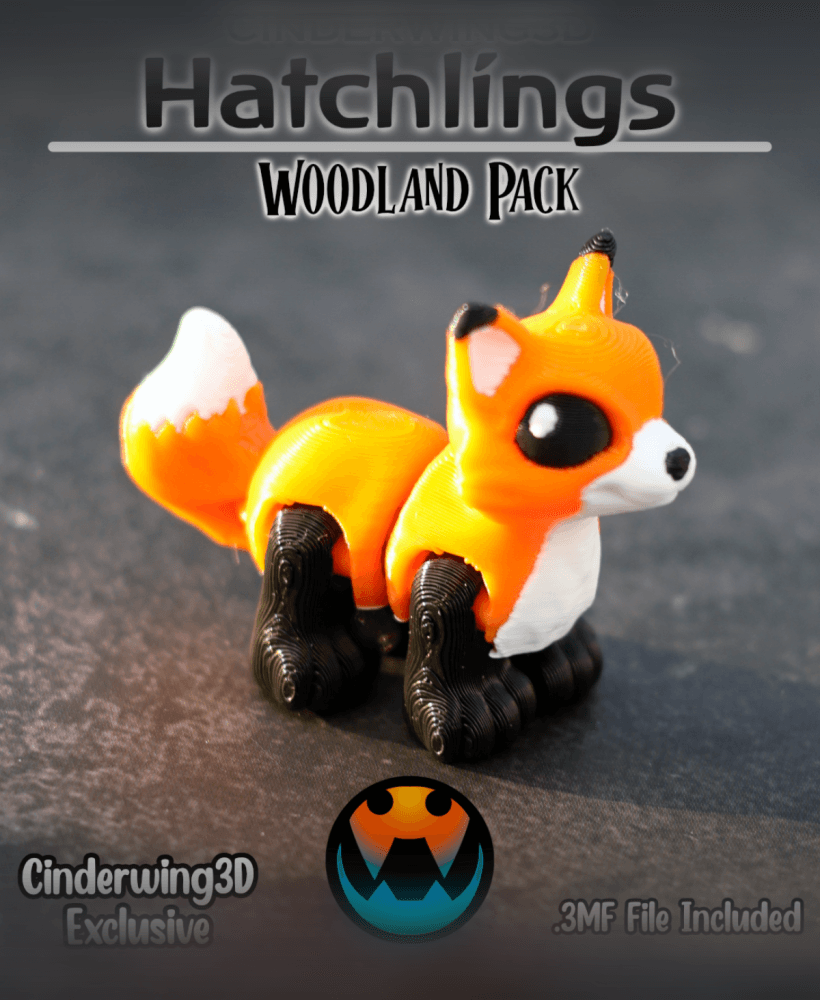
Fox - Cinder Hatchling

Flappy Head Dino - Hatchling

Snappy Water Dino - Hatchling

PlayBook'd - Chess

Racoon - Cinder Hatchling

Ducky Dino - Hatchling
![Tiny Mushroom Dragon/Wyvern and Mushroom Shelf [Gazzaladra Collab] 3d model](/_next/image?url=https%3A%2F%2Fstorage.googleapis.com%2Fproduction-thangs-public%2Fuploads%2Fenhanced_images%2Fv1%2F41421592-2019-4923-abae-c3e83a110400%2F0_2.jpg&w=3840&q=75)
Tiny Mushroom Dragon/Wyvern and Mushroom Shelf [Gazzaladra Collab]
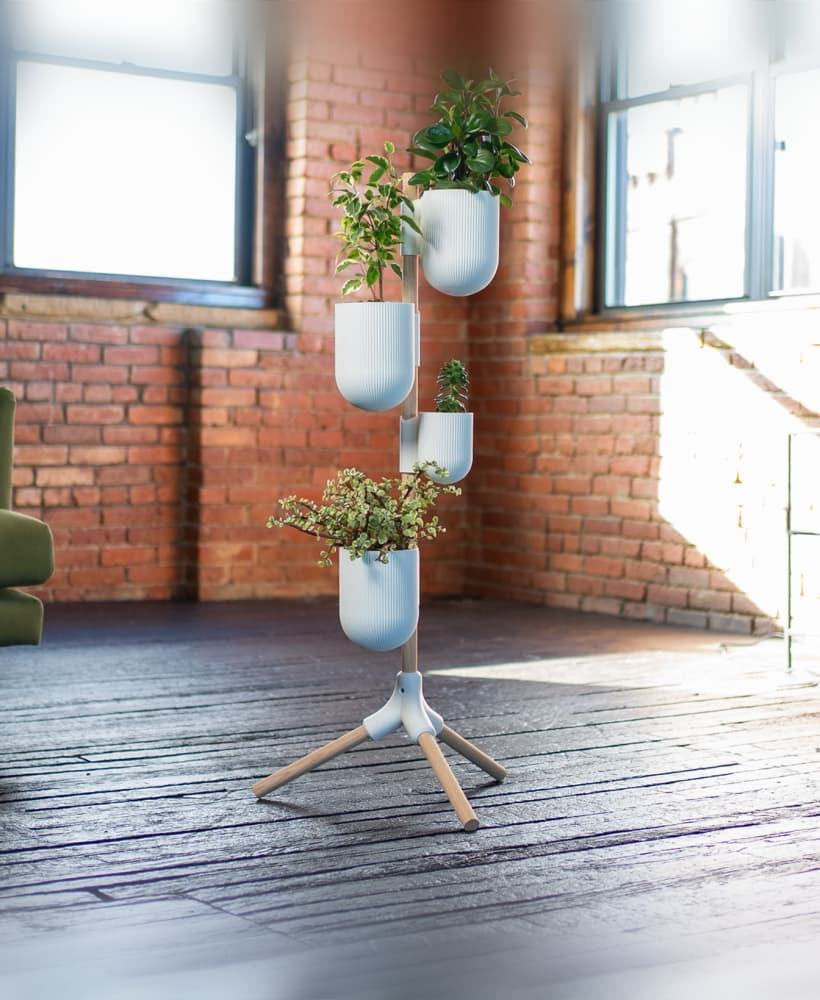
The Rail - Tripod Attachment

Turkey - Cinder Hatchlin

Henriegga – The Chocolate Egg-Laying Chicken

Moose - Cinder Hatchling
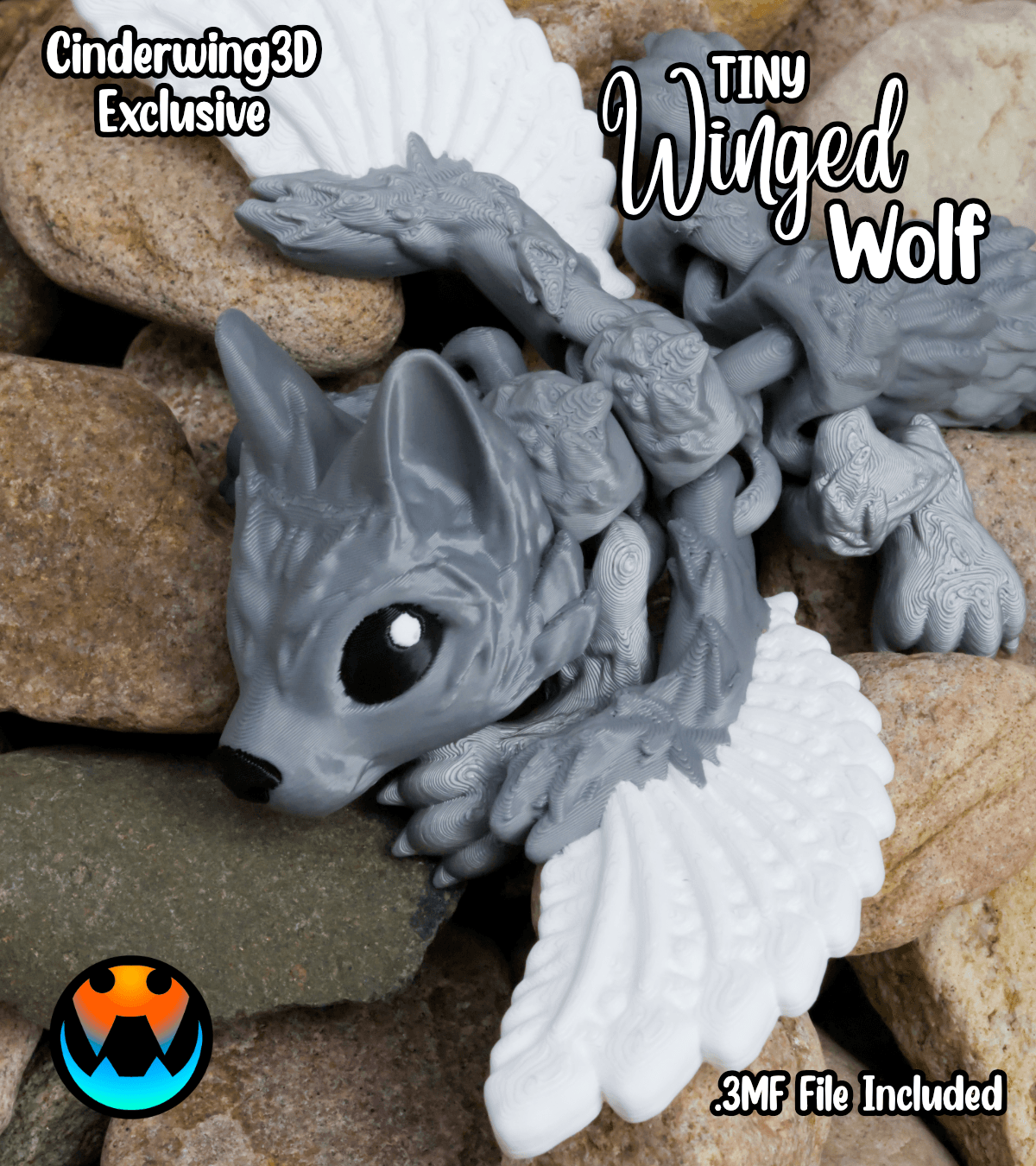
Tiny Winged Wolf
.png&w=3840&q=75)
PlayBook'd - Four in a Row
.gif&w=3840&q=75)
Candy Creeper Pug - Candy Dispenser

Window Pikachu - Pokemon

Charmander Window - Promo Card - Pokemon

PlayBook'd - Sea Battle