

%252014.03.06_58cf5ff1.jpg&w=256&q=75)


Multiboard - Shelf Generator
1.4K downloads · 2 years ago · This parametric model can generate shelves with Multipoint rails on the back. You can attach it to t
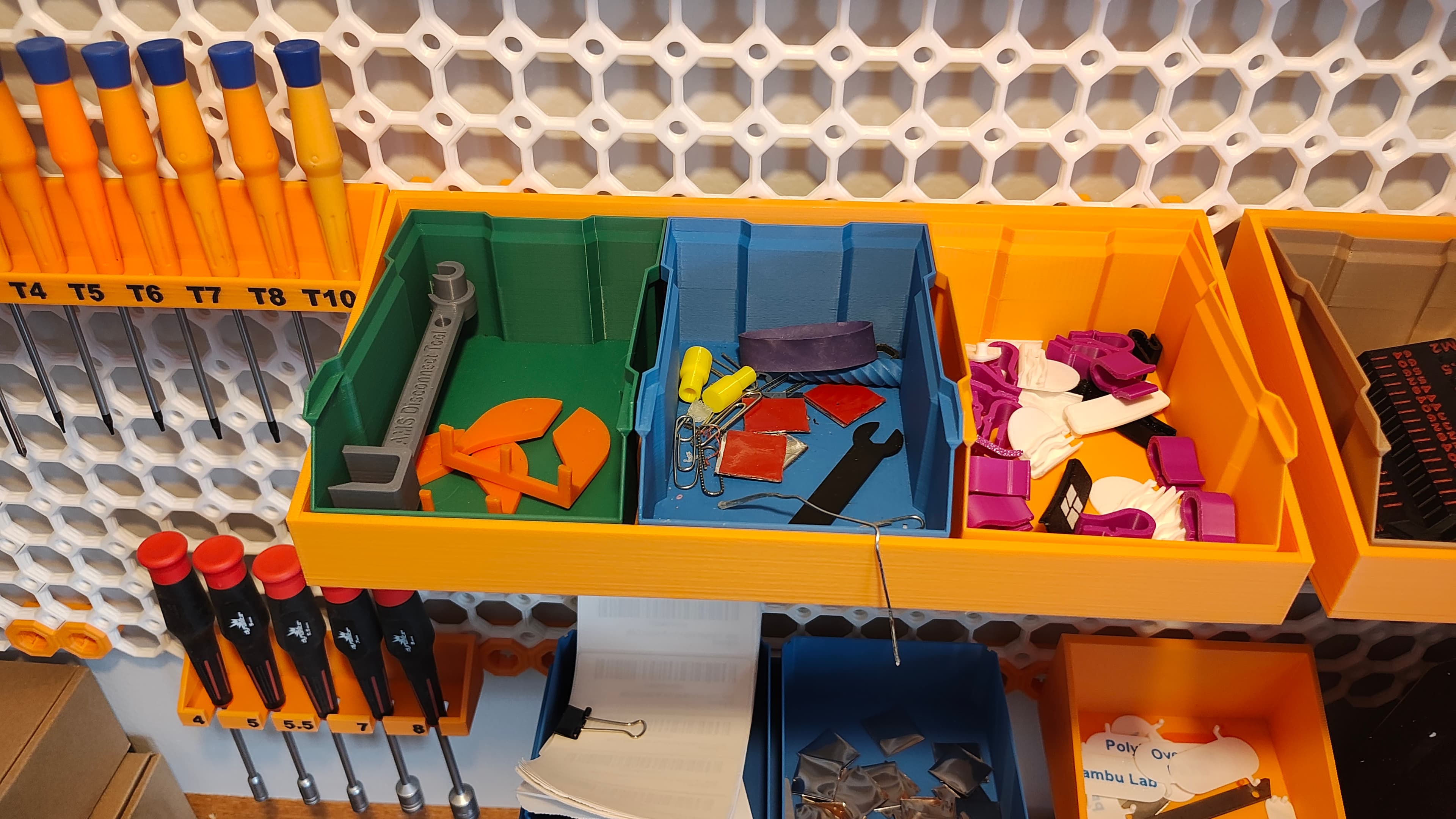
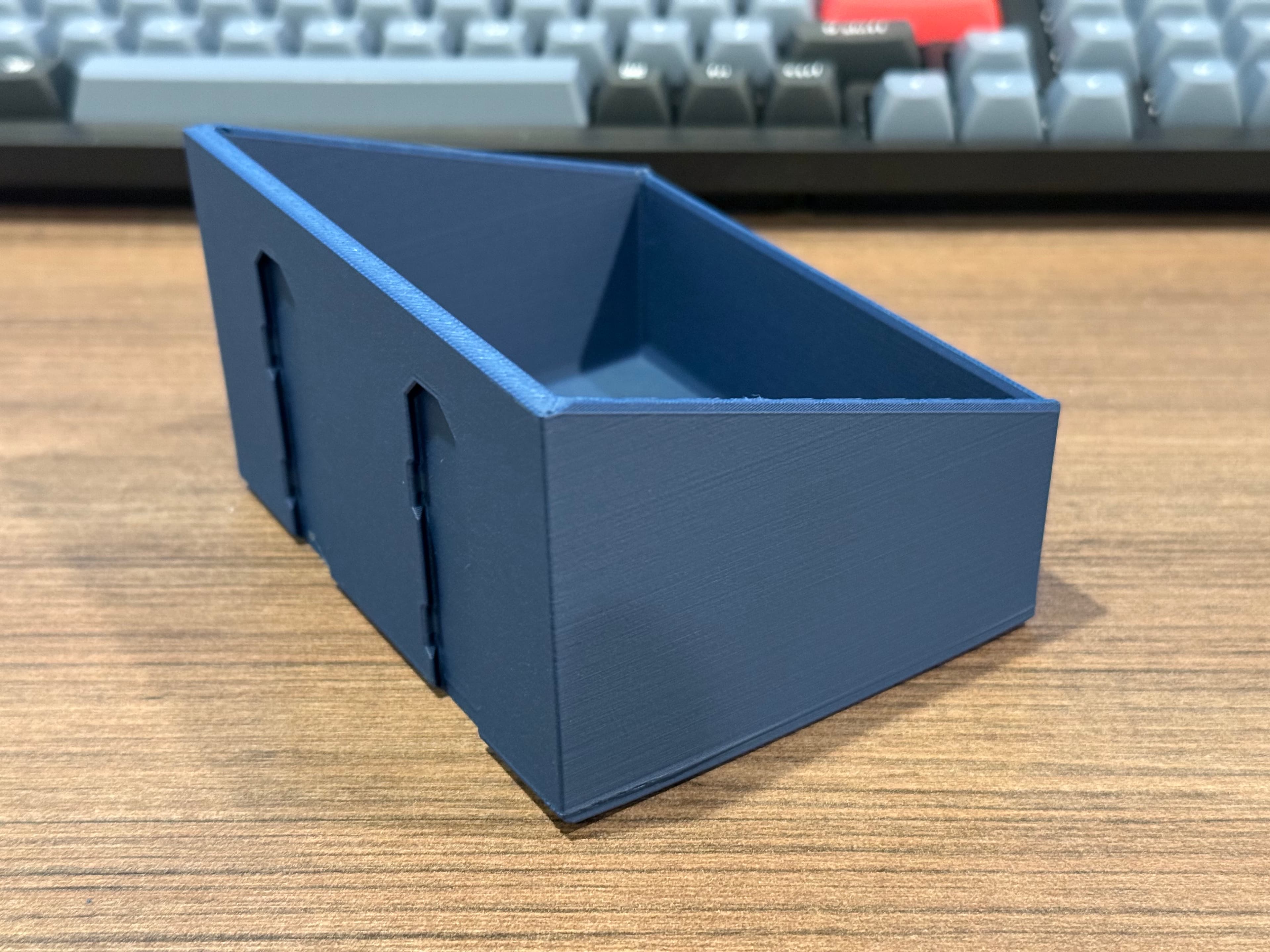
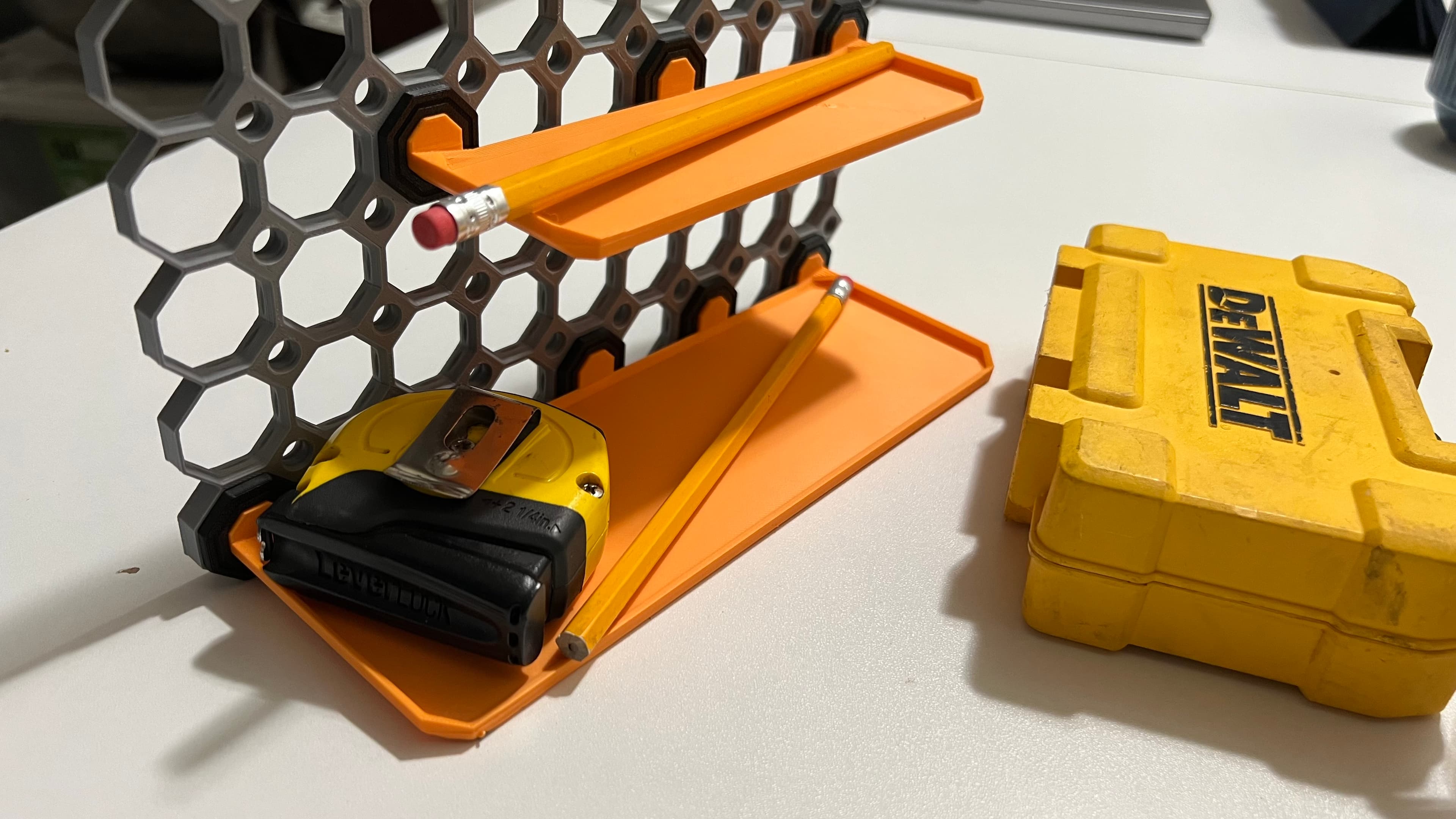
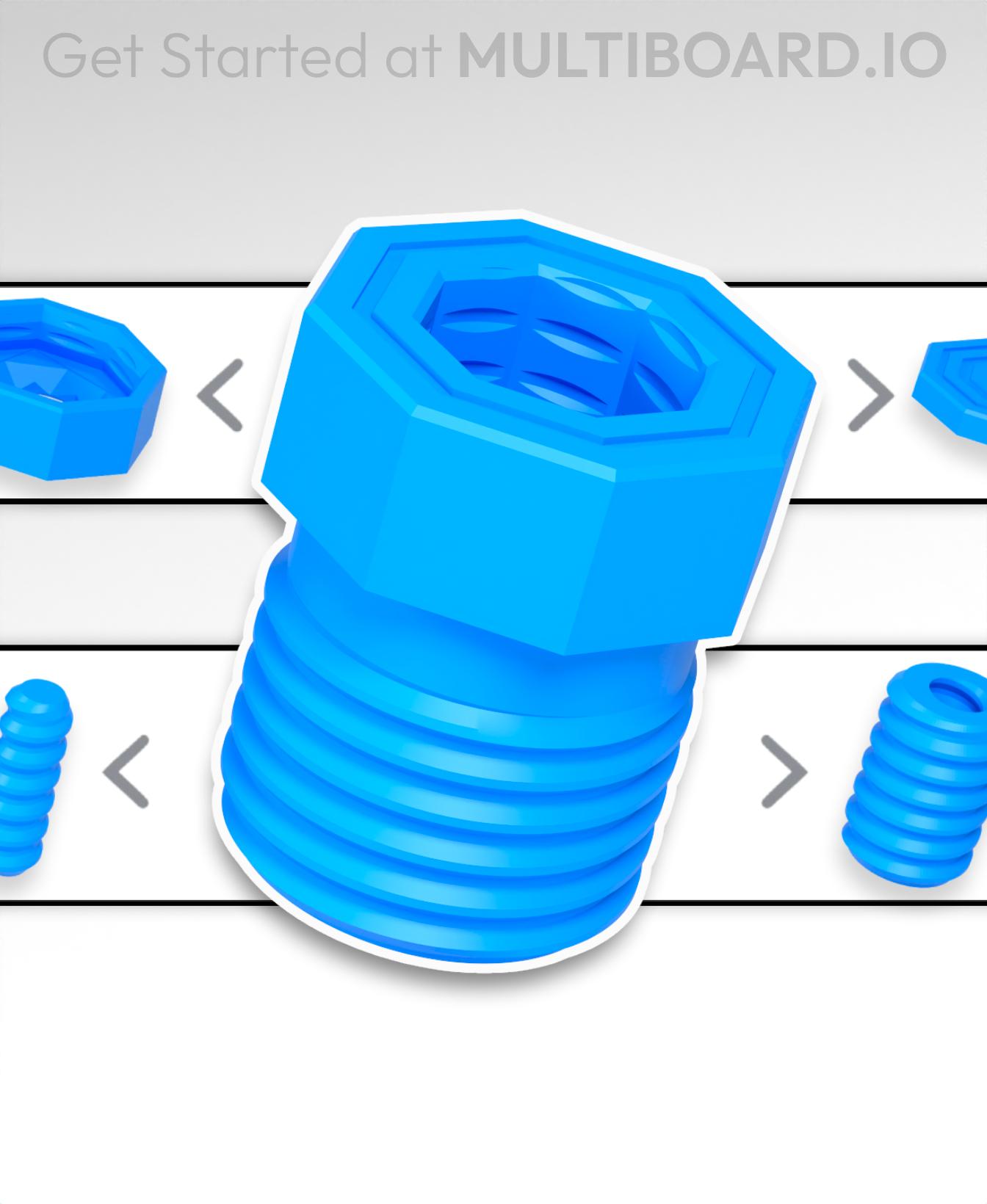
This parametric model can generate shelves with Multipoint rails on the back. You can attach it to the tiles using Multipoints or bolt-locks snap-ins (see picture).
I've included Fusion 360 parametric file. A brief explanation of the most significative parameters:
- Width - The internal width of the shelf. The number of multipoint rails will be calculated based on this parameters. If you set this larger than 300mm you'll need to adjust the Combine1 step as well.
- Depth - The internal depth of the shelf.
- Num_cells_back_height - The height of the back wall of the shelf, where the rails are. This is in multiples of Multiboard cell size, which is 25mm, plus +- 5mm.
- Front_height - The height of the front wall of the shelf.
Besides the parametric file, I've included some ready-to-print STLs as well.
License: https://www.multiboard.io/license
Multiboard - Shelf Generator
1.4K downloads · 2 years ago in and
Heavy Duty Tile Shelf #1 - Multiboard Pack (+ Video Tutorial)

Multiboard Closet Peg Generator

Comgrow/Sovol Dryer Shelf + multiconnect option

PlexiBox
Multiboard AMS Shelf Bracket
9 Multiholes Push-Fit Shelf | Multiboard
Multiboard Bolt Generator
Multiboard OpenSCAD generator

Multiboard Tile Generator

Multiboard Label Generator

Multiboard simple shelf for Mercusys H60X
5x3 Multiboard Multigrid Baseplate Shelf
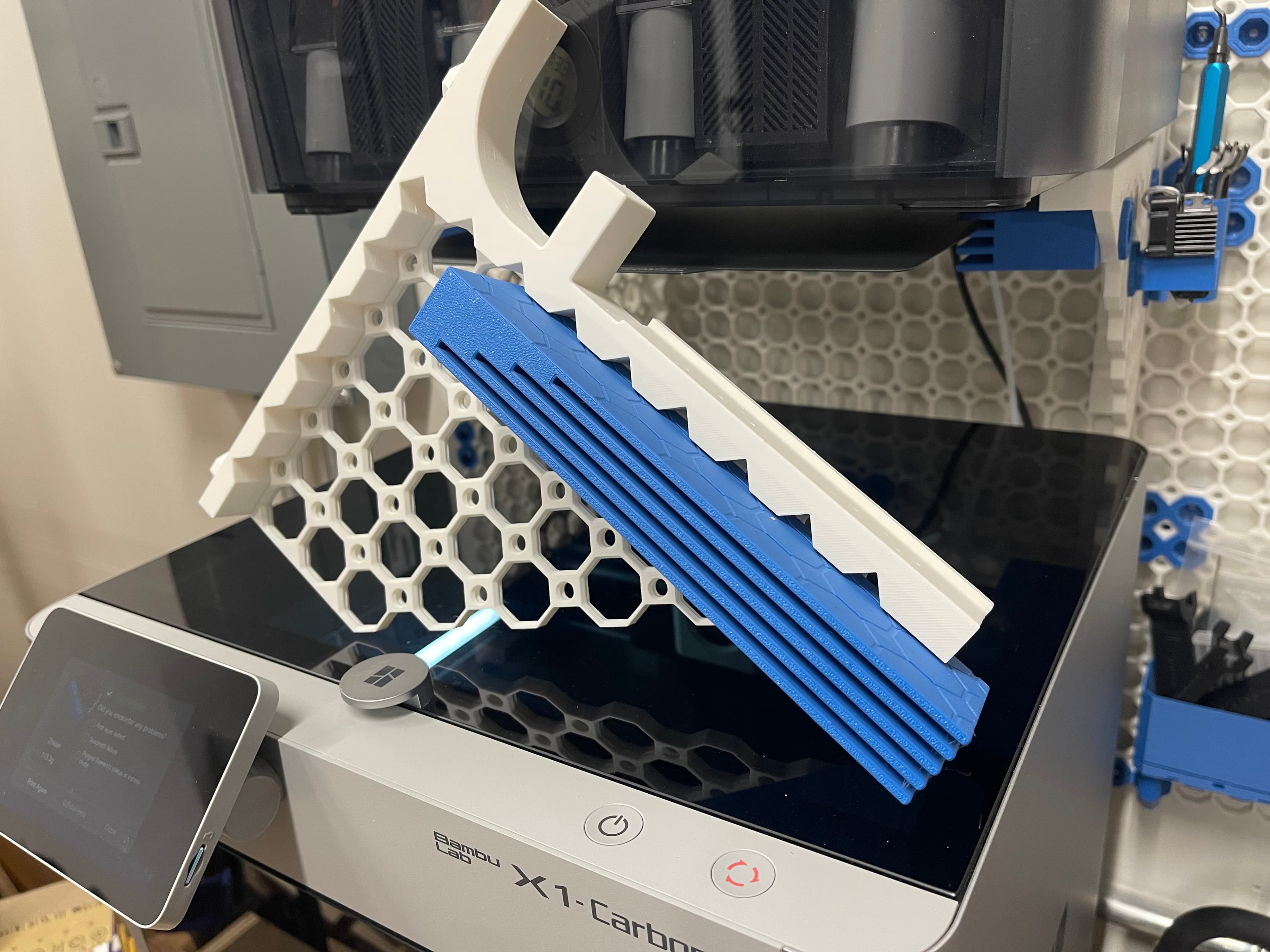
Multiboard AMS Shelf Plate Holder

Multiboard Benchy Shelf 30° Display
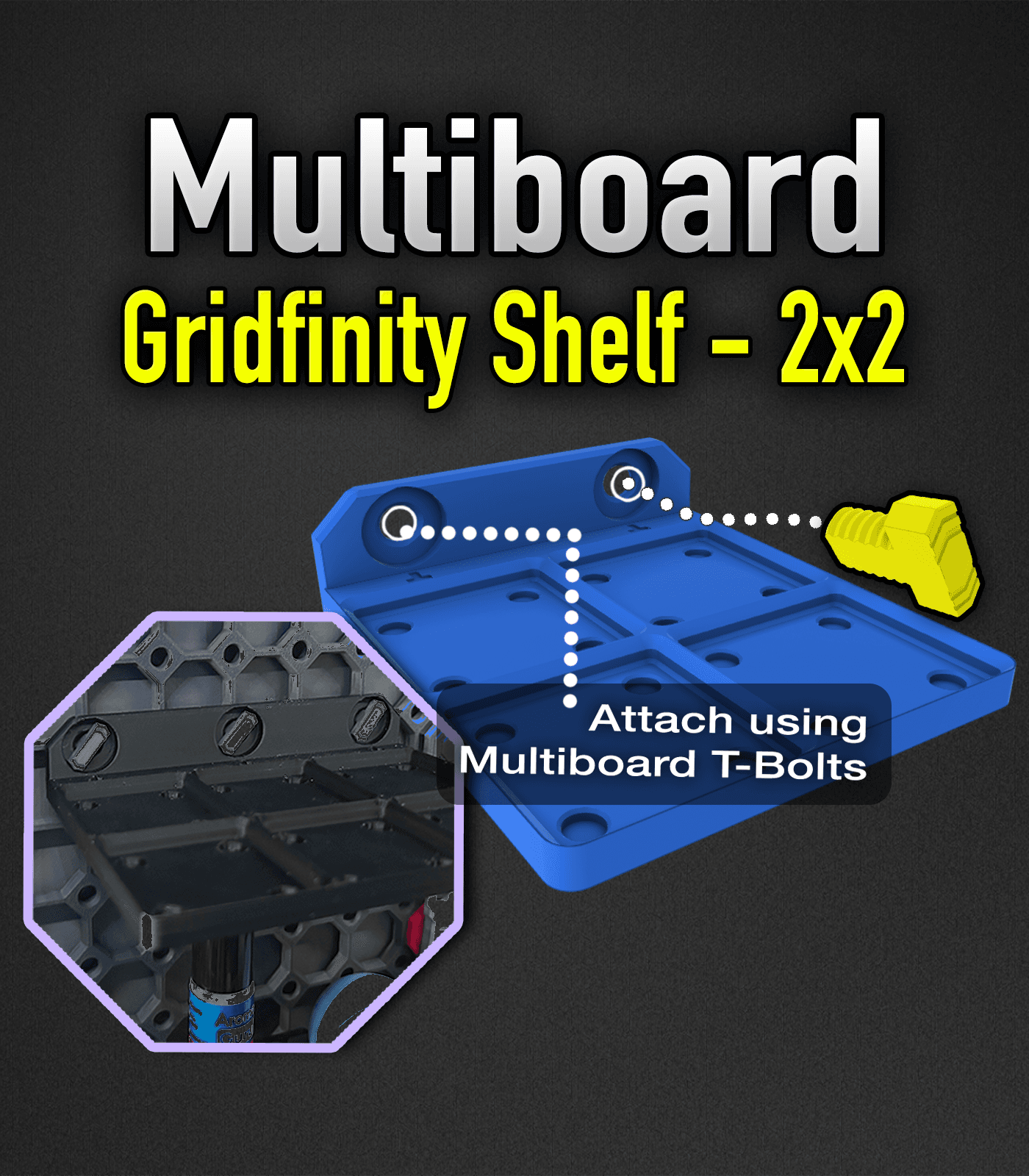
MultiBoard Gridfinity Shelf 2x2

Multiboard Benchy Shelf 30Deg Mini AIO Test Card Holder- Push Fit Ver

Multiboard Benchy Shelf 30Deg Mini AIO Test Holder- Weighted Snap Version
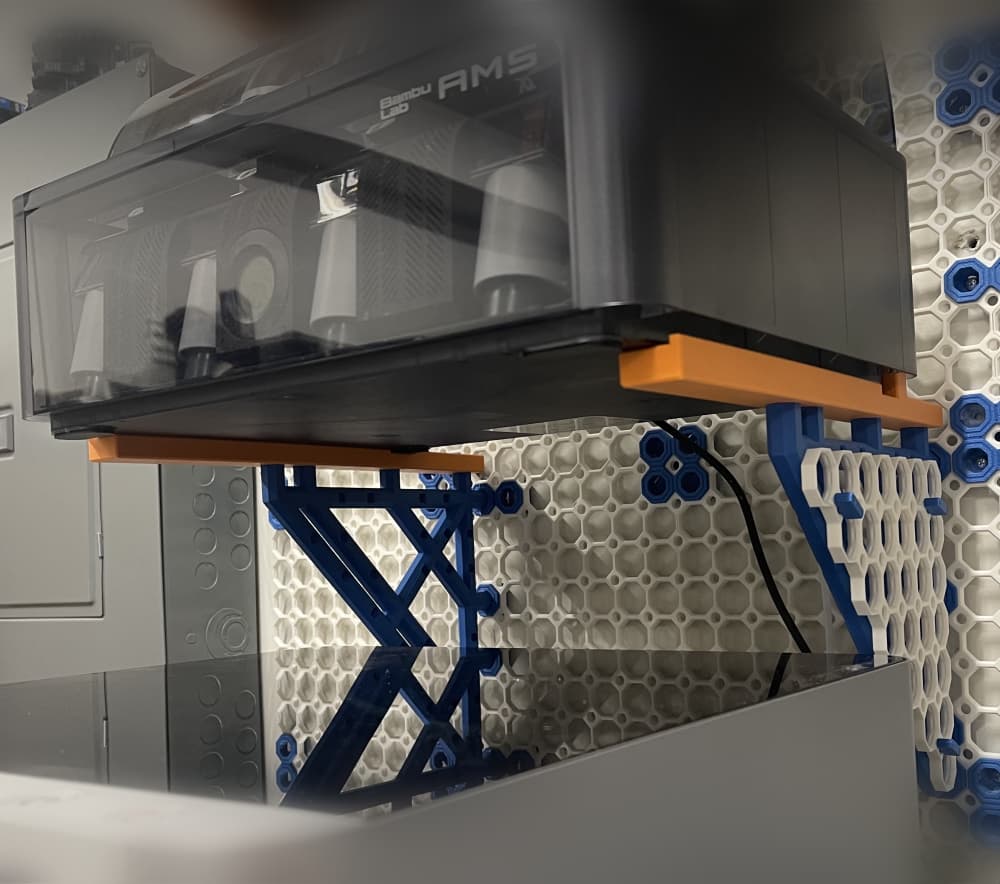
Bambu AMS Shelf & Plate Holder for Multiboard Heavy Insert Bracket
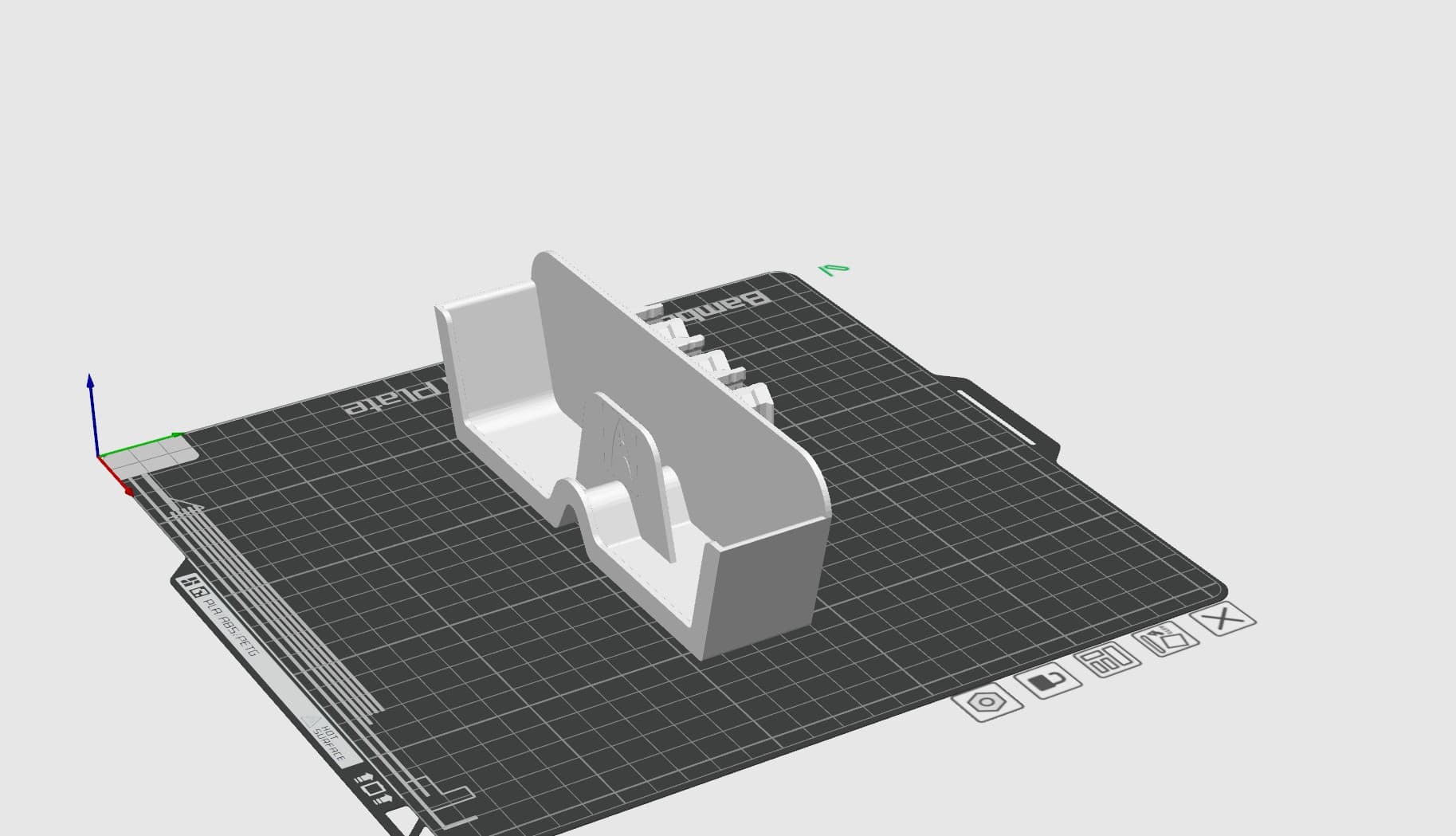
MultiBoard Glasses Shelf
For those that may need some instructions:
I created a shelf that is 390mm x 240 mm which I then cut into four sections in Bambu for printing.
Thank you!!
Would love the Fusion file... it's not in the zip.
I've just fixed it. Please download it again.
This is so useful, thanks ❤️
Are these the pop-ins you're using? https://thangs.com/designer/Multiboard/3d-model/X%20Bolt-Locked%20Insert%20-%20OXO%20Rail%20Pop-In-1123341
They are the only shape that seems to match yours in terms of the inner folding portion going past both the top and bottom of the "O", without also having an "X" towards the top or bottom. They just look so long compared to your picture, and from the description from Jonathan saying they're 25mm on the top and bottom of the "O".
This is amazing and I have been using it for everything (way more than just shelves). I am trying to reverse engineer your parametric design because I want to get better at parametric design, and instead of chopping up your timeline for a design I want to do, I would like to design mine from scratch to learn the methodology.
I have figured out everything except how you parametrically patterned the construction lines used to copy the negatives of the rail. Could you please explain that?
can i have small explanation on how to modifiy in fusion360?
How do i download the fusion360 file? Nothing that I've tried has given me access to change the parametric values.
I've just fixed it. Please download it again.
It works now, thank you! I would love to know how you make the rail automatically generate the right size and right number!