
Filament Friday Ender 3 E-Leveler Files
2.9K downloads · 4 years ago · This download includes the test print .stl and all the G-Code files for using the Filament Friday E-
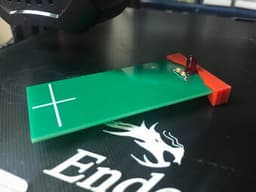
This download includes the test print .stl and all the G-Code files for using the Filament Friday E-Leveler tool with any Ender 3 size printer. It moves to each corner and gives you 20 seconds to use the E-Leveler to adjust the bed. Then it automatically moves to the next corner.
- Run the chep_eleveler_g4.gcode file and it will position to the front left corner.
- Adjust the bed knob until the LED just begins to turn on.
- The G-Code will automatically move to the next position (left rear) and wait for you to adjust the bed with the E-Leveler.
- Complete all 4 corners and then the G-Code file will return the nozzle to home position.
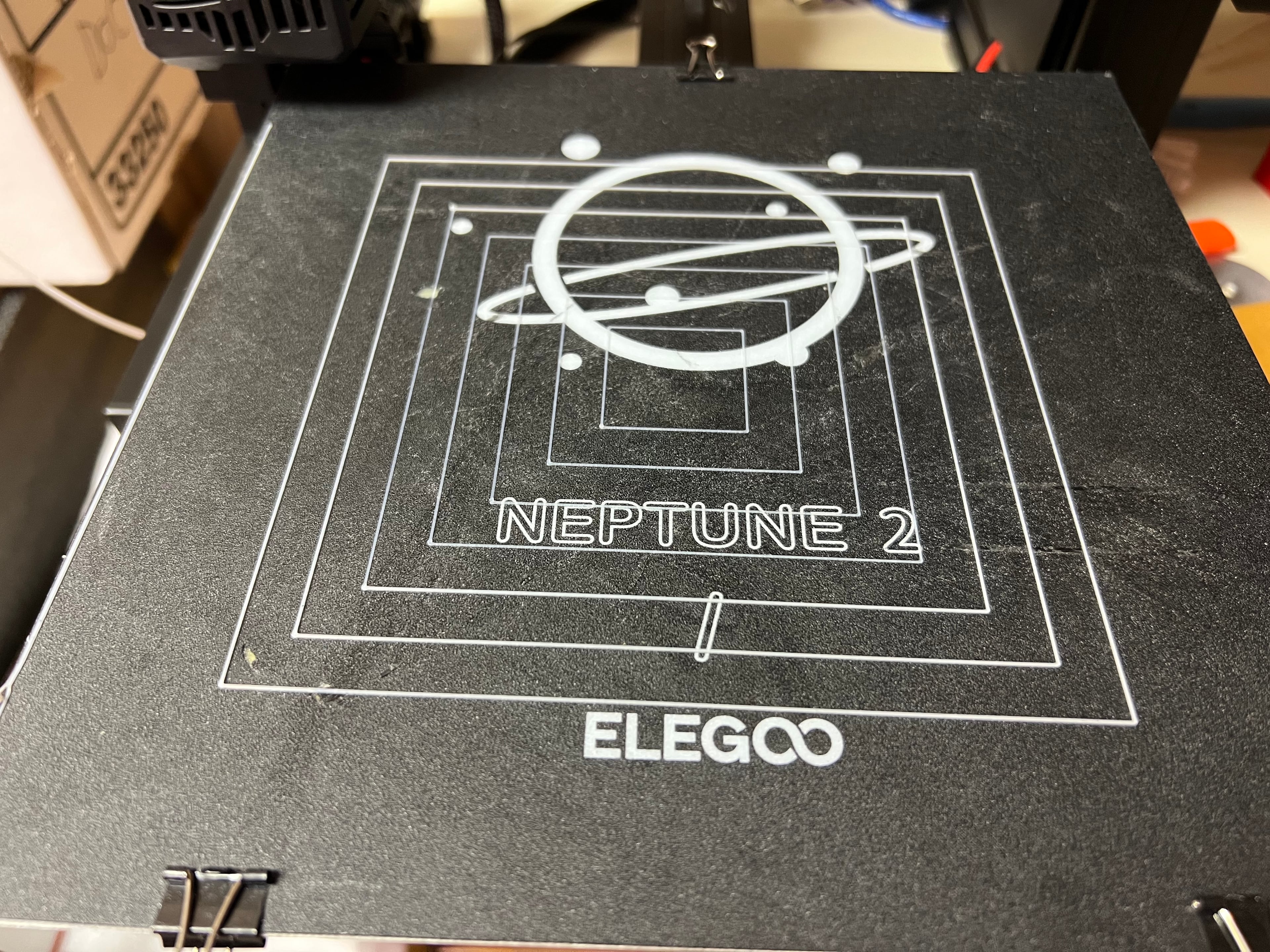
- Run the Squares (chep_bed_level_test.gcode) G-Code file to verify the bed is level.
Filament Friday Ender 3 E-Leveler Files
2.9K downloads · 4 years ago in and

Bench Light Bracket

CHEP Adjustable iPhone Foldable Stand

Soldering Tweezer Clamp
.jpg&w=3840&q=75)
Large Water Cooler Bottle Opener
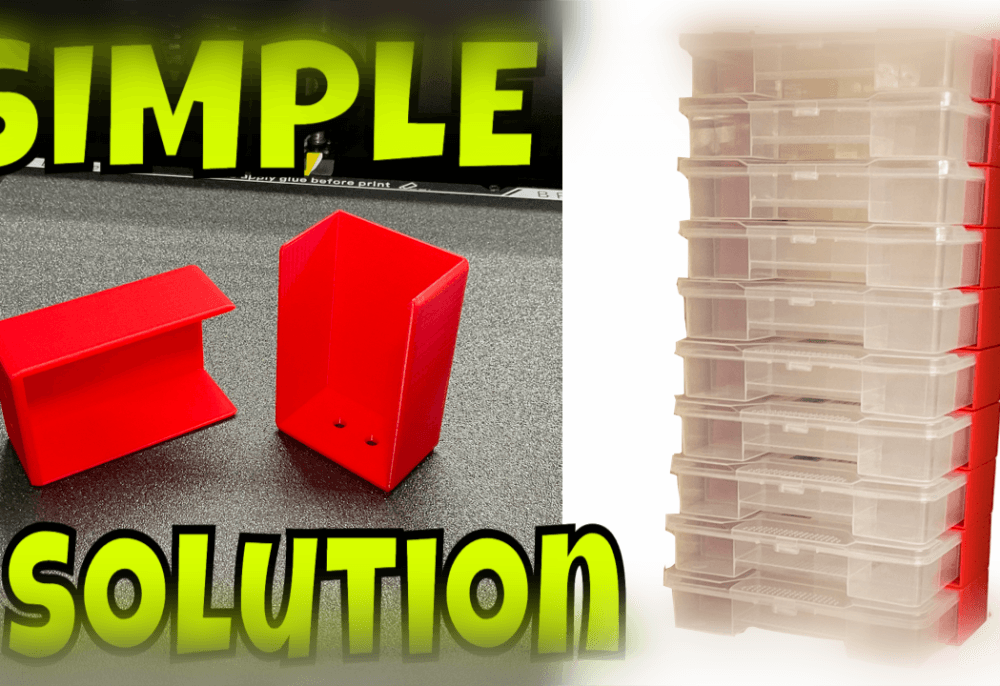
Dollar Store Storage Bracket - Filament Friday

V1.7 TPU Cura Profile for Ender other Direct Drive/Bowden 3D Printers by CHEP

Ver4.0 Cura V5.0 Filament Friday HyperFast Profile by CHEP

Ver4.0 Cura V5.0 Filament Friday ExtraFast (0.28) Profile

Ver4.0 Cura V5.0 Filament Friday Good (0.20) Profile

Ver4.0 Cura V5.0 Filament Friday Best (0.12) Profile by CHEP
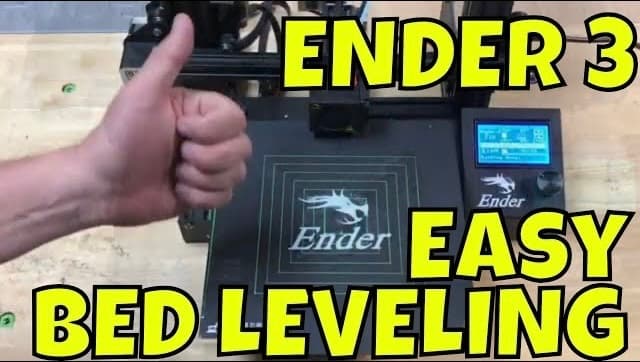
Ver4.0 Filament Friday Manual Bed Level for Ender Size Printers by CHEP

Snap Circuits Small Size Base

Creality K1 and K1 Max Cura Profile
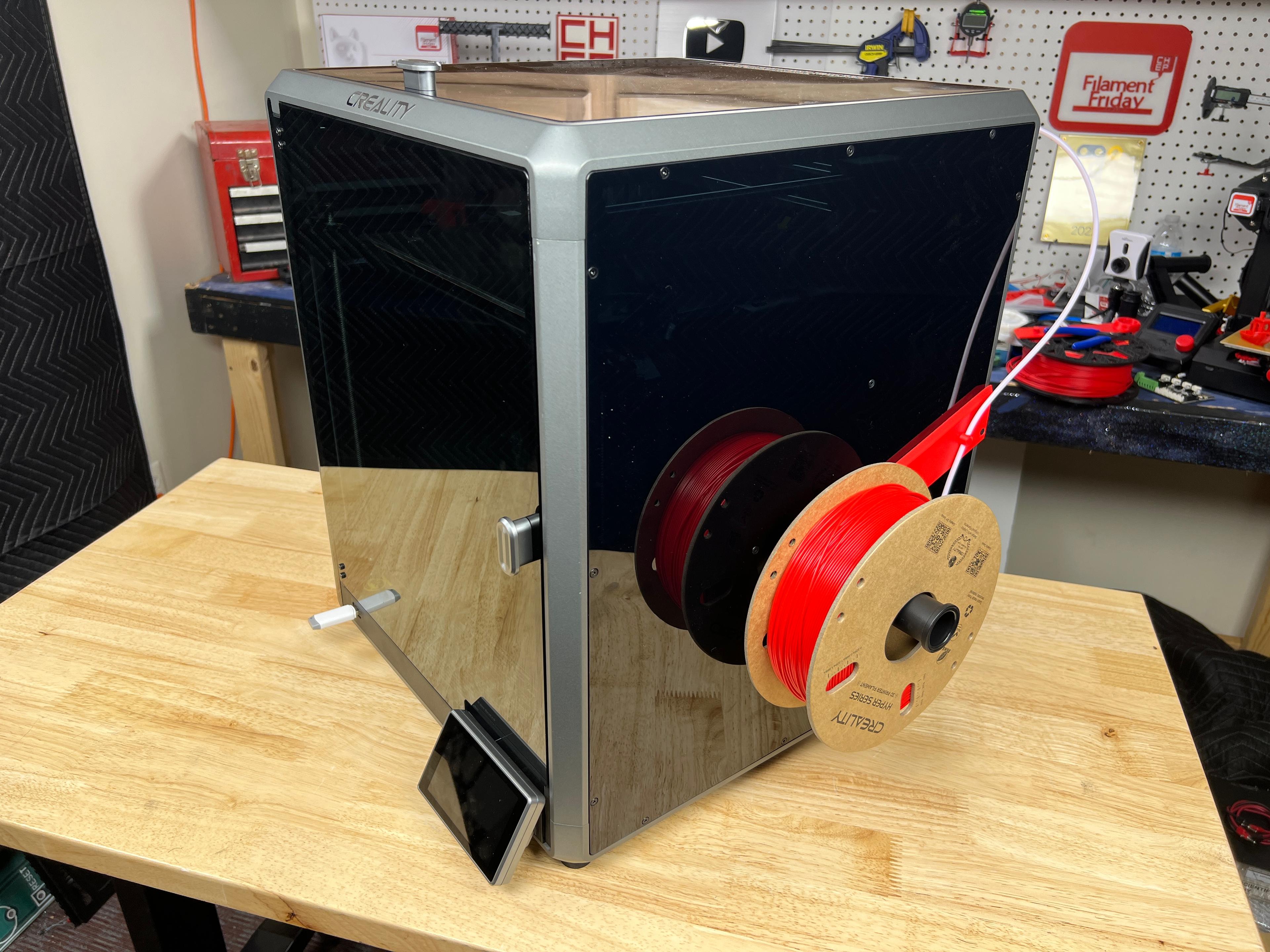
Creality K1 Max Spool Holder
Modified Breakaway Header Tool
Teton Fence Gate Top Insert
Teton Fence Gate Bottom Insert

Temperature Controlled Fan Gerber Files
Cura V5.2 Filament Friday Profiles
The leveling .gcode file is way to small for the ender 3 bed. It doesn't come close to the corners, besides the front left. When doing the right corners, it's the middle of the bed.
its normal
The G4 Leveler and bed leveling files for the Ender 2 Pro has been uploaded to the Ender3 page.
The kit version of the leveling tool got my new-out-of-the-box-100%-stock Ender3 Pro close - But not perfect - I will need to measure the kit height and try again later with yellow springs