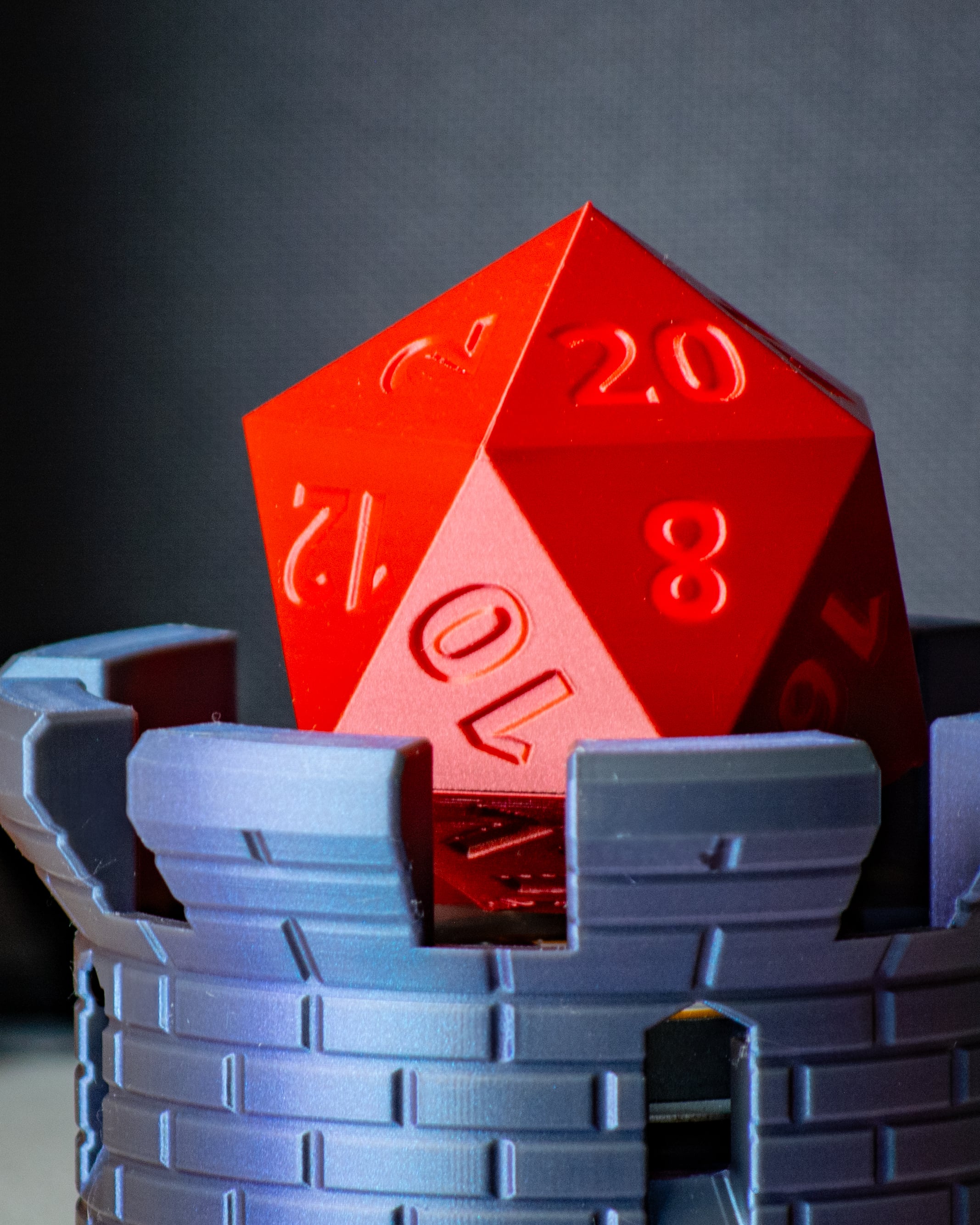


Floating D20
Updates Jan 4, 2025:
- Updated base to give more space where you'd mount the power switch.
- Added a slightly taller version of base.
- Updated clearance of standoff piece so it would fit more easily.
This model utilizes the Magnetic Levitation kit from Bambu Lab.
Neat!
Printing Instructions: The 3mf file provided was sliced using Bambu Studio and should have all the proper settings as defined below
Supports:
- D20 Bottom: Yes
- Everything else: No
Layer Height: 0.2mm
Infill:
- D20 Top: 100%
- Everything else: Do what you want
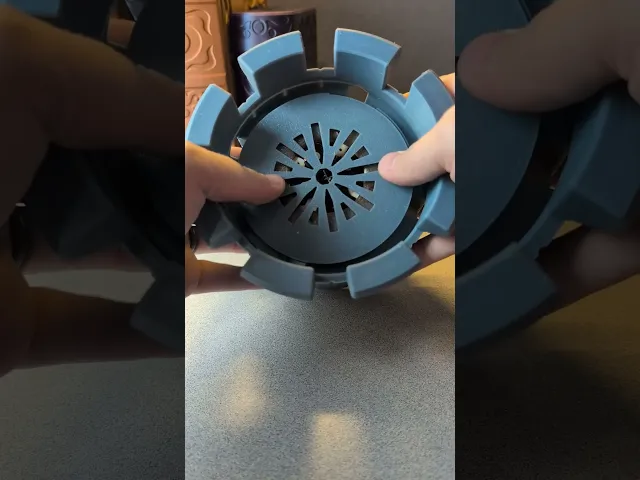
Assembly Instructions: Follow this video for assembly if needed.
Written instructions:
-
Disconnect the power port from the levitating kit and feed the wire through the power port hole on the Base
-
Feed the wire up to the top of the base then connect it to the levitating kit
-
Feed the power pcb down the base and use double-sided tape to fasten it to the bottom of the base on the other side of the triangle.
-
Use Base_Key to twist the Base Cap onto the base
-
Place the levitating disc into D20 Bottom
-
Screw Threads into D20 Bottom, securing the levitating Disc
-
Screw D20 Bottom into D20 Top
-
If needed, use D20_Key to finish screwing in D20 Bottom so sides match up
Placing the D20 onto base:
- Hold the D20 in both hands and carefully lower it down onto the tower.
- You should feel a pull toward the middle of the base.
- If you lower it too slowly, it could make it difficult.
- There is a safety feature where if the wire coils overheat, it will turn off and the light will no longer turn on. Too many failures will result in this happening. If this happens, wait 10-20 minutes before trying again.
Feel free to join my discord for additional support, questions, or suggestions!
Floating D20

Illuminated "Happy Birthday" LED Sign with Vine Frame

Helix Spiral Table Lamp - Mid-Century Modern Desk Light

Lamp 003 Base.stl

Cup 004 - Spiral Ribbed Desk Organizer / Modern Vase / Pencil Cup

Cup 003 - Chiseled Organic Vase / Pencil Holder

Glowing Castle Lamp & Tabletop Fortress

Birdhouse 002 - Mid-Century Modern Birdhouse & Succulent Planter

Carousel - Motorized merry go round

Bird House 001 - No AMS or other multi-color printer required

Floppy Stroopwafel

Dragon Egg

Twisty Egg Lamp

Dragon Egg Lamp

Egg Lamp 2.0

Vase 004

Cup 002

Bowl 003

Floppy Guitar Fish

Lamp 002
