
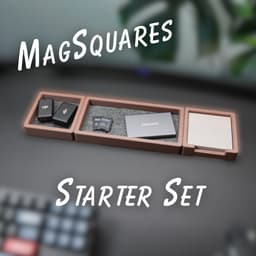


MagSquares - Starter Set
Our Starter Set is the perfect bundle to get you started with our MagSquares desk organization system.
All of squares have been designed to have magnets embedded during printing. This allows all the squares to "snap" together. They are also modular allowing you to configure the perfect layout.
The idea of the MagSquares was to create a premium 3D printed alternative to the wood catch all trays. The sides were designed extra thick to not only to fit the magnets but to also feel very solid in your hand. We also sourced premium self adhesive felt for the interior of the trays.
The starter set is the first release of the MagSquares system and includes the following Models:
- 1x1 Catch Tray
- 1x2 Catch Tray
- 1x1 Lid
- Note Square (Post it note tray)
There will be many many more models released for this system.
The starter set is a free download for PERSONAL USE ONLY. If you would like to commercially sell these models you must join one of our membership tiers. Upon joining any of our membership plans you will instantly gain access to ALL of our models.
MagSquares - Starter Set

Desk Cable Holder

Universal Charging Tray

DeskClamp Headset Attachment
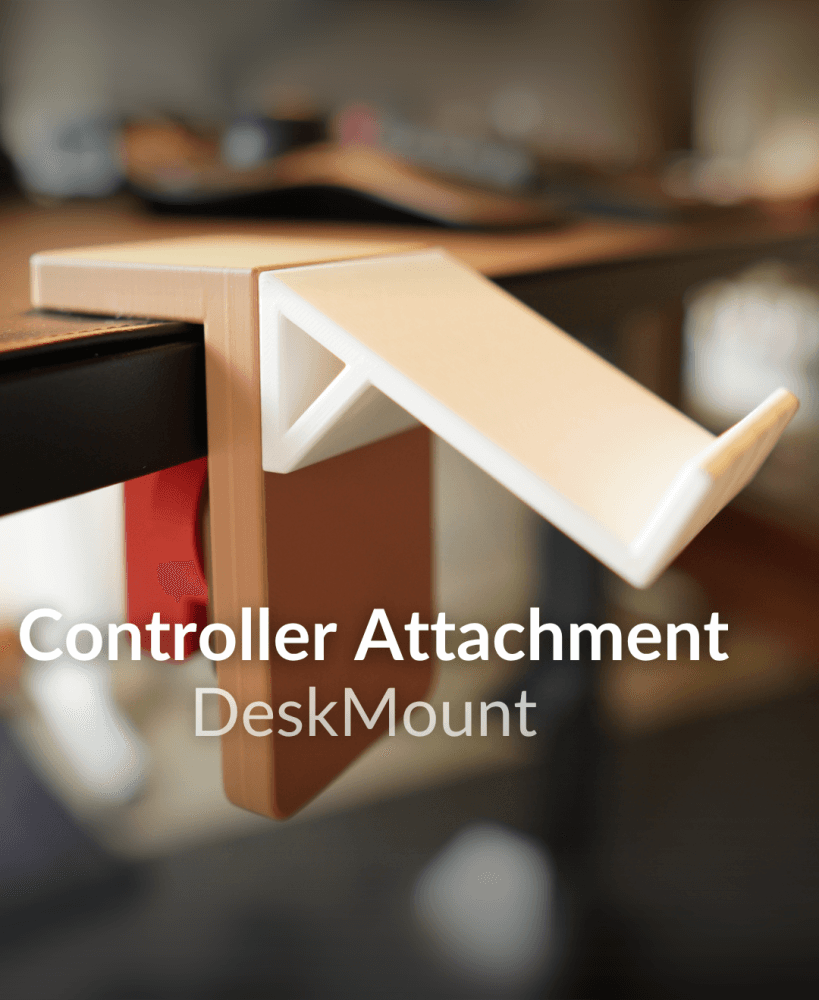
DeskClamp Controller Attachement

DeskClamp Hub

The "Flute" Wall Planter

The "Verdant" Wall Planter (Improved Design 2025)
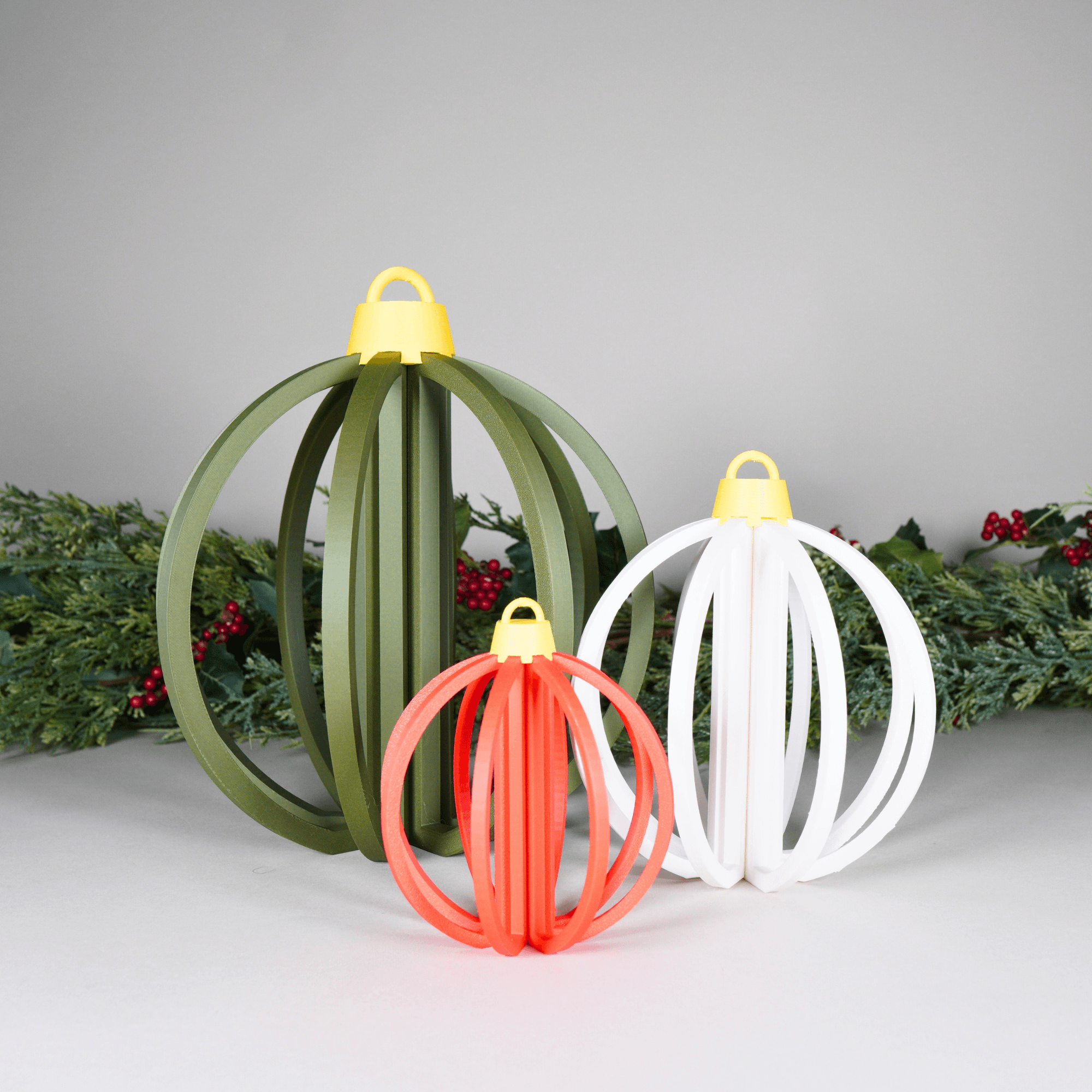
Christmas Ornament Hollow Slices

Hallow Christmas Tree Slices with Star! ⭐
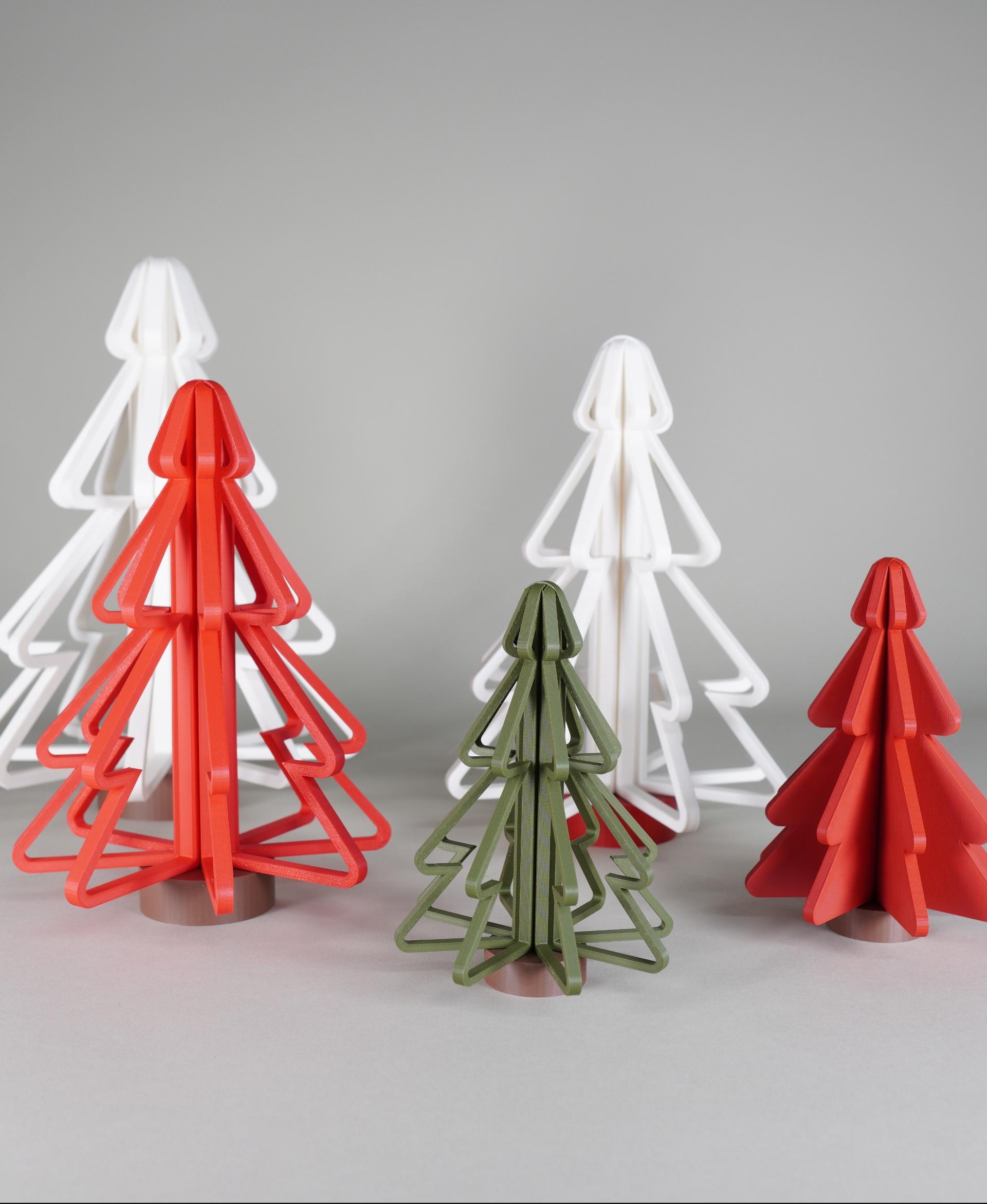
Hallow Christmas Tree Slices

Snowman Slices
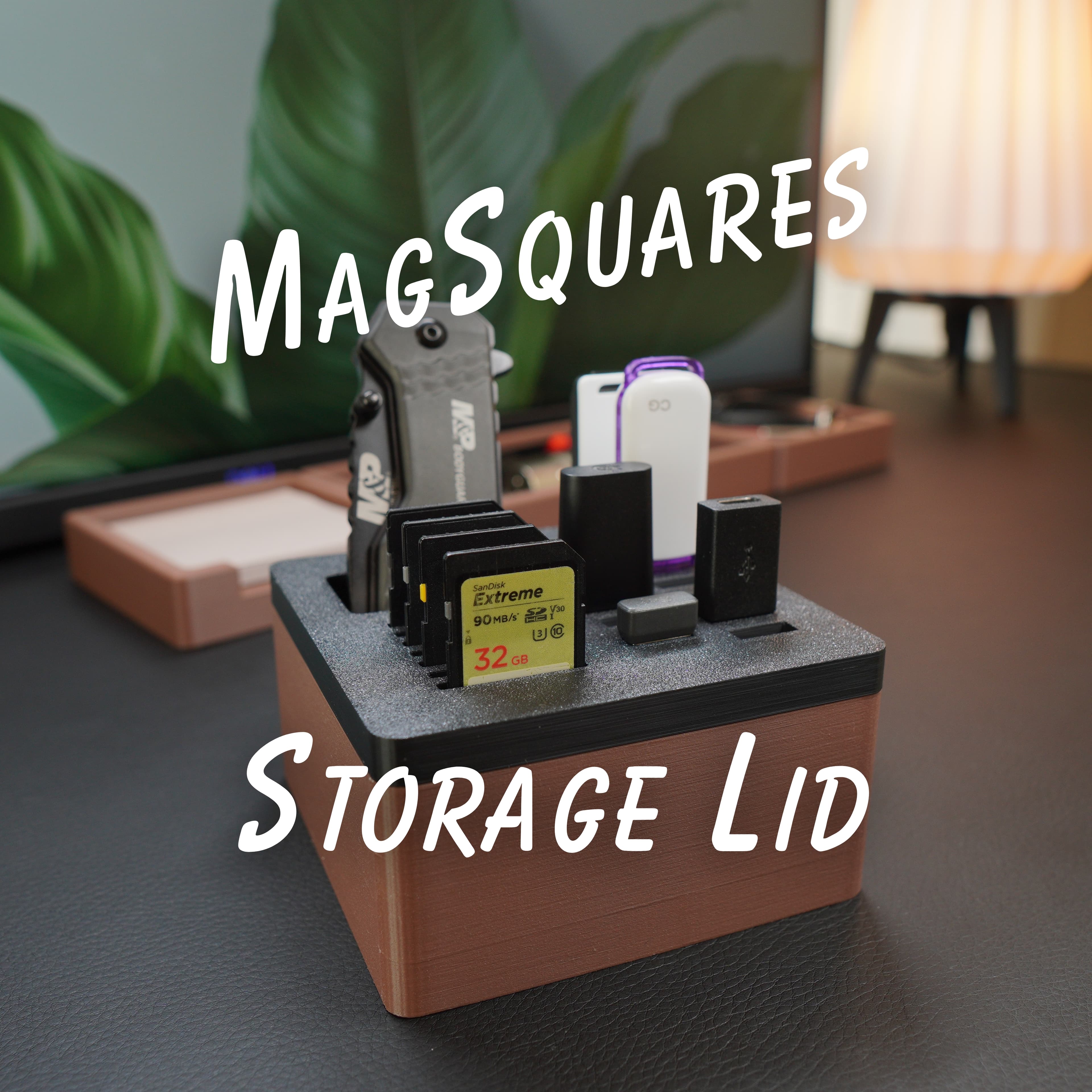
1x1 Storage Lid - MagSquares

Pencil Cup - MagSquares
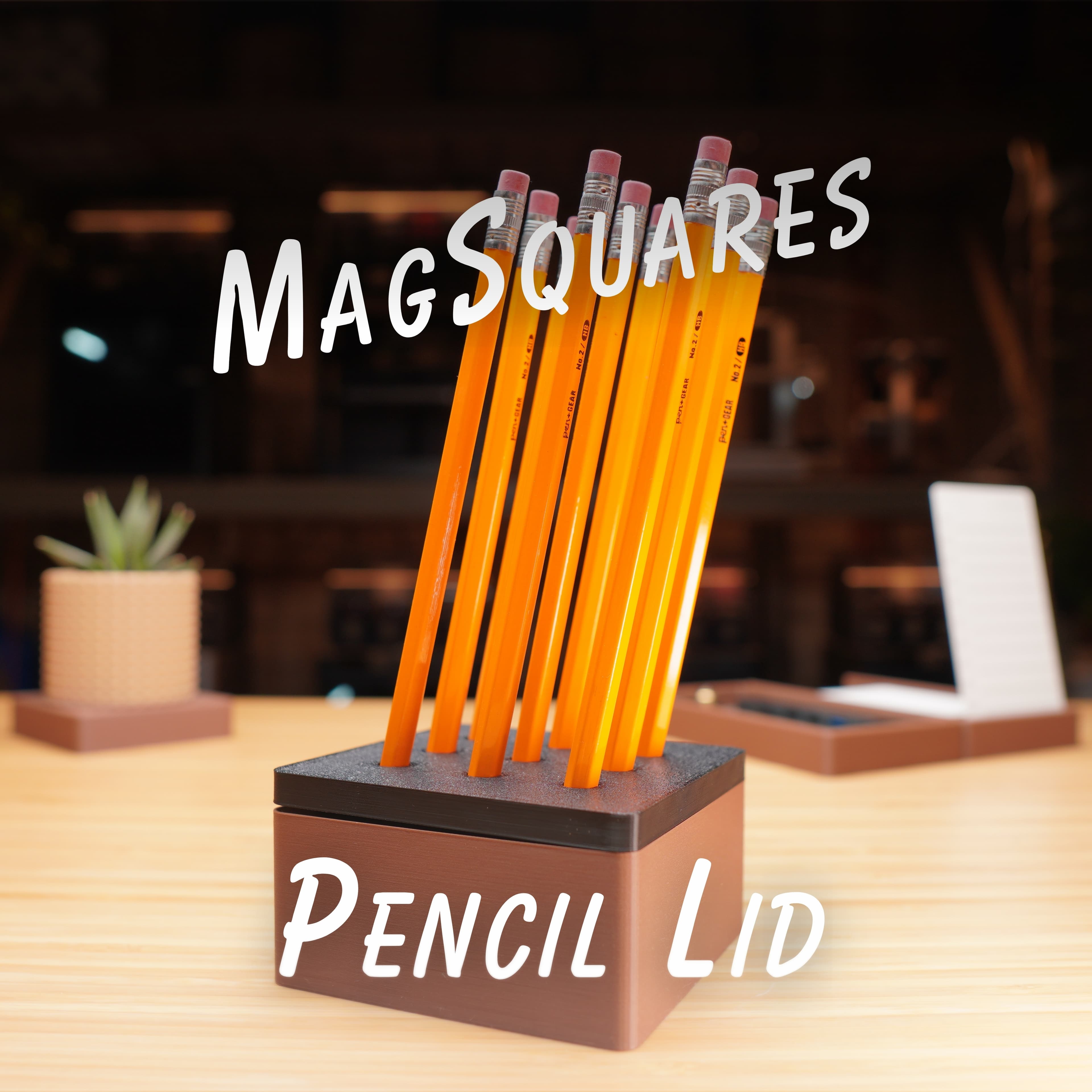
1x1 Pencil Lid - MagSquares
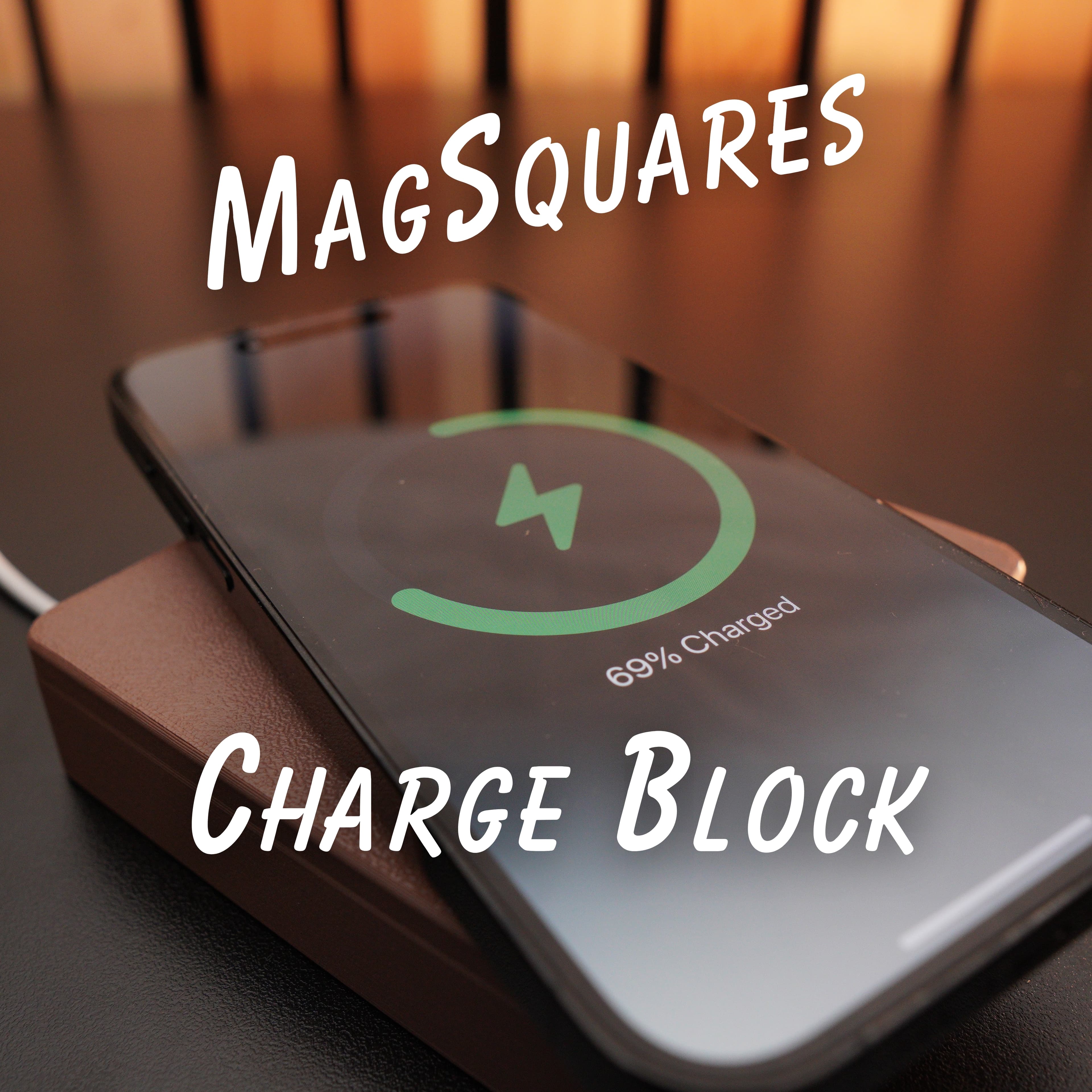
1x1 Charge Square - MagSquare
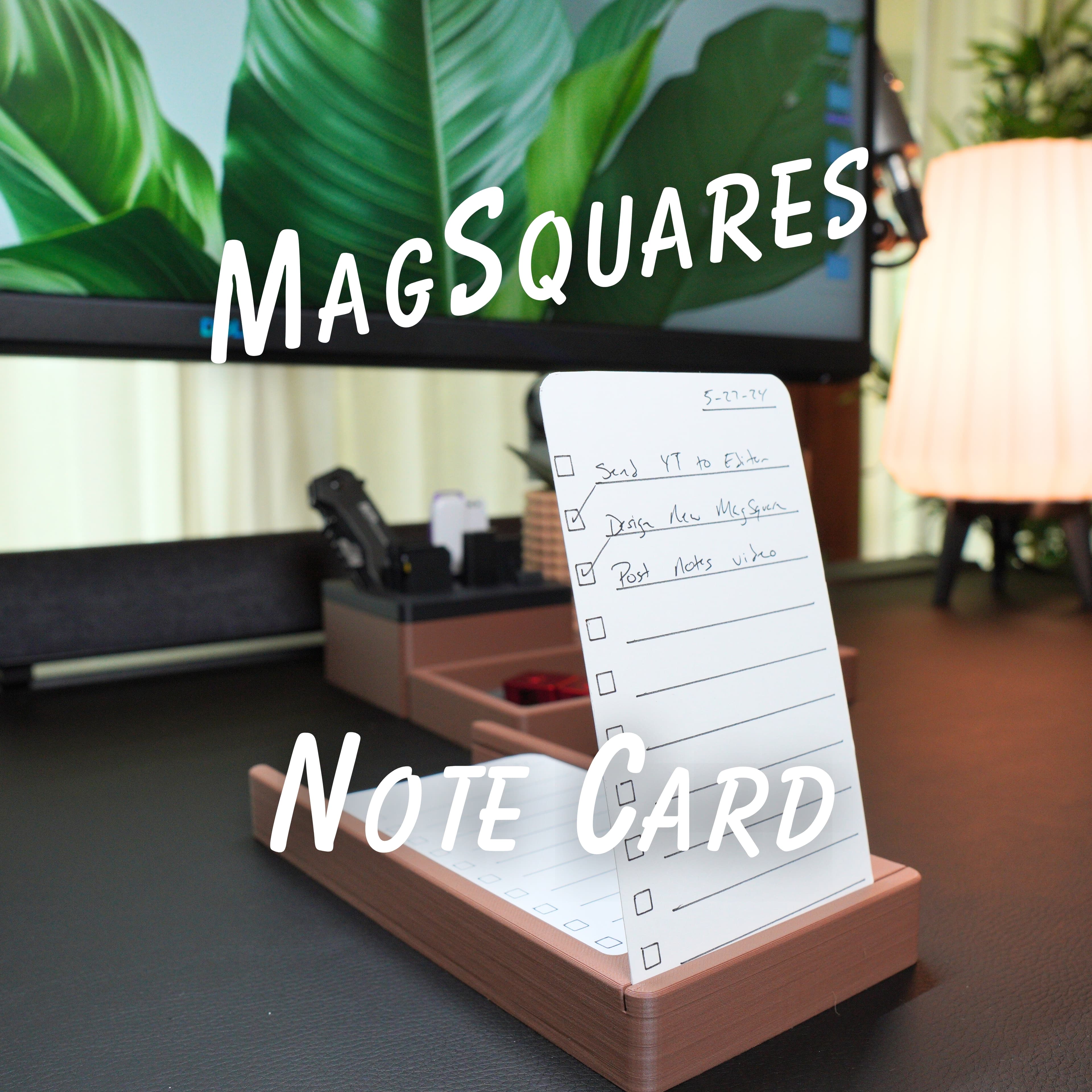
Note Card Square - MagSquares
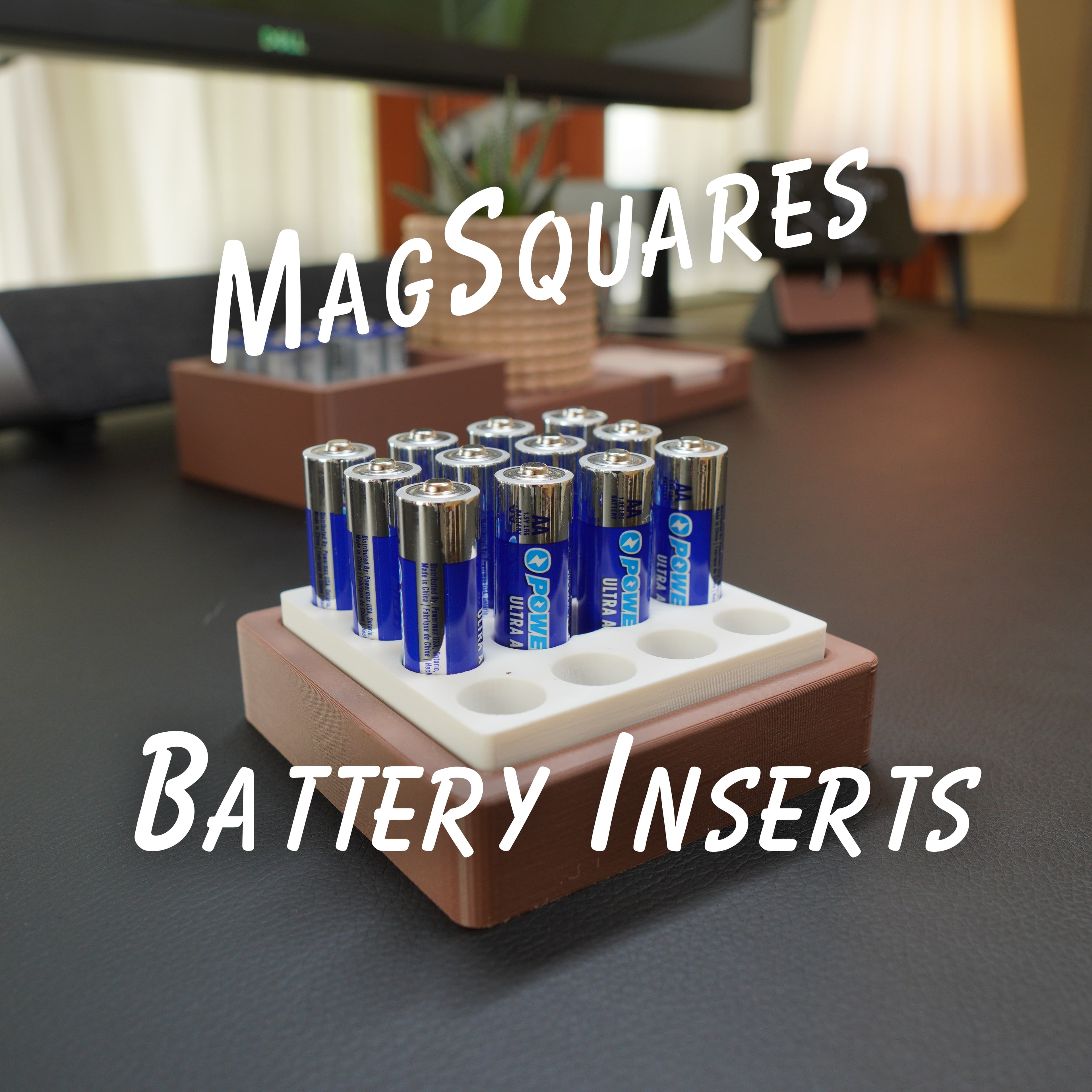
Battery Inserts - MagSquares
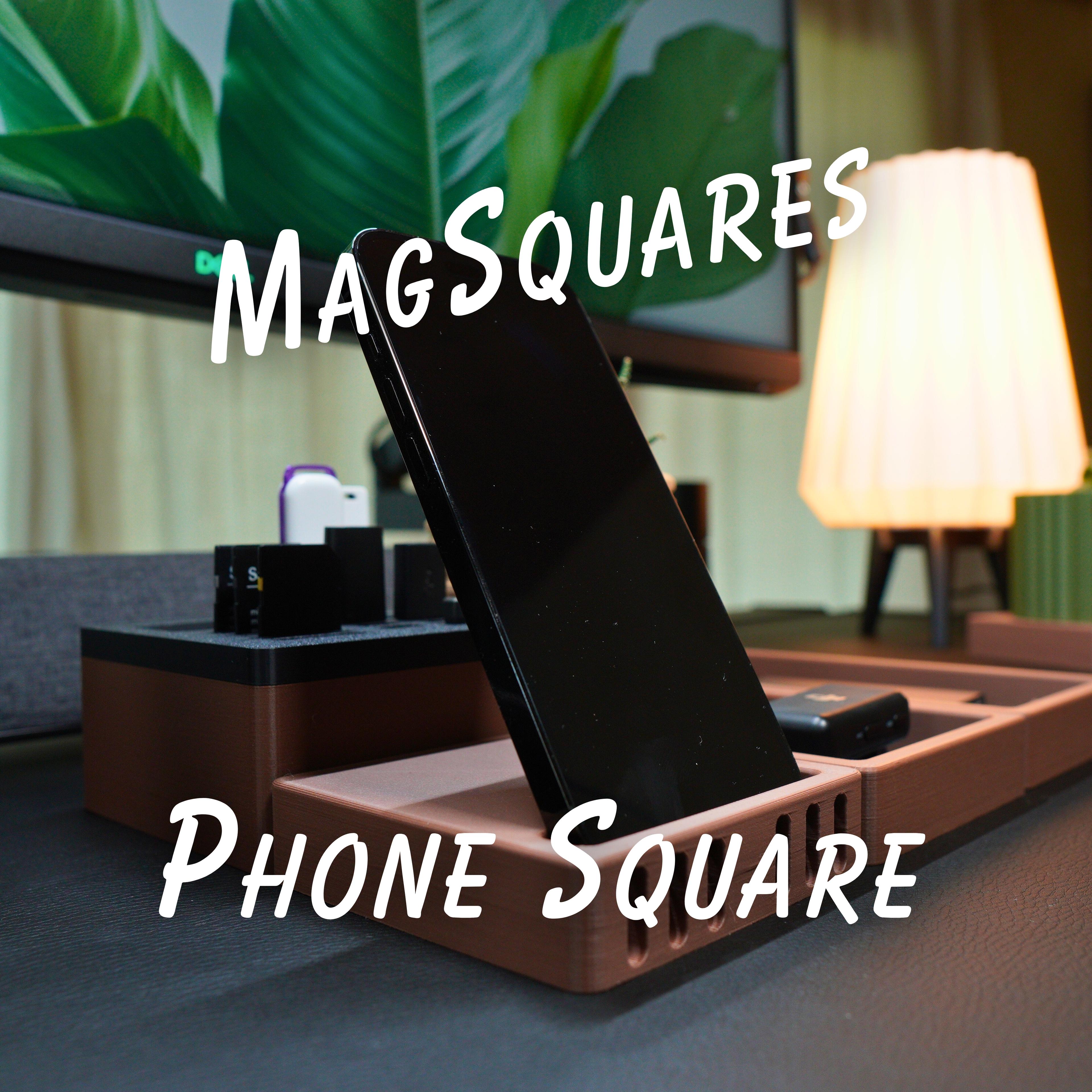
1x1 Phone Square - MagSquares
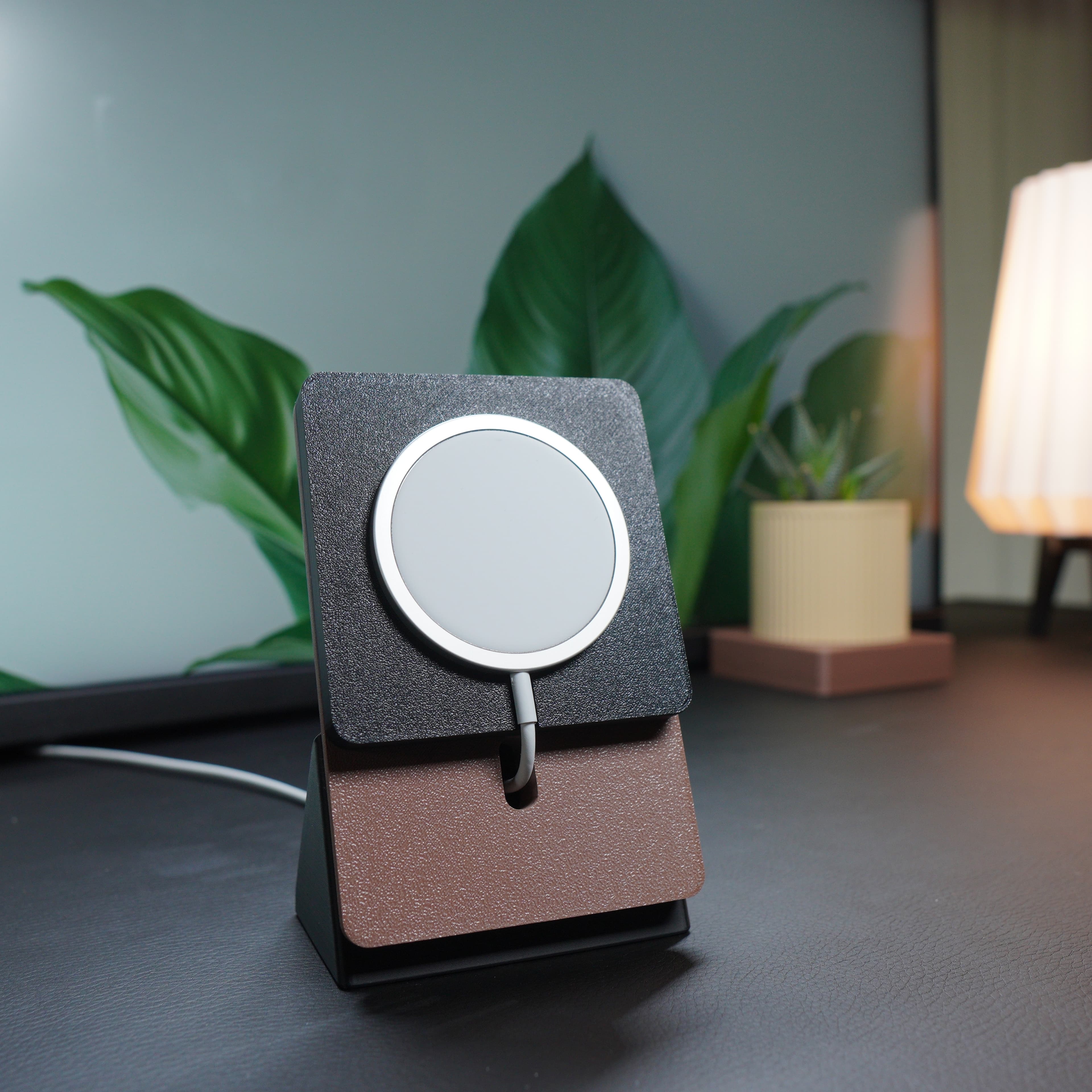
Magsafe Phone Stand
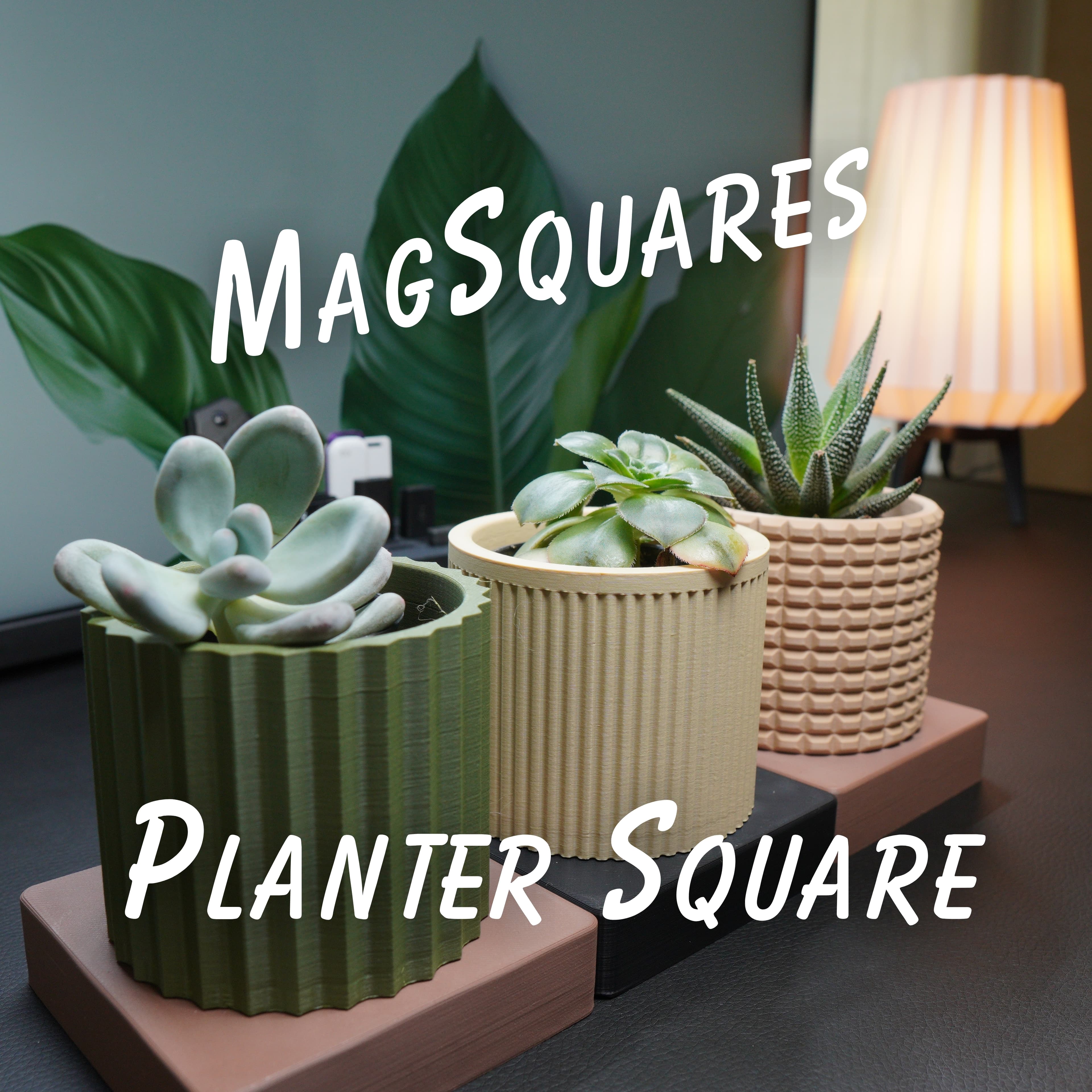
Hey 3D design bros, Love your work, saw your latest mag block, Interesting design. I wanted to mention ( from engineering standpoint) having magnets that close to memory cards and other electronic equipment might be problematic( memory technology dependent). disclaimer or note might be worth while.
Flash based media is unaffected by magnets, it's mechanical hard drives that are susceptible.
Dang, it's like GridFinity, only worse.
Is it possible that you also make them to hold 10x3 magnets, this is the only size thats easy to get in Europe
When is the best point in the print to add the magnets?
if you are printing at .2 layer height then its layer 54.
Magnets do not fit. I don't know what I'm doing wrong. They slide like three-fourths of the way in and then get stuck I applied a lot of pressure and it went in a little more but then the bed wasn't level and the print failed. Any help would be appreciated.
More then likely your filament is over extruding cause the opening for the Magnets to not actually be modeled size which is why they aren't fitting.
If you'd like to trouble shoot more I suggest getting posting the discord. It will be much easier to have a conversation there then it will be in the comments here.
Was this exported from Bambu? It's not letting me open in it with Cura. "No models in file" error. Any idea?
If you are using Cura make sure to download as STL. We upload as 3MF files because that allows up to save print settings. However, Thangs will convert them to STL, you just need to click the down arrow next to the "download" button and you'll see all the download options.
All parts other than the felt templates are showing an error of "The Size of the Object is Zero and will be Removed..." in Prusa Slicer.
At what point do we need to add a pause to insert the magnet? It is cut off in the picture
If you print at .2 layer height it should be around the 54th layer. However depending on your settings you it may be sooner or later.
What you will want to do is slice it and then go layer by layer and you want to add the pause on the layer right before it bridges over the magnets.
Super weird choice using 2.6 magnets.