
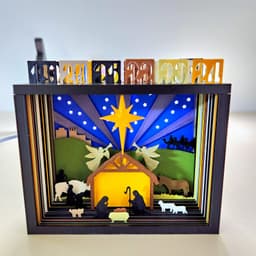

Silhouette Advent Calendar
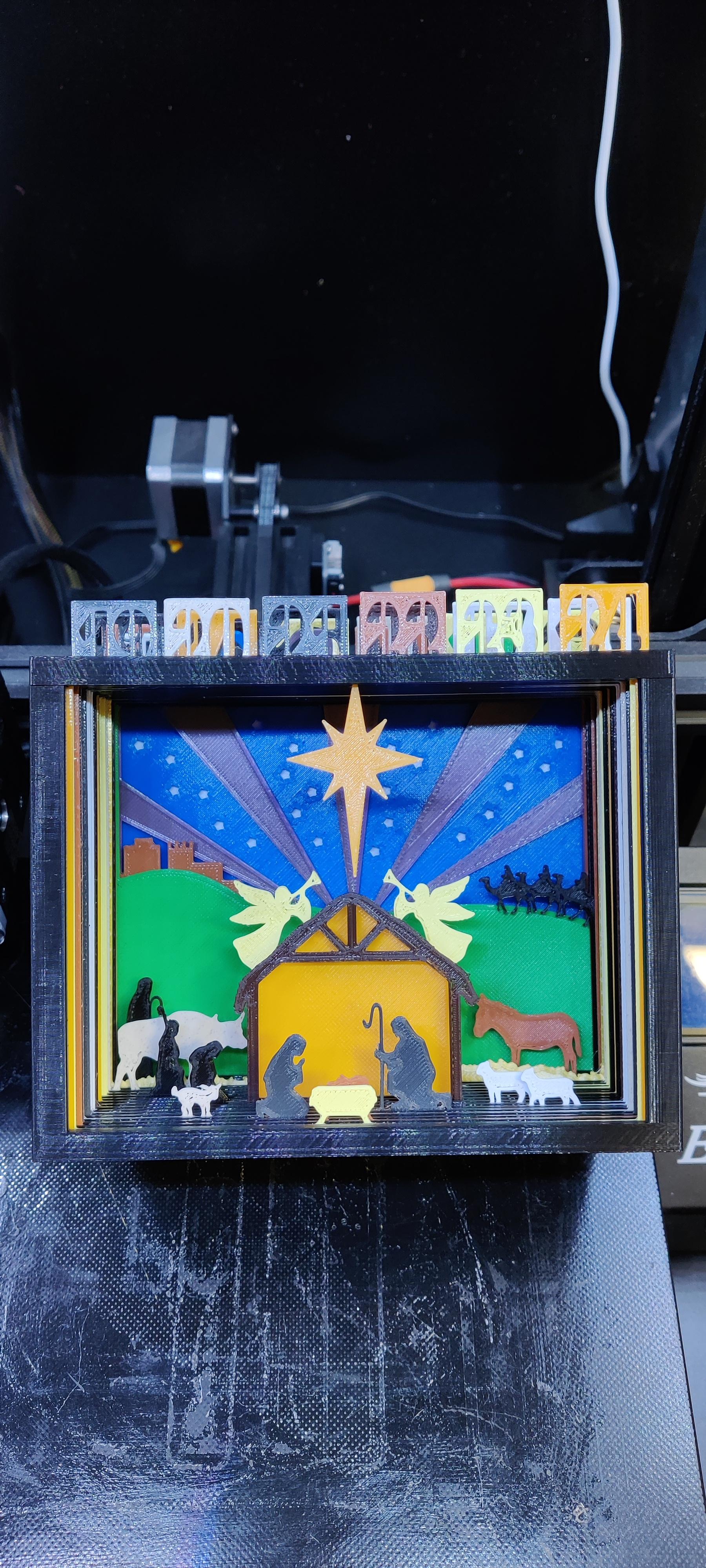
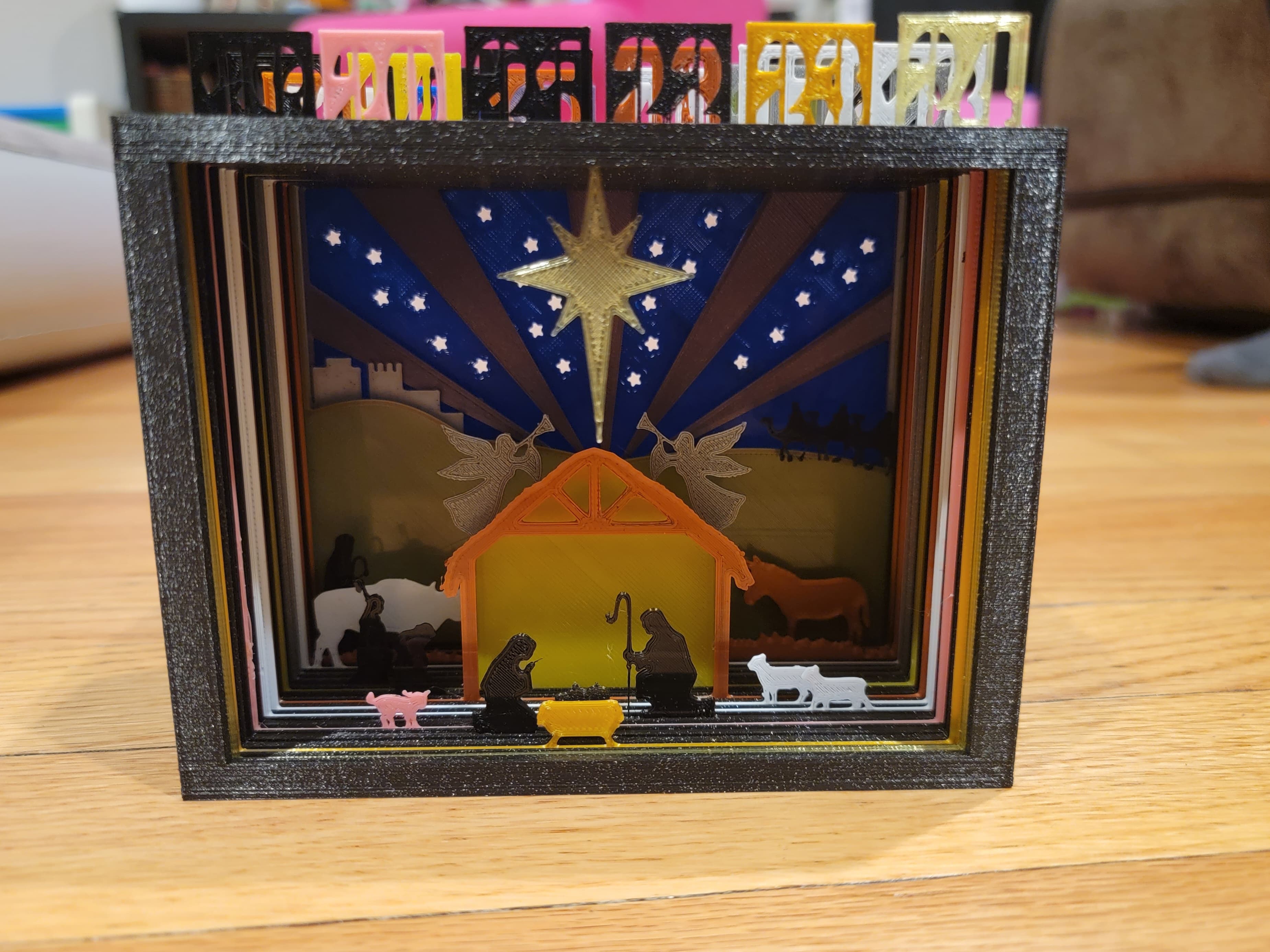
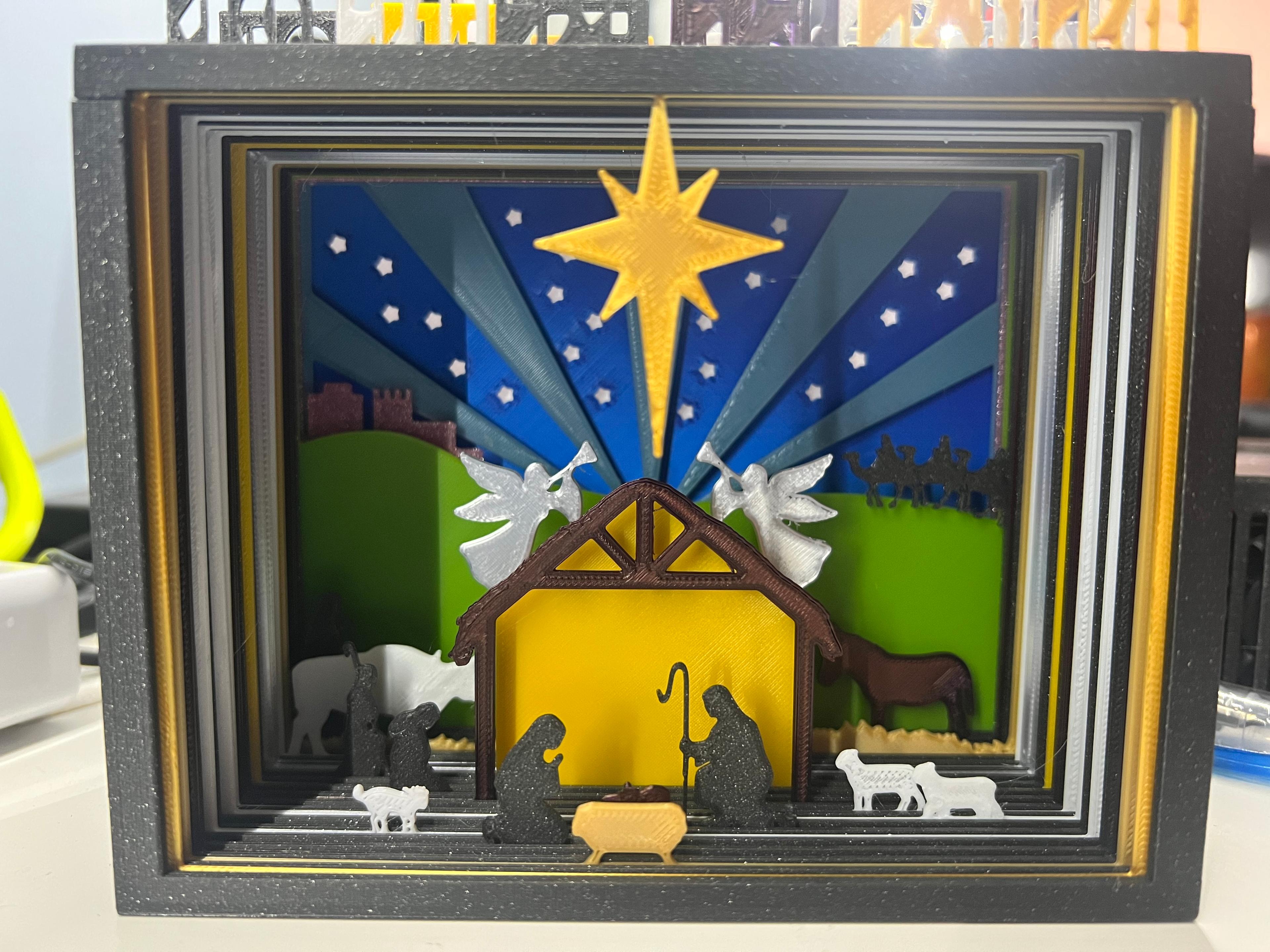
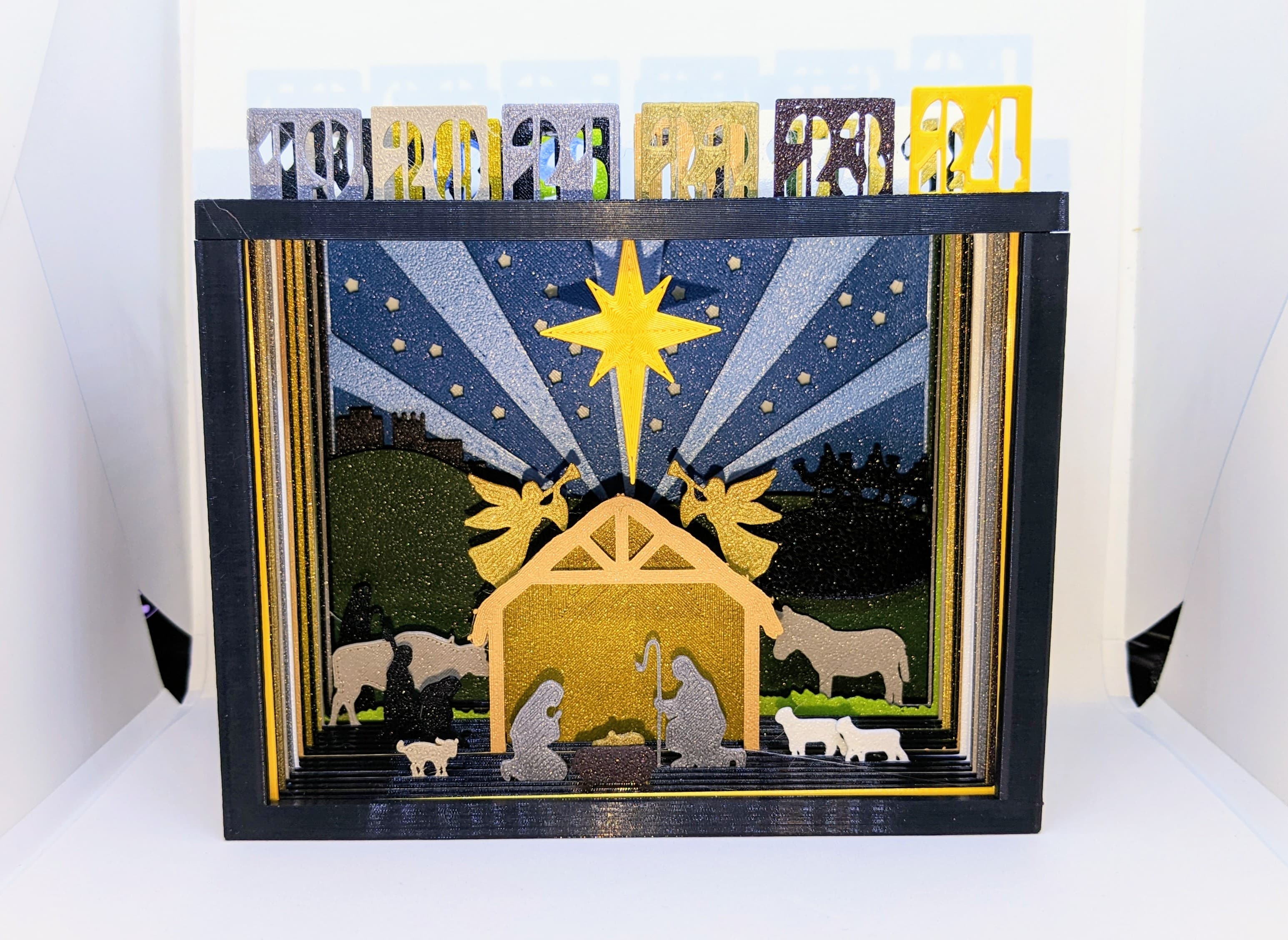
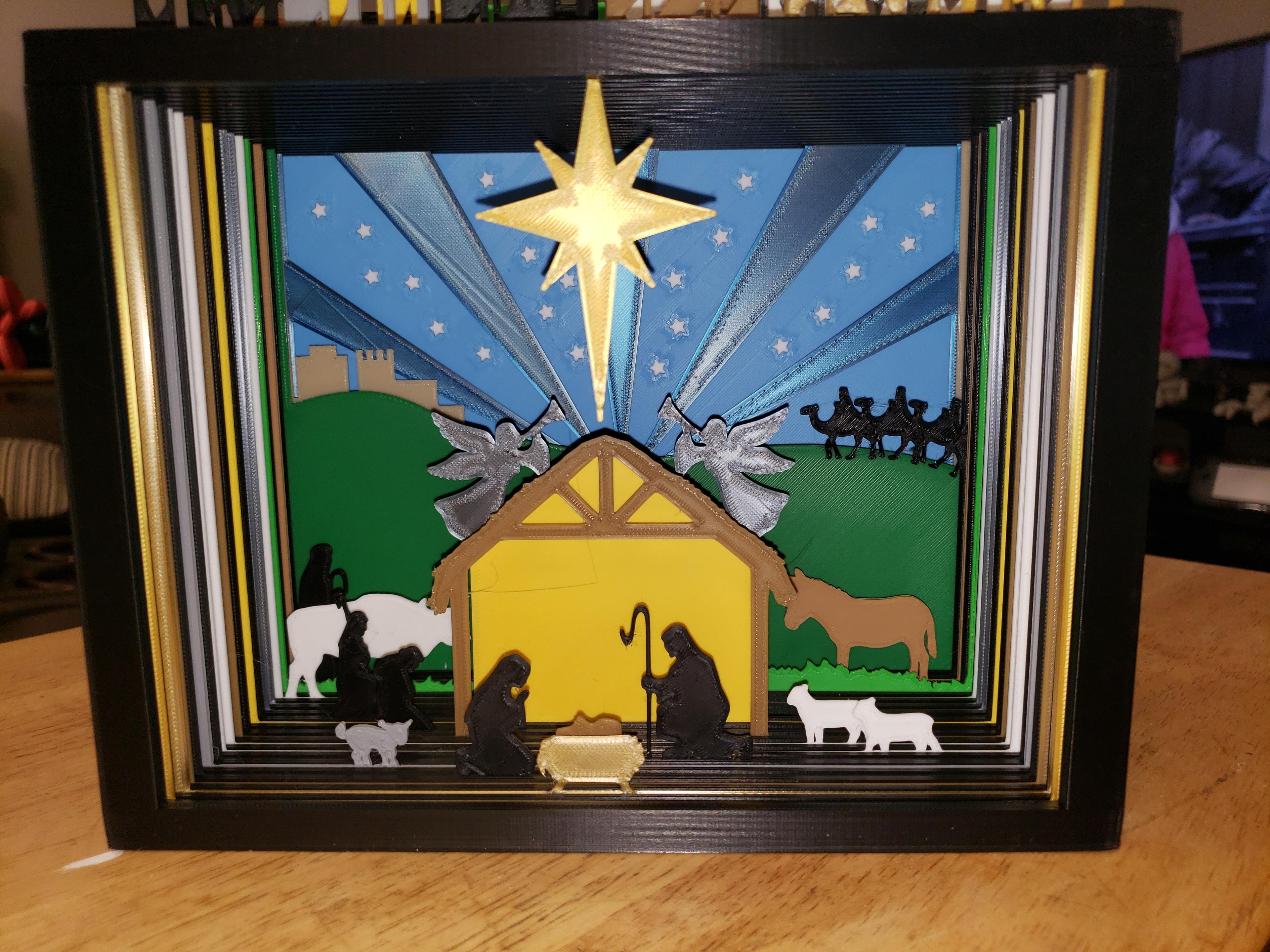
1.1K downloads · 4 years ago · This is a Silhouette Advent Calendar.
The Nativity picture is slowly revealed over the 24 days.
This model is restricted by licensing terms.
View license.
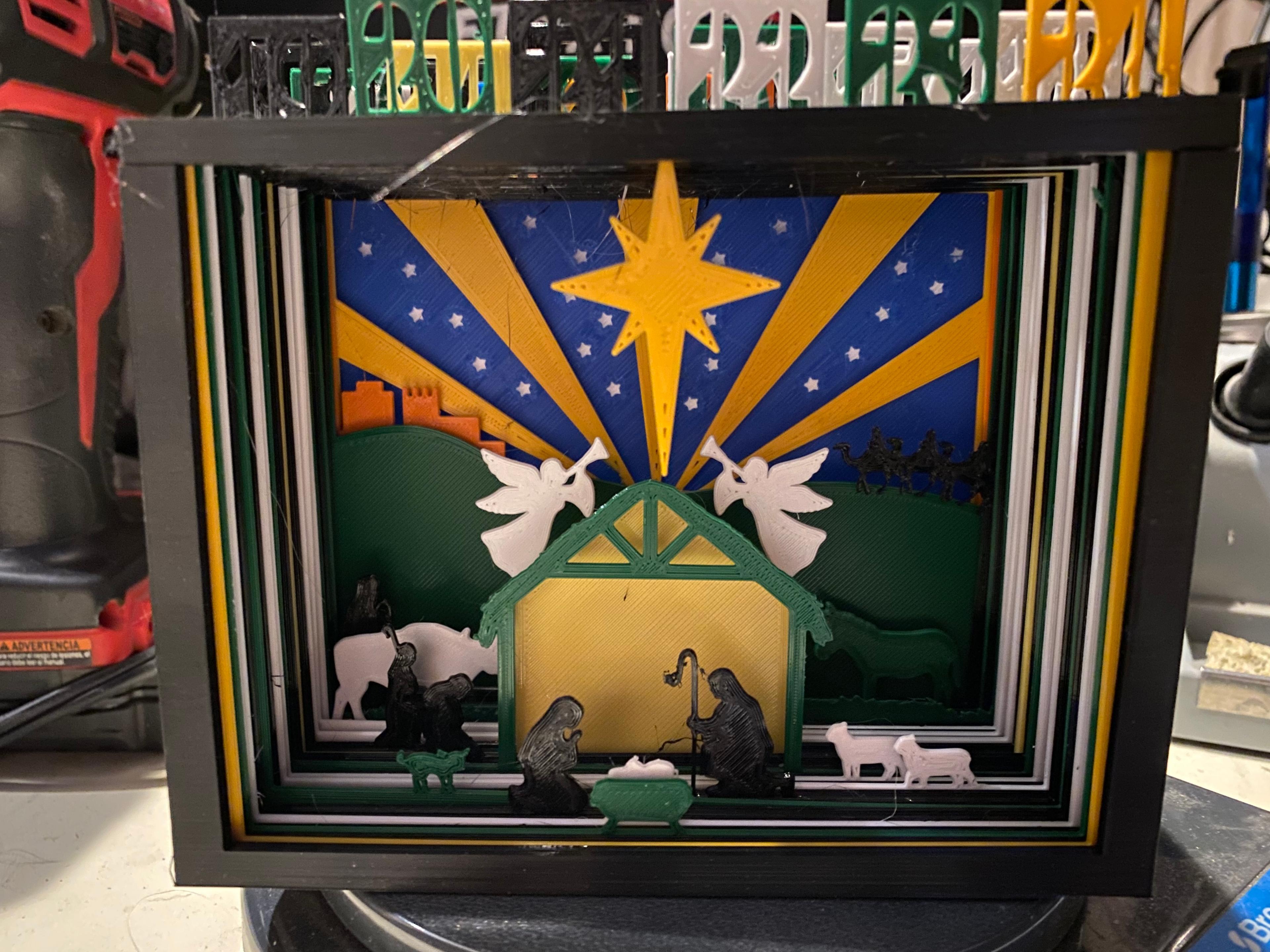
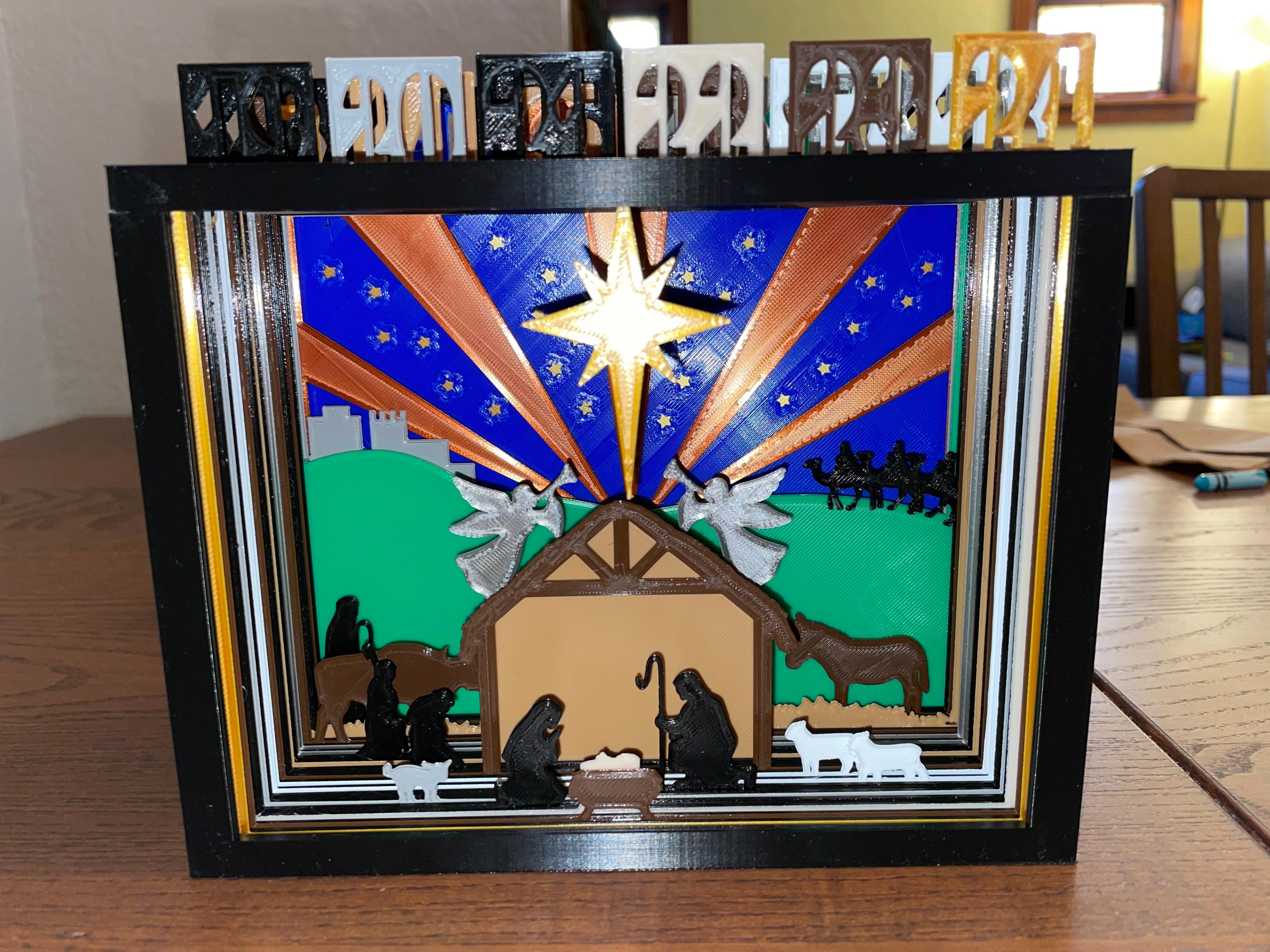
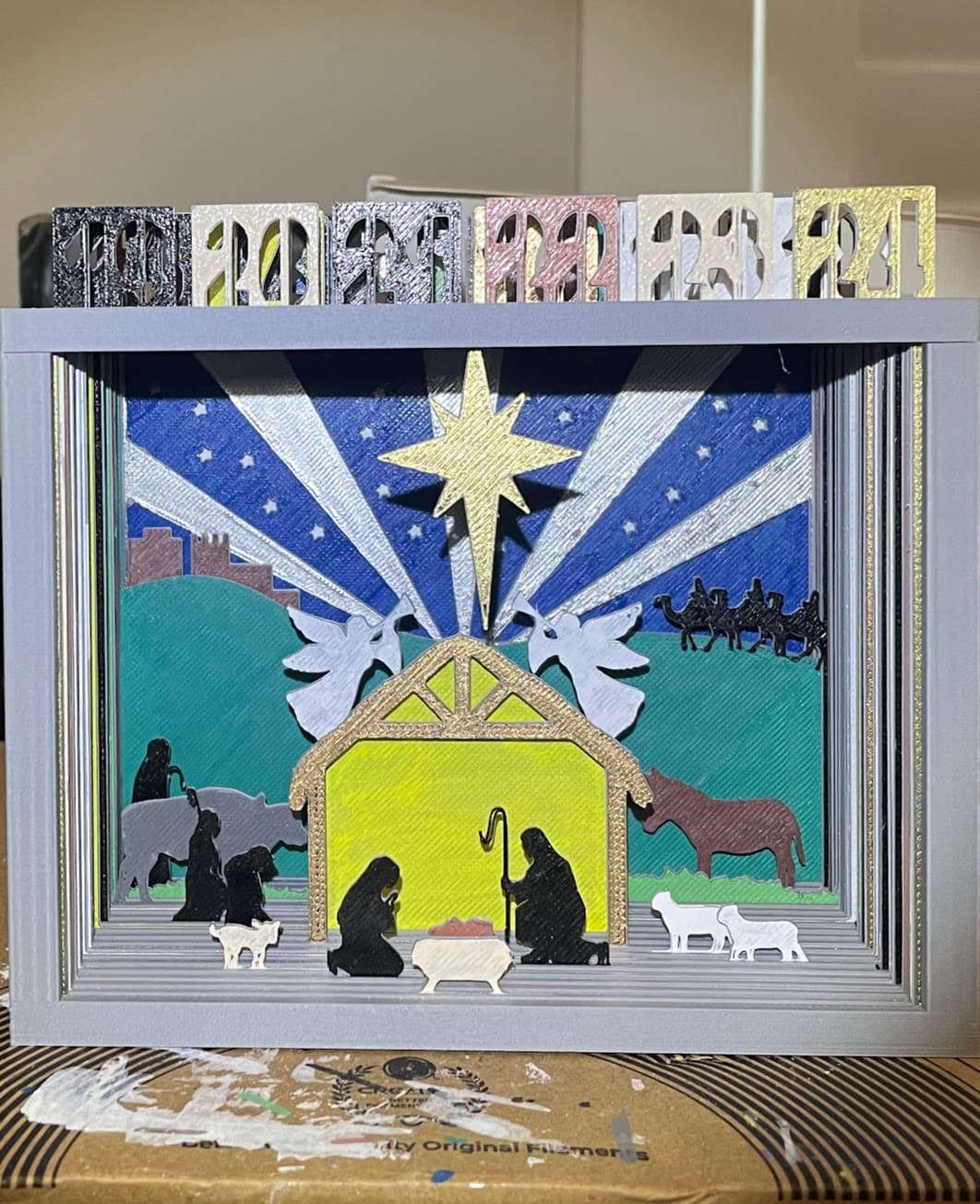
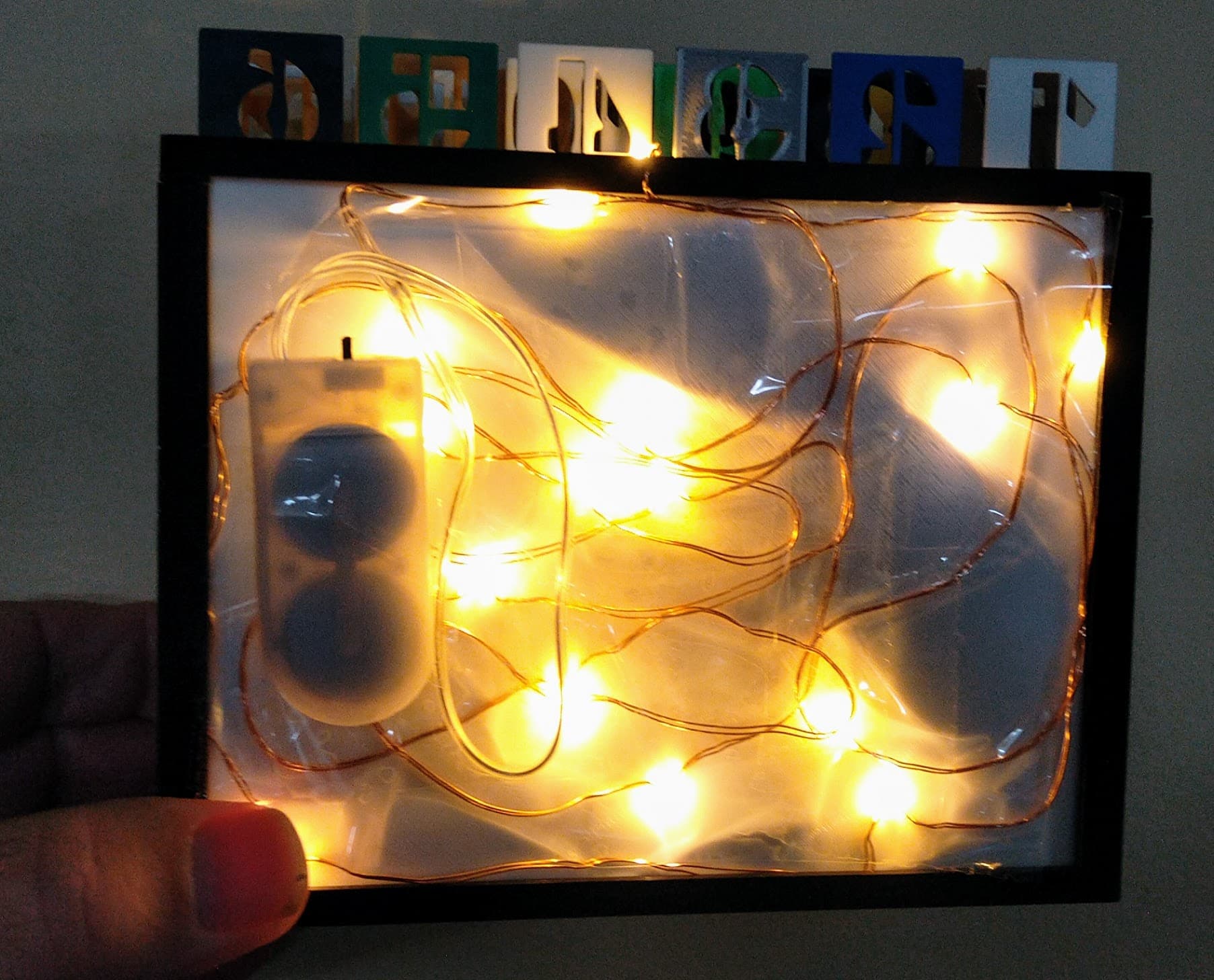
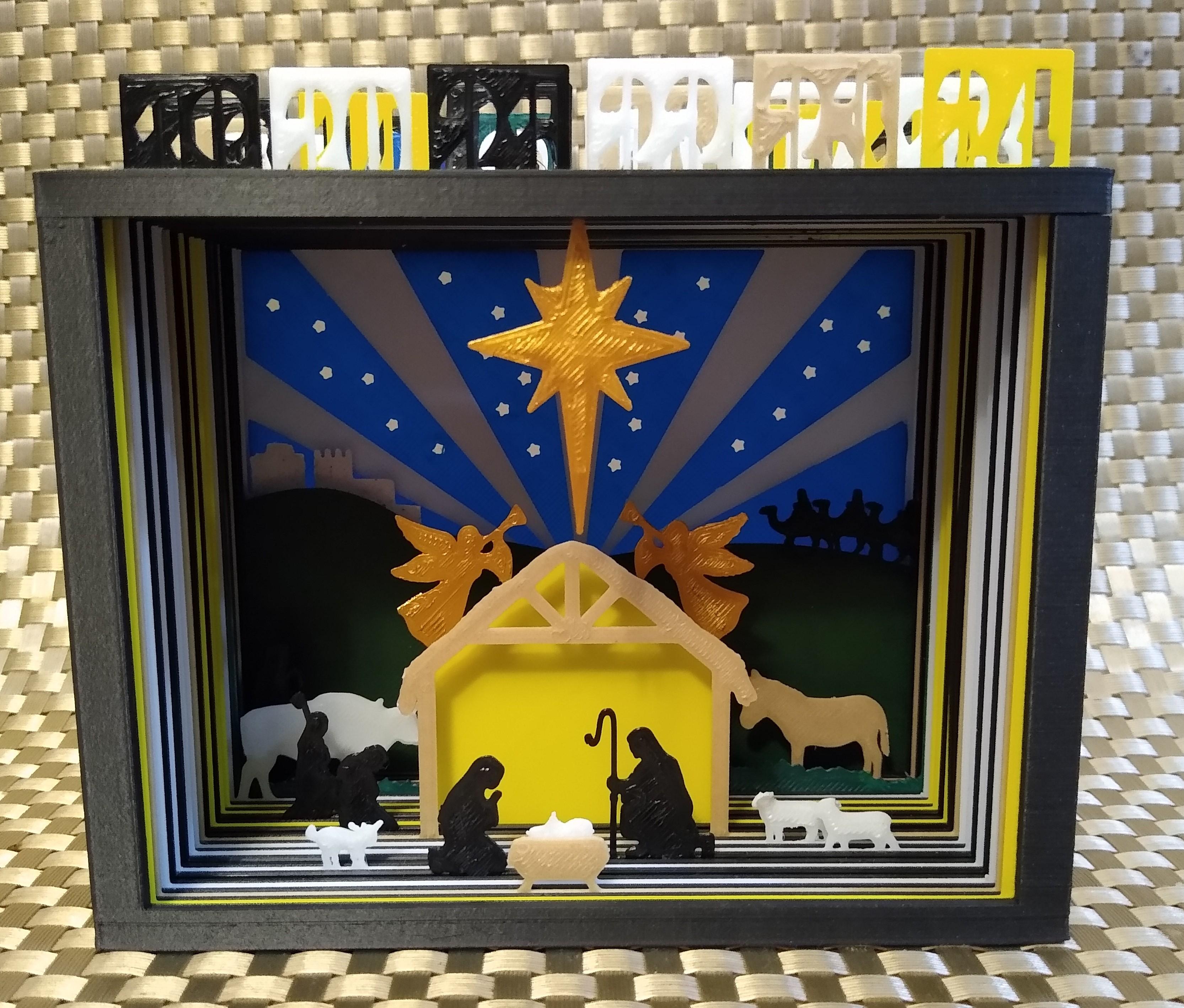
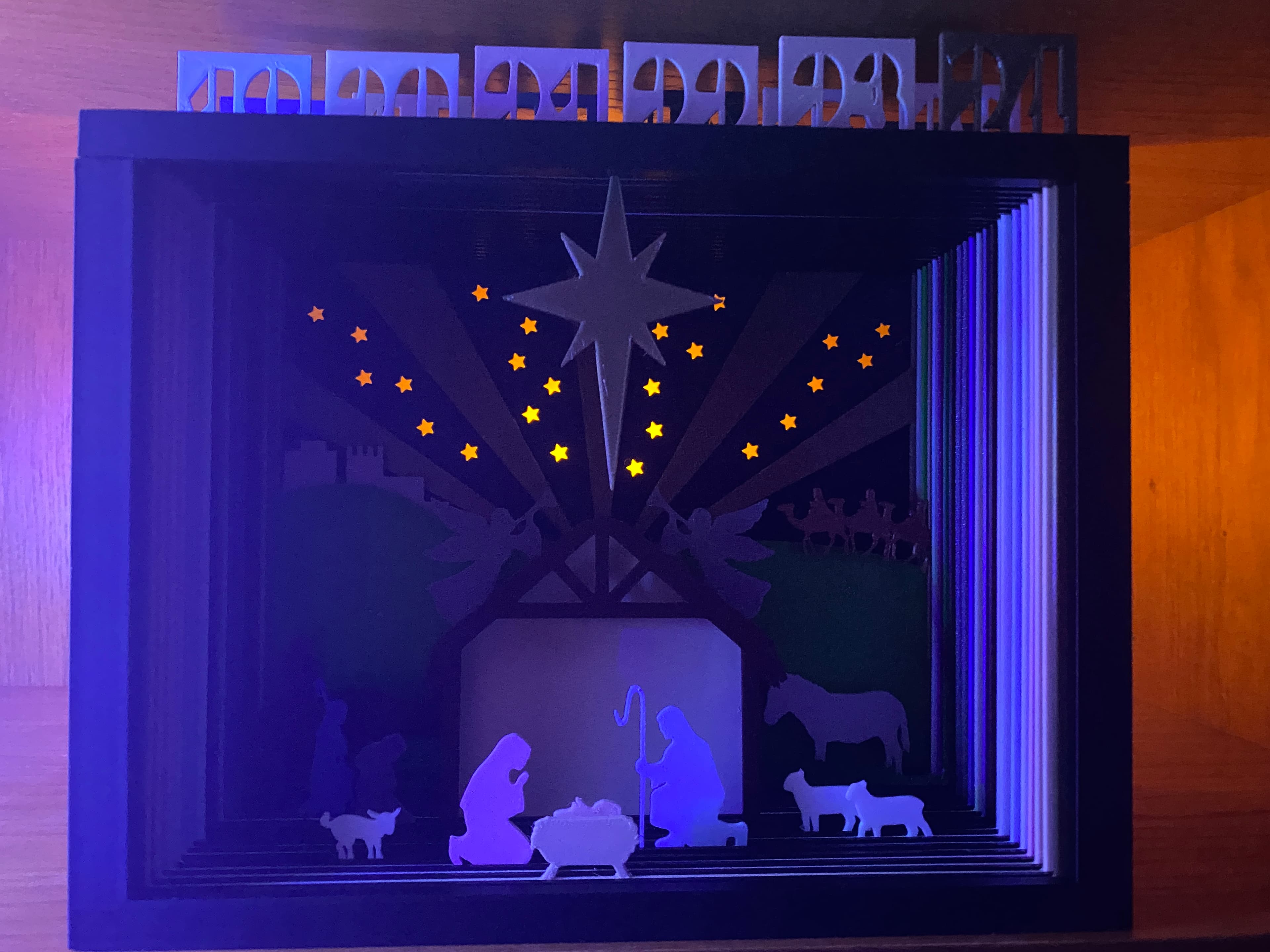
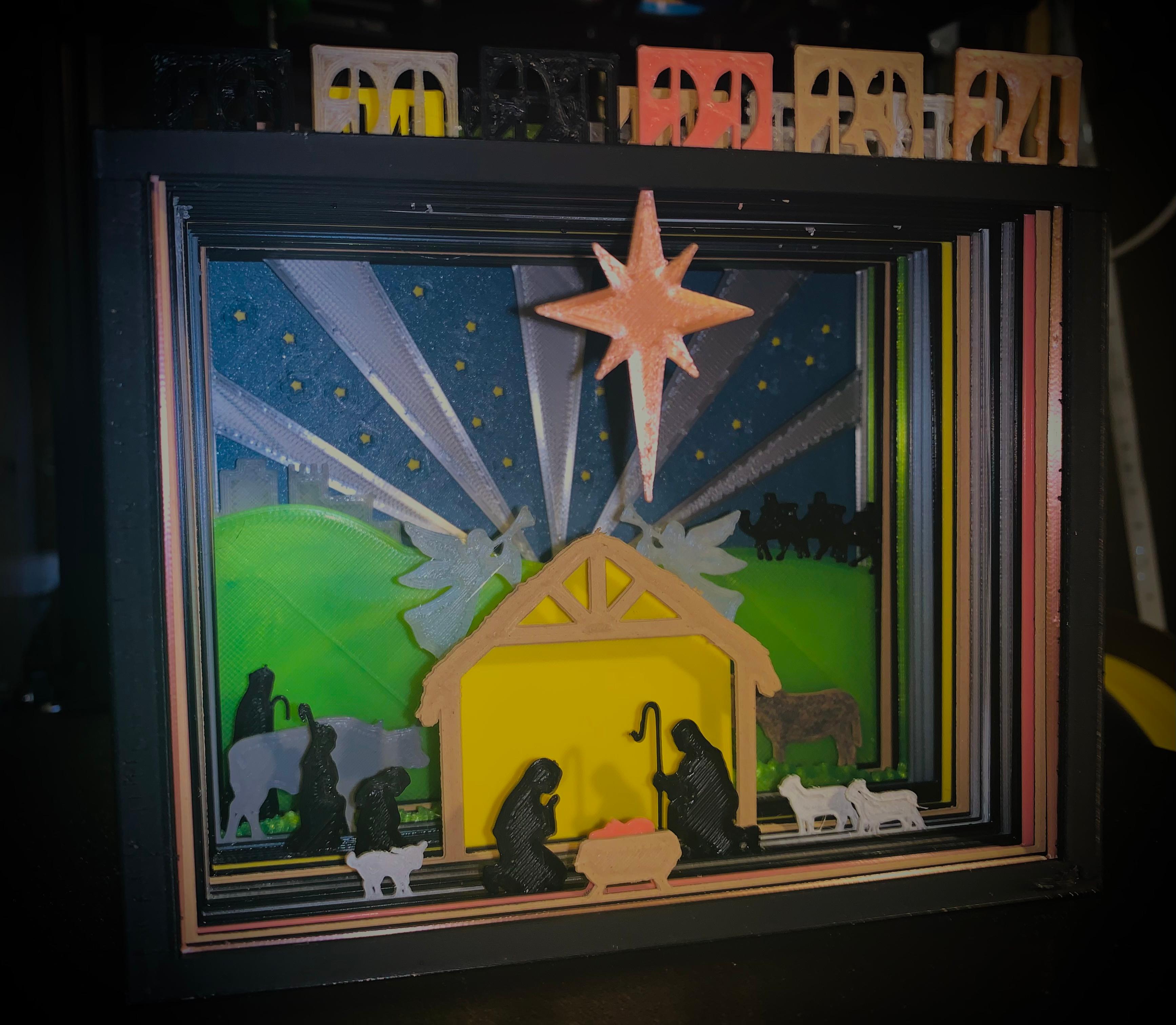
This is a Silhouette Advent Calendar.
The Nativity picture is slowly revealed over the 24 days.
There is a slide box to store the slides in so that you can't see them until they are used.
Everything prints flat without supports and it could easily be scaled up if desired.
You can see a video of it in action here: https://vimeo.com/768833152
Silhouette Advent Calendar
1.1K downloads · 4 years ago in and
This model is restricted by licensing terms.
View license.
.jpg&w=3840&q=75)
F1 T-Shirt Transfer
F1 Tracks Car - sculpted
NanoSphere Lamp and Shade (E27 fitting)
Cardinal Bird String Art
Open Hearts Bowl
Suspended Butterfly Art (single colour files)
Glowing Heart Strings: Multi Color Files

Leafy Infill Bowl
Alone Art multicolour files

Beach Croc Toppers
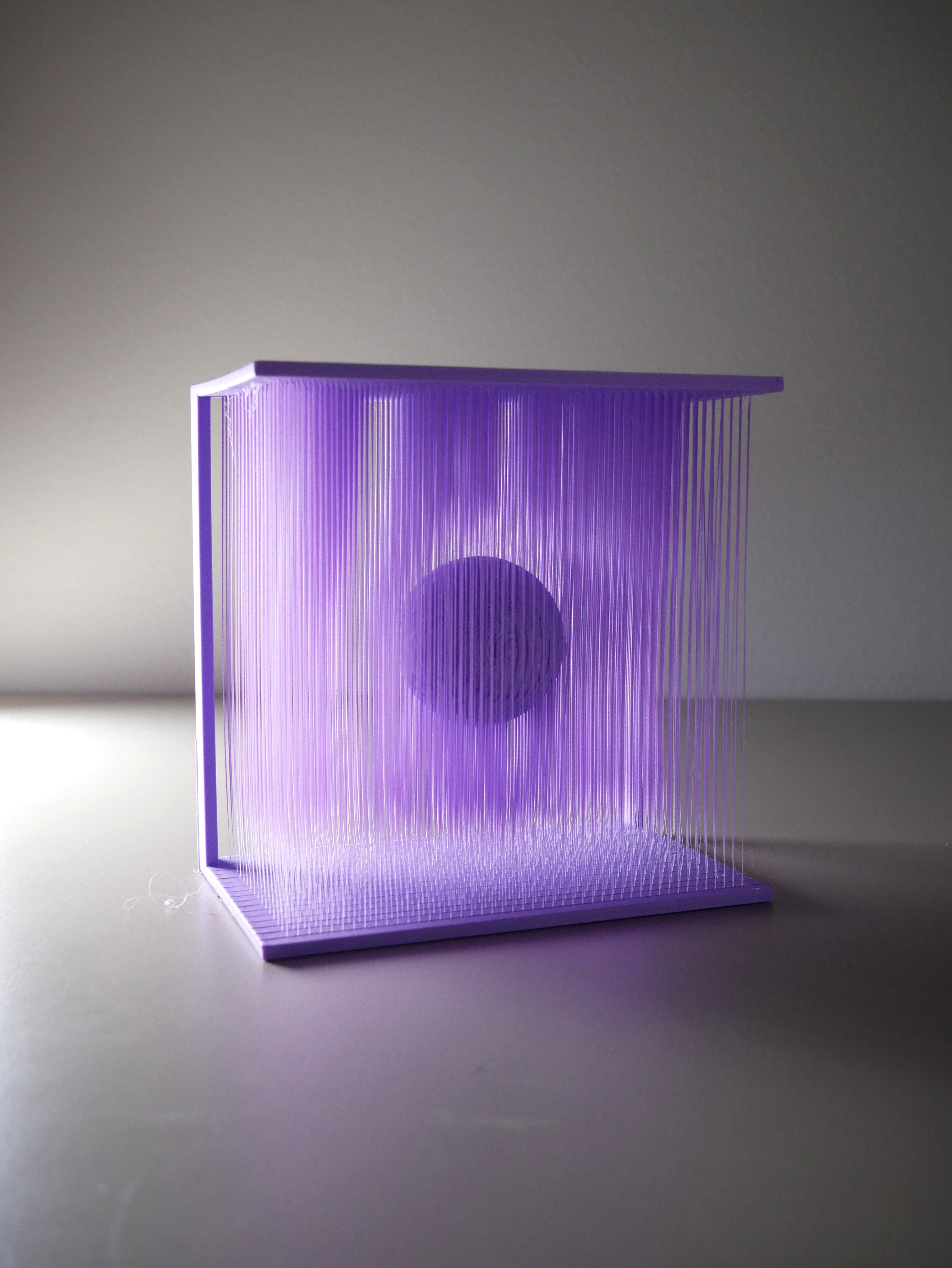
Suspended Ball Artwork
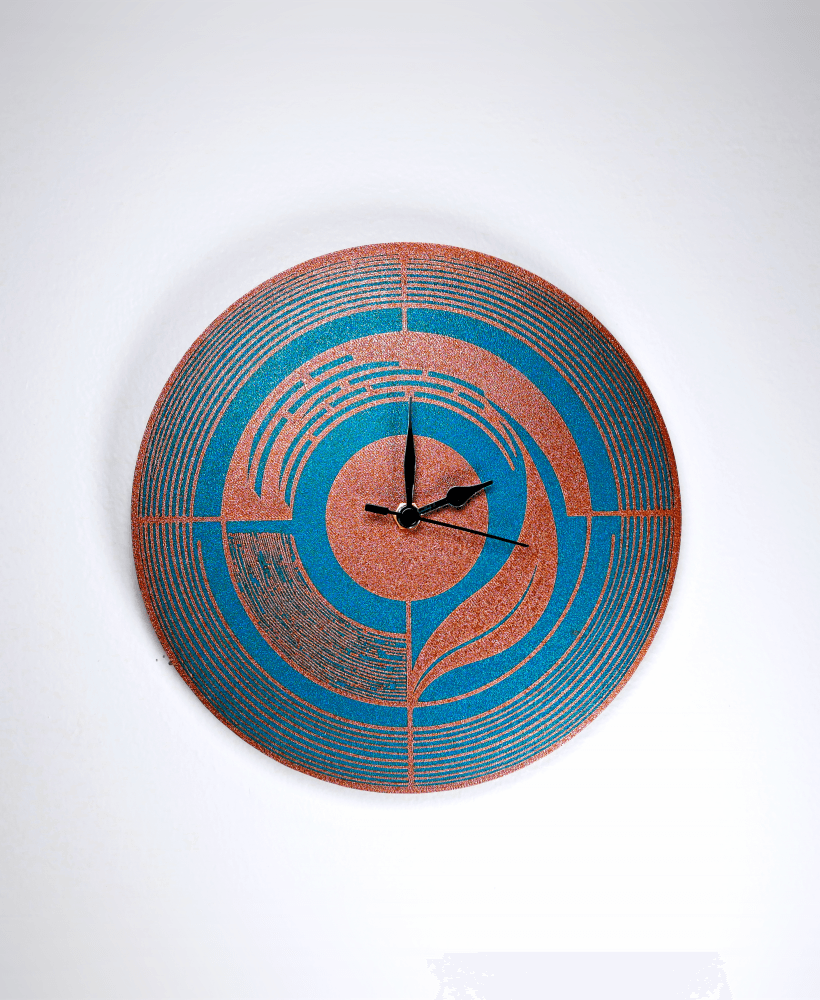
Art Deco Wall Clock
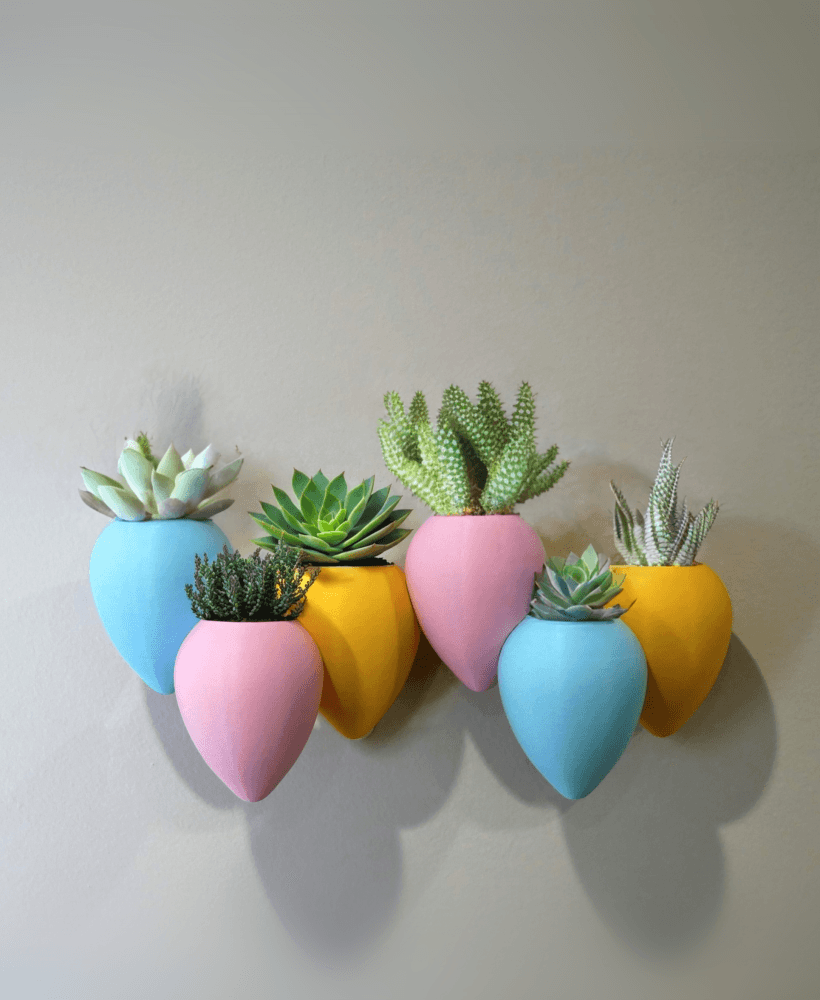
Large Balloons Wall Vase: multicolour option

Design Walk-Through - Peace String Art

Benchy Diorama Tensegrity
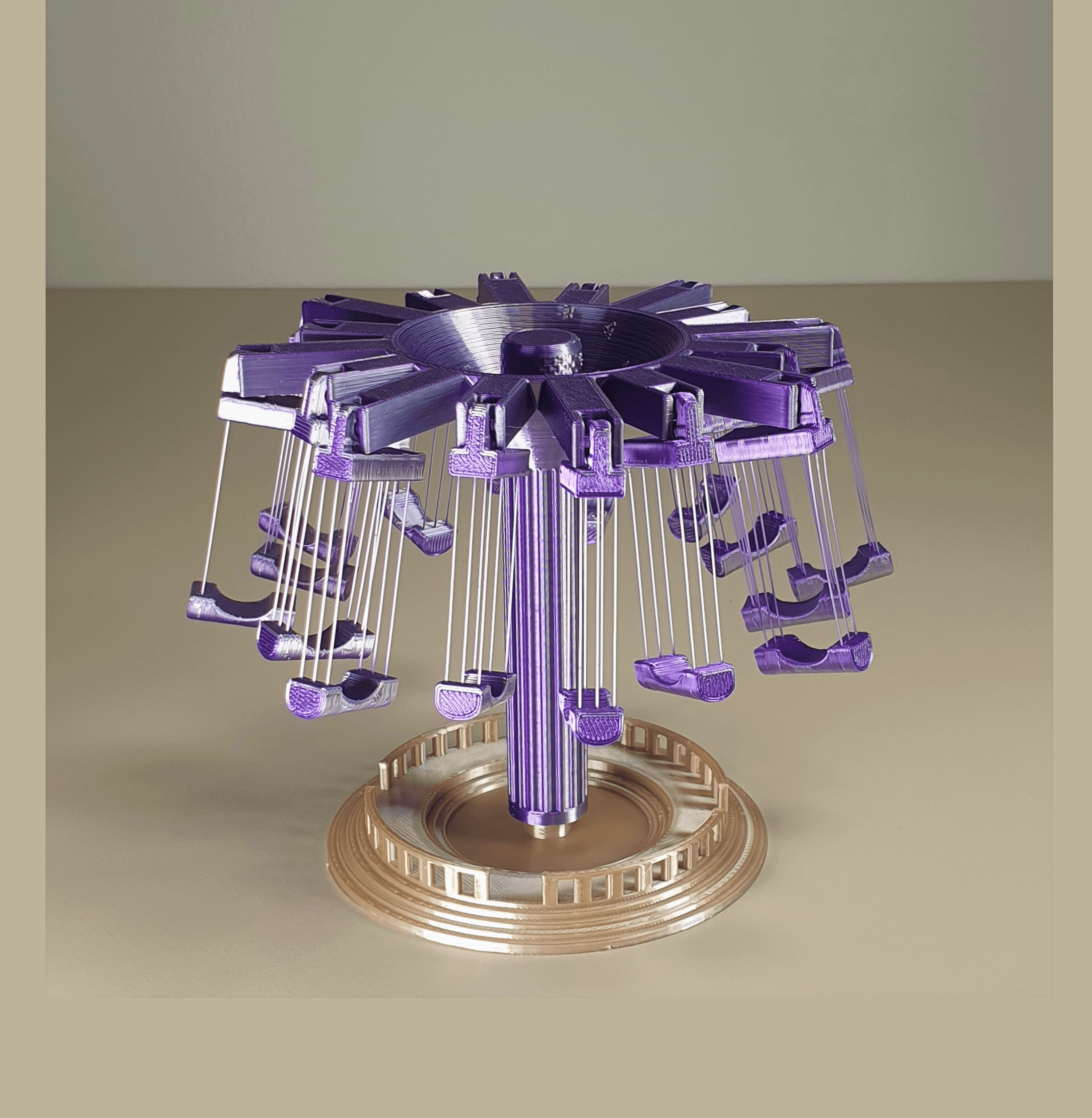
Swing Carousel
String Bird Art
Twisted Star Bowl
USA States Vase Mode Model
How many grams is this in total? Trying to decide how expensive this would be at $0.20/gram. Thank you!
Love this idea. I'm in process of printing it out. I think this would make a nice gift at Christmas time. If I were able to alter the model some, I'd prefer Jesus to be the 24th item or at least after the manger. Thanks for sharing!
Very Cool. But it would be perfect if Jesus was on day 24.
Wonderful. I so enjoy your models.
This is such an amazing piece. because they print flat what infill would you use?
Do you have a list of recommended colors for each slide by chance?
Hey Nick. Nduzaone has a twitter link below for the colors. I saw it after I made my own list from watching the video. It appears that just about every element from the original design is a different color. If you are good w/ making a filament change for every day, rock on.
I don't have nearly the color palette or the desire to make those swaps. Instead, I grouped similar colors together. It's a bit of a time saver as well.
White: Bckgrnd, city, ox, sheep, goat, manger Black: Kings, shepherds, Joe, Mary Gold: Angels, star Brown: Donkey, stable, Jesus, Blue: Sky Yellow: Stablebkgrnd Silver: Rays Drk Green: hills Lt Green: grass
Another list (if it helps) in order by print (and to make sure you have all of the colors beforehand!):
1 Background.stl White 16 Stable.stl Speckled Brown 2 Sky.stl Dark Blue 17 Sheep1.stl White 3 Rays.stl Grey / Silver 18 Sheep2.stl White 4 City.stl Brown 19 Joseph.stl Black 5 Hills.stl Grass Green 20 Baby goat.stl White / beige 6 Kings.stl Black 21 Mary.stl Black 7 Donkey.stl Darker Brown 22 Jesus.stl Brown 8 Shepherd1.stl Black 23 Manger.stl Cream 9 Grass.stl Yellow 24 Star.stl Bright Yellow 10 Ox.stl White 11 Angel1.stl Yellow 12 Angel2.stl Yellow 13 Shepherd2.stl Black 14 Stable back.stl Bright Yellow 15 Shepherd3.stl Black
About how long does it take to print all of this?
I am using a 0.8mm nozzle for the frame and storage boxes for a total of 16 hours of print time (the longest thing)
I use a 0.6mm nozzle for the 3 first slides, averaging 18 minutes per slide.
Then I use a 0.4mm nozzle for the rest of the slides with more detail, averaging 22 minutes per slide
So all added up we're at roughly 25 hours of print time, including filament and nozzle changes. If you do the large pieces overnight you could do one in a day.
Absolutely love this design and can't wait to print it. My only problem is the slide box. It's too bad the slots go from top to bottom. It ends up requiring almost 600g of filament!! If you just had some slots in the top like on the actual display box and then some grooves in the bottom it would save a truckload of plastic and print time.
If you use Cura, you can add a support blocker positioned at 0,0,7 with dimensions just under the box's width, length and height (leaving a little bit of the rows for the slides to fit into on the top, bottom and sides).
Change the per-model settings from a support blocker to a "modify overlap settings".
Change it from infill mesh to a cutting mesh, then select the settings:
Set them all to 0
This will print with the middle hollow, and was only about 170grams when I sliced mine!
The box you posted a few days ago was a display box if I'm correct. Is there a second storage box design that has dividers only on the sides a few mm and not all the way across?
Apologies, I uploaded the wrong box, I have added the low poly one now
Great design and concept - watched the video a couple of times - trying to figure out all the colors used for each piece. I didn't realize how bad I was at telling the difference LOl!
Followed on Twitter and found this: https://twitter.com/3DPrintBunny/status/1590477699365351425?t=KNXJ9UtTJaxoNEDQUsJFKQ&s=35
Did you figure the colors out? I made some notes (which I'm not sure are right lol). Thanks!
Amazing design!