
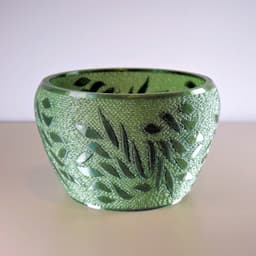
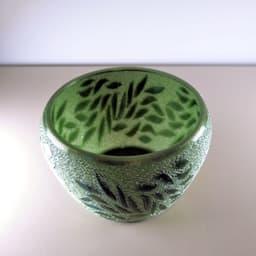

Leafy Infill Bowl
33 downloads · 10 months ago · A leaf bowl using infill to create contrast.
I used 30% Gyroid infill for the bowl (with no walls o
This model is restricted by licensing terms.
View license.
A leaf bowl using infill to create contrast.
I used 30% Gyroid infill for the bowl (with no walls or top and bottom layers) and I set the leaves infill to 100% to make them stand out.
I have attached the stls and Bambu and Creality 3mfs. Let me know if you'd like a different one or need a hand with slicing.
If you want to print and sell these, or any of my other designs, click 'become a member' on my profile page and use the code 3DPB25 to get 25% off.
Leafy Infill Bowl
33 downloads · 10 months ago in
This model is restricted by licensing terms.
View license.
.jpg&w=3840&q=75)
F1 T-Shirt Transfer
F1 Tracks Car - sculpted
NanoSphere Lamp and Shade (E27 fitting)
Cardinal Bird String Art
Open Hearts Bowl
Suspended Butterfly Art (single colour files)
Glowing Heart Strings: Multi Color Files
Alone Art multicolour files

Beach Croc Toppers
Suspended Ball Artwork
Art Deco Wall Clock
Large Balloons Wall Vase: multicolour option

Design Walk-Through - Peace String Art

Benchy Diorama Tensegrity
Swing Carousel
String Bird Art
Twisted Star Bowl
USA States Vase Mode Model
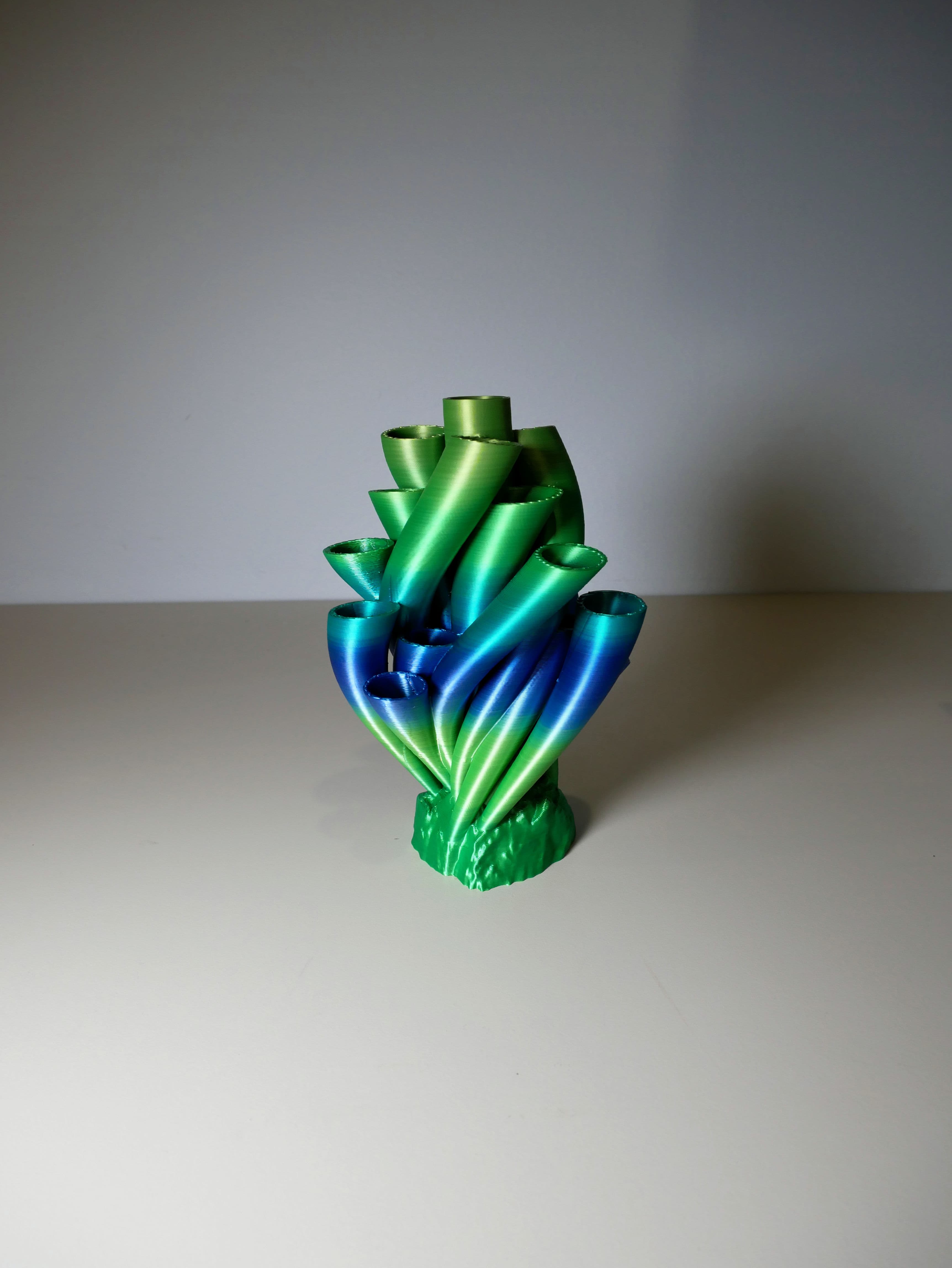
Coral Vase
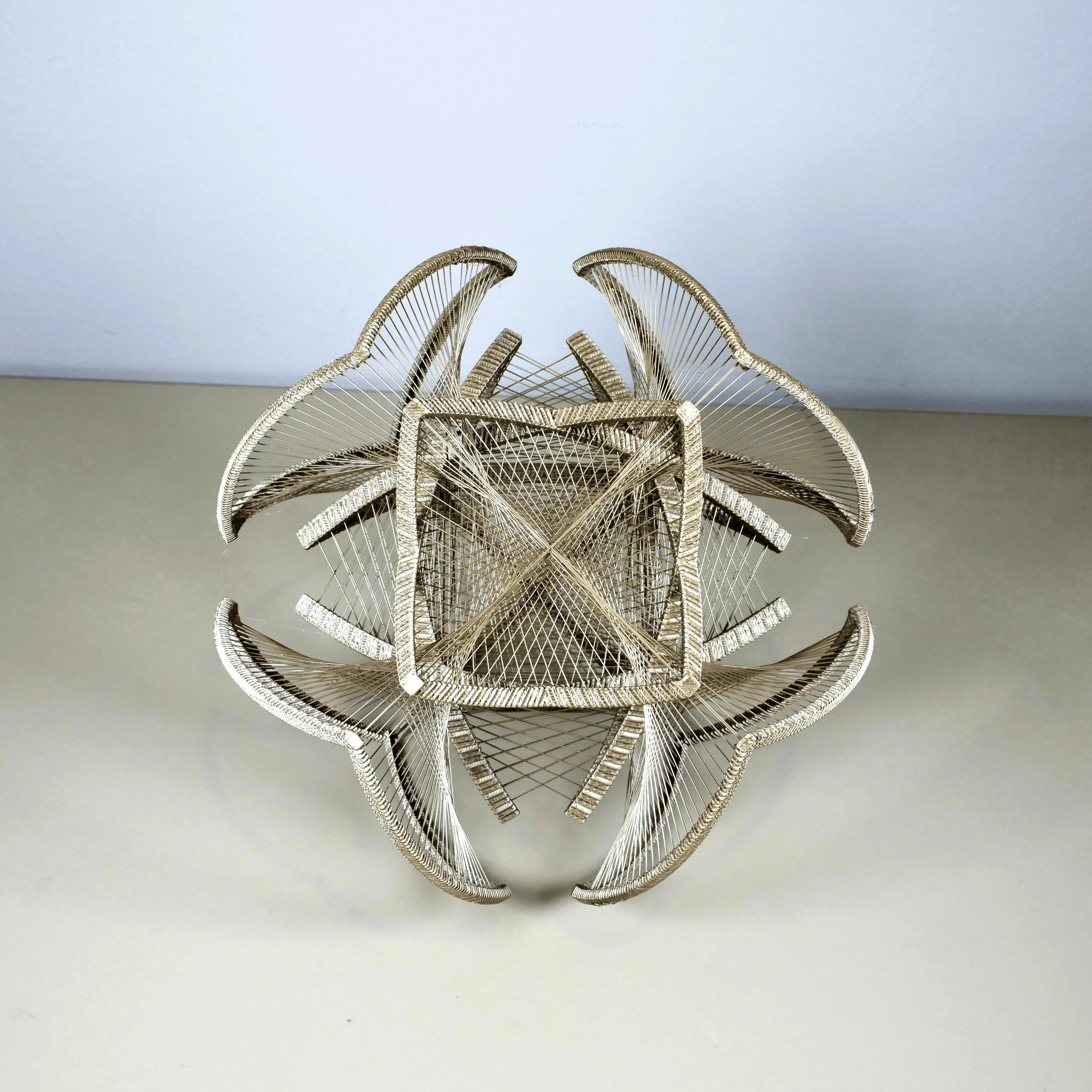
I love your clever design and have purcased it. Please tell me how to slice this as I obviously need to bring both stl files into the slicer at the same time. I use Creality slicer. Thanks
Hello there, you need to select both files together and load them into the slicer. When asked if you wanted to load as a single object say yes. Then on the left hand side click the objects tab and select the infill file. You can then change the settings for just this part. You need to set the walls and top and bottom layers to zero and the infill 30% gyroid. Then try slicing it, you should be able to see the pattern. I have added the Creality Print 3mf so that you can open that up and use that
Hope this helps, any issues/difficulties do let me know? :)