
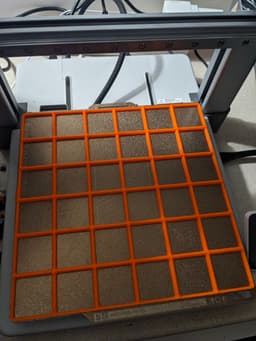

Gridfinity Baseplates
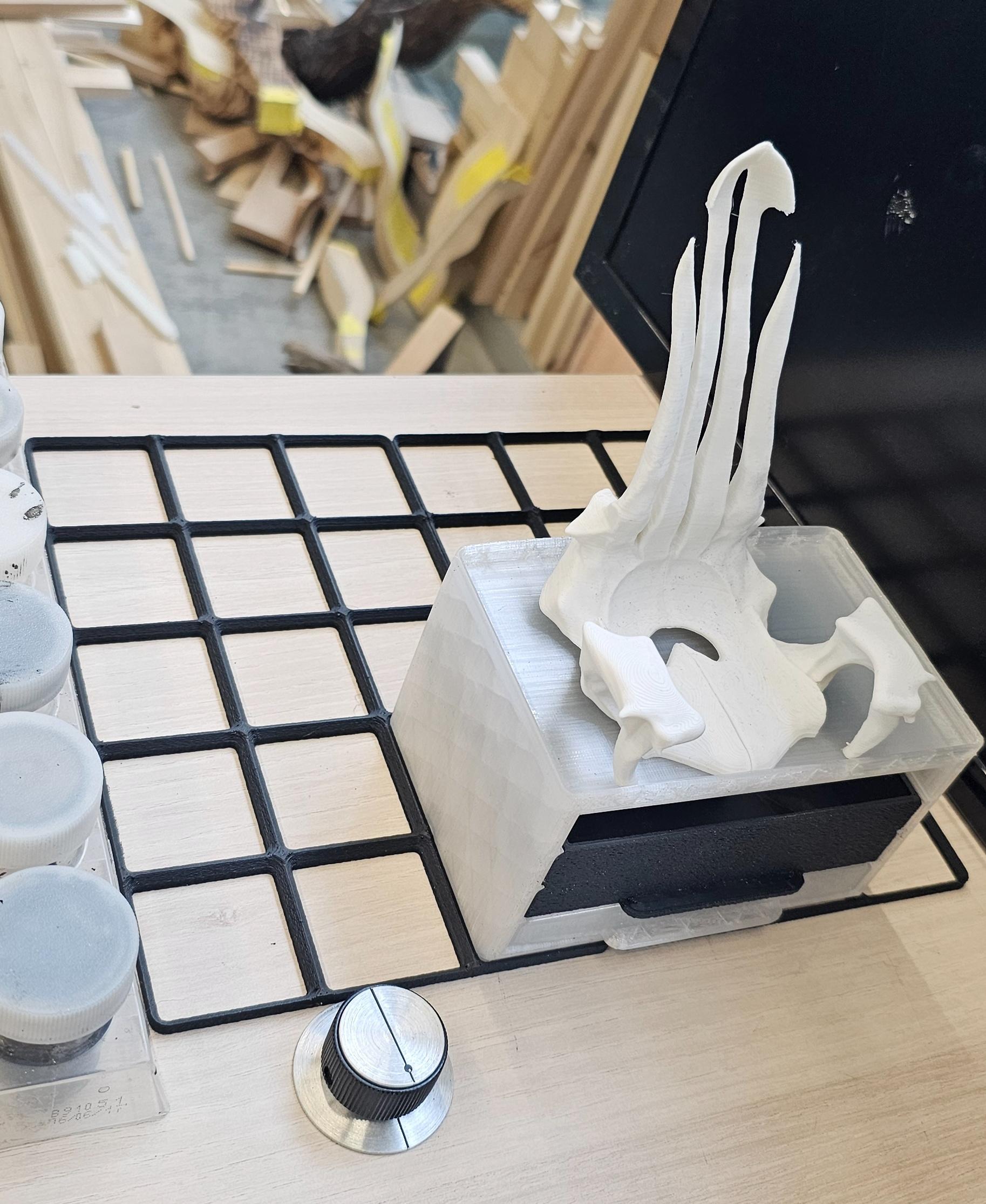
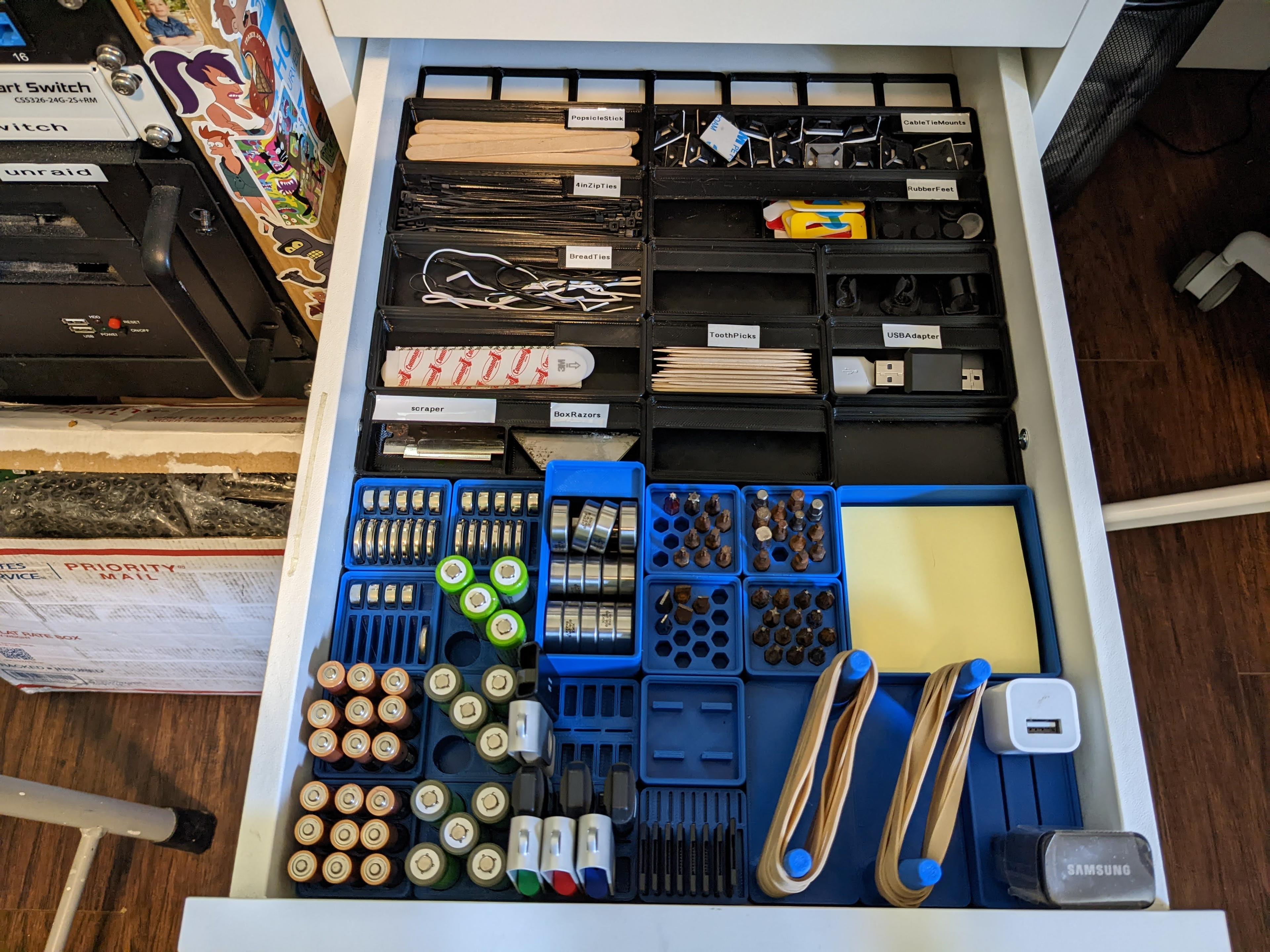
Straighten out your workshop with Gridfinity modular storage - deploy these plates anywhere you need some order!
Gridfinity is the ultimate organizer for your whole workshop! Learn more at Find more Gridfinity accessories at https://bit.ly/3E2NxnZ
Parametric source files:
- Frame: https://a360.co/3ccHbsg
- Weighted Plate: https://a360.co/3uCJ2gR
The foundation of every Gridfinity setup is a baseplate, and these let you drop storage where you need it most.
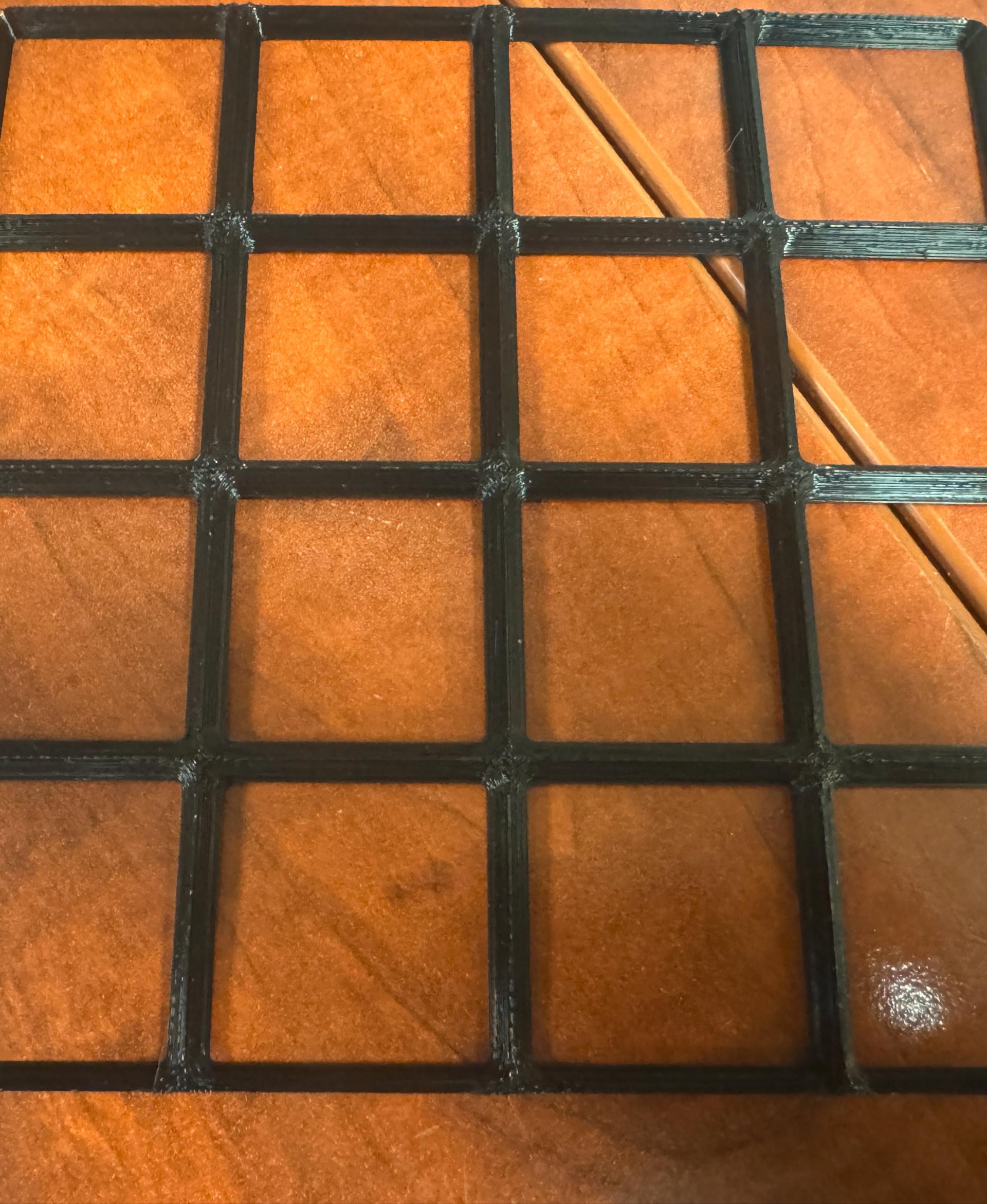
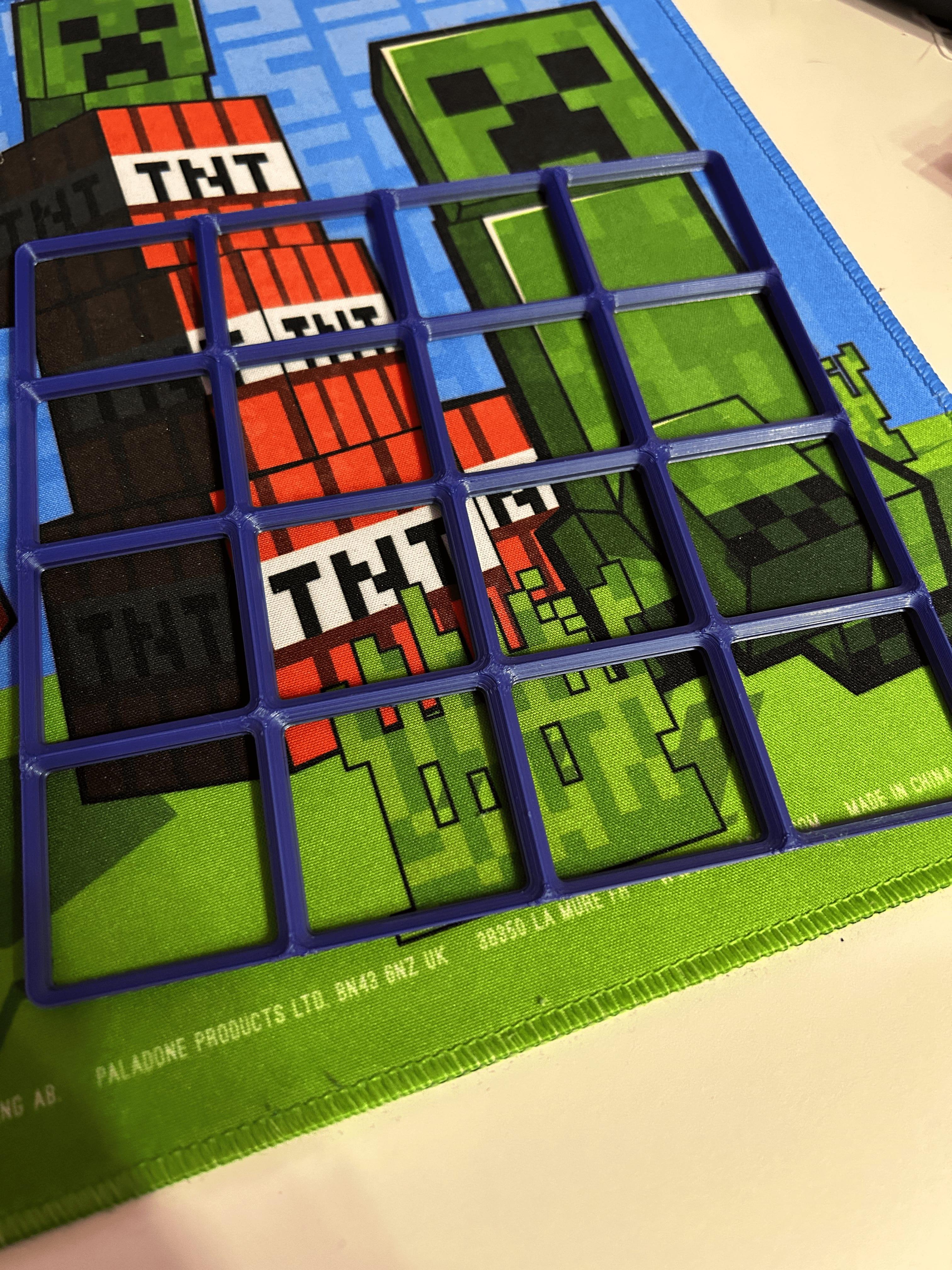
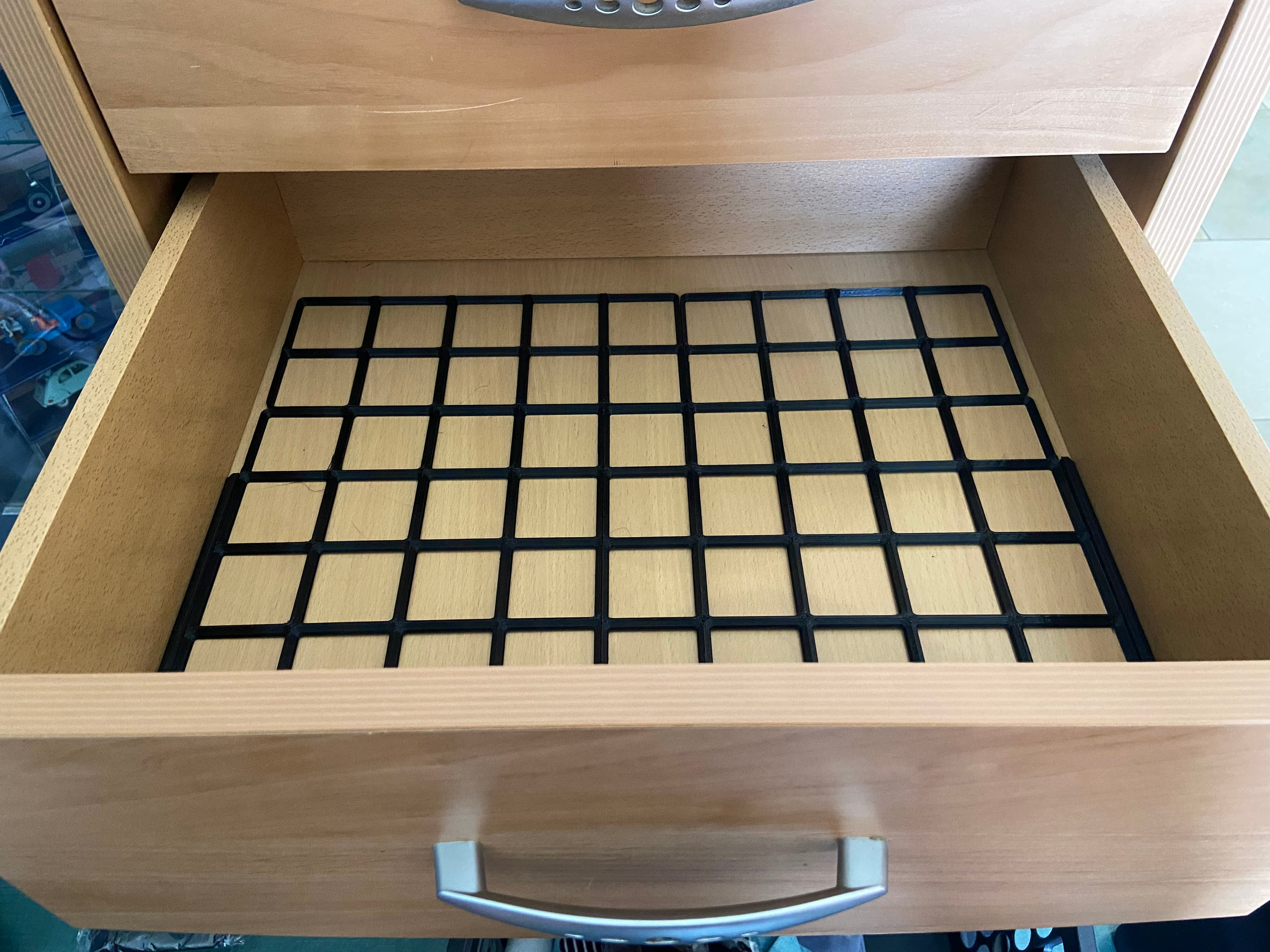
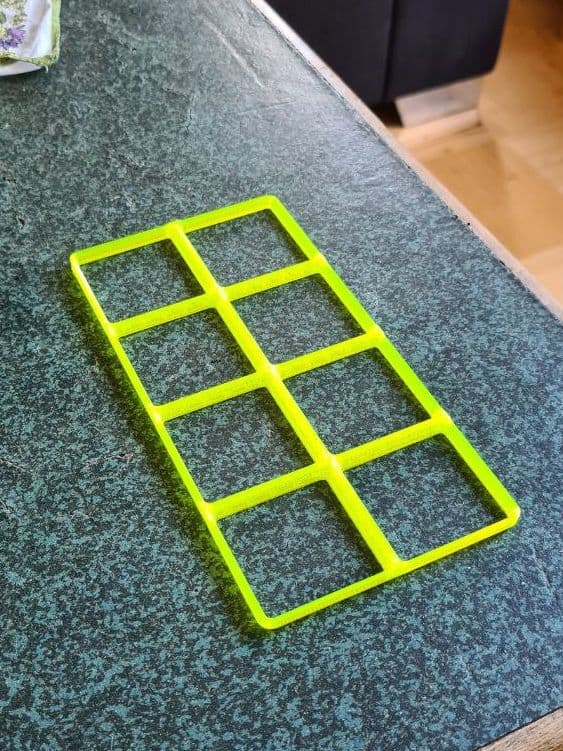
Frame: The absolutely minimal no-frills baseplate. No room for screws or magnets, but saves filament and headroom. If your storage unit is on a steel surface, you can still put magnets in the storage blocks to keep them from sliding.
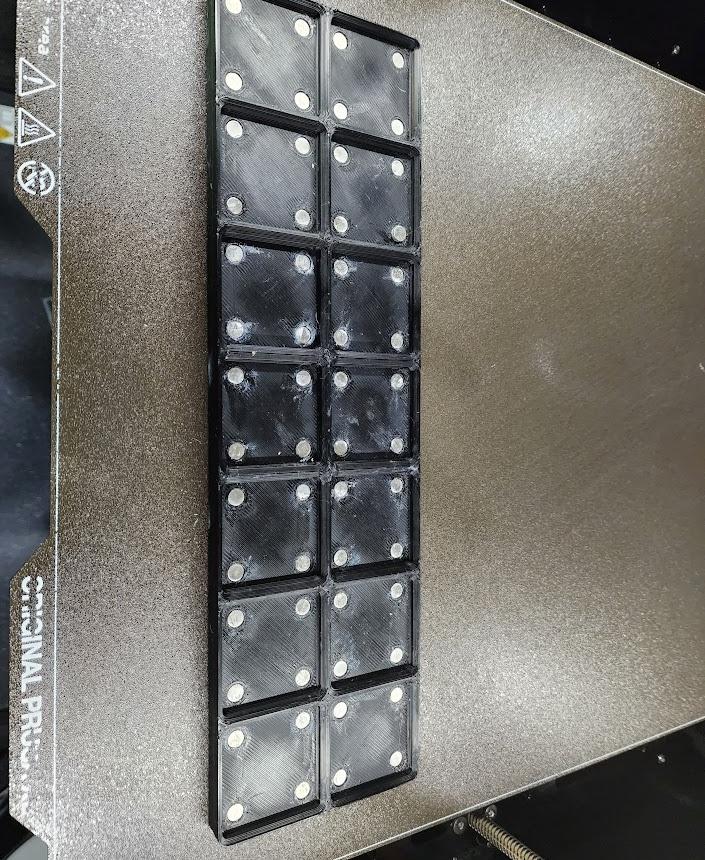
Weighted: Heavy, sturdy baseplate perfect for desktops, shelves, and other places where knocking stuff over is a big problem.
Secure blocks permanently with M3 screws, or temporarily with 6x2mm magnets. Add rubber feet to keep the whole shebang from sliding, and metal tire weights to drop the center of gravity and prevent wipeouts. You don't need to install every magnet, foot, and weight! Just use enough for your needs.
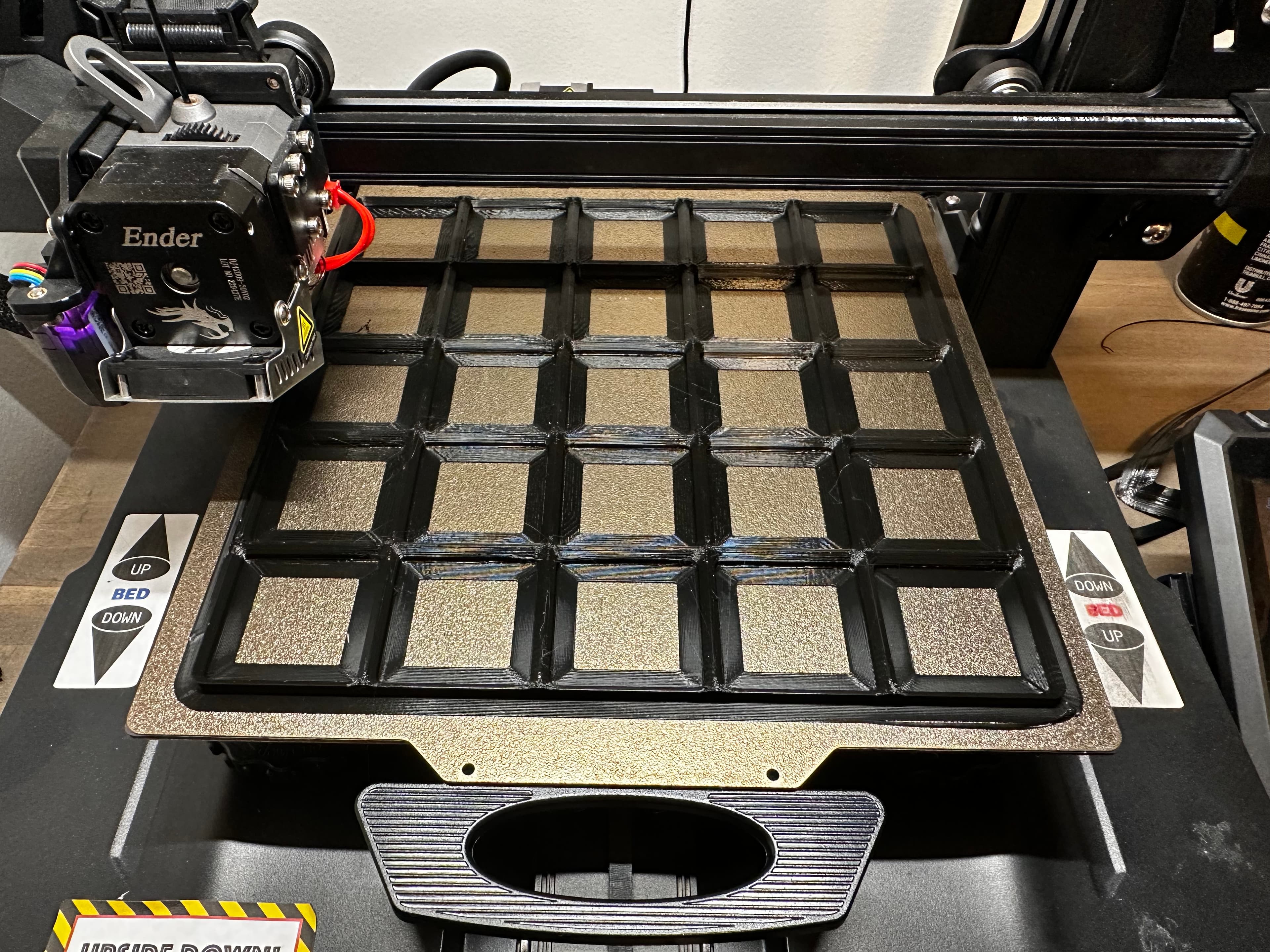
A Prusa i3 Mk3 can print up to a 5x5 grid. No matter what you use, make sure your bed adhesion and release is dialed in - these love to curl, and their high surface area can make them challenging to remove.
Gridfinity Tips!
- No brims or support required!
- Use any filament with an 0.6mm or smaller nozzle.
- Wider plates can curl, so maximize your bed adhesion if you're going big!
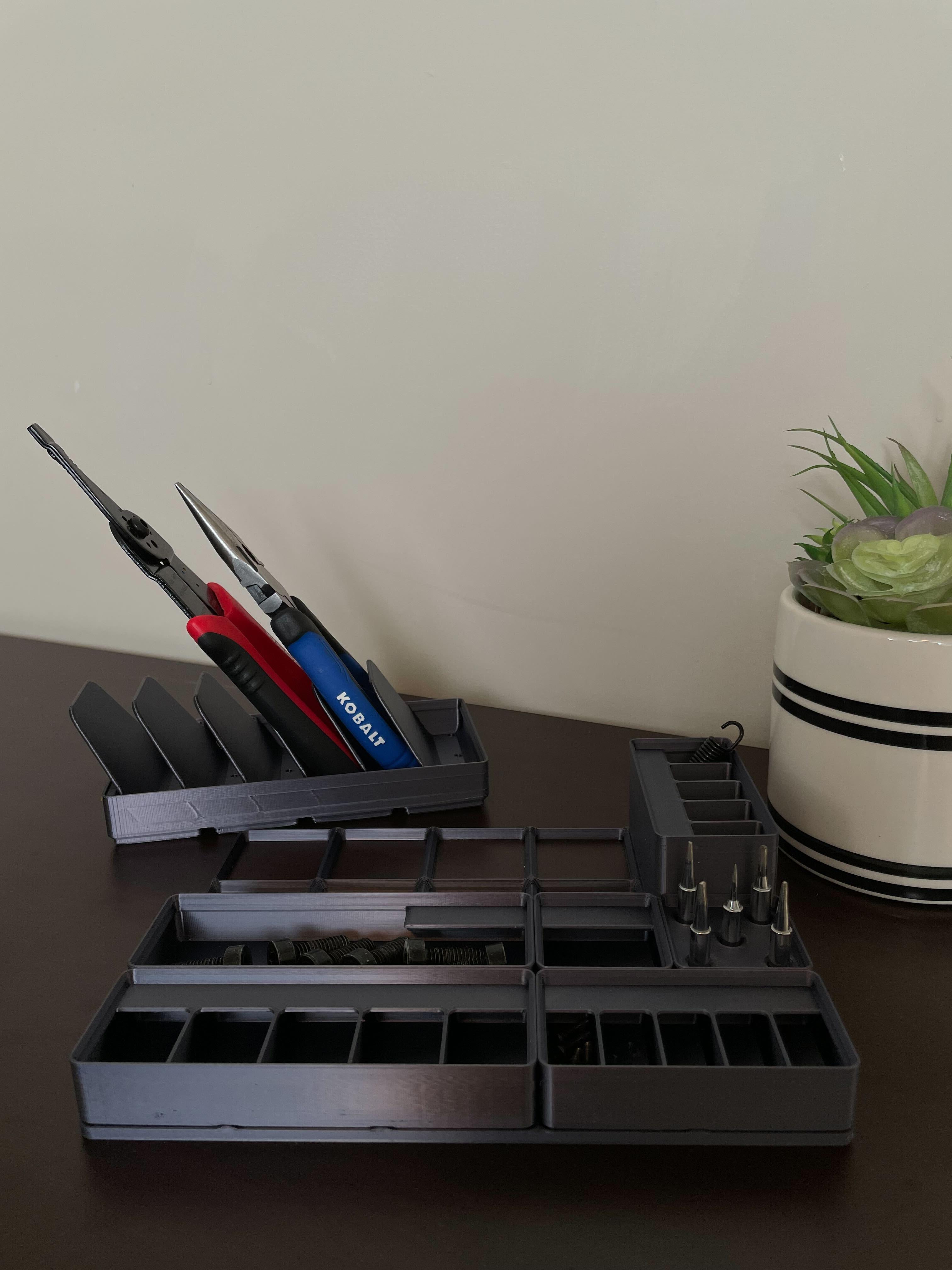
- All storage blocks are compatible with all baseplates!
- Most storage blocks are stackable!
- You can add 6x2mm magnets to the corners! They won't magnetize the contents.
- You can also use M3 screws in the corners.
Gridfinity was inspired by Alexandre Chappel's ModuBOX system, which is found at https://www.alch.shop/shop/assortment


Gridfinity Baseplates

Gridfinity Utility Belt Module for Modular Utility Belt

Gridfinity Carousel Carriage w Magnets

Gridfinity Kit for Dungeon Master's Tome

Shargeek USB Power Bank Gridfinity Cradle

Gridfinity Raspberry Pi 400 Tray (for Cyberdecks)

Inland Folding Keyboard Gridfinity Tray (for Cyberdecks)

Gridfinity 7" Mini-Monitor (for Cyberdeck)
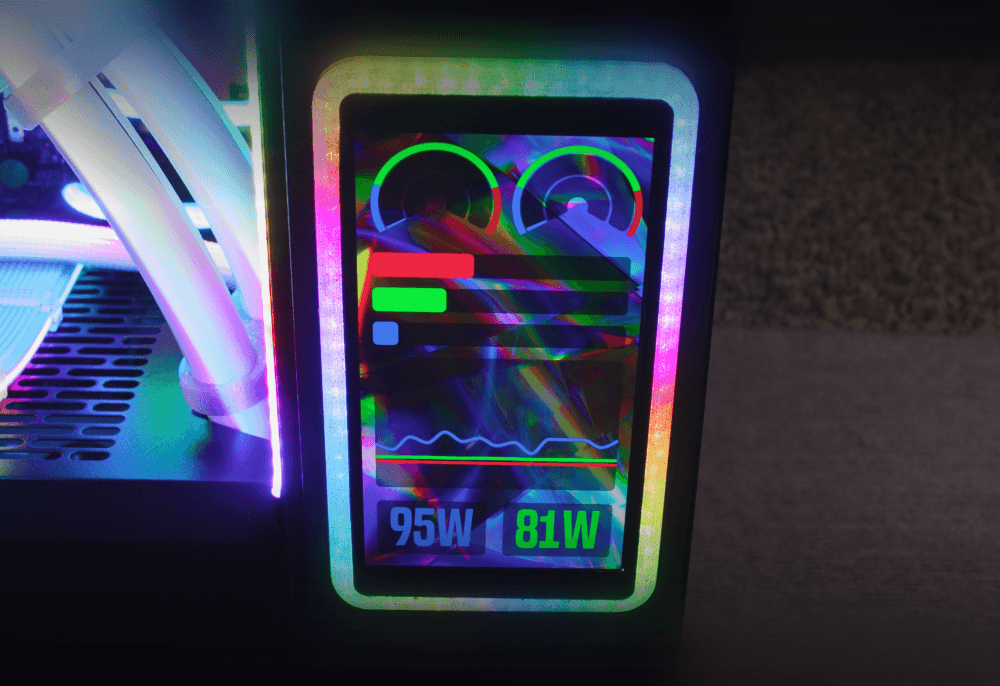
WaveShare AMOLED Panel Mount Frame (With rgbleds!)
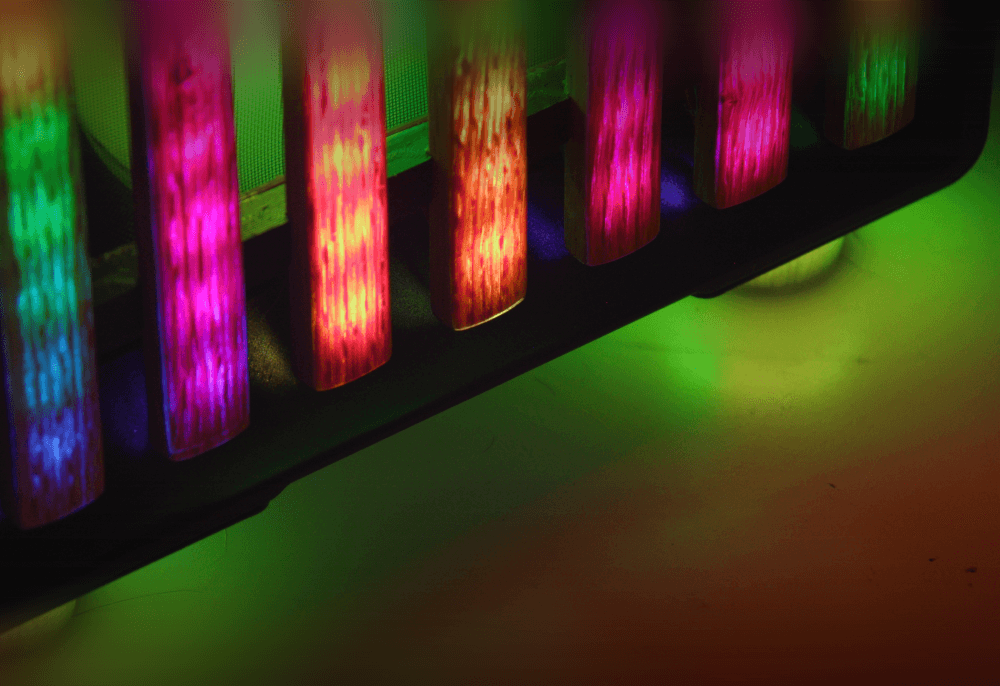
North XL Extra-Tall Rgbled Feet
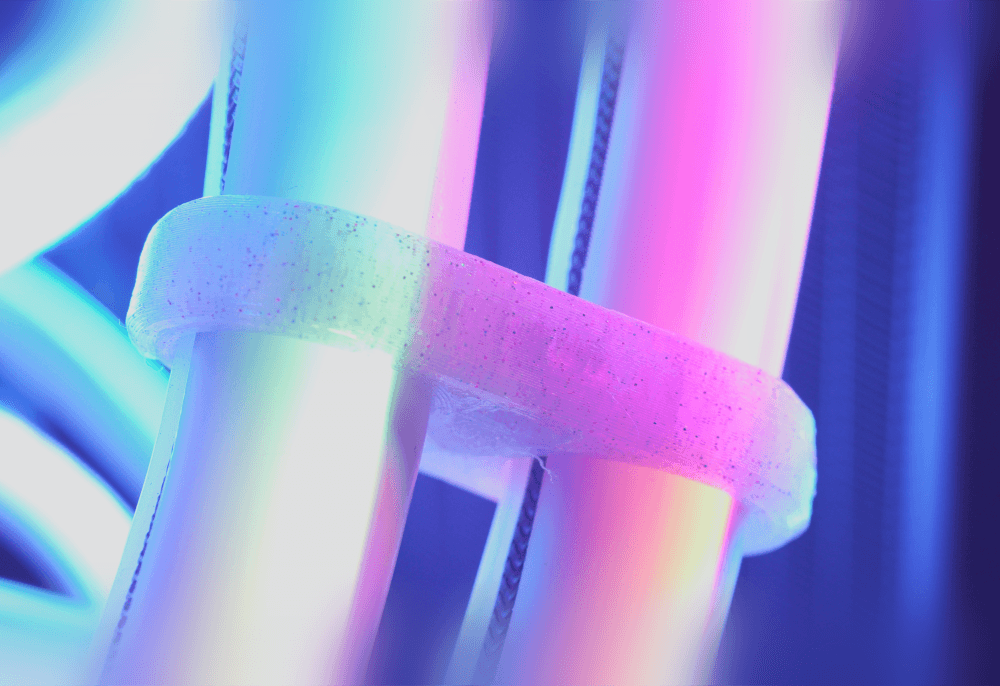
RGB Silicone-Sleeved AIO Tube Clamp Comb Clip Thingamajiggler
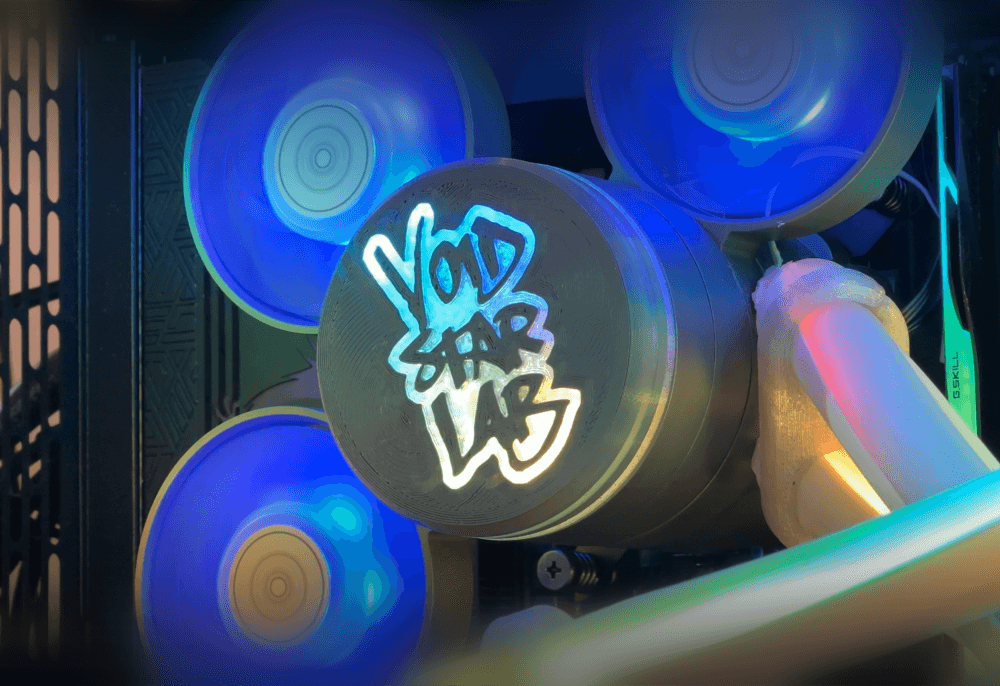
Silverstone IceMyst Custom Emblem
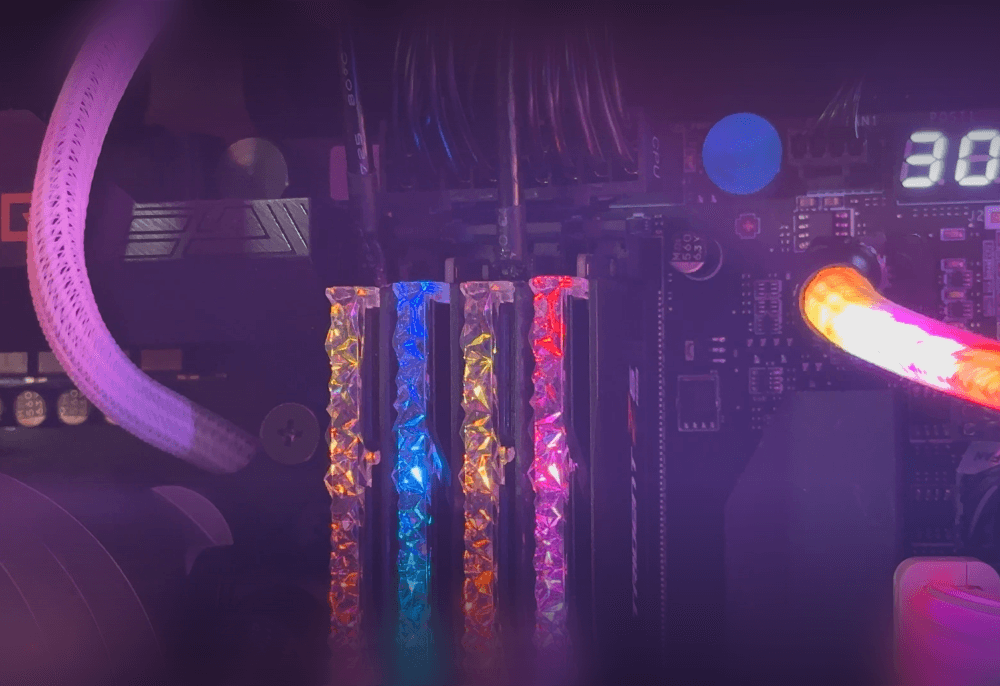
Authentic Faux RAM (Looks like G.Skill Trident Z5 RGB) (Download More RAM)
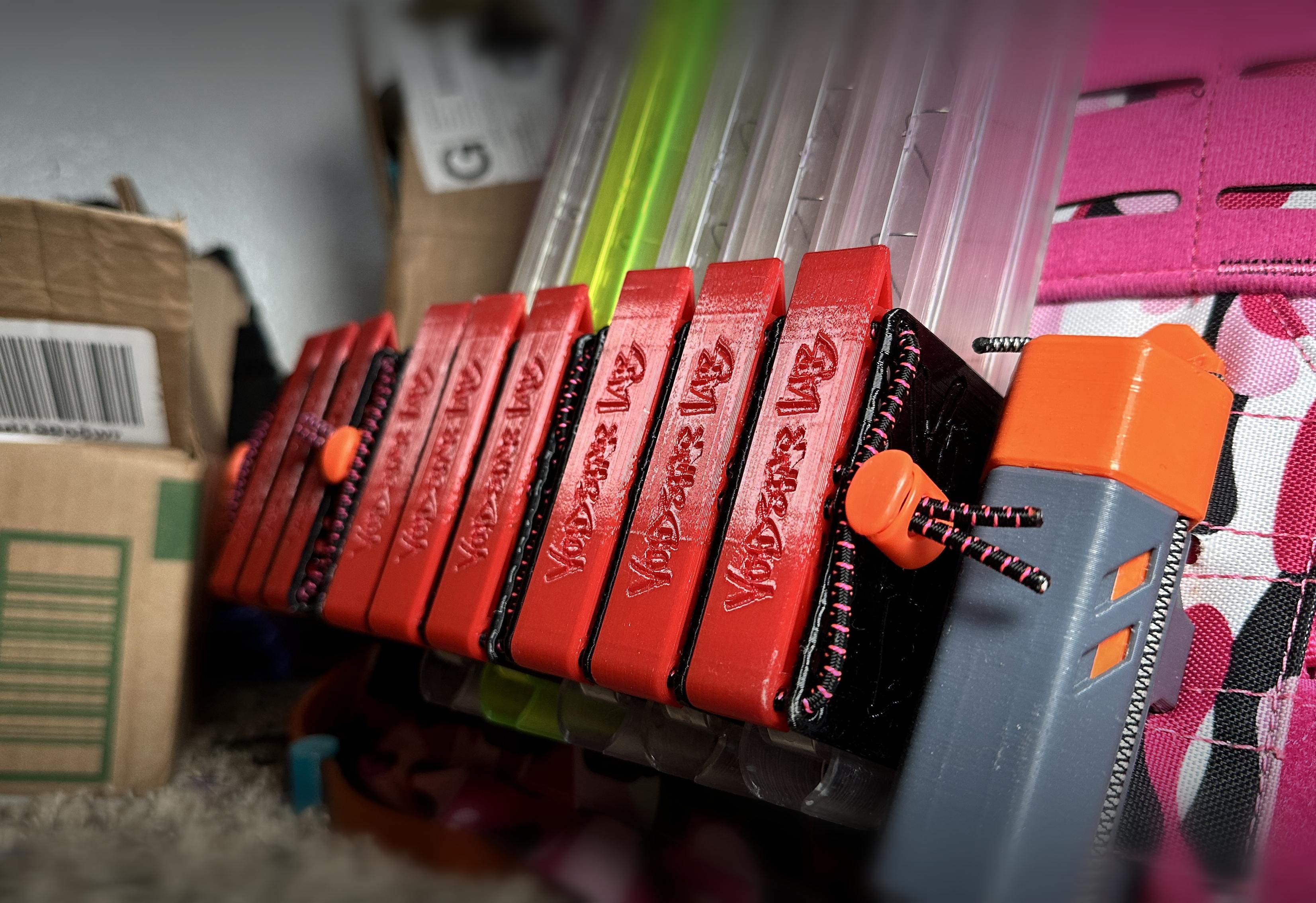
Transwarp Saya - High-Density Nerf Mag Holder for Talon, Katana, and Zinc
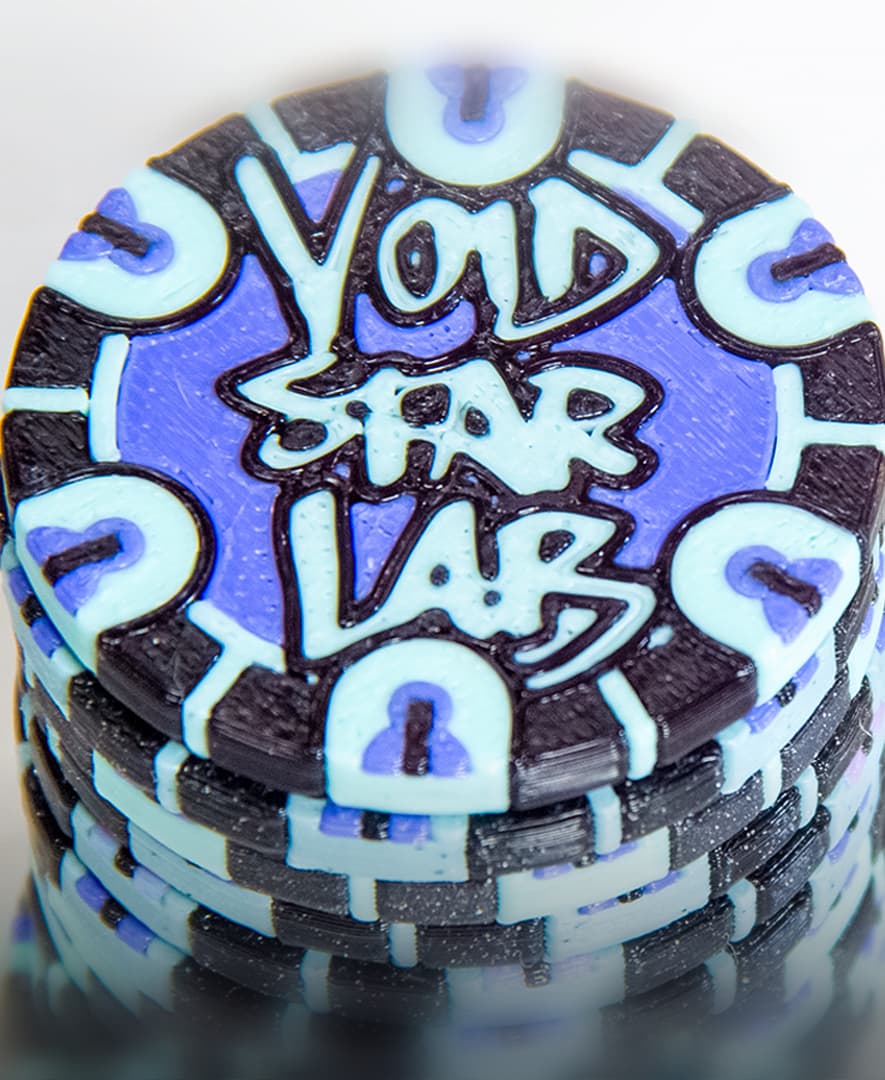
MakerChip: Zack Freedman/Voidstar Lab
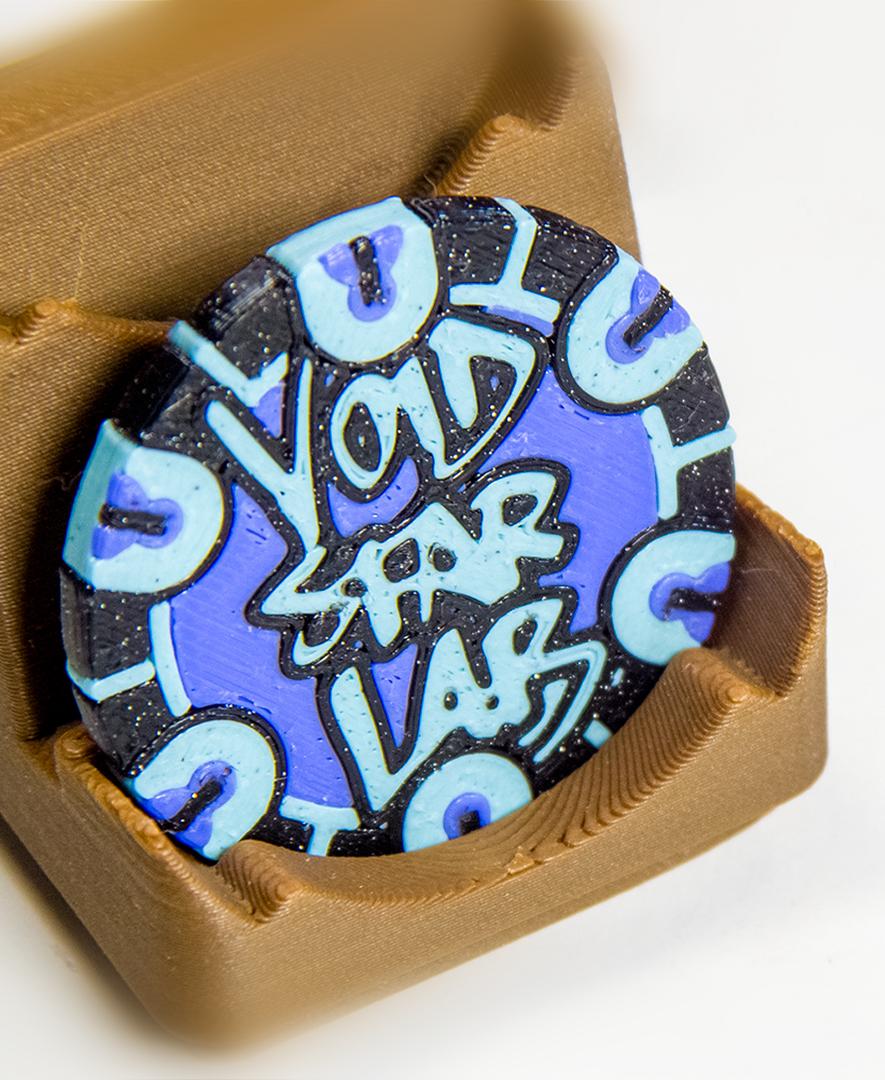
MakerChip Gridfinity Holder (also fits poker chips)
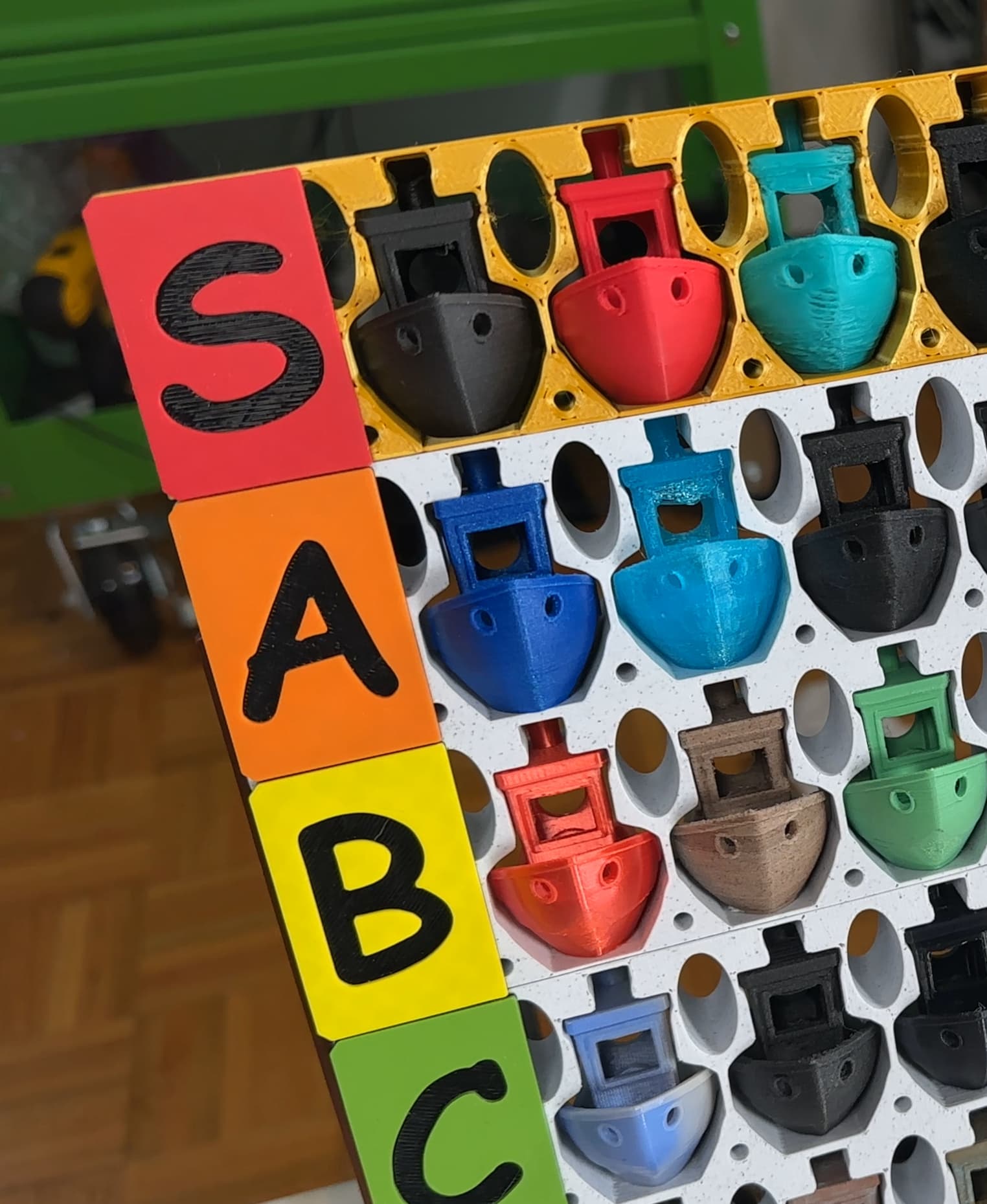
Benchy Tier List!
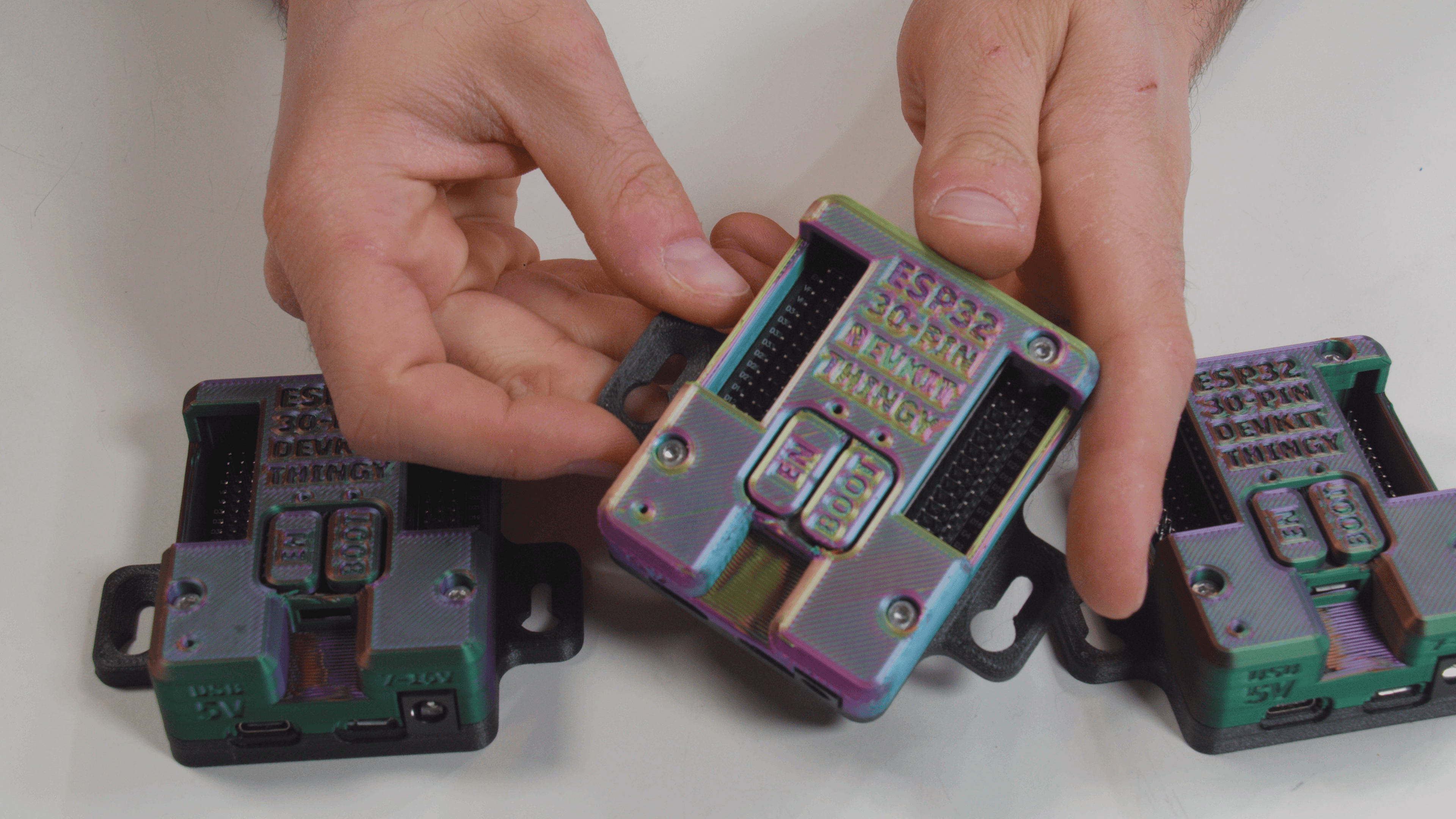
ESP32 30-Pin Devkit V1 Expansion Board Enclosure Thingy
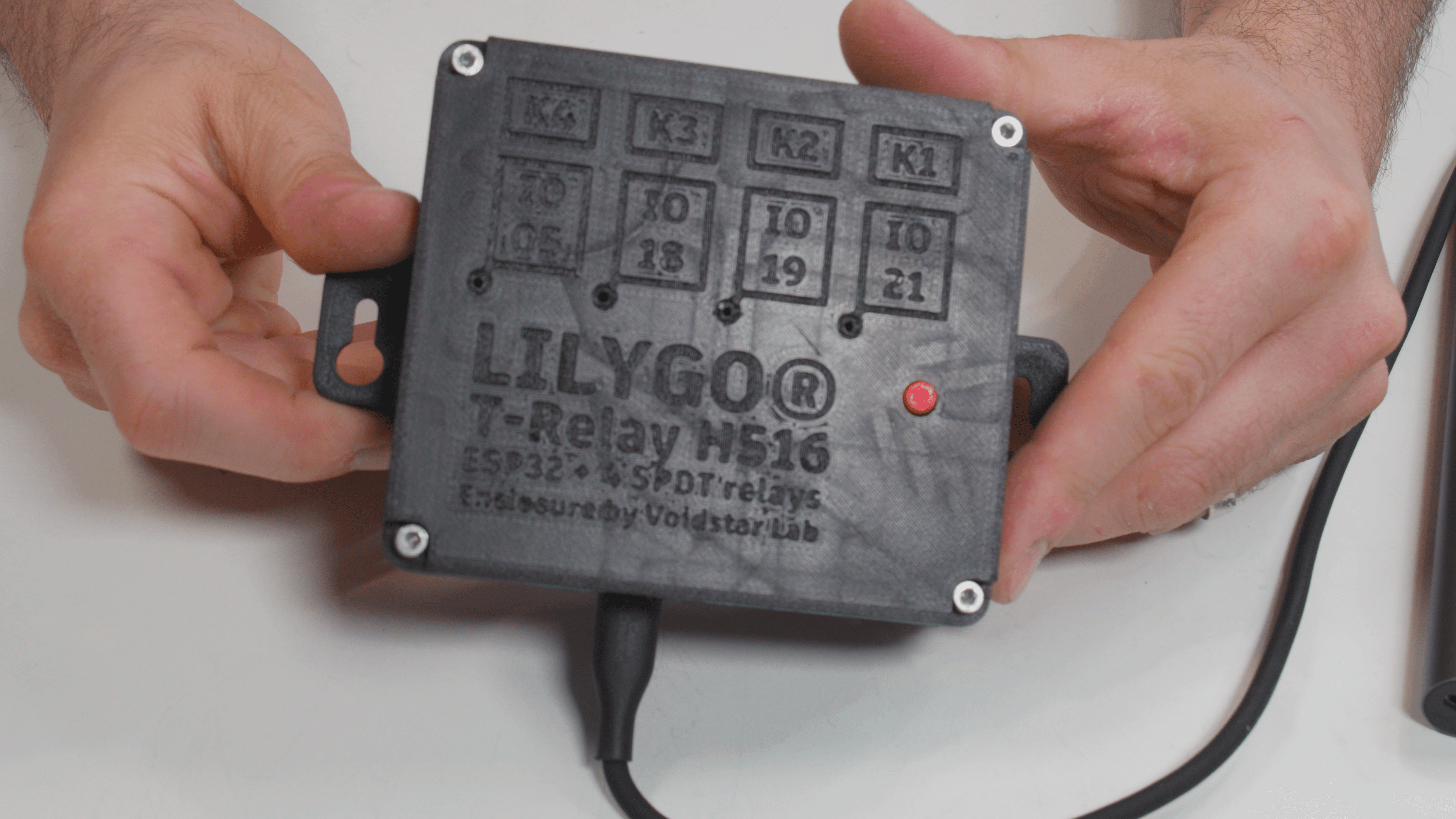
Lilygo T-Relay H516 Enclosure
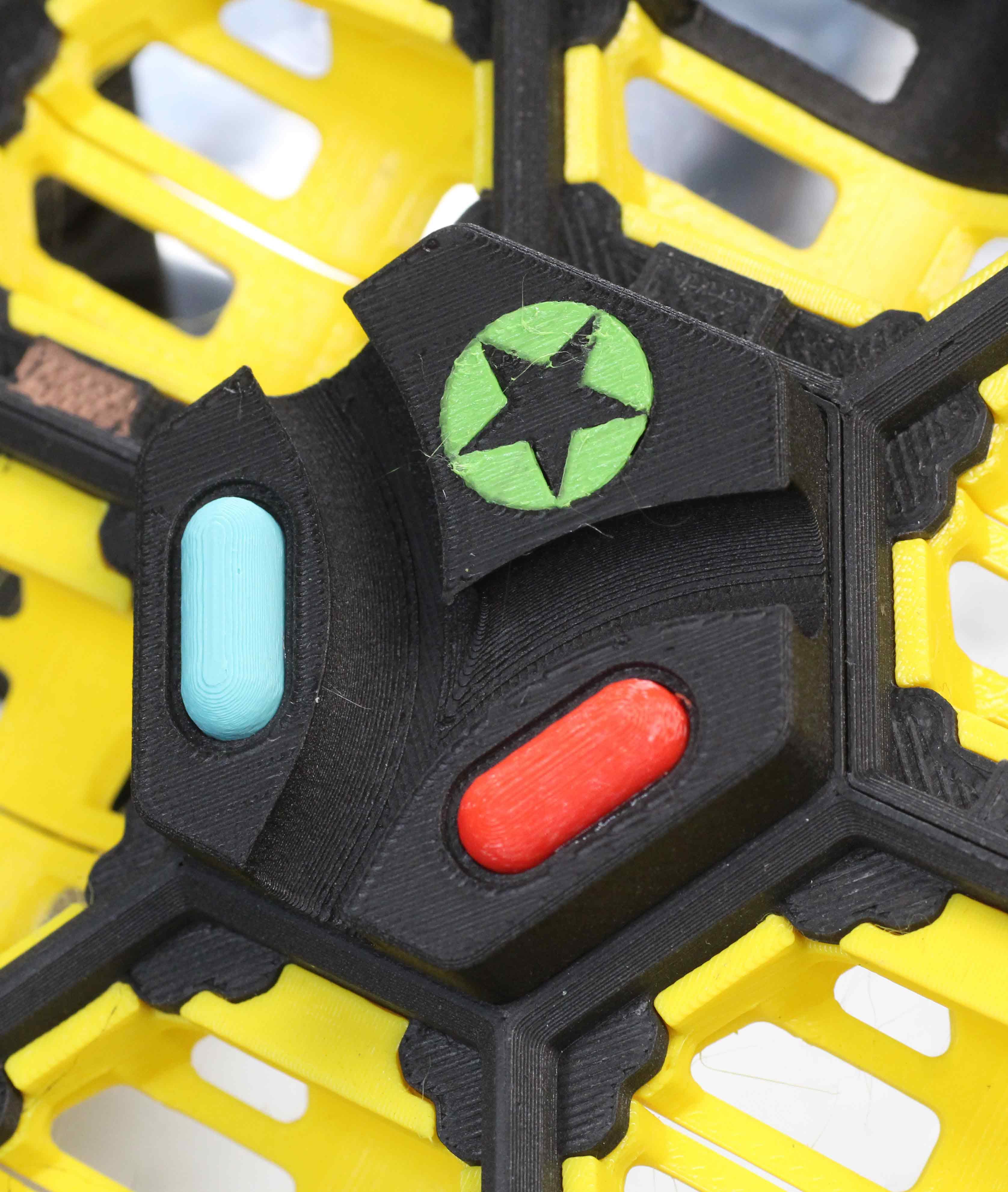
Hextraction: Take the Tilepill
just fyi your fusion links are now broken
I'm getting that, too, 5 months later. Thought maybe it was just my issue, maybe a VPN or proxy thing. But, yeah, Fusion says I don't have permission.
still broken!!
I am amused that this system is based on, "The Answer to the Ultimate Question"
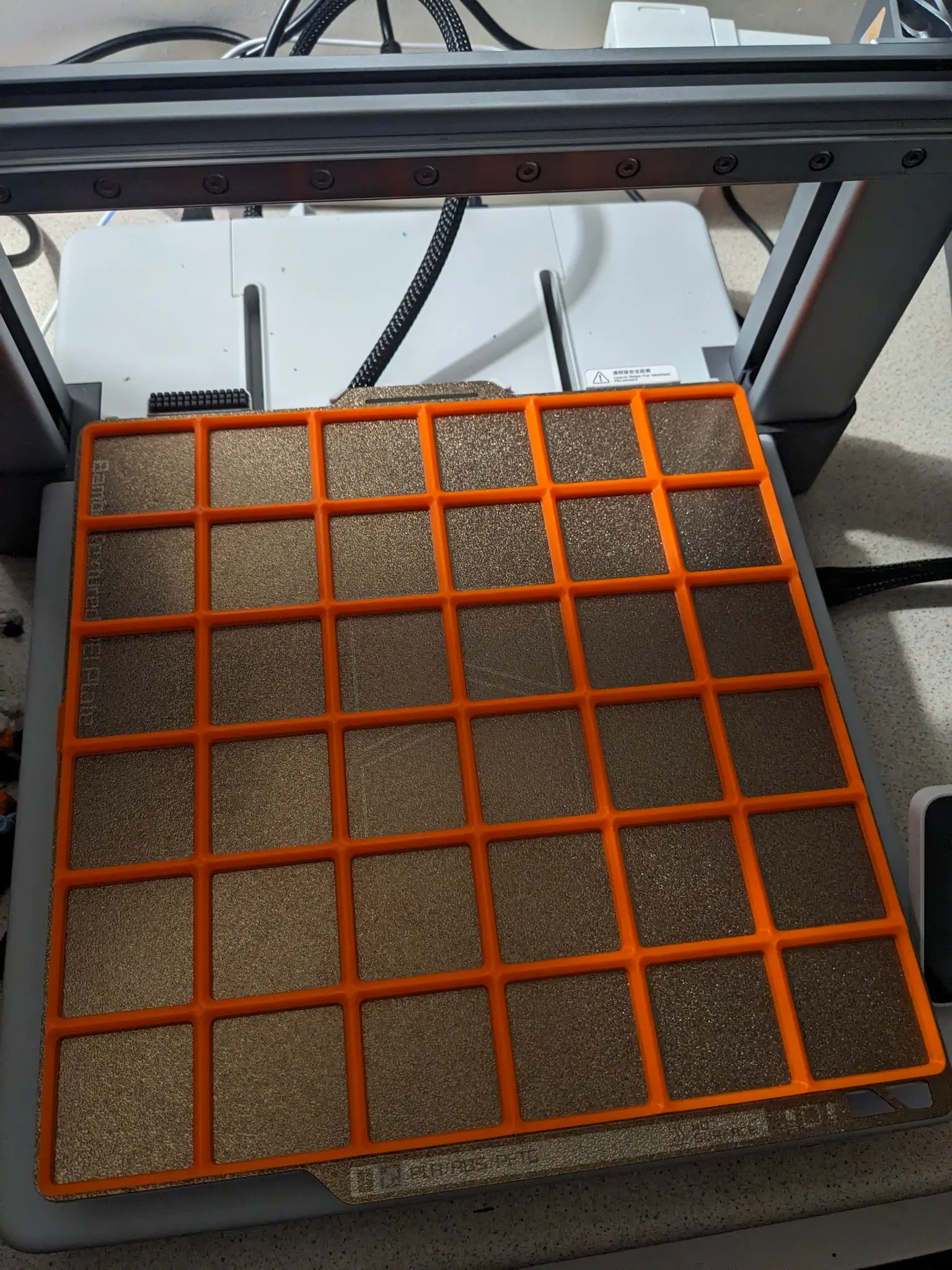
How did you do the 6x6 on the Bambu plate? I can't do it as it's over the exclusion zone.
The A1 doesn't have an exclusion zone. For other printers follow this guide: https://wiki.bambulab.com/en/knowledge-sharing/print-volume-limitations
Use the cut function in BambuStudio and break it into multiple pieces or use smaller like 3x3 and print multiple. The sides are square so you can butt them up to each other.
Don't the weighted frames need supports enabled? Layer 21 looks like it will apply a substantial section in midair! Admittedly, I haven't tried to print it yet, but I am just wondering how that layer will stay suspended without falling down...
Gridfinity autodesk files showing unauthorized
Trying to access the parametric files I get a notice from Fusion that I am not authorized to access the files. How do I get authorized?
the frame parametric link brings you to not a frame
The frame is one of the bodies. But yea, I agree, it's a little weird that the box model is also there.
Cant access de fusion files, says "Unauthorized".