
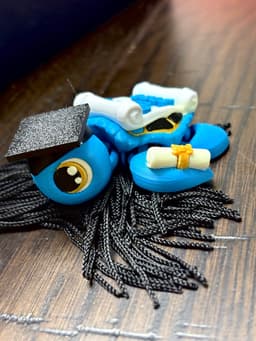

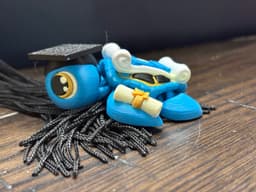

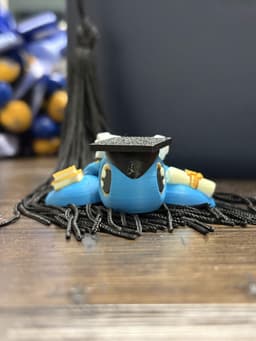


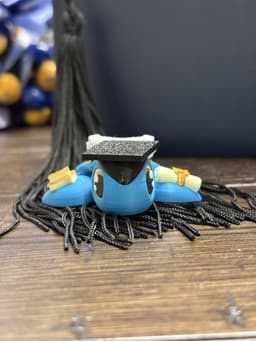
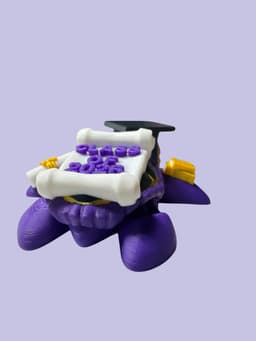


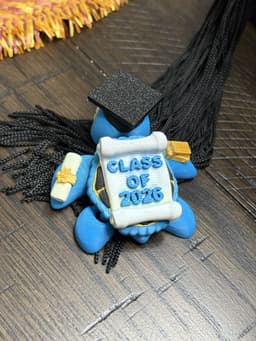
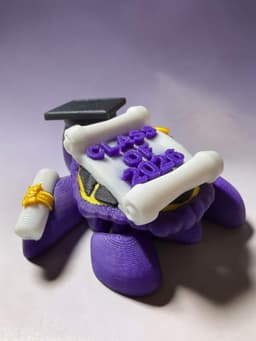

2026 Graduation Turtle
🎓 Hats off to the Class of 2026! 🎓
You did it! Late nights, early mornings, big tests, hard lessons, tiny victories, and unforgettable memories all led to this moment. 💛
Whether you're heading to college, starting a career, chasing a dream, or still figuring things out — this is YOUR chapter to write. The world is brighter because of your creativity, courage, and determination.
Keep being curious. Keep being kind. Keep believing in yourself!
Congratulations to every 2026 graduate! Your future is waiting, and it looks amazing on you. 🎉
-The text in the 3MF file is editable, and you can add a graphic to the hat. Just make sure you have the rights to the graphics if you are selling them.
Join the Discord; it is my main source of communication and the easiest way to provide help when needed.
PLEASE READ: All Rebel Alicorn Designs are protected under copyright. This purchase is for personal use only. Digital files may not be shared, resold, remixed, or redistributed in any form. Selling physical prints is not permitted without authorization. To sell PHYSICAL PRINTS, you must join the Merchant Tier on Patreon, Thangs, or MMF Tribe. Merchant members receive exclusive designs and discounts on past files.
Printing Recommendations:
Initial layer and initial fill: 25 mm/s
Layer Height: 0.20 mm
Walls: 3 Infill: 15%
Safety Warning: These designs are not suitable for unsupervised play by children or pets. Broken or rough-played 3D prints may produce sharp edges or small parts that can pose a choking hazard; not recommended for children under the age of 5.

Rebel Buddy Rhino
Rebel Buddy Moose

Rebel Buddy Zombie Moose

Ice Cream Sandwich Stackers

Rebel Buddy Hippo Dragon

Grumples the Little Draqgon

Rebel Buddy Hippo

Spider Dragon

Snow Cone Turtles - Clicky - Non Clicky - Snow Cone Clicker

Mr. Prickles Grumpy Turtle
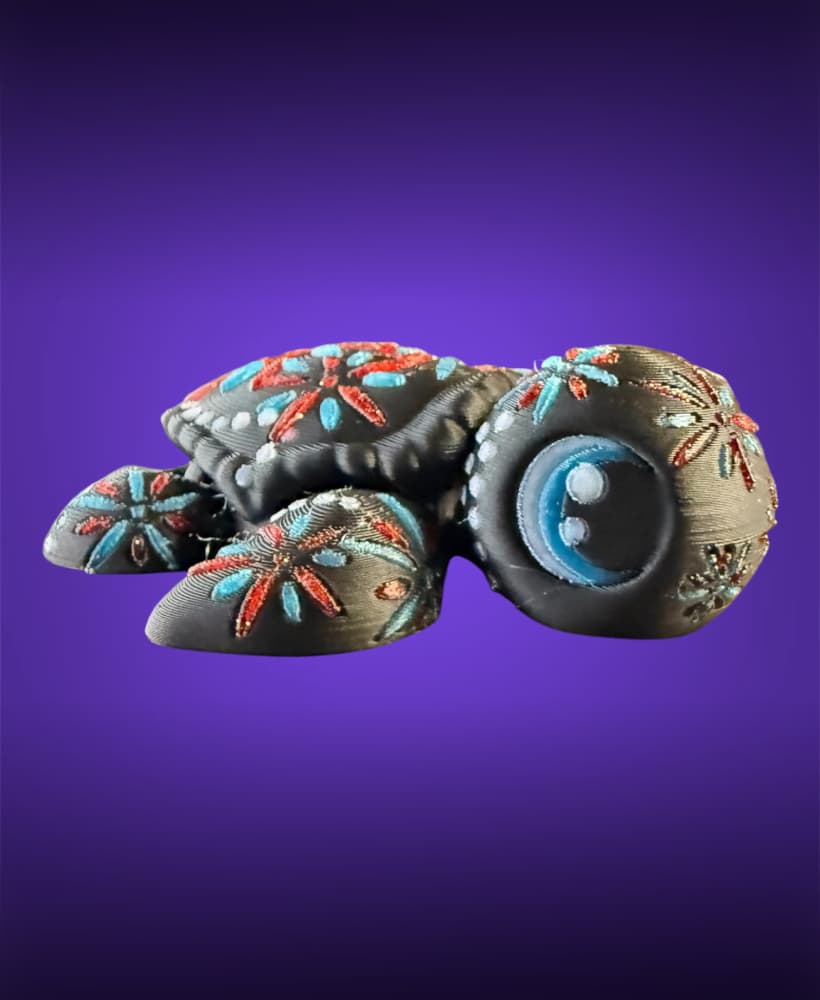
Fireworks Turtle

Constellation Turtle

Steam Bun Tic-Tac-Toe

Sports Clicky Turtles – Series 1

250th Anniversary USA Turtle

Steam Bun Clicky Turtle

Soccer Friends - Dragon and Turtle

Fathers Day 2026 Turtle

Luna Moth Turtle Mobile

Is there a way to change the date? I have some family member that would love me to print some with the year they graduated
In the 3mf if you go to objects select the text for the date and you can change it
I tried that but it just lists it as text_shape and I change that to the date I want but nothing happens, I'm trying to do this in the slicer should i be using a different program?
To make it easier I made a video and added it to Instagram and TikTok. Hopefully that helps more.instagram tutorial
Is there a way to make this into a keychain?
You can add a torus in the slicer by right clicking and adding a part and connect it to the face. Some people add it as a negative part as well depending on preference