


Multiboard Tile Holder Tool
The Tile Holder Tool pulls up to 4 Multiboard Tiles together and keeps them aligned.
This tool is useful if you’re mounting Tiles and aren’t using dual or quad mounts, as it can be difficult to align the tiles when screwing them in.
Assembly steps:
- Place the claws on a Tile in clockwise order (each claw has a number)
- Screw the cap on
Alternatively, follow the steps shown in the images or watch this video: (coming soon)
Printing Guidelines:
Use 3 perimeter wall thickness, 0.2 mm layer height, 15% infill, and no supports. Apart from that, use your printer's default settings.
The printing orientation is as provided in the file. Make sure the downloaded files are .STL. This part has been designed with a tolerance of 0.25 mm. Your printer will need to be able to bridge gaps of up to 30 mm for some designs.
This object is part of Multiboard, a FREE and ridiculously modular organization system with thousands of parts, for creating the most adaptable workspace possible. Learn more and find ALL the parts at https://multiboard.io
Multiboard Tile Holder Tool
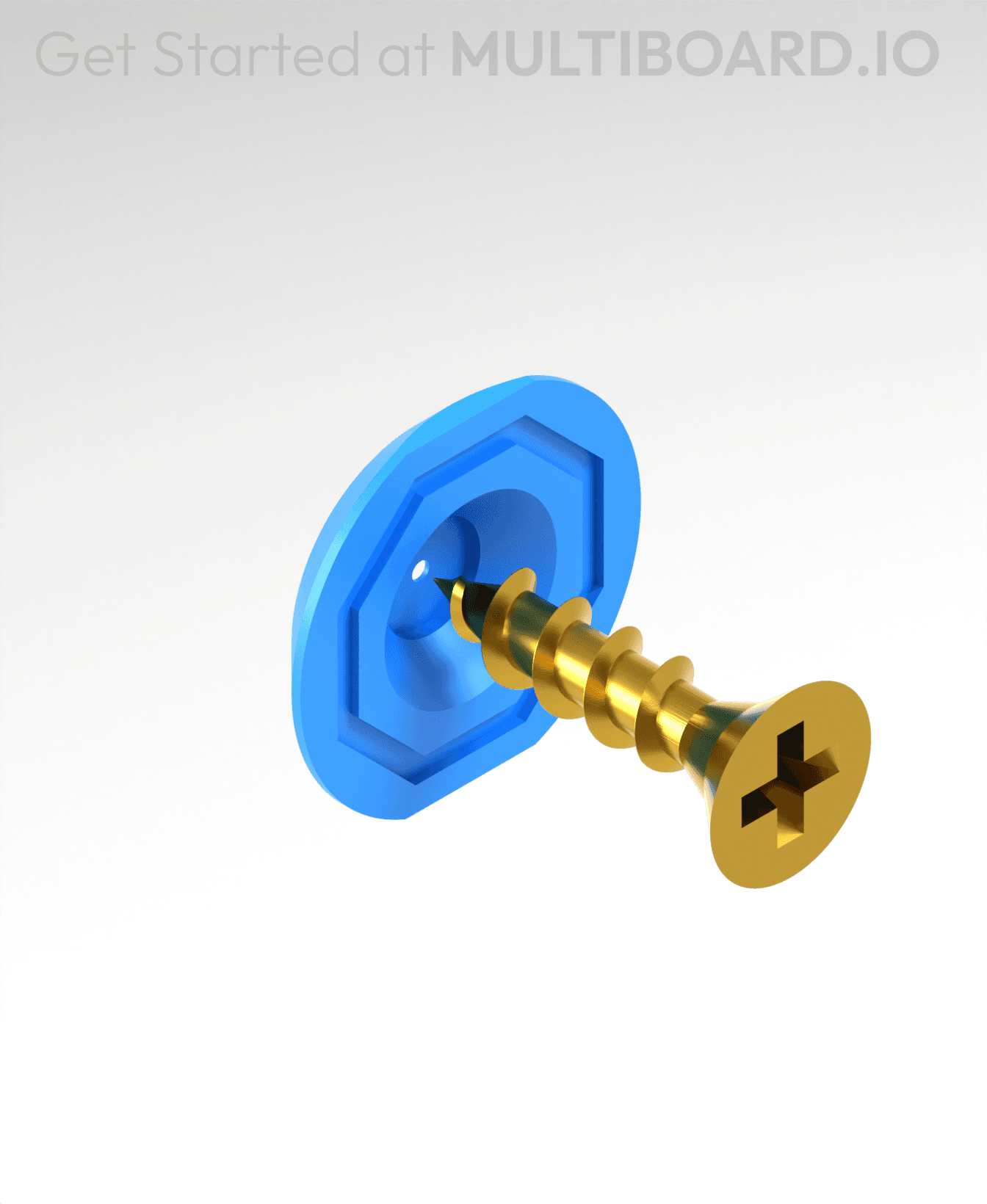
Fix Point to Countersink Adapter

Flush - Small Hole Center Marking Tool
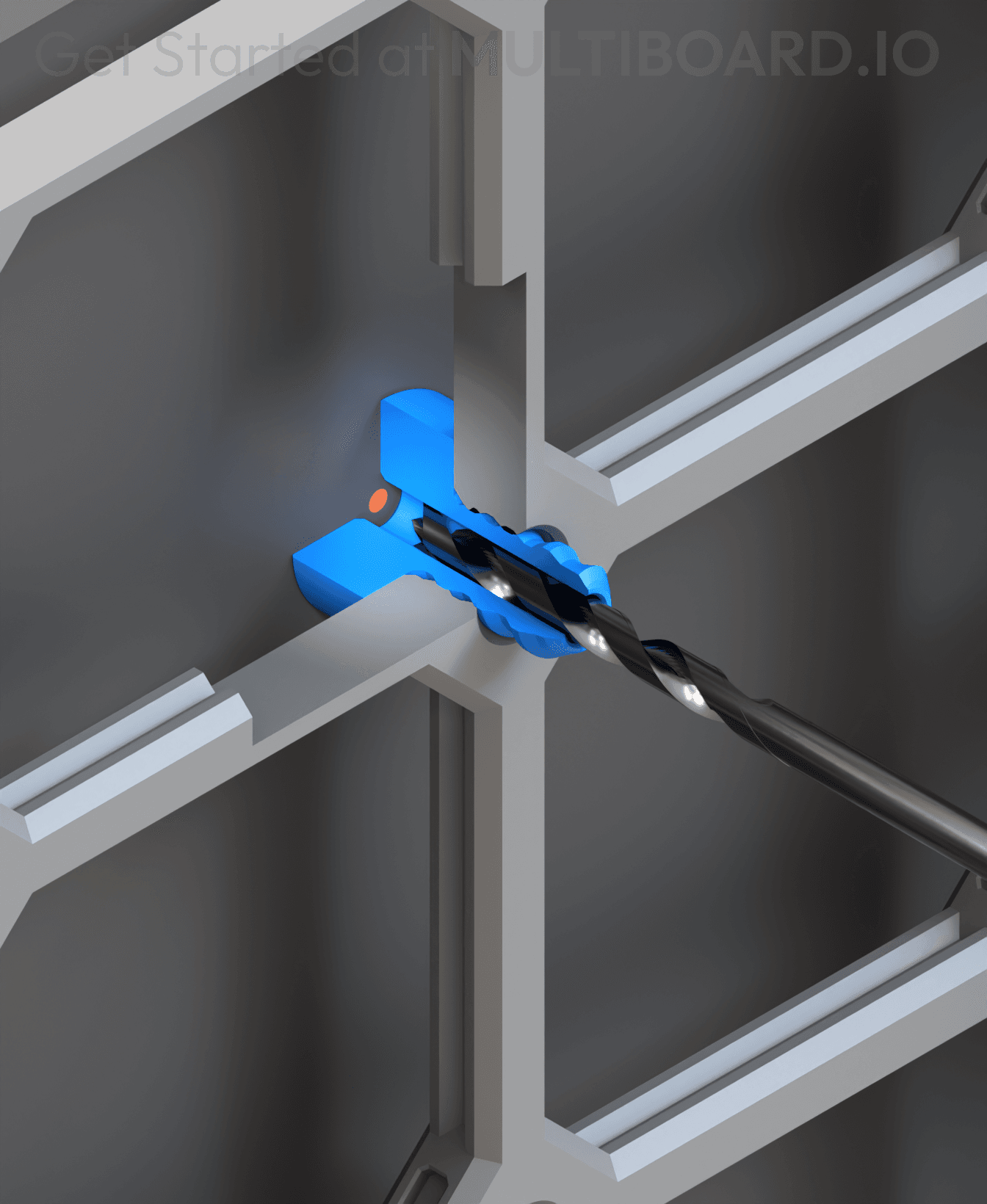
6.25 Offset - Small Hole Center Marking Tool
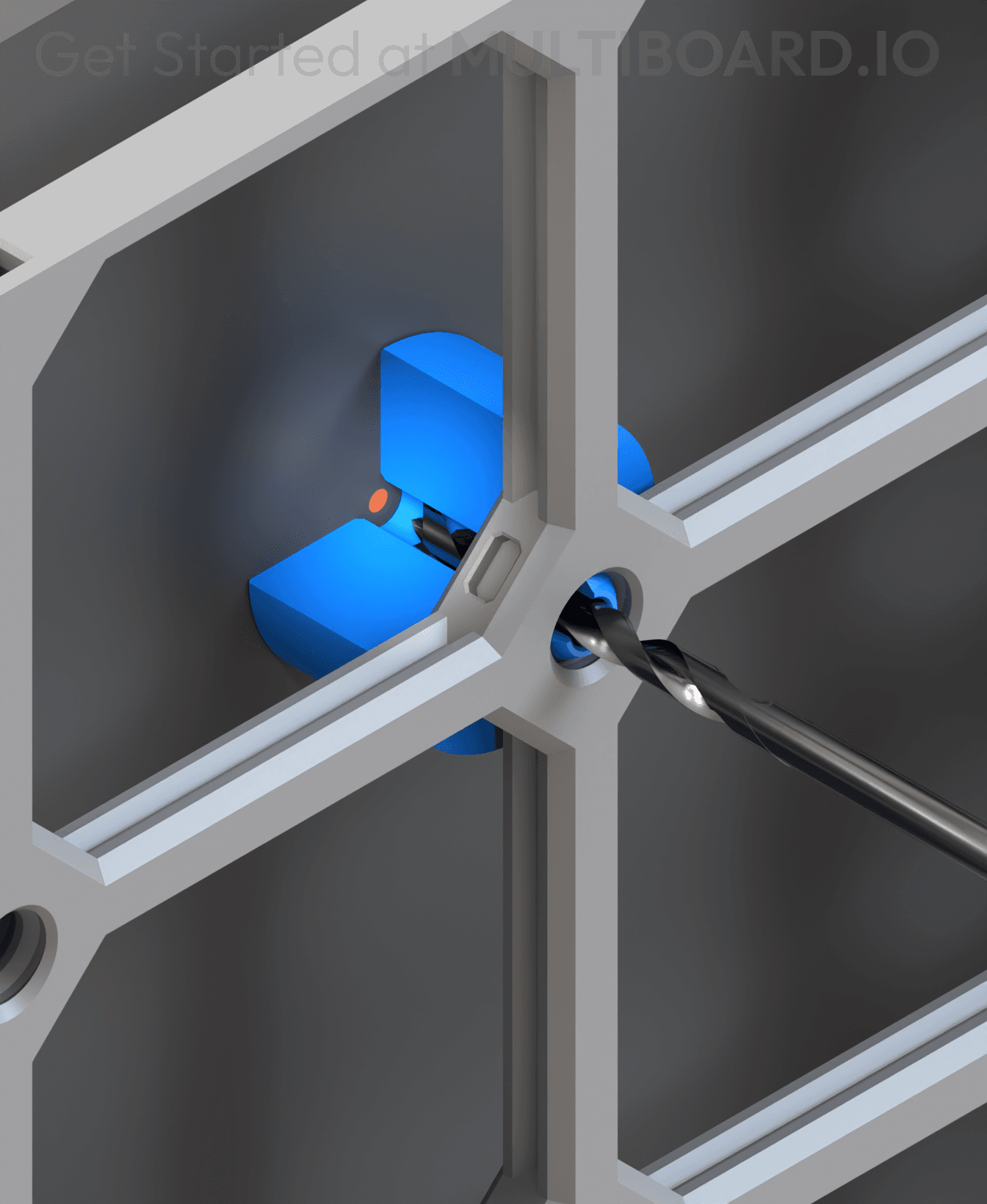
12.5 Offset - Small Hole Center Marking Tool
2x6 MU - Right Support End - Modular Bolt-Locked Shelf

4x8 MU - Center - Modular Bolt-Locked Shelf

2x2 MU - Right Support End - Modular Bolt-Locked Shelf
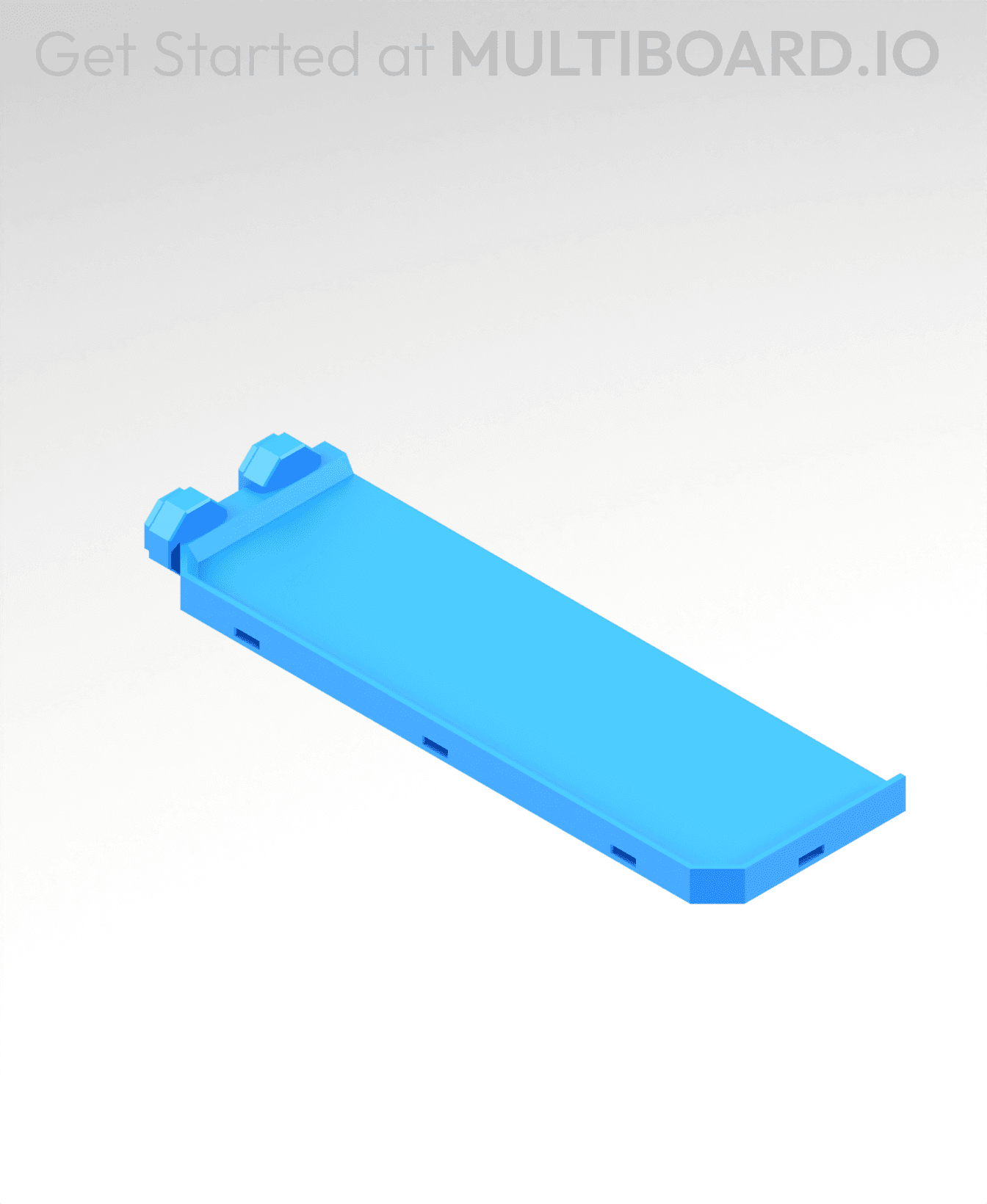
2x6 MU - Left Support End - Modular Bolt-Locked Shelf

8x8 MU - Center - Modular Bolt-Locked Shelf

2x4 MU - Right Support End - Modular Bolt-Locked Shelf

4x6 MU - Center - Modular Bolt-Locked Shelf

2x8 MU - Left Support End - Modular Bolt-Locked Shelf
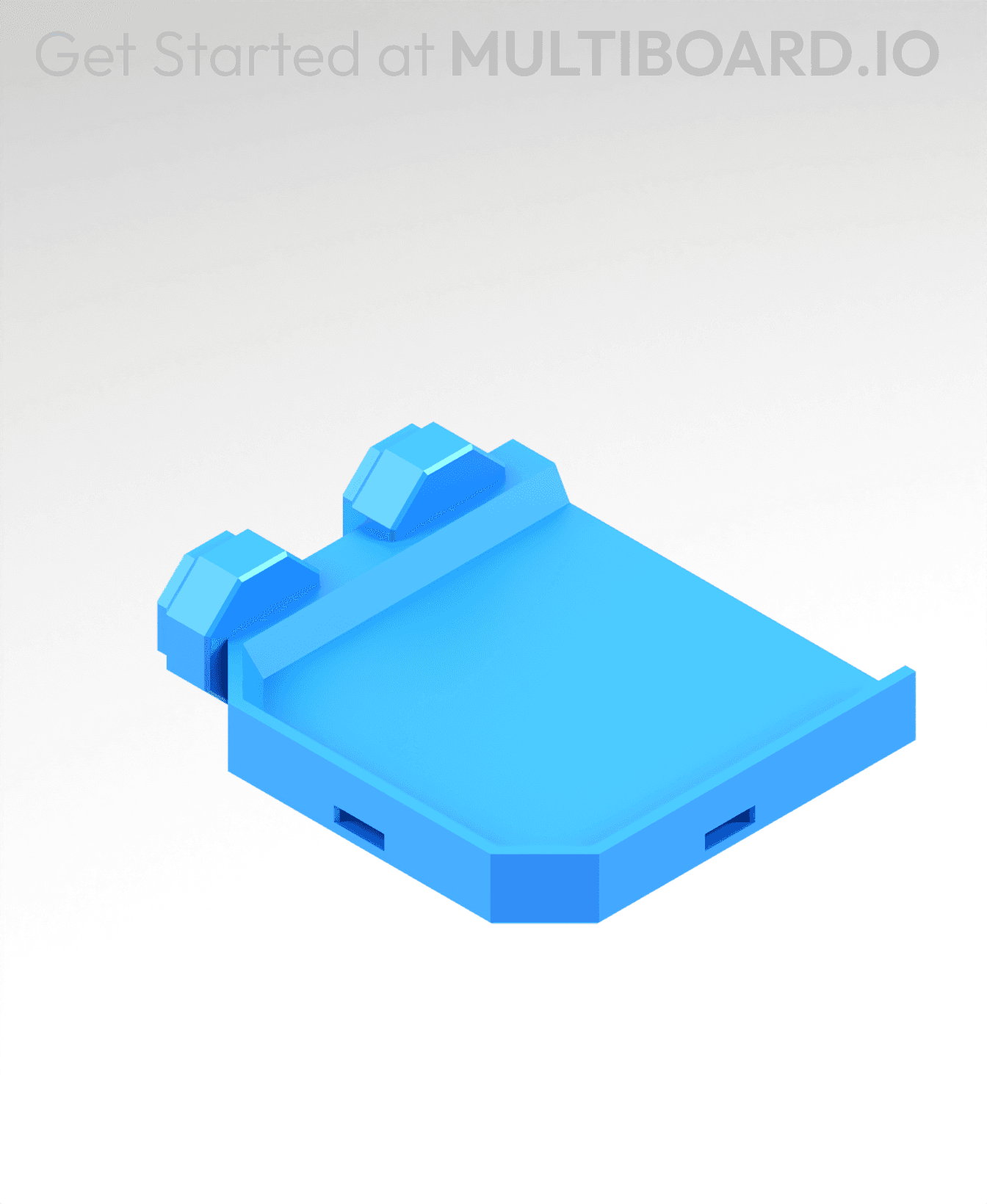
2x2 MU - Left Support End - Modular Bolt-Locked Shelf

8x2 MU - Center - Modular Bolt-Locked Shelf

8x4 MU - Center - Modular Bolt-Locked Shelf
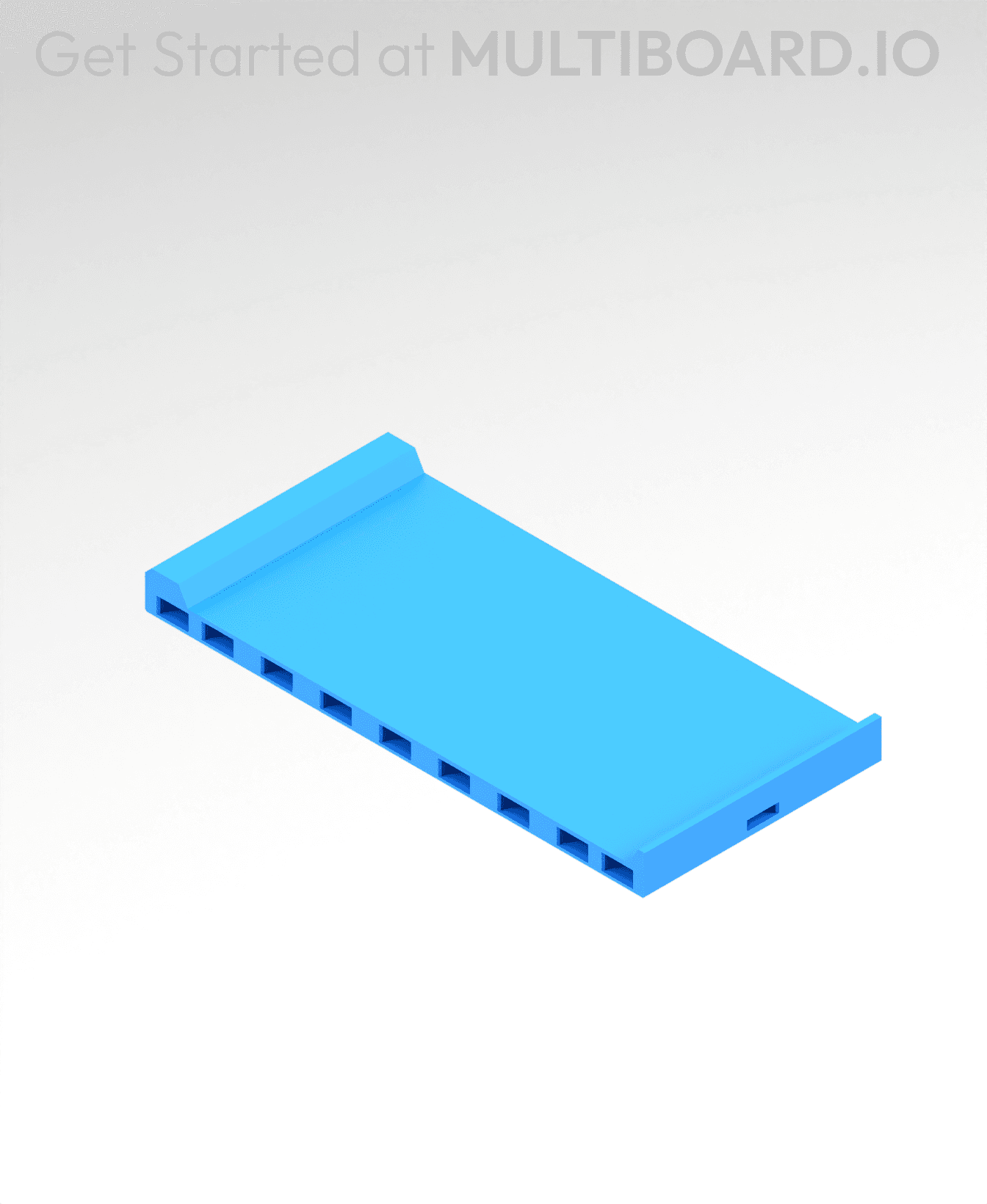
2x4 MU - Center - Modular Bolt-Locked Shelf

2x8 MU - Right Support End - Modular Bolt-Locked Shelf

8x6 MU - Center - Modular Bolt-Locked Shelf

2x8 MU - Center Support - Modular Bolt-Locked Shelf

Extremly usefull if you are using the pillars for mounting
You can also just stick it on the panel, and then screw it on. Super easy.
How on earth are you supposed to put the parts together??
I struggled with this too, some of tricks that helped. Look at image 2—see the tiny grooves on parts 1 and 2 at the bottom? They’re ridiculously small, but the order matters. Once those are seated correctly, make sure all the screw threads line up—like in the photo. I used a lighted magnifier, which made a huge difference. After that, I wrapped a rubber band around everything to hold it together while tightening. Let me know if that gets you over the hump.
Assembling these are pretty easy: Just click the onto a tile and screw the cap on - it takes a little practice to make the thread engage though. In my case I can not screw the cam completely onto the thread, but that does not seem to matter.