.png&w=3840&q=85)
.png&w=256&q=75)
.png&w=256&q=75)
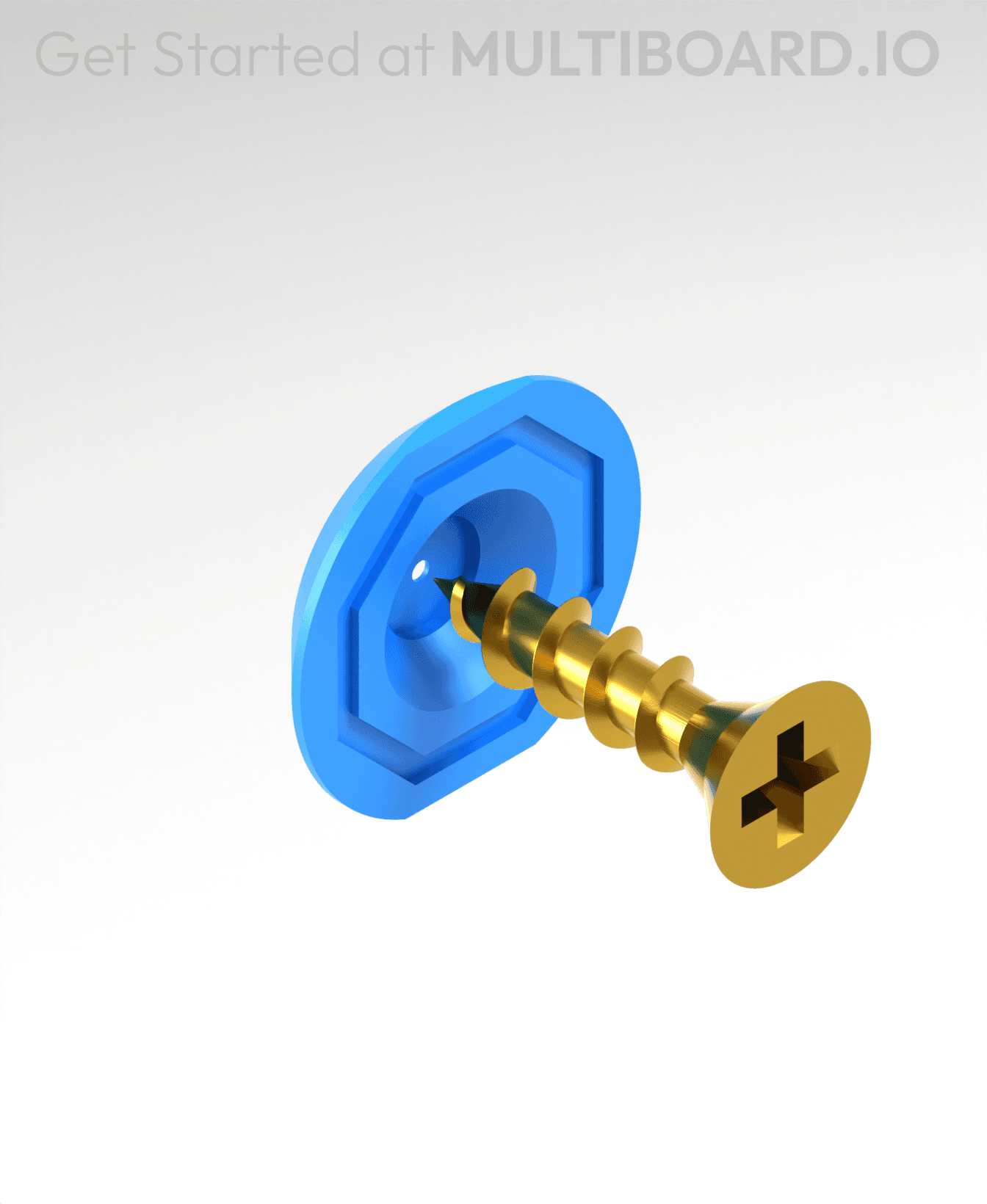
Locking Bolt (Supported)
4.9K downloads · 8 months ago · Use the Locking Bolt to secure your board onto the Bolt-Lock Mounts. Screw them into place using a c
This model is restricted by licensing terms.
View license.
Use the Locking Bolt to secure your board onto the Bolt-Lock Mounts. Screw them into place using a coin.
Printing Guidelines:
Use 3 perimeter wall thickness, 0.2 mm layer height, 15% infill, and no supports. Apart from that, use your printer's default settings.
The printing orientation is as provided in the file. Make sure the downloaded files are .STL. This part has been designed with a tolerance of 0.25 mm. Your printer will need to be able to bridge gaps of up to 30 mm for some designs.
This object is part of Multiboard, a FREE and ridiculously modular organization system with thousands of parts, for creating the most adaptable workspace possible. Learn more and find ALL the parts at https://multiboard.io

Locking Bolt (Supported)
4.9K downloads · 8 months ago in
This model is restricted by licensing terms.
View license.
Fix Point to Countersink Adapter

Flush - Small Hole Center Marking Tool
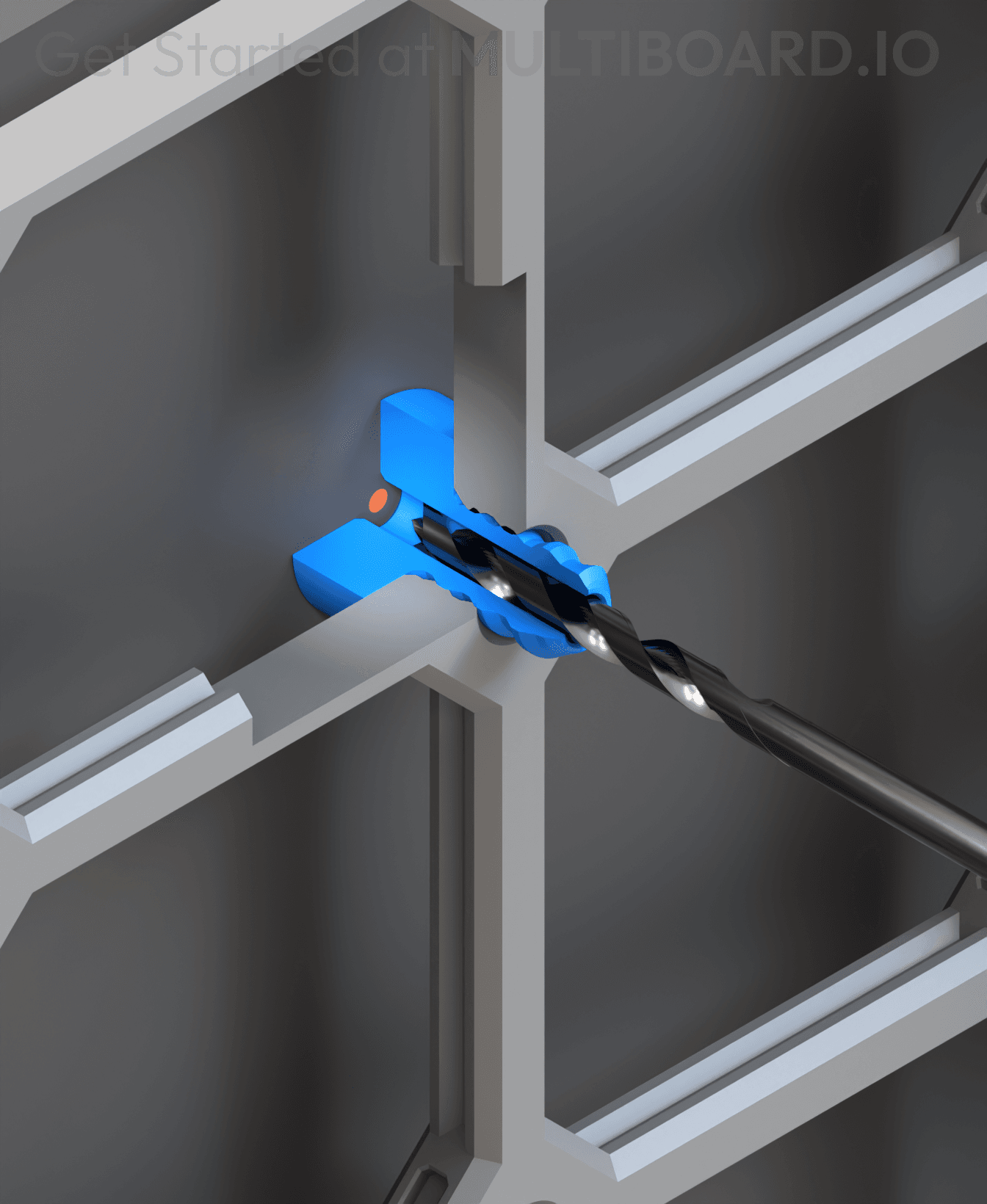
6.25 Offset - Small Hole Center Marking Tool
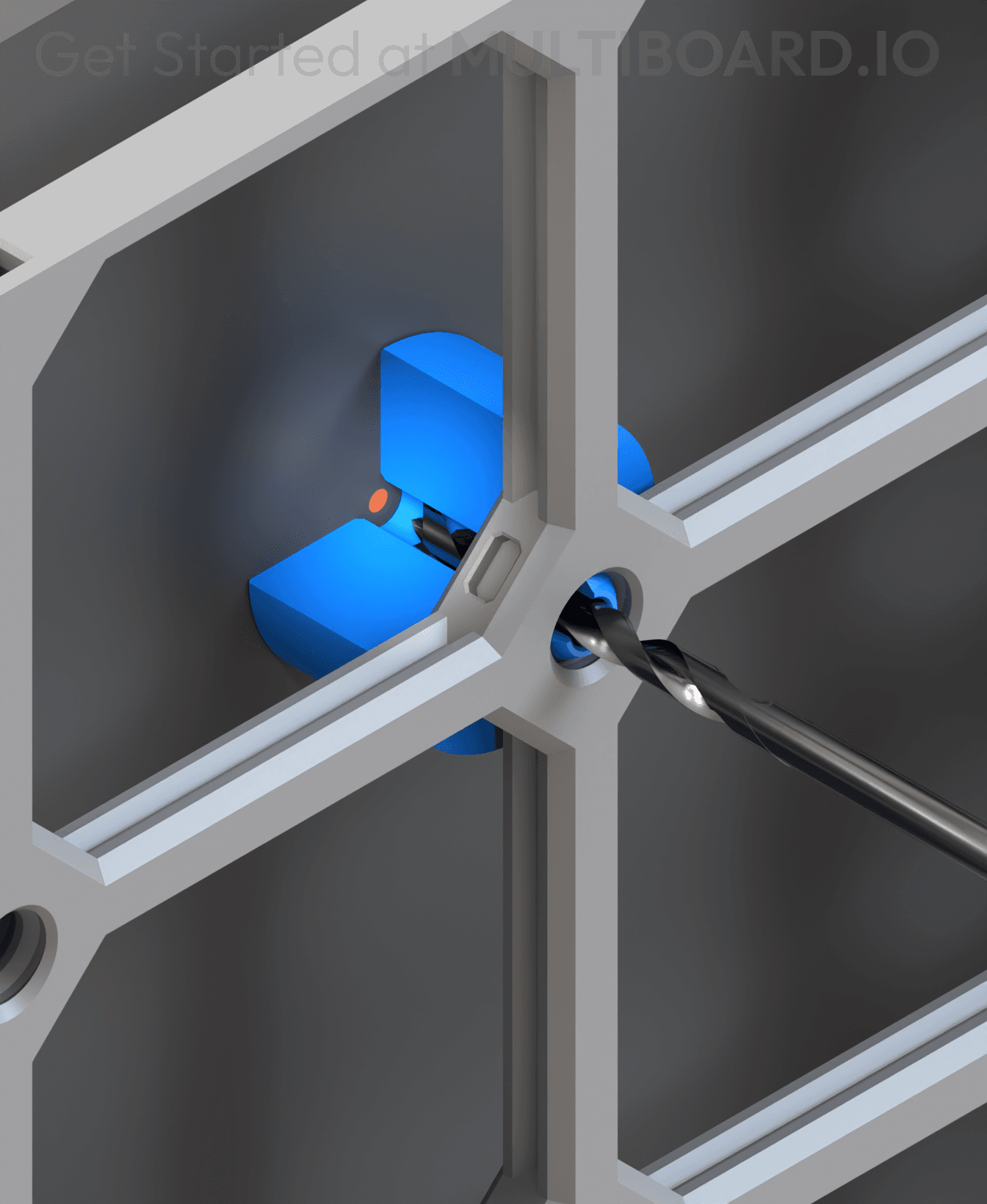
12.5 Offset - Small Hole Center Marking Tool
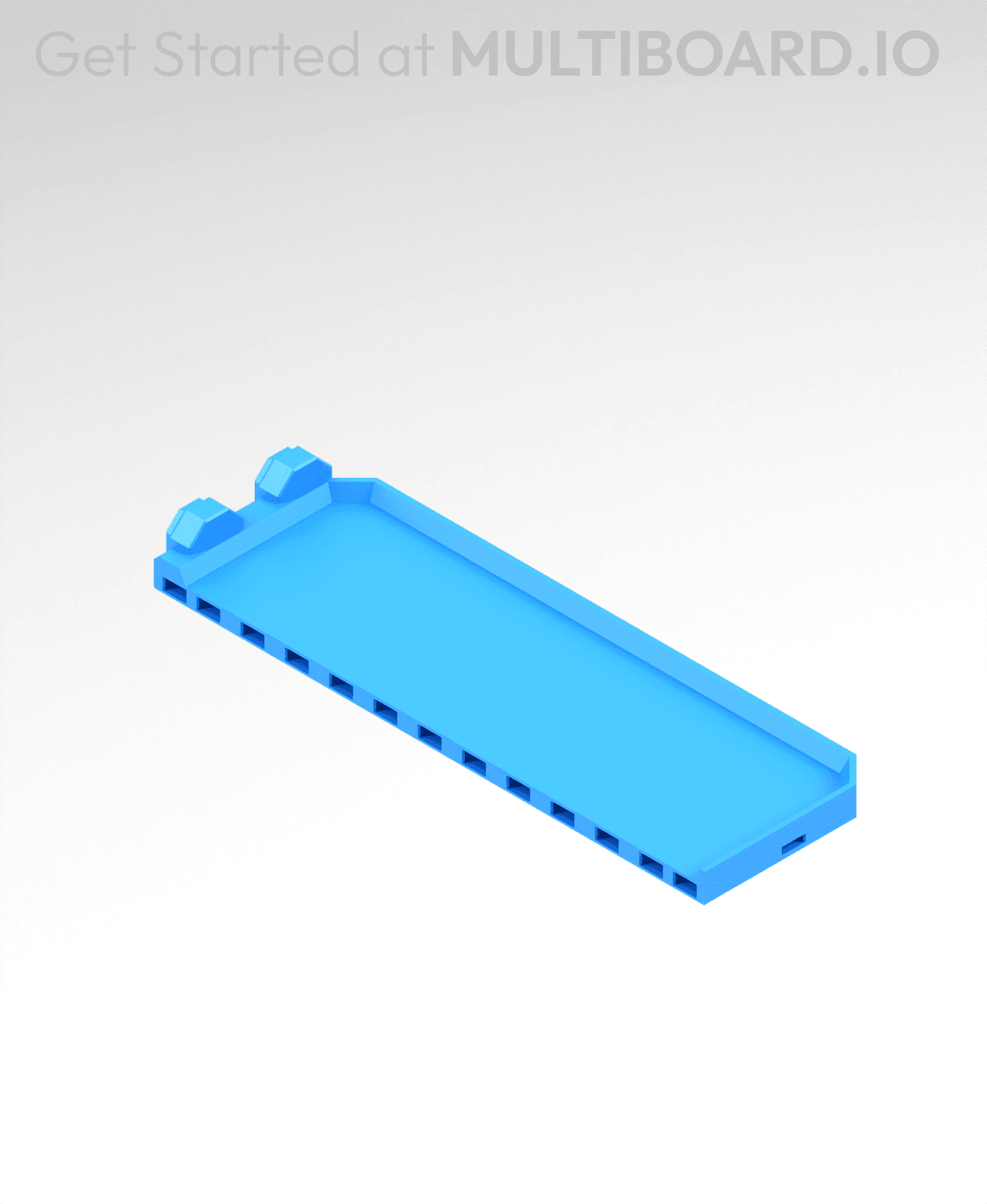
2x6 MU - Right Support End - Modular Bolt-Locked Shelf

4x8 MU - Center - Modular Bolt-Locked Shelf

2x2 MU - Right Support End - Modular Bolt-Locked Shelf
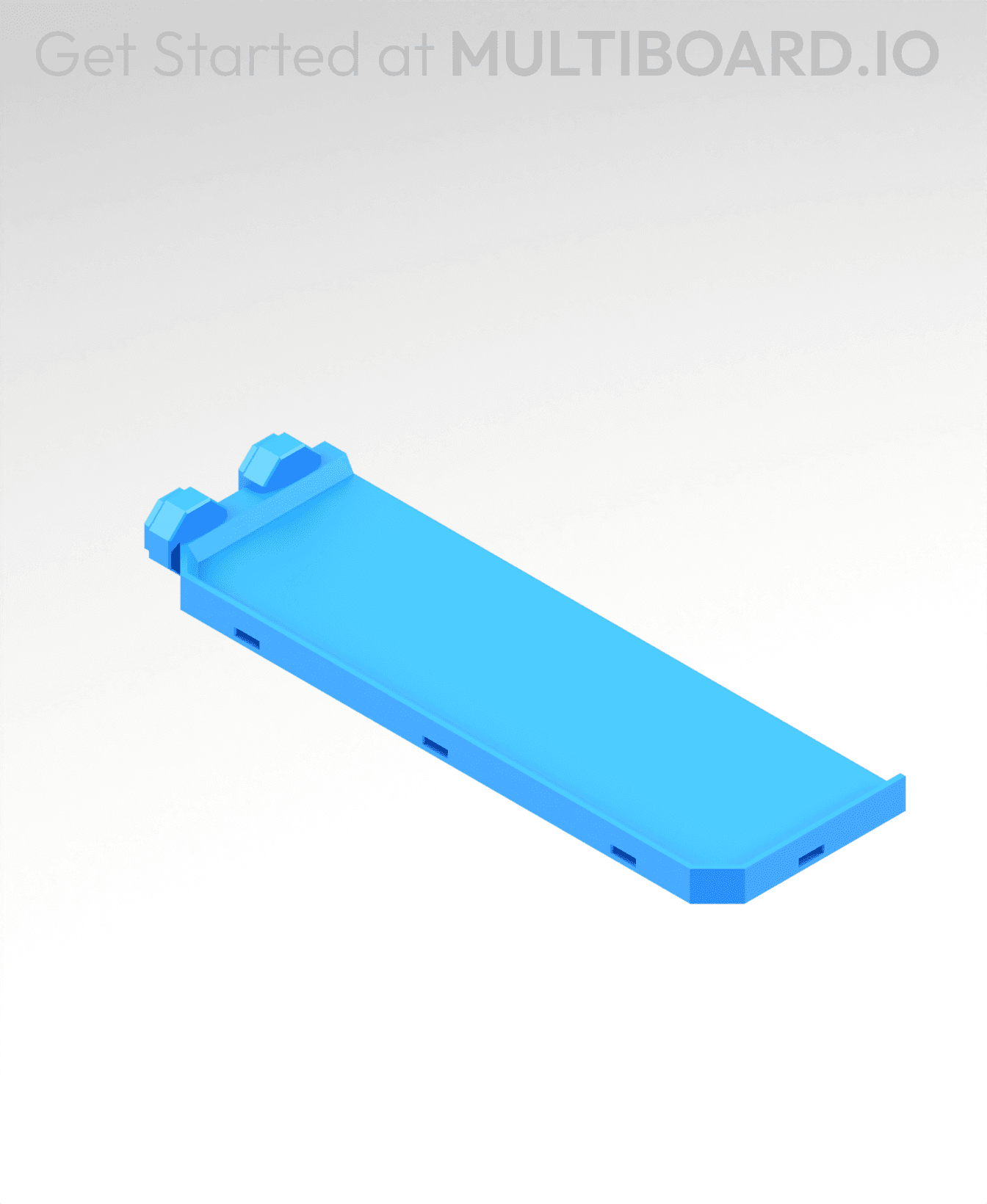
2x6 MU - Left Support End - Modular Bolt-Locked Shelf

8x8 MU - Center - Modular Bolt-Locked Shelf

2x4 MU - Right Support End - Modular Bolt-Locked Shelf

4x6 MU - Center - Modular Bolt-Locked Shelf

2x8 MU - Left Support End - Modular Bolt-Locked Shelf
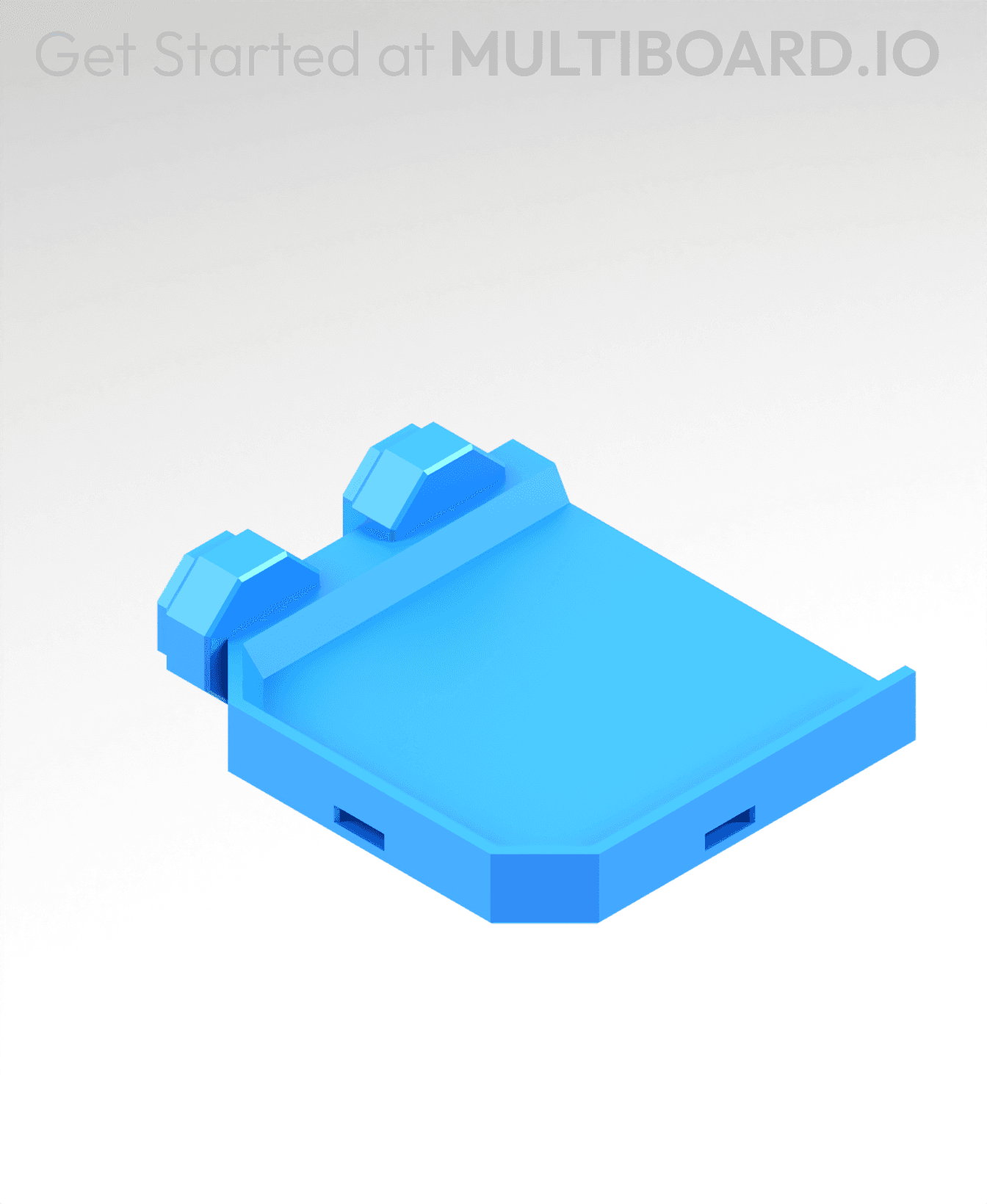
2x2 MU - Left Support End - Modular Bolt-Locked Shelf

8x2 MU - Center - Modular Bolt-Locked Shelf

8x4 MU - Center - Modular Bolt-Locked Shelf
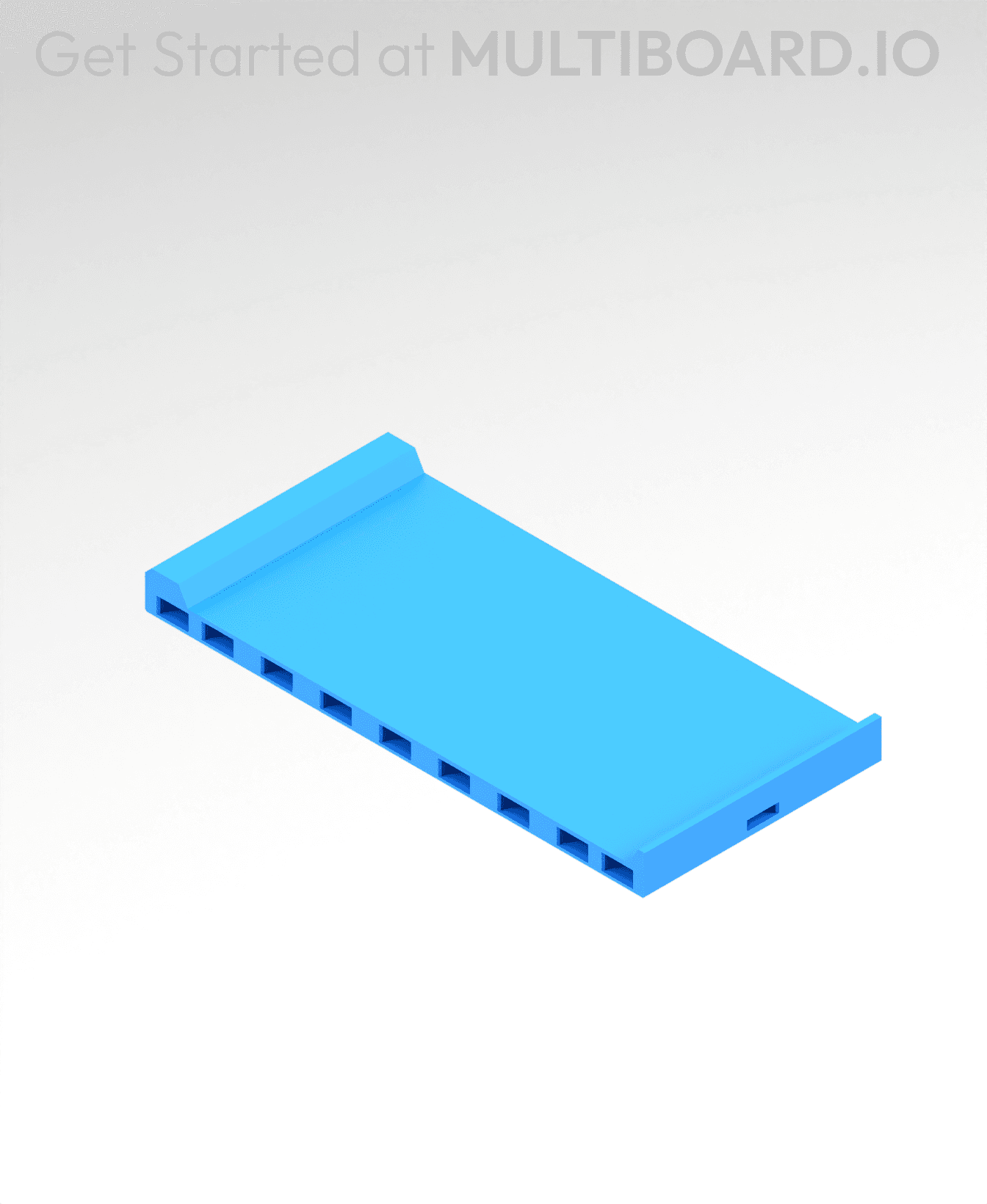
2x4 MU - Center - Modular Bolt-Locked Shelf

2x8 MU - Right Support End - Modular Bolt-Locked Shelf

8x6 MU - Center - Modular Bolt-Locked Shelf

2x8 MU - Center Support - Modular Bolt-Locked Shelf

Where is long version of it?
The pseudo support fuses to the bolt, I can't get them apart. Are we meant to use a different material to make it easier to pull apart?
I can't seperate the support.
No matter what I do, this print keeps failing for me, the start of the screwhead never sticks to the print plate... I tried with no cooling from aux fan, just 2 parts or more, nothing works on my P2S... Maybe anyone can explain to me, how u print it?
not a bad idea to look into your z-offset. good call on turning off the aux fan tho