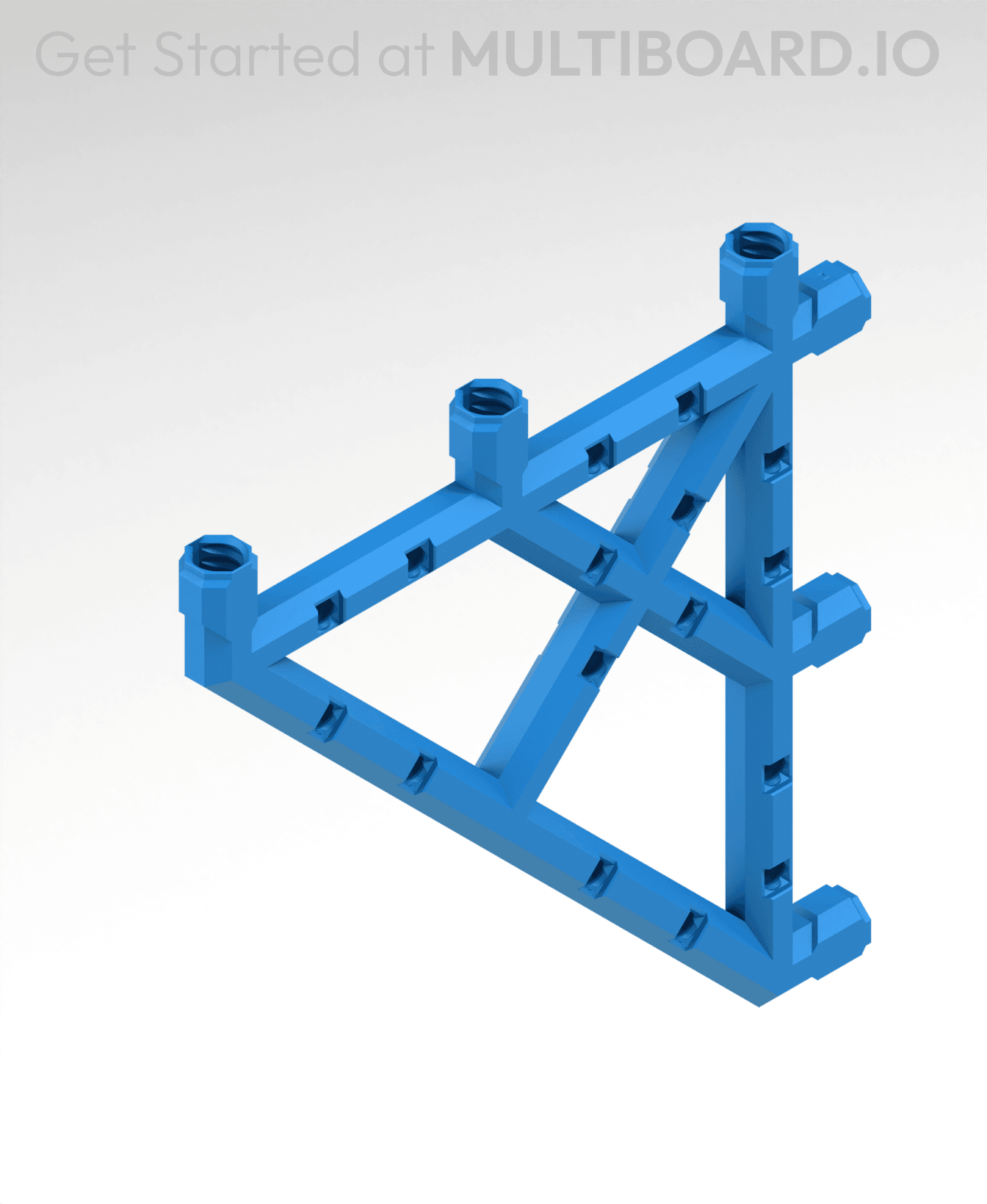


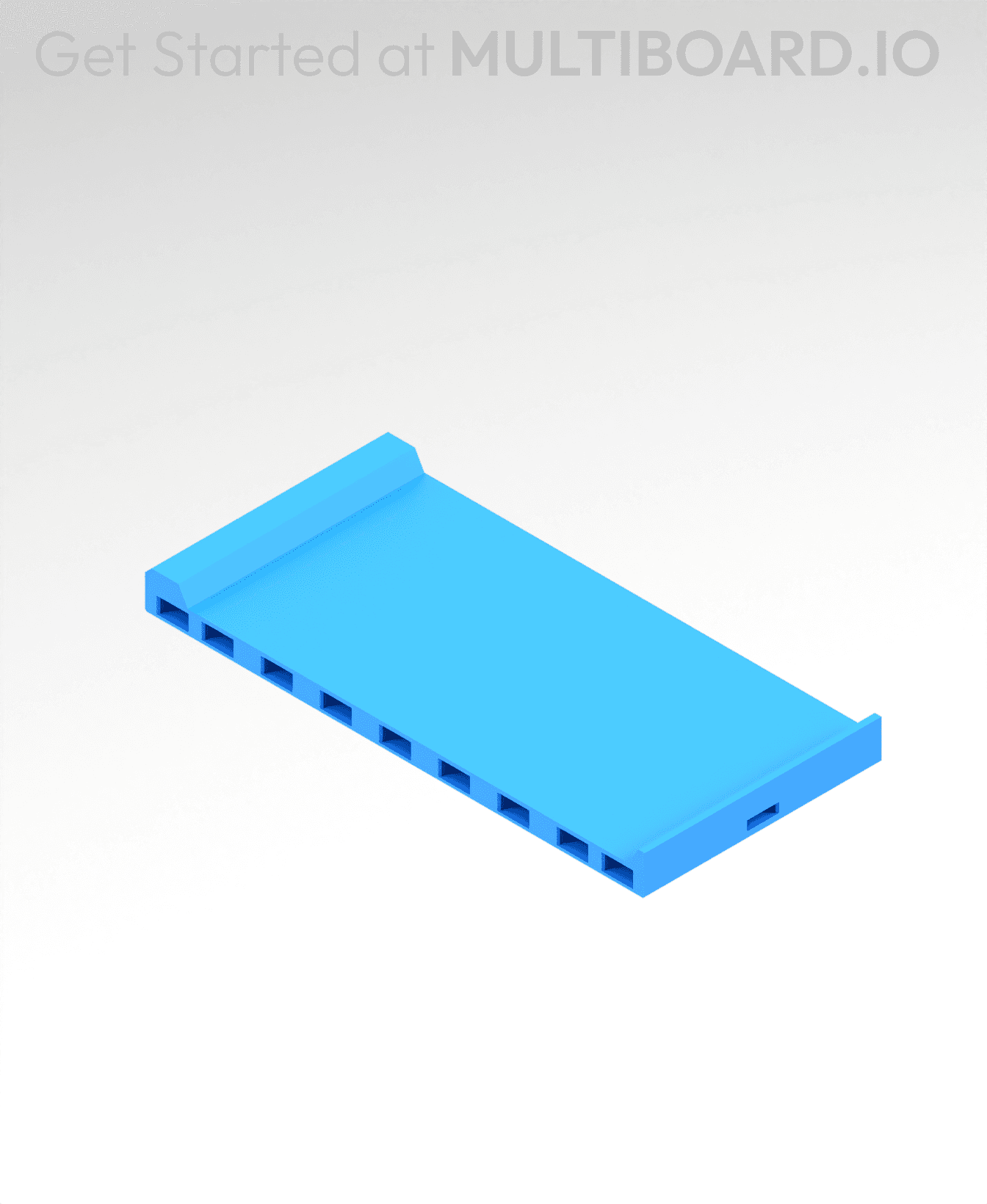
7x7 MU Bracket - Bolt-Locked Inserts
Connect these brackets to your tiles using Multiboard Snaps (use a Weight-Bearing Snap at the top), and lock into place using Locking Bolts.
Brackets can hold another Tile, a Multibin Base Plate, or a Tray:
-
Holding a Tile: Connect your Bracket and Tile together using Snaps (facing down). Then lock using Locking Bolts.
-
Holding a Base Plate: Place the Base Plate on the brackets and lock using Locking Bolts.
-
Holding a Tray: To hold a Tray, use Bracket-Multipoint Joins, you will also need a Multipoint and a Locking Bolt.
Printing Guidelines:
The printing orientation is as provided in the file. The print has been designed to be “3 wall perimeters” in wall thickness. Printed at a layout height of 0.2 mm. It doesn't need printing supports. Use the default 15% infill. This part has been designed with a tolerance of 0.25 mm. Your printer will need to be able to bridge gaps of up to 30 mm for some designs.
This object is part of Multiboard, a FREE and ridiculously modular organization system with thousands of parts, for creating the most adaptable workspace possible. Learn more and find ALL the parts at https://multiboard.io
7x7 MU Bracket - Bolt-Locked Inserts
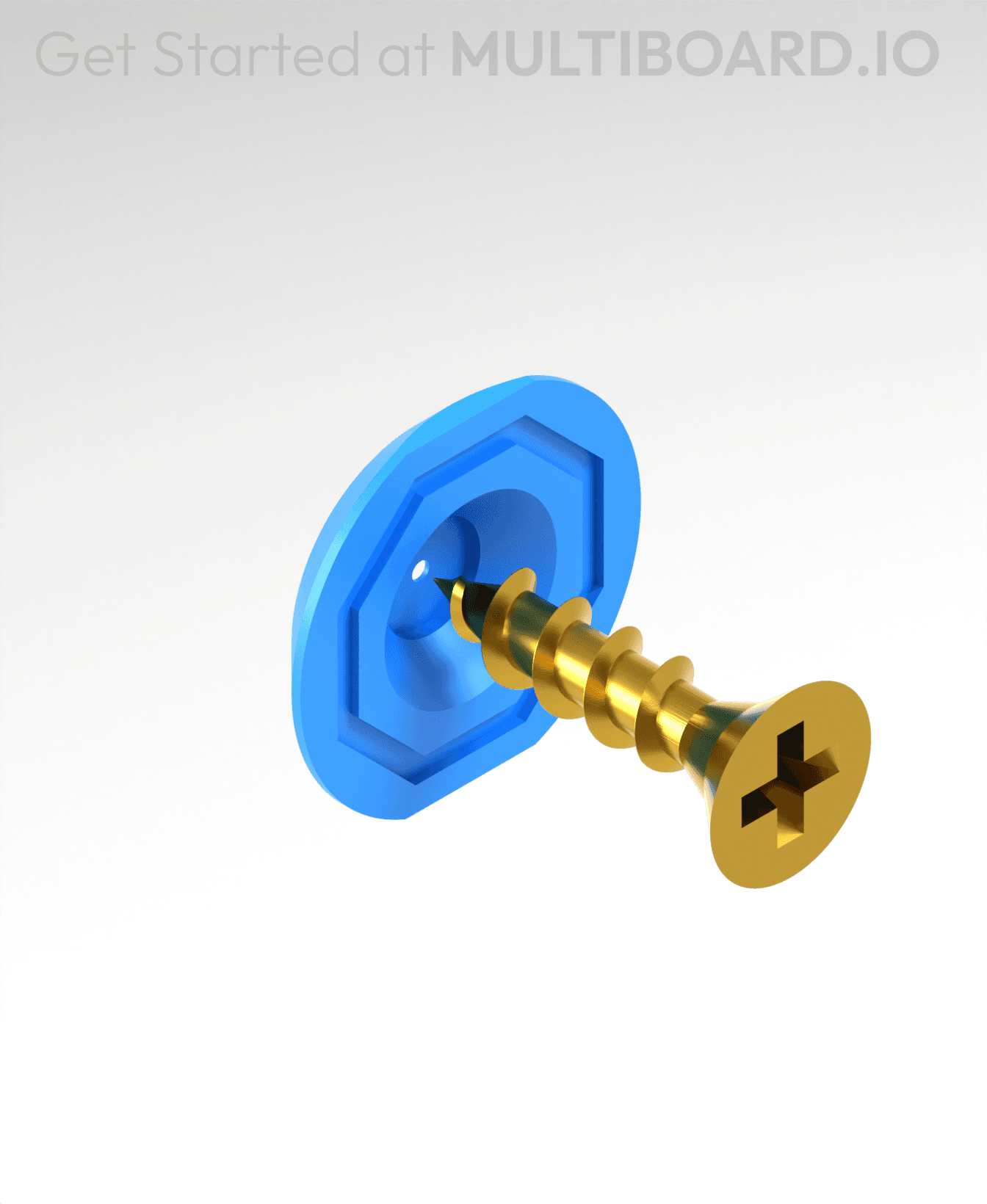
Fix Point to Countersink Adapter

Flush - Small Hole Center Marking Tool
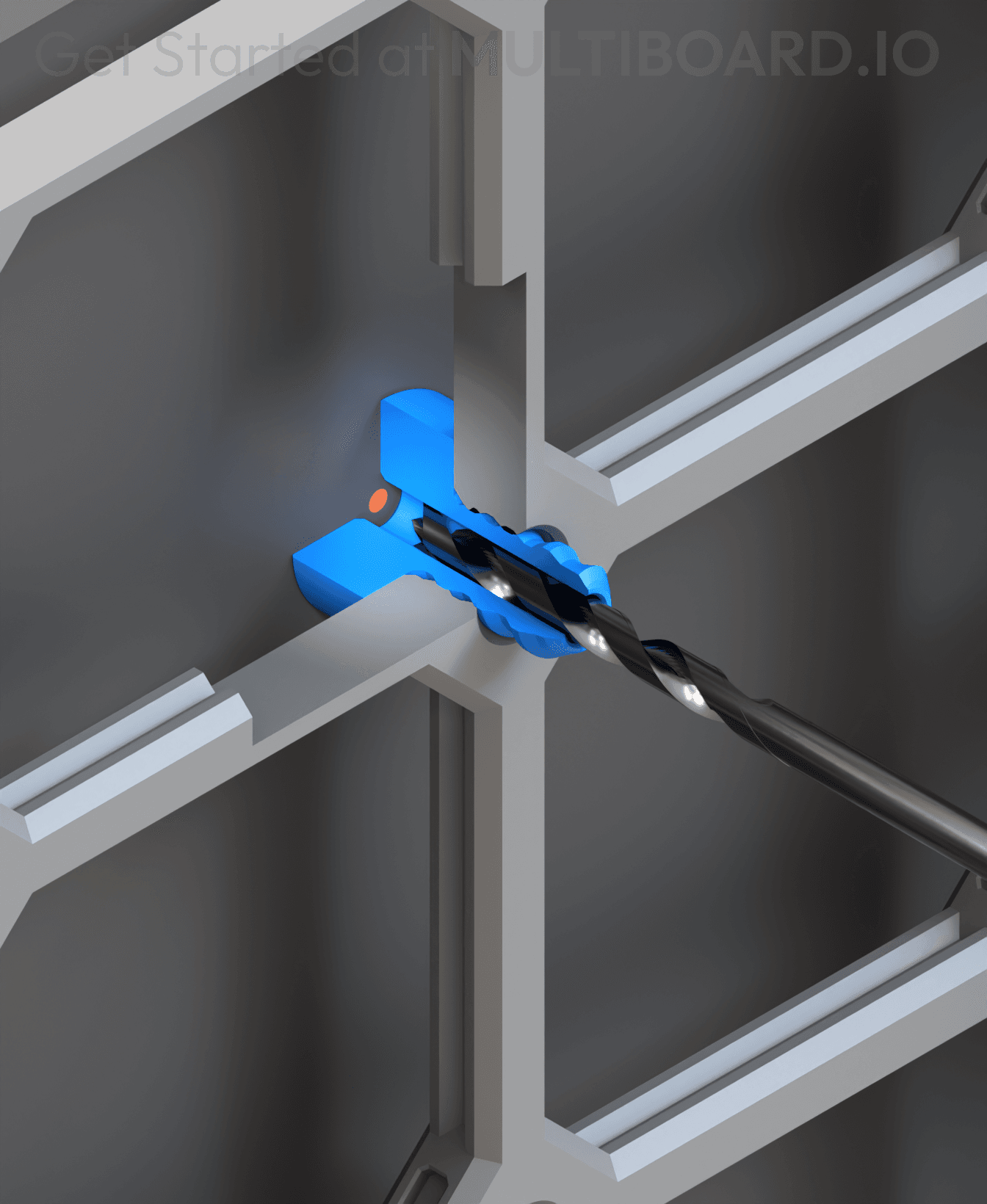
6.25 Offset - Small Hole Center Marking Tool
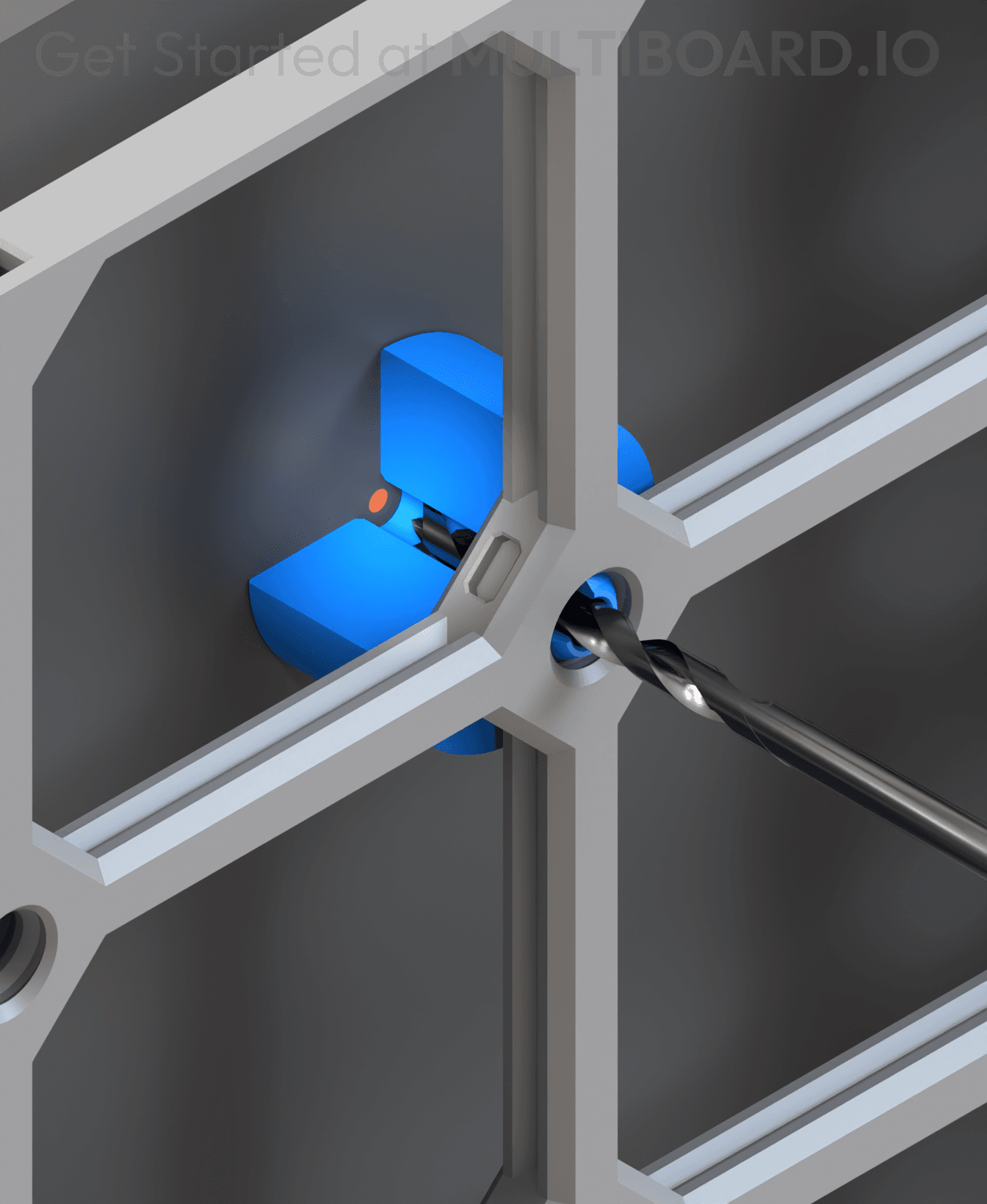
12.5 Offset - Small Hole Center Marking Tool
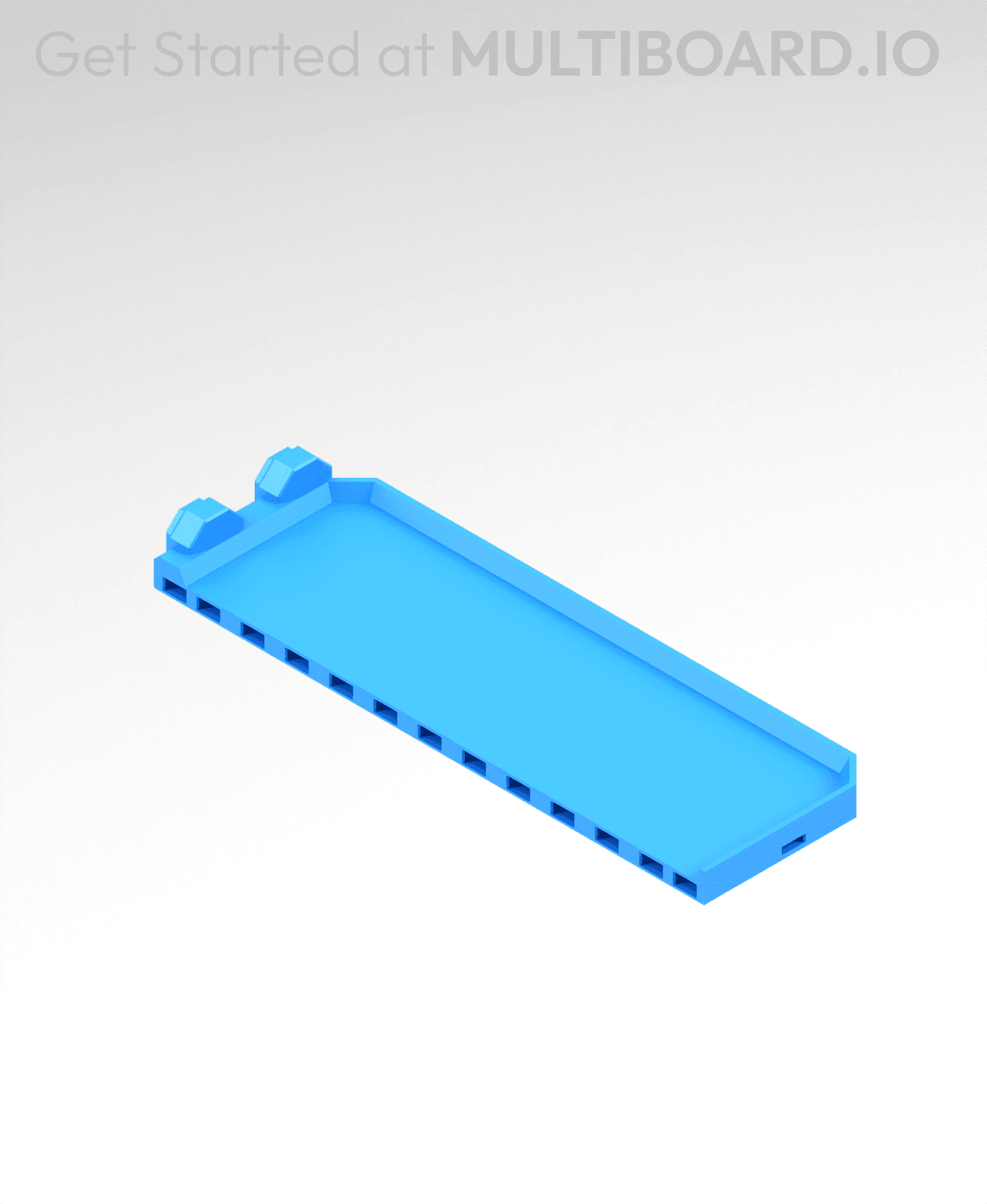
2x6 MU - Right Support End - Modular Bolt-Locked Shelf

4x8 MU - Center - Modular Bolt-Locked Shelf

2x2 MU - Right Support End - Modular Bolt-Locked Shelf
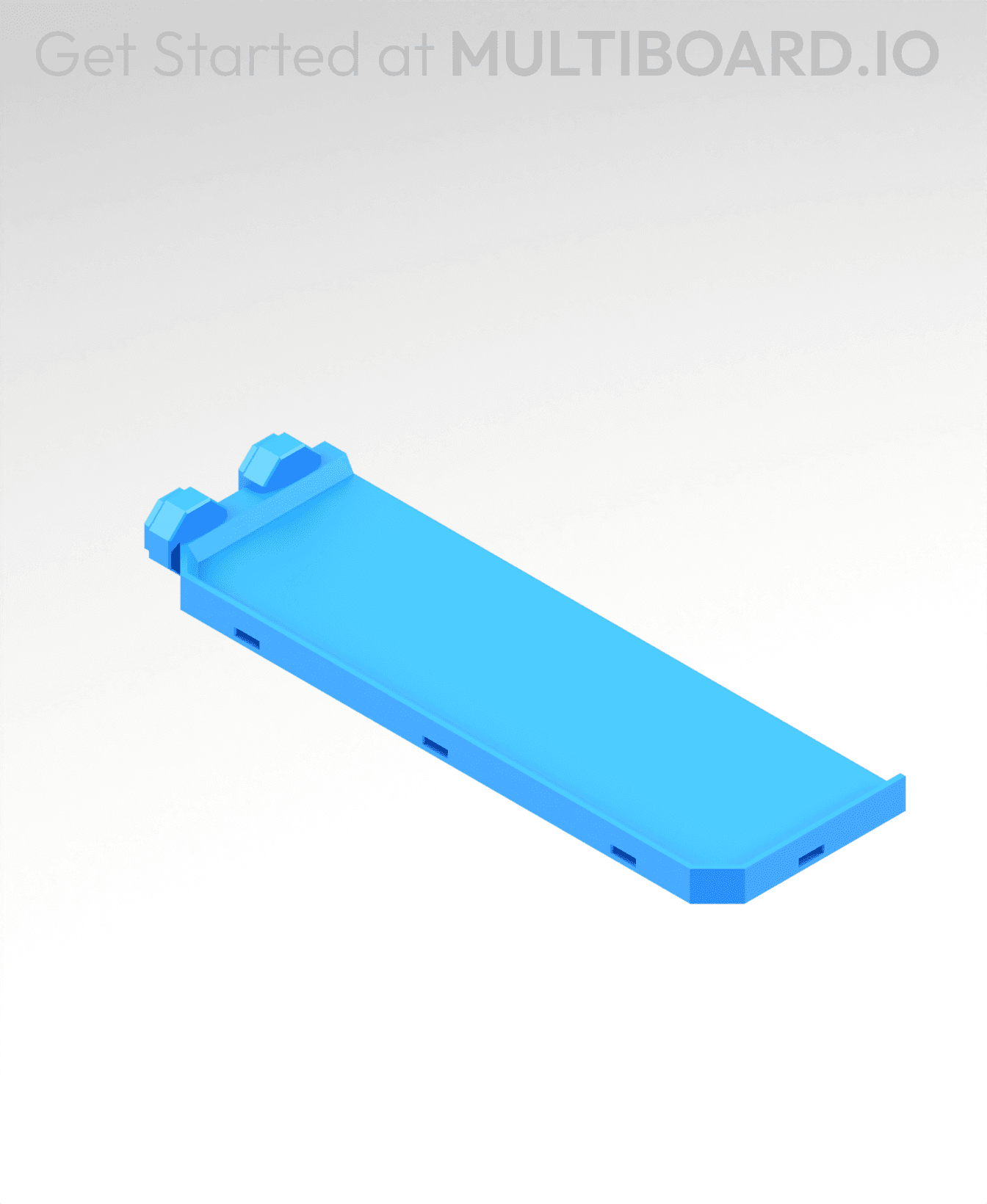
2x6 MU - Left Support End - Modular Bolt-Locked Shelf

8x8 MU - Center - Modular Bolt-Locked Shelf

2x4 MU - Right Support End - Modular Bolt-Locked Shelf

4x6 MU - Center - Modular Bolt-Locked Shelf

2x8 MU - Left Support End - Modular Bolt-Locked Shelf
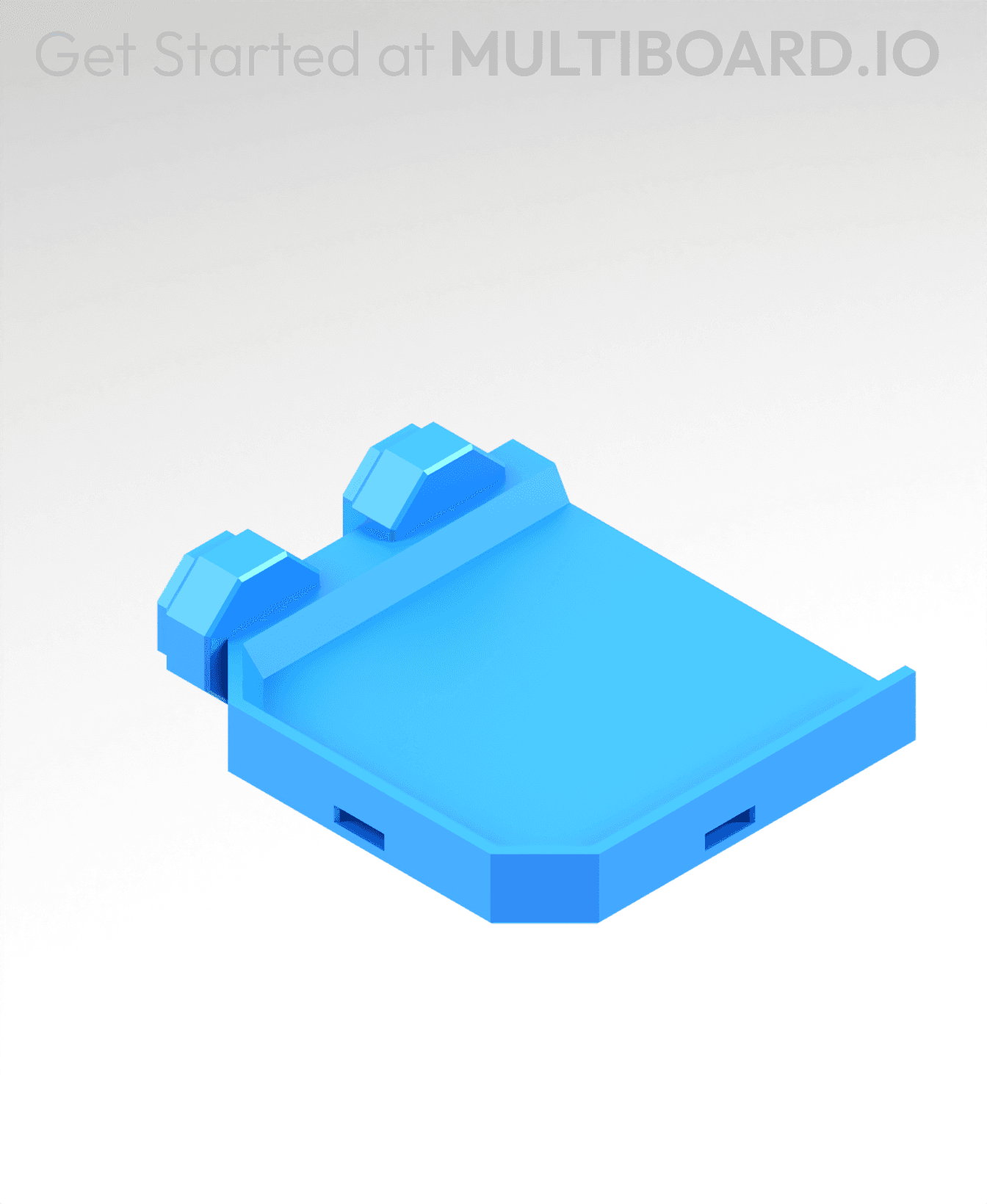
2x2 MU - Left Support End - Modular Bolt-Locked Shelf

8x2 MU - Center - Modular Bolt-Locked Shelf

8x4 MU - Center - Modular Bolt-Locked Shelf
2x4 MU - Center - Modular Bolt-Locked Shelf

2x8 MU - Right Support End - Modular Bolt-Locked Shelf

8x6 MU - Center - Modular Bolt-Locked Shelf

2x8 MU - Center Support - Modular Bolt-Locked Shelf

are these old style ? Ive been having trouble finding the correct obj to bolt lock it with. tried t bolts and multiconnect
There seems to be something wrong with either the bracket or the bolt (I think it’s the bracket)…if you shrink the bolts down to 97-98% they seem to fit and work fine.
I’ve found that the bolts do work in some of my other parts though which leads me to believe this is a bracket design issue…
same...what bolt do i use?????