.png&w=3840&q=85)
.png&w=256&q=75)

.png&w=256&q=75)
.png&w=256&q=75)
.png&w=256&q=75)

.png&w=256&q=75)
.png&w=256&q=75)


Square Frames | Snap-Together
5.2K downloads · 1 year ago · Designed for our [**3D Map Collection**](https://thangs.com/designer/micropolitan).
- Check out ou
Designed for our 3D Map Collection.
- Check out our Citiles & Stadiums List for models we recommend for these frames.
- Commecial licenses available now! Use code SAVE20 for 20% off your first month!
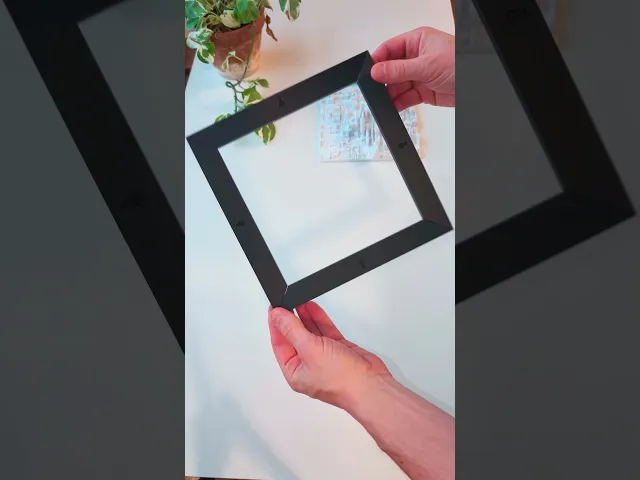
This frame is printed as four members that snap together with the printed inserts. Features:
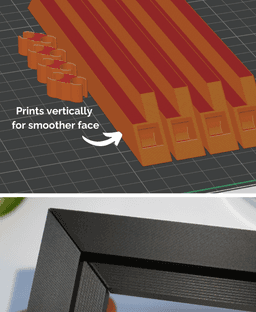
- Smoother top surface by printing the frame members on their edges.
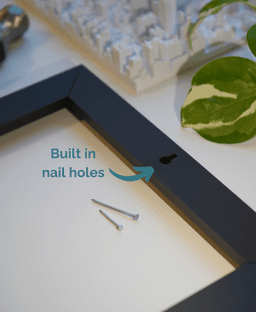
- Built-in nail holes for wall hanging.
- Fast prints using minimal material.
- Larger possible sizes. Frame members can be oriented diagonally on the build plate, allowing for larger frame and 3D map sizes.
- Multiple profiles and textures (coming soon).
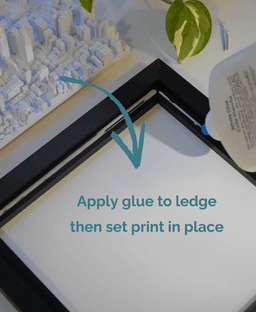
Steps: 1. Identify your 3D Map size (X and Y dimension) 2. Scale the frame. The frames can be scaled to a custom size in the slicer using our Online Frame Scaling Calculator For example, the default frame for 180mm models is 180.2mm. To accomodate a 188mm model with a 0.2mm margin for fit, the scaling factor is 104.44%. 3. Slice, print and snap together! Add a small bead of glue to the ledge of the frame and set the 3D map inside to cure in place.


Square Frames | Snap-Together
5.2K downloads · 1 year ago in and

University of Texas - Darrell K Royal–Texas Memorial Stadium

California Golden Bears - California Memorial Stadium

Kansas State University - Bill Snyder Family Football Stadium

Ole Miss Rebels - Vaught-Hemingway Stadium

Real Madrid - Santiago Bernabéu Stadium

FC Barcelona - Camp Nou

Real Betis - Estadio Benito Villamarin

Atletico Madrid - Metropolitano Stadium

Warsaw, Poland - S, M, L, & XL
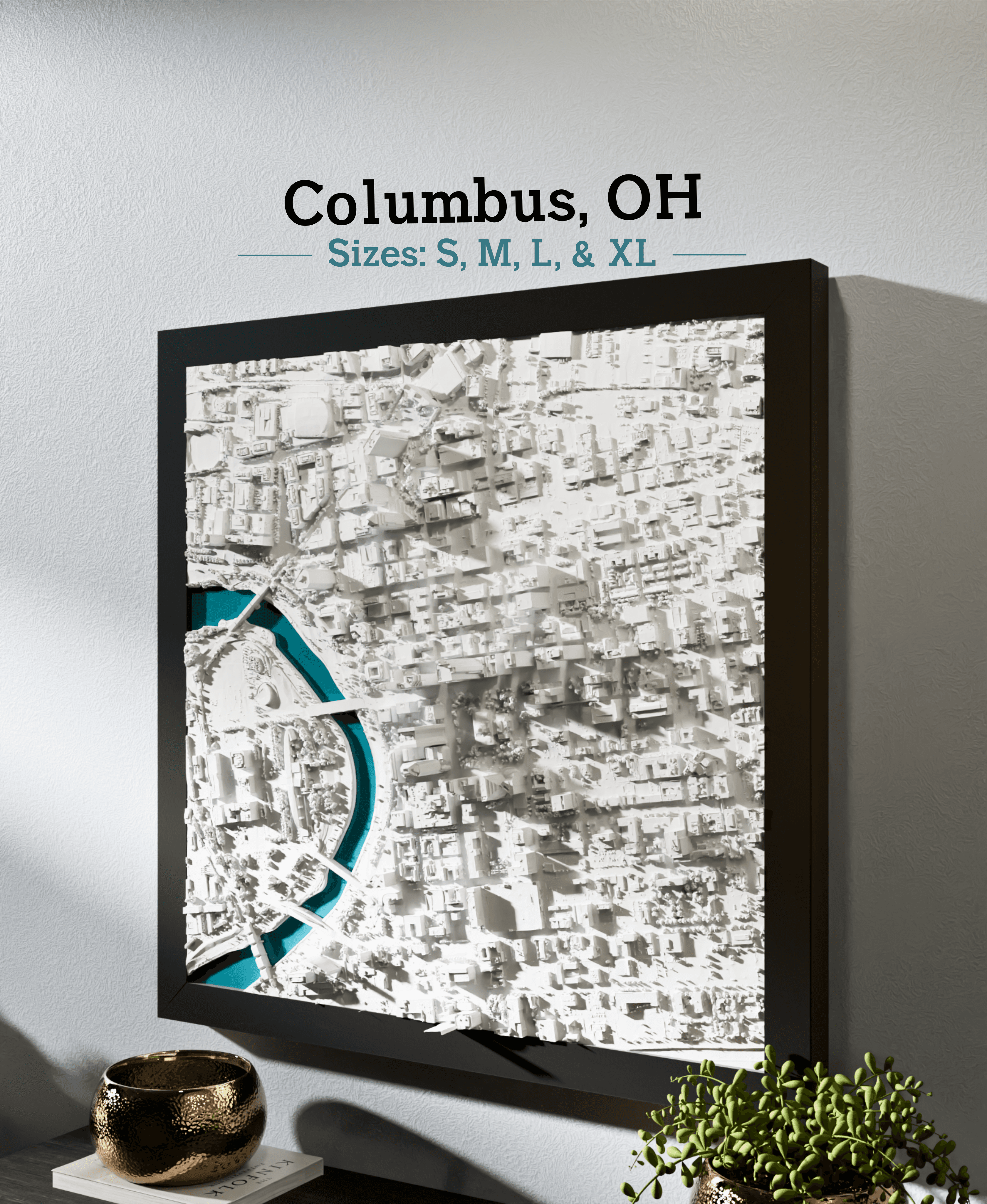
Columbus, OH - S, M, L, & XL

Canberra, Australia - S, M, L, XL

Pompeii, Italy - S, M, L, & XL

New York City - Times Square - S, M, L, & XL
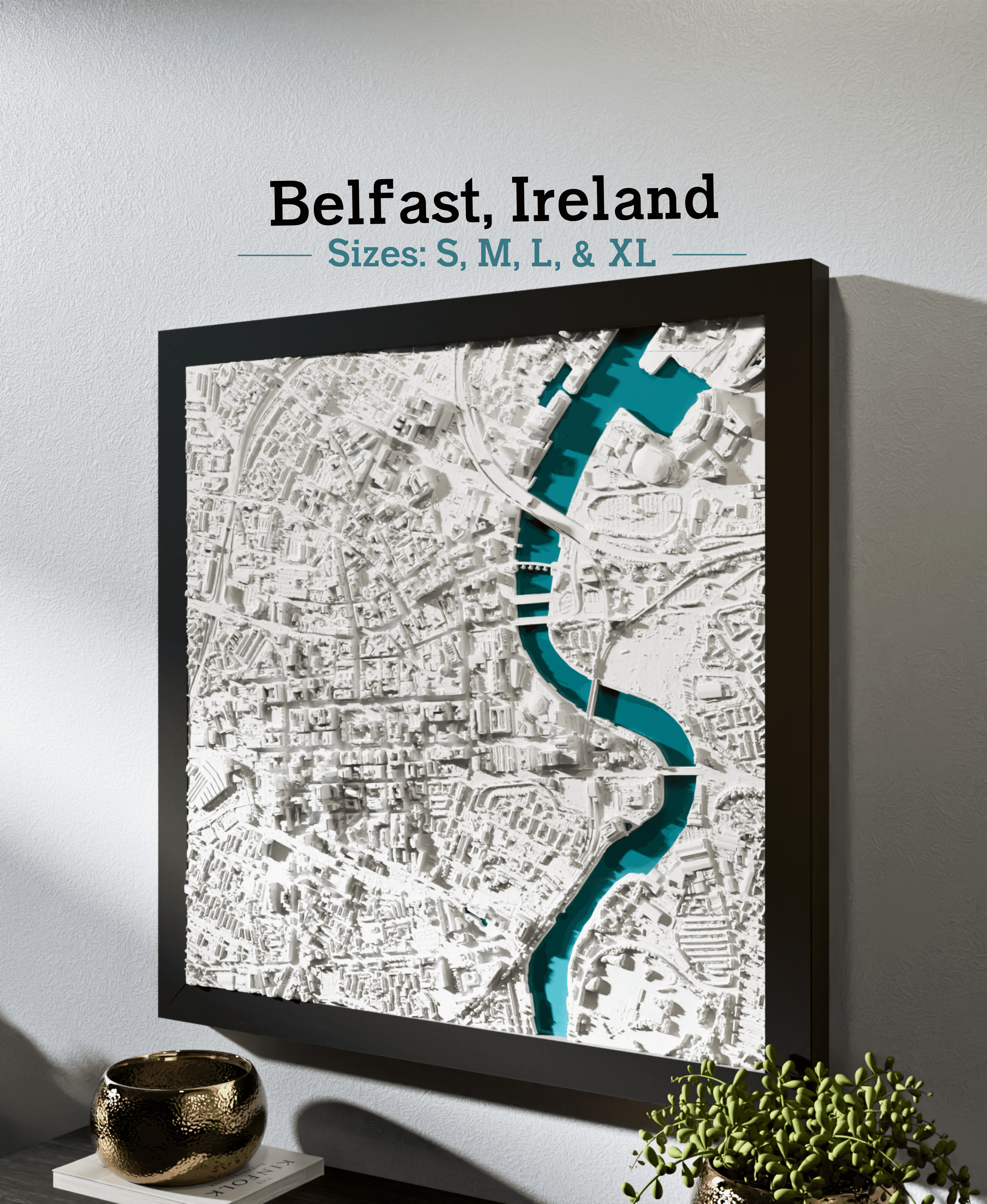
Belfast, Ireland - S, M, L, & XL
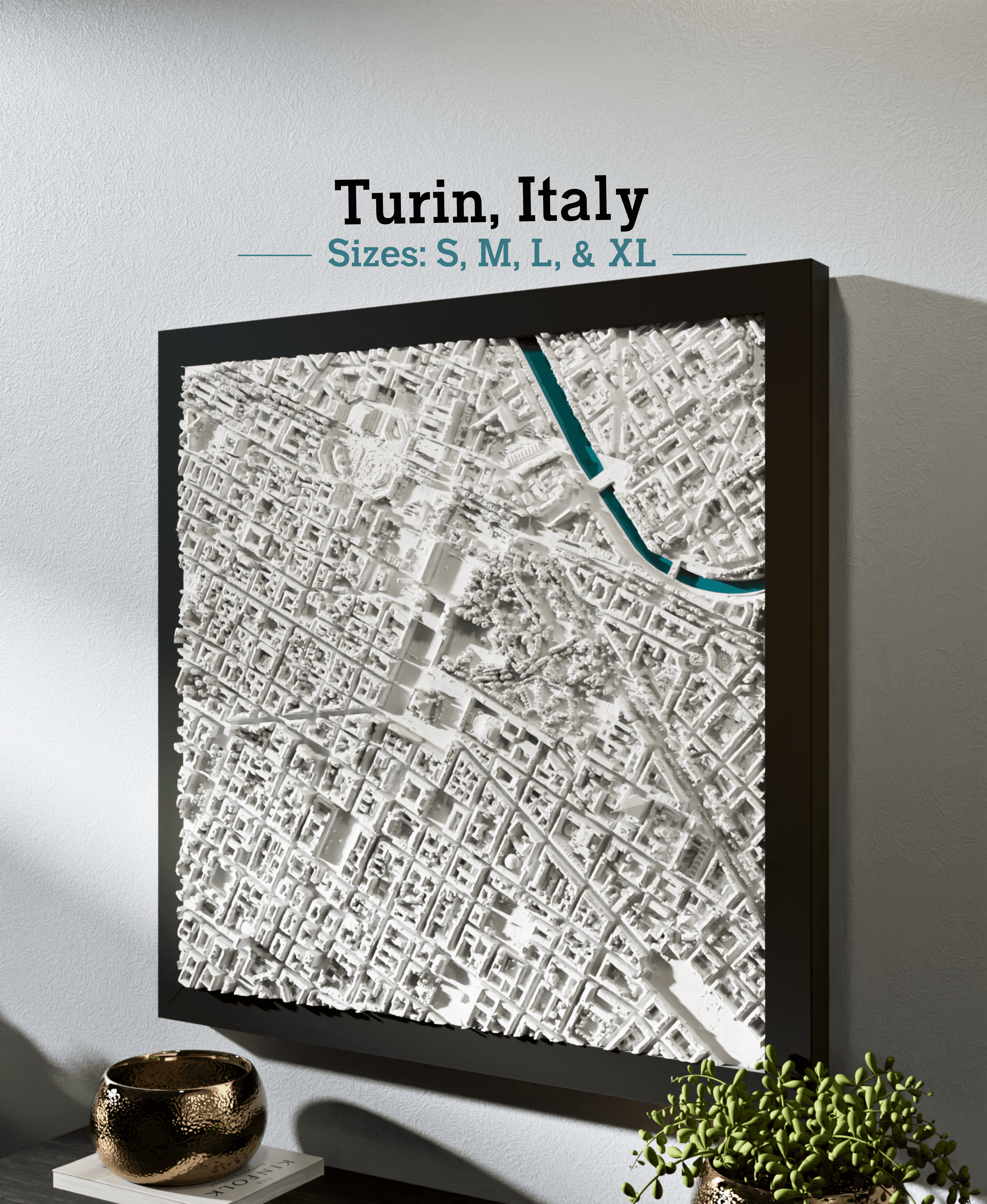
Turin, Italy - S, M, L, & XL

Orlando, FL - S, M, L, & XL

Pacific Northwest

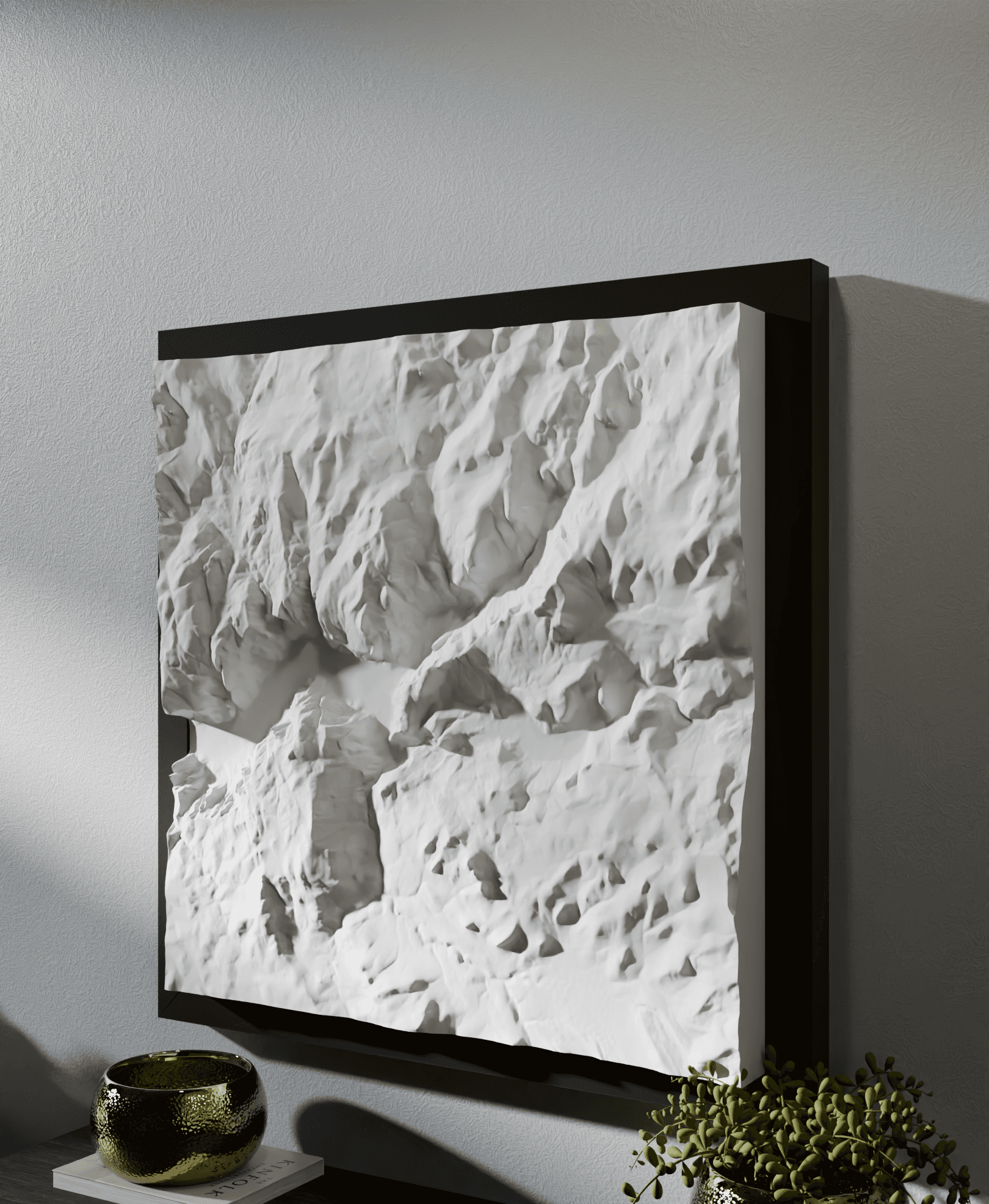
Mount Etna

Borussia Dortmund - Signal Iduna Park
These frames are a brilliant design. So clever, such a solid connection. Going to use one of those glitzy print beds to make them sparkle ;)
First, great model. Makes the topo maps even more fun to display!
Any tips for getting a tight fit on the corners? I'm finding that there is a small (but noticeable) gap at each corner. Printing using a Bambu A1 with new belts, new hotend, dry filament, etc..
This is fixed now with a flange to hide any small gaps
Hey thanks! We're working on a modified verison with a small lip that hides the through-line so any gap won't show through. For us the gaps are hidden pretty well when the frame is set on a surface or hung up so light doesn't shine through, but there might be some variation based on the filament/printer.
Fantastic! What are some nice filaments to use with this?
I used Overture Matte Black PLA. I love the matte finish to draw more attention to the artwork in the center. Black or any color that coordinates with your space would look nice!
Lambeau Field prints 241.3 mm and does not fit into the 240mm frame. I didn't scale anything. I printed as default. PLA does not expand after printing.
Is there an STL file version for this?
I have a 3d map I want to make a frame for but it's rectangular instead of square. It's got 250mm X and 180mm Y. Can I make use of your beautiful frames here?