


#gridfinity Vase Mode Single Box
Update 04/06/22 (June not April ;-) ) Now that Fusion share link is working again you can now play with the source. https://a360.co/3x9cxGR
There are a couple of parameters you can play with: slotHeight - The total height of the box, set at the default 42mm. slotsHigh - A multiple for the slotHeight. This has a minimum of 1/3 (one third) of the slotHeight. Below that the label shelf goes wonky and you start losing area of the footprint.
NOTE The final 2 operations are extrusions. Supress/Unsupress these as you like to enable or disable the split and label shelf. They have been named to suit.
Updated to V2 Gridifnity compatible vase mode single cell boxes.
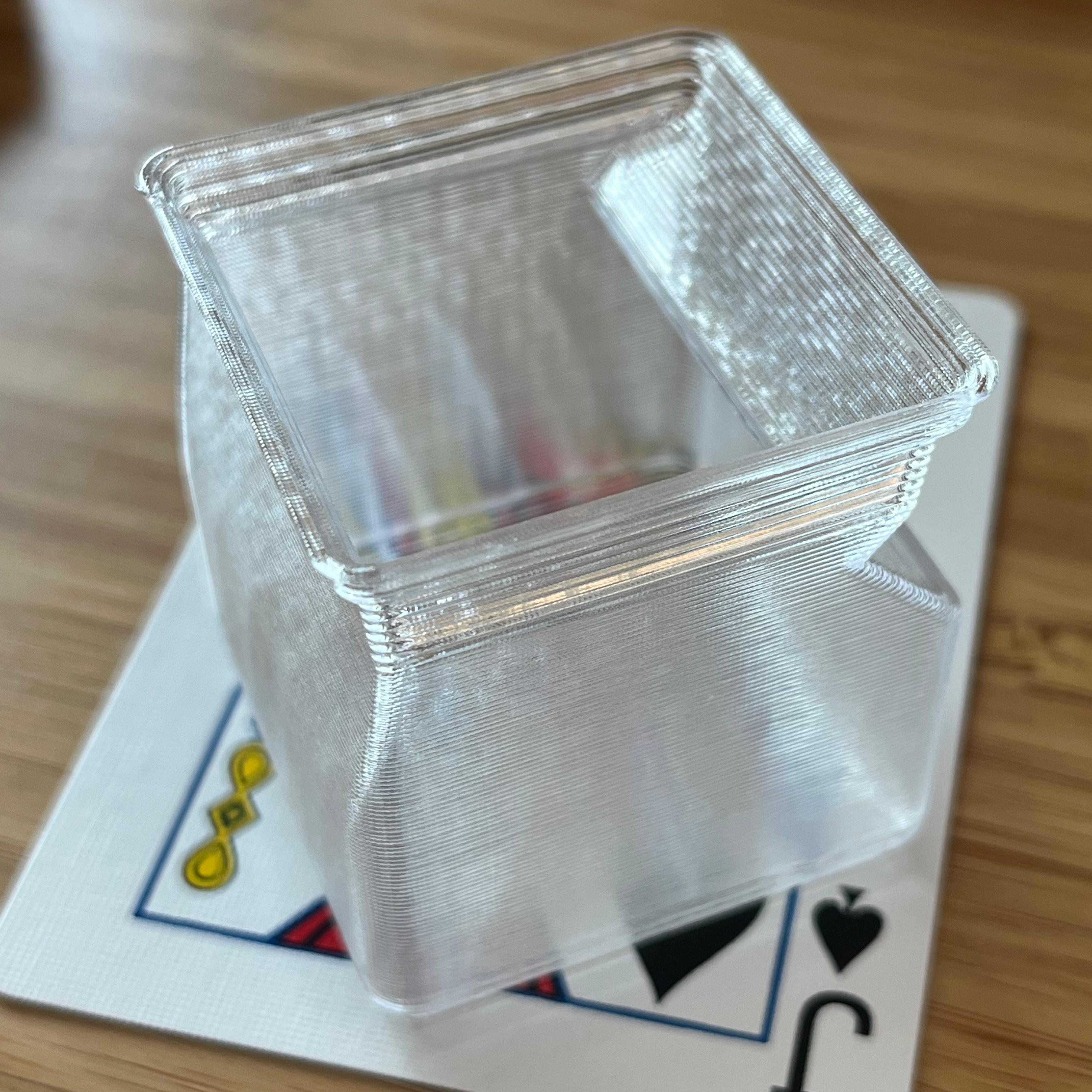
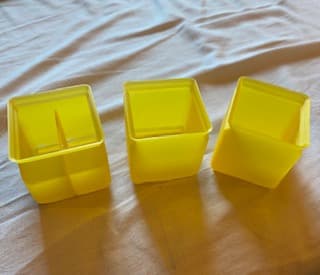
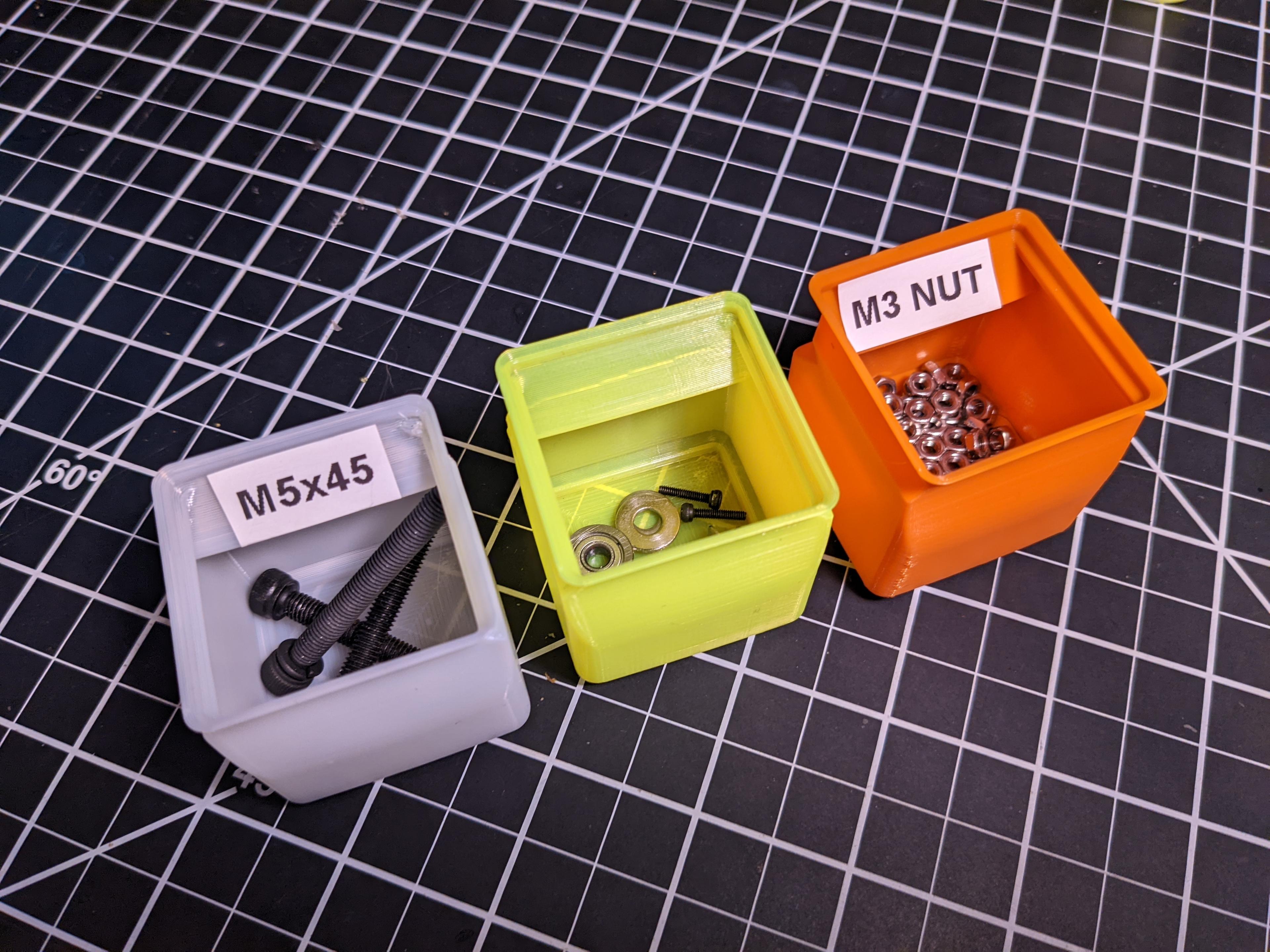
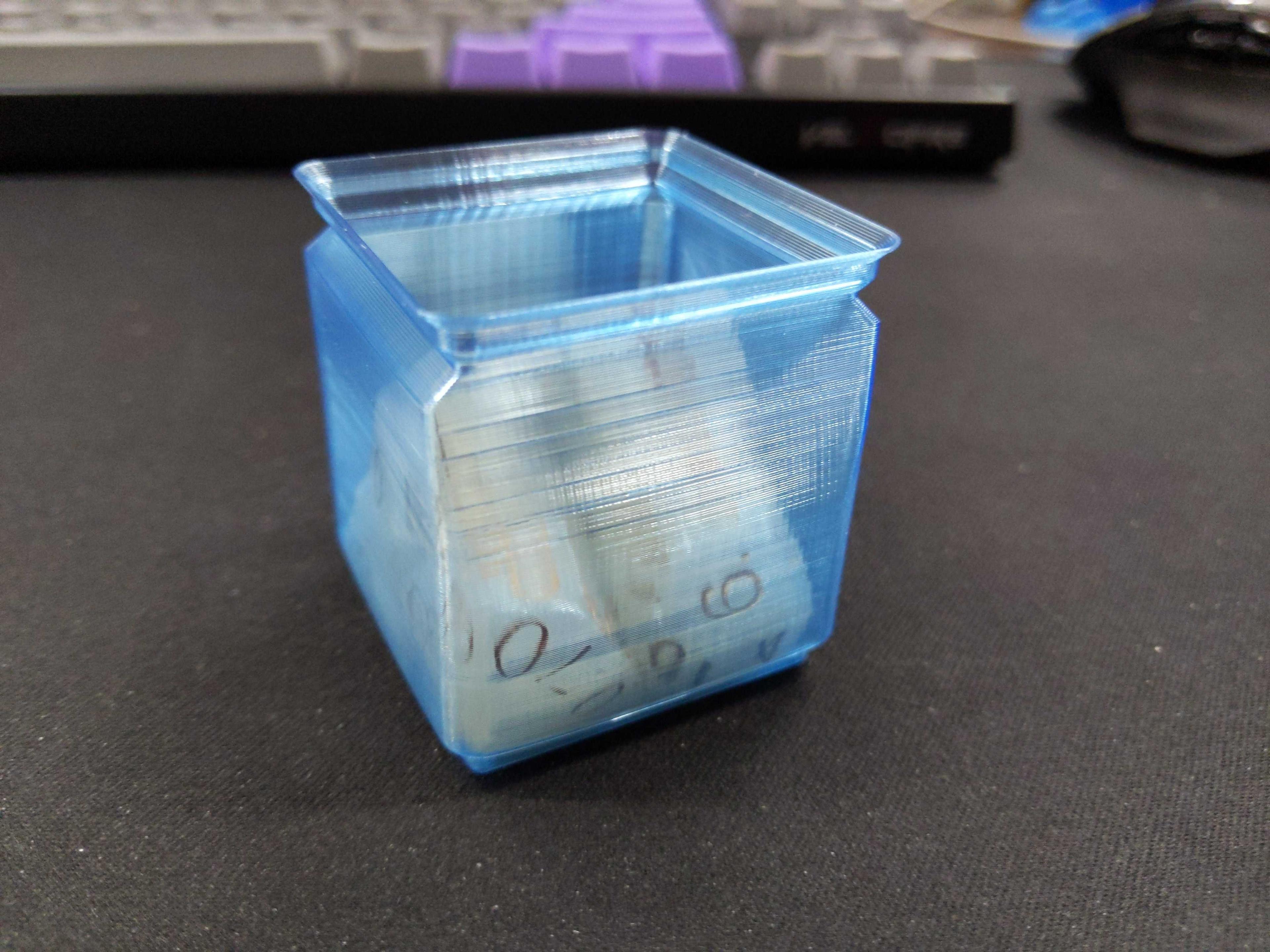
Yes, they stack Yes, you can put stuff in 'em Yes, you can have a spot for a label Yes, you can have it split into 2 compartments. Yes, they print wicked fast. Yes, they are awesome in clear filament.
No, they're not compatible with magnets No, they can't be more than 1 cell No, you can't mess with the usual parameters on the stock gridfinity models, Standard size only.
Print with 2 or 3 bottom layers. 0.4 - 0.6 nozzle but limit the extrusion width to a max of 0.6. Don't go crazy on the layer height, the overhangs will bite (0.2-0.25 should be fine) Clear material looks great. PETG is pictured.
Thangs seems to cut off the filenames so they are:
- Vase mode single cell
- Vase mode single cell with label
- Vase mode split single cell
- Vase mode split single cell with label
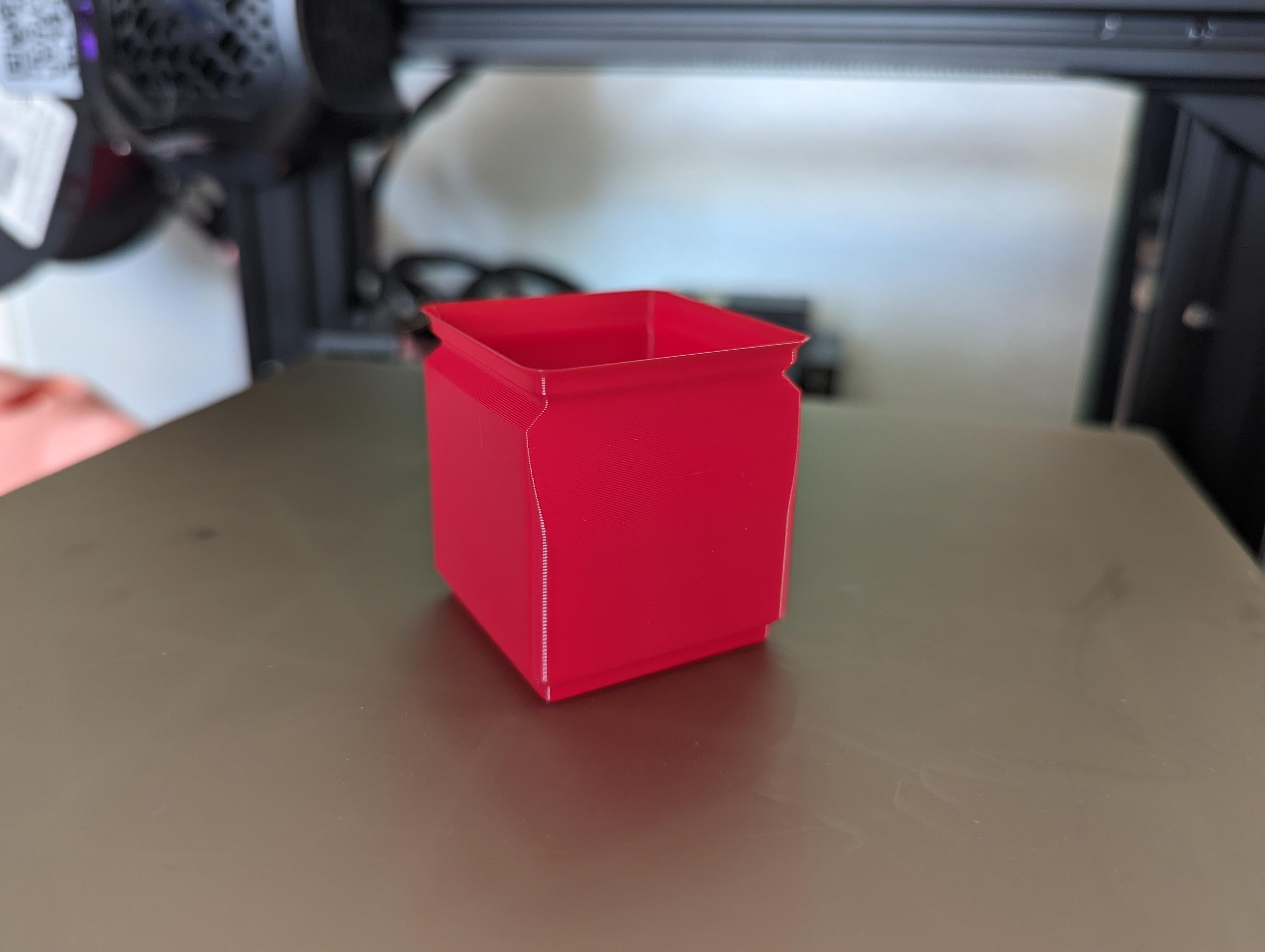
#gridfinity Vase Mode Single Box

#gridfinity Vase Mode Double Box

#gridfinity Vase Mode Single Box with Finger Curve & Magnets
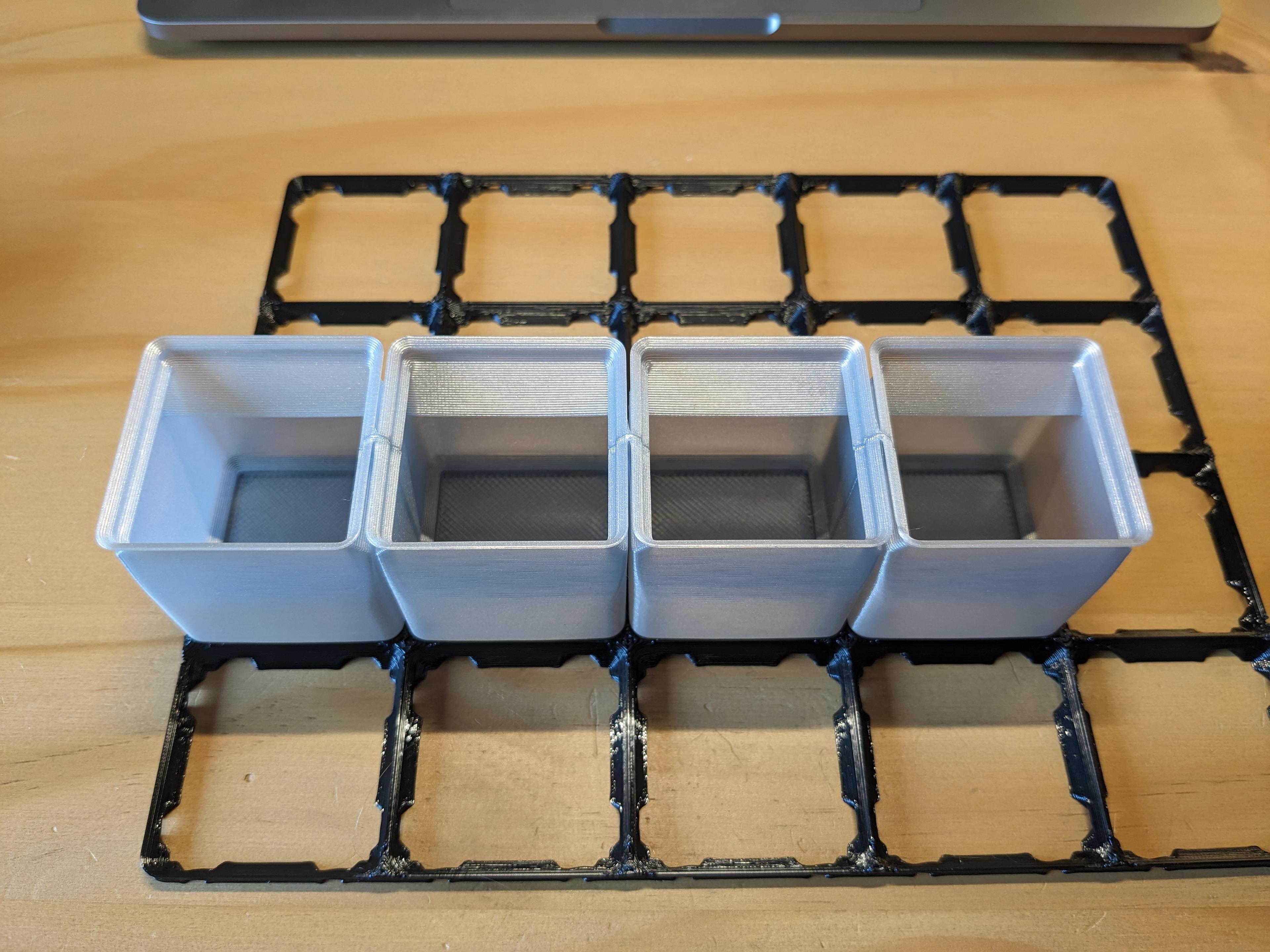
#gridfinity Vase Mode Box Chain

#gridfinity Vase Mode Single Box 1x1x3

#gridfinity Vase Mode Holder for Super Glue / Glue Stick
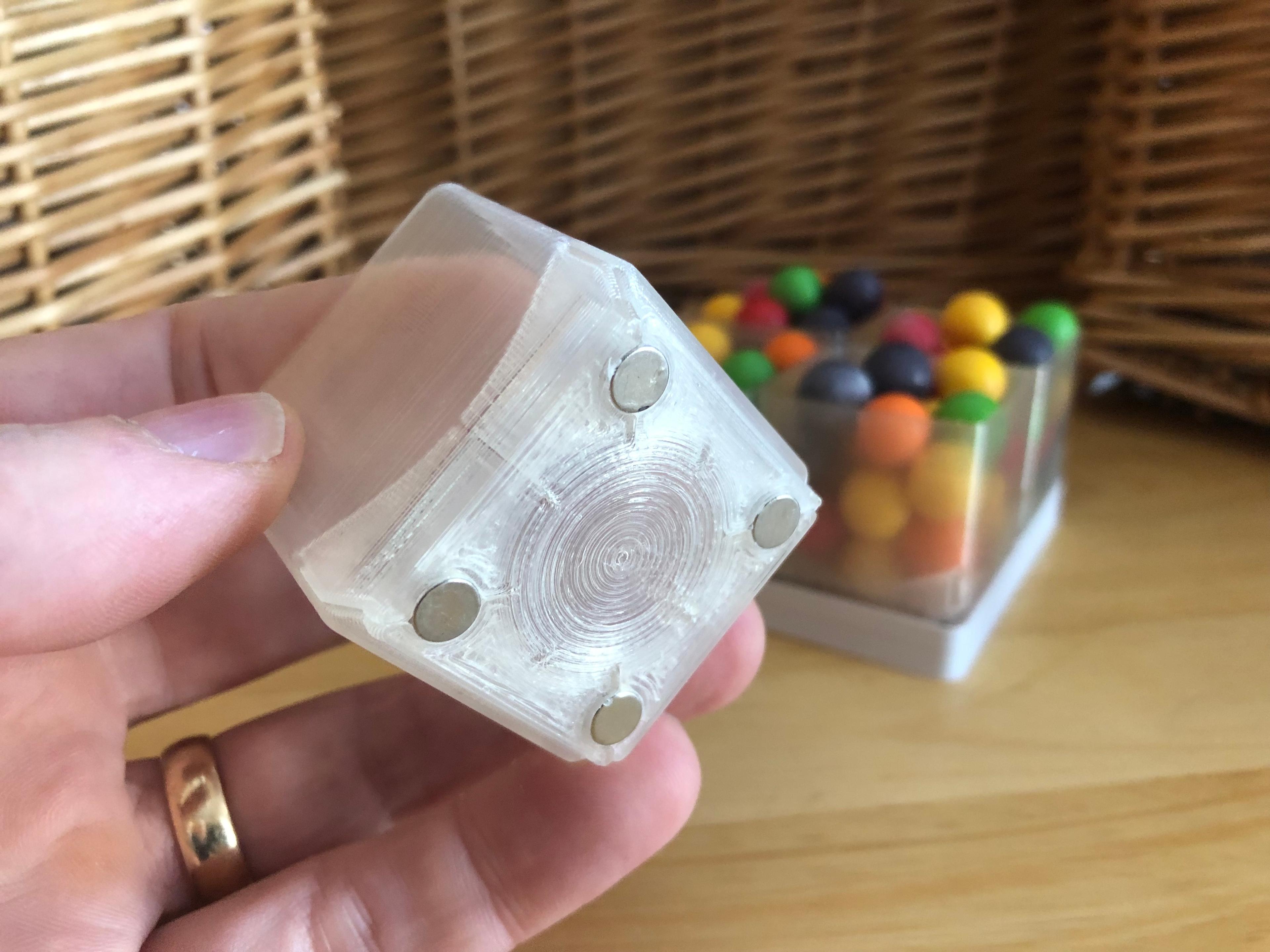
Spiralized Gridfinity Bins

Vase Mode Single Box

Gridfinity Vase mode divided bin with magnets.
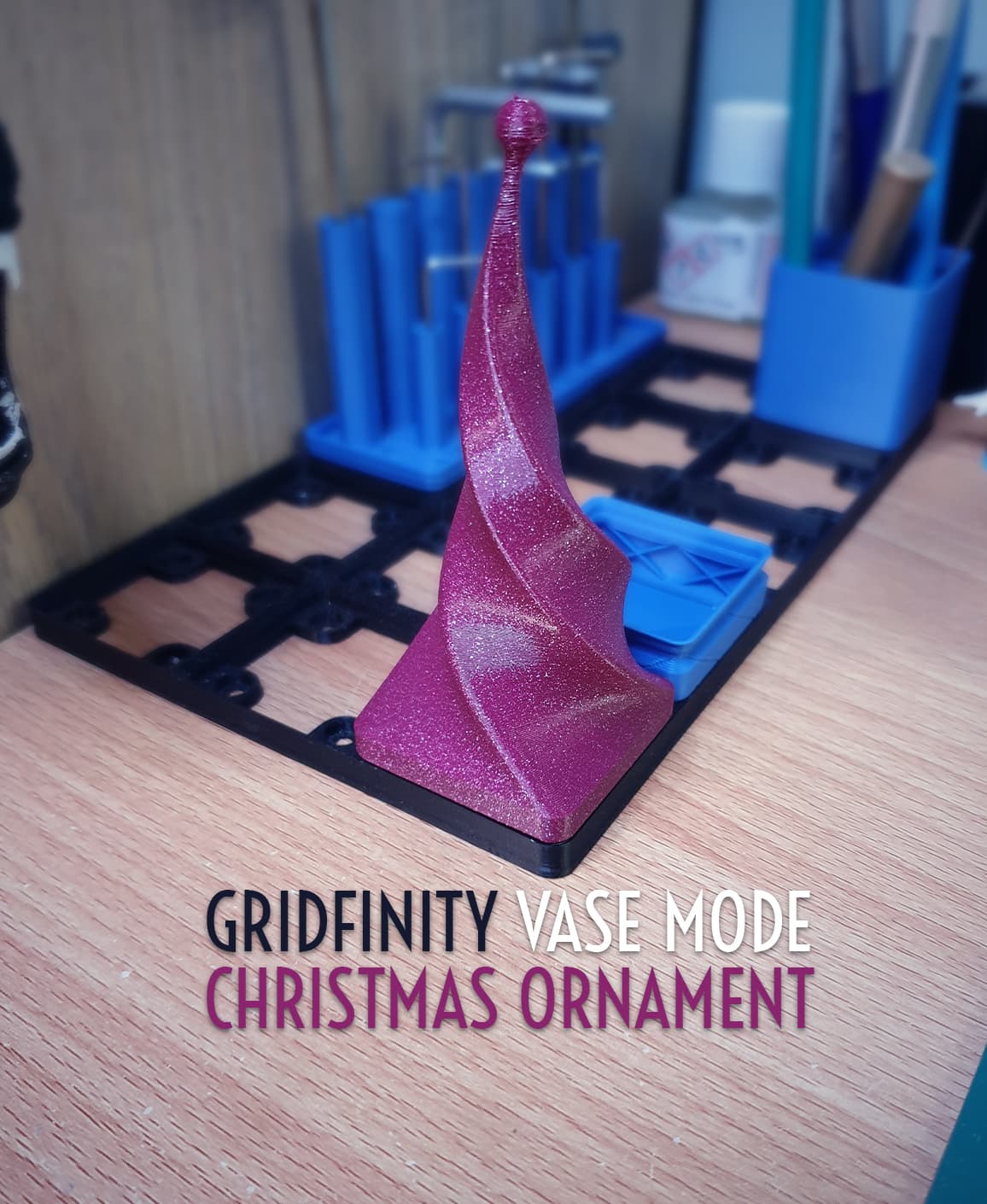
Gridfinity Vase Mode Christmas Ornament

Twisted Heart Box (Vase Mode)
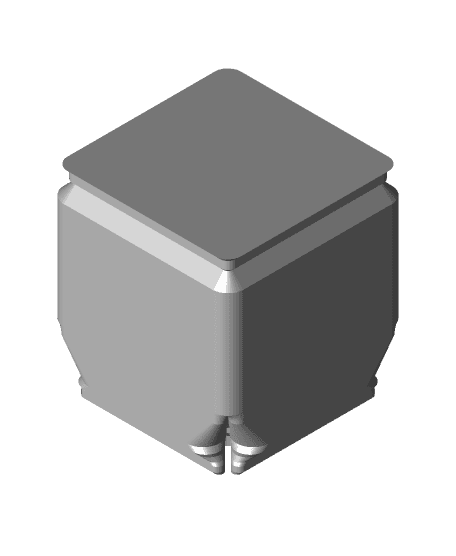
Vase Mode 1x1 Gridfinity Bins
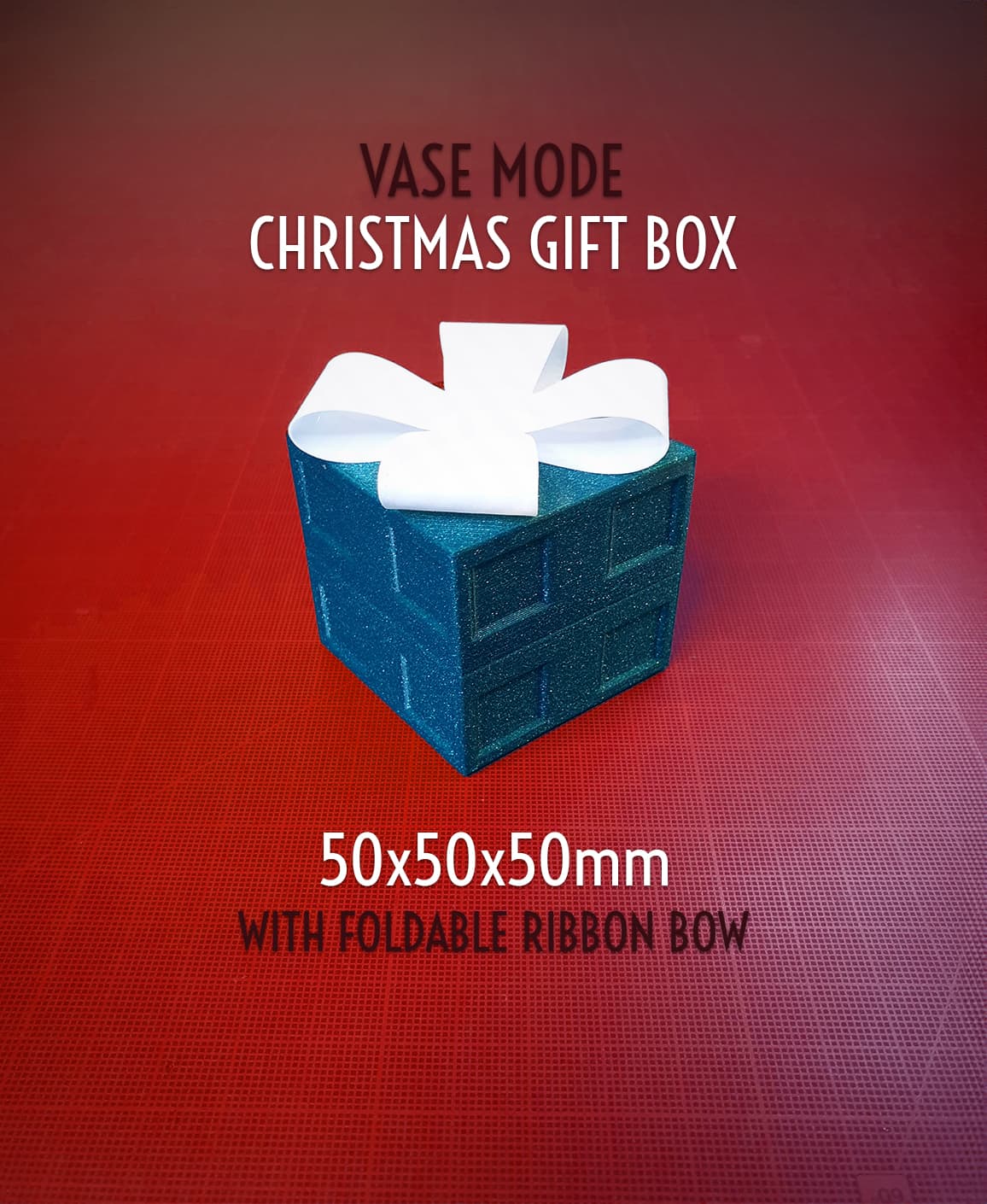
Christmas Gift Box - 50x50x50mm || Vase Mode
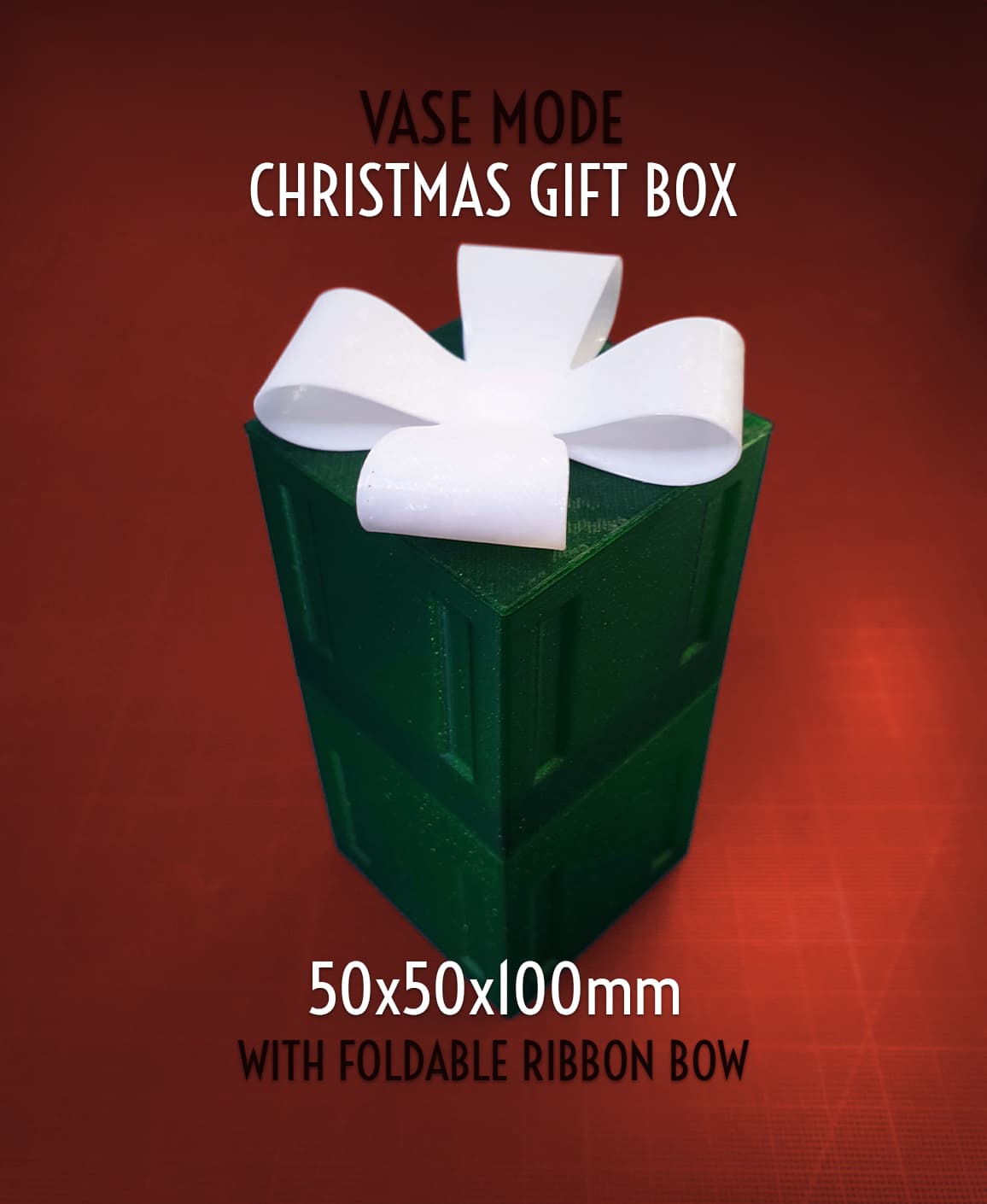
Christmas Gift Box - 50x50x100mm || Vase Mode

Vase mode box
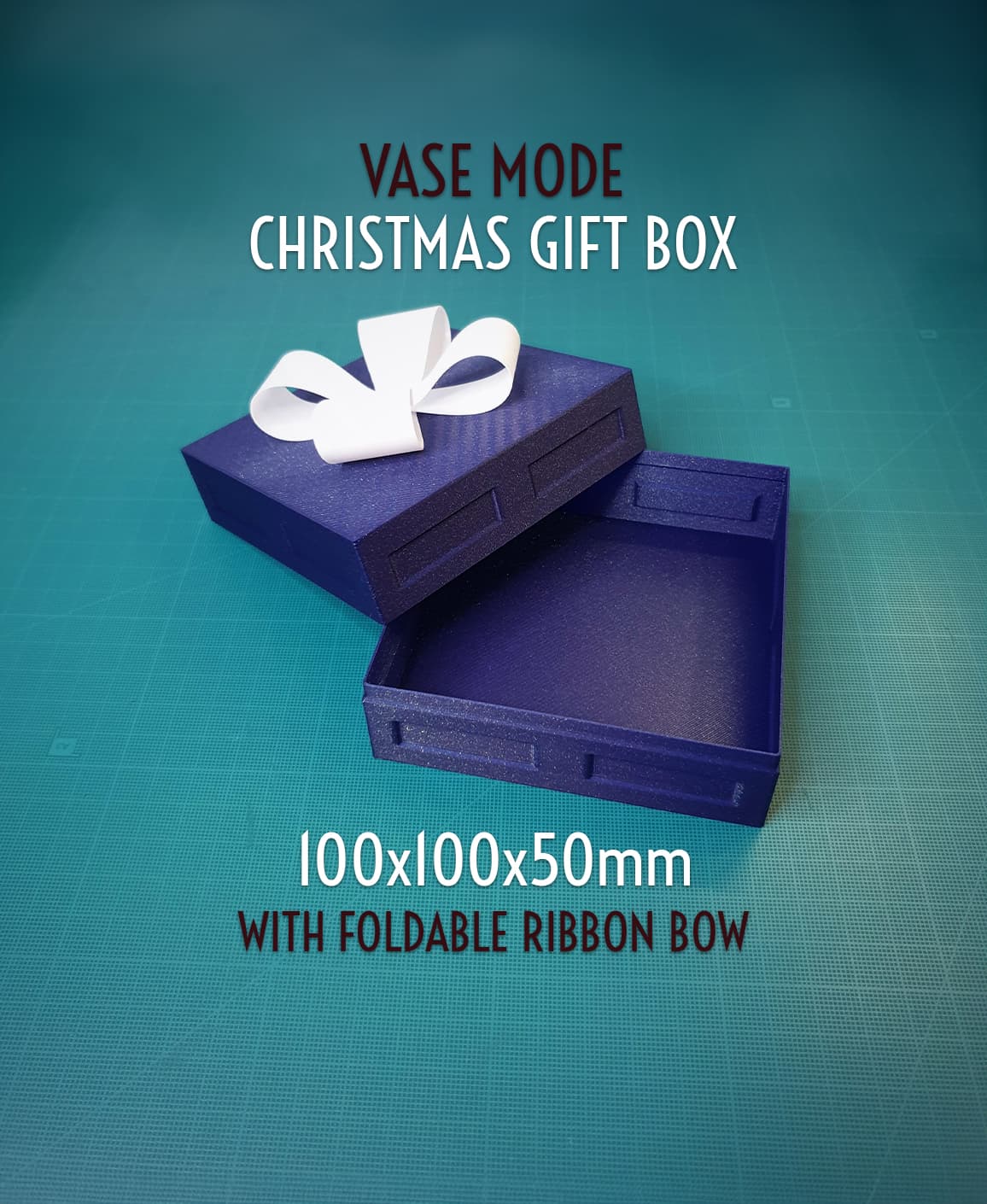
Christmas Gift Box - 100x100x50mm || Vase Mode
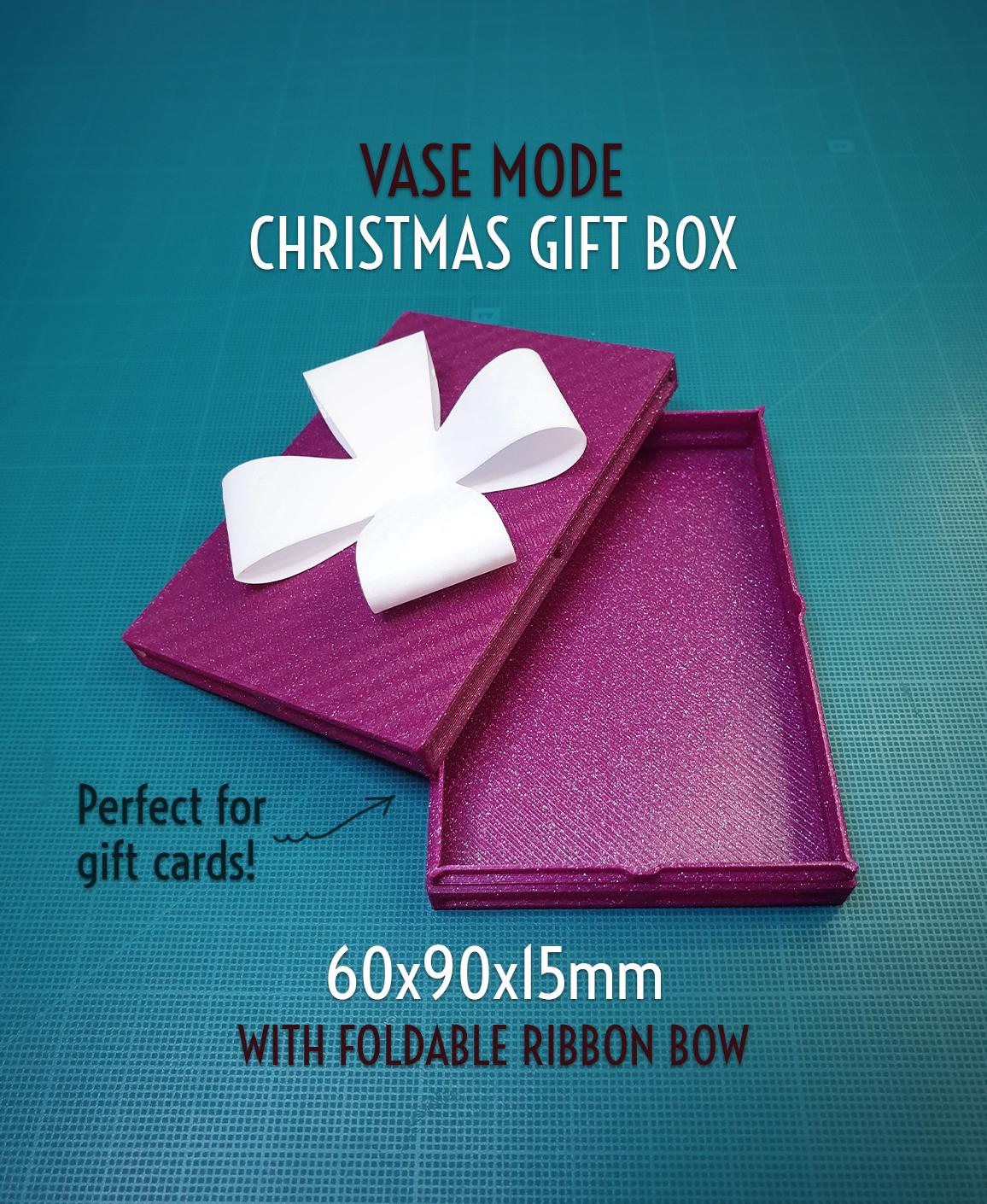
Christmas Gift Box - 60x90x15mm || Vase Mode
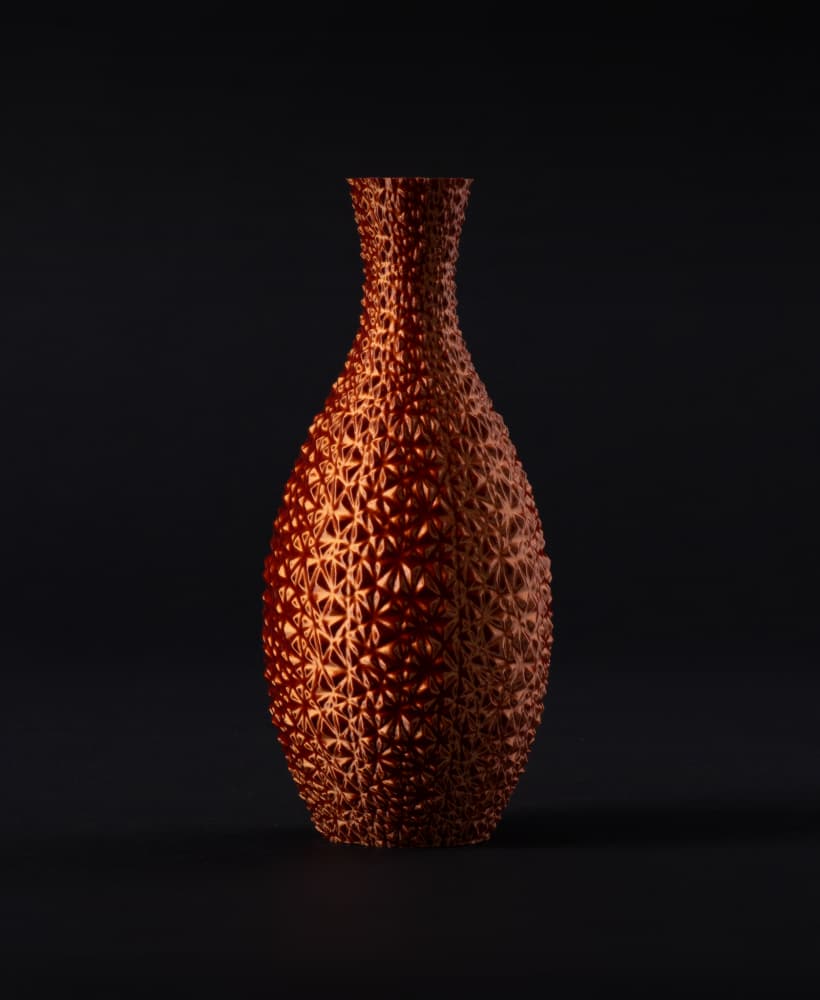
Faceted Mosaic Vase (vase mode)
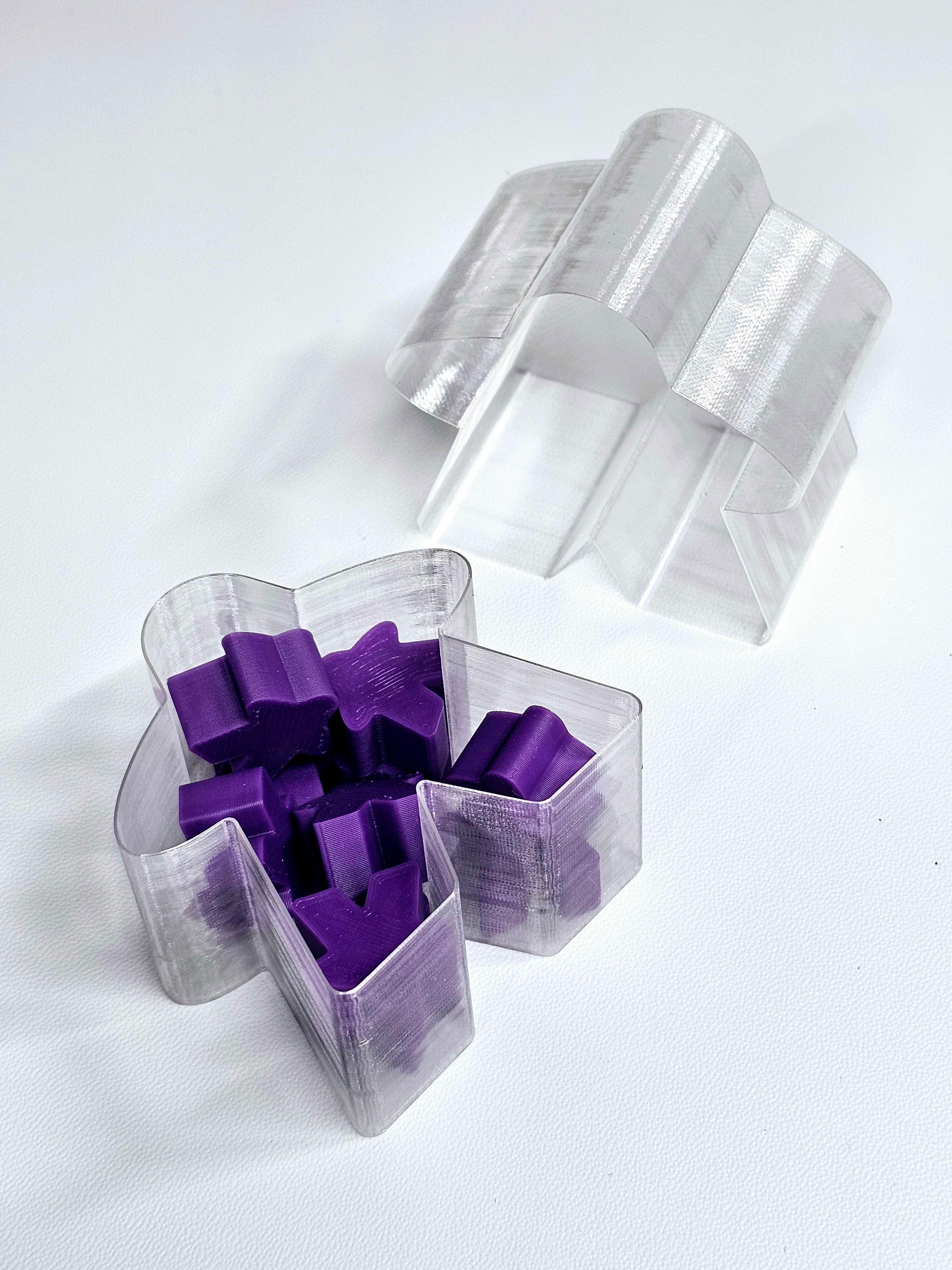
Vase Mode - Meeple Box (3mf file included)
.png&w=3840&q=75)
Vase Mode Heart-Shaped Boxes | 3 sizes, 4 tolerance options | Valentine's Day Gift Box
I'm completely new to 3D printing, so please excuse the probably beginner question. I tried printing this but it just printed as a sold block. What am I doing wrong? I just grab the file and put it into Cura to print. I really don't know any of the setting I should tinkering with
You should enable Vase mode in Cura. Be aware to disable it after print.
Hi, awesome design. The link for the fusion360 file is view only. Can you fix it? Thank's
Sorry that's a paid feature but if you hit download all, the f3d file is in there now.
What are the advantage of the curved back? Easier to lift it up?
Easier to pour stuff out, no lip.
Hi, awesome design. Could you look at the settings of shared fusion360 file? Right now it doesn't allow for downloading. I'd like to experiment with height.
Sorry that's a paid feature but if you hit download all, the f3d file is in there now.
You have remixes disabled on this model, would you consider updating that? I'd like to upload a double wide box version!
I'm new to 3D printing and I'm struggling.
In prusa slicer, I set: Infill: 0% bottom solid layers: 3 layer height: 0.25 perimeters: 1 top solid layers: 0
I print with a 0.4 nozzle, it takes 45 min to print but I see someone posted a picture and claimed to have it printed in 13 min. How is it possible? What I missing?
I just printed 11, while watching a movie, and I ran them off with a 0.6 mm nozzle, and 0.3 mm layer height at 125 mm/s and I got like 15 min/bin.
unfortunately the fusion link just links back to your thangs.com profile :( would love to play with the actual fusion file
Fixed it!
I had a crack at making a 1x2 https://www.tinkercad.com/things/70cJVfpobkL-1x2x77-vase-mode-fourth-method (okay I had four goes)
It seems mostly okay - main prob is that vase mode won't cap the ridge across the floor. Any thoughts ?
One possibility is to simply set it to print more bottom layers. Eg. in PrusaSlicer, setting "Horizontal Shells / Solid Layers / Bottom" to 19 will make it seemingly work. Problem is, that's maybe a bit excessive with regards to how solid the bottom needs to be. It will still come out using less material than the solid alternative.
Alternative would be to start this model at layer 19 and print it in vase mode, then have a separate model for the bottom section, printed with infill, and glue them together.
I just weighed one and compared to a "normal" bin of the same size, the vase mode is 1/3 the weight. Meaning it used 1/3 of the filament. You could get three of these for the consumables of one regular bin.
This is awesome! Can you please add some more versions in different heights? I specifically need x11 high, or 77mm because that's my drawer's space.
This is my first time doing a "vase print" and it worked well, after tweaking settings for line width etc. Great learning experience.
Fusion file now linked, see the update in the description. So you can play with the height.