
PLA Temperature Tower 190-240 with Bridge
Here is a temp tower we like to use. Here is how to add the layer changes in Cura. Check out the discord link for Prusa Slicer users.
Adding post processing to print the tower.
-
In Cura be sure to set your Printing Temperature (under Material) to 240 (PLA)
-
Then on the top left click Extensions>Post Processing>Modify G-code
-
This will allow you change the temps as it gets printed.
-
Click on Add a script>ChangeAtZ
-
Do that 10 times
-
Change Height to [5.0]mm
-
Leave Apply to [Target Layer + Subsequent Layers.]
-
Select Change Extruder 1 Temp. Drop down comes up
-
Extruder 1 Temp 235
-
Do this for all of them.
PLA 5.0 = 235 10.0 = 230 15.0 = 225 20.0 = 220 25.0 = 215 30.0 = 210 35.0 = 205 40.0 = 200 45.0 = 195 50.0 = 190
If you need any assistance please feel free to reach out to us in our discord.
PLA Temperature Tower 190-240 with Bridge
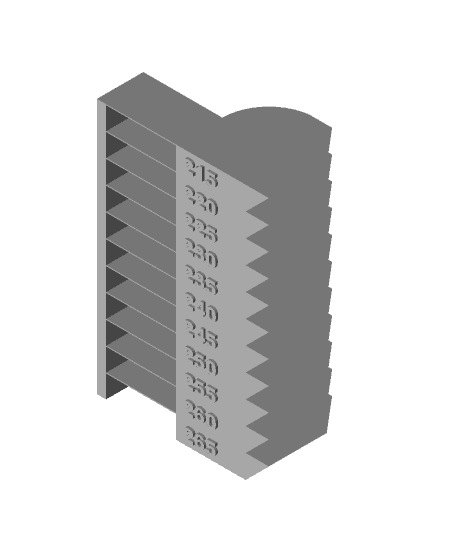
PETG Temperature Tower 215-265 with Bridge

All-in-One Temperature Tower

Tower Bridge London_Monitor Stand.step
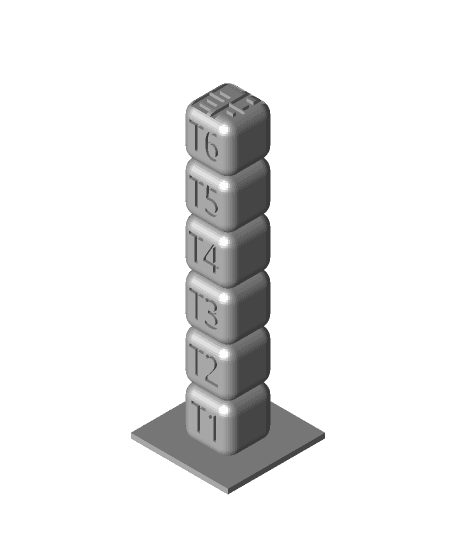
Filament Friday PETG Temperature Tower

Monitor Stand - Tower Bridge London v2
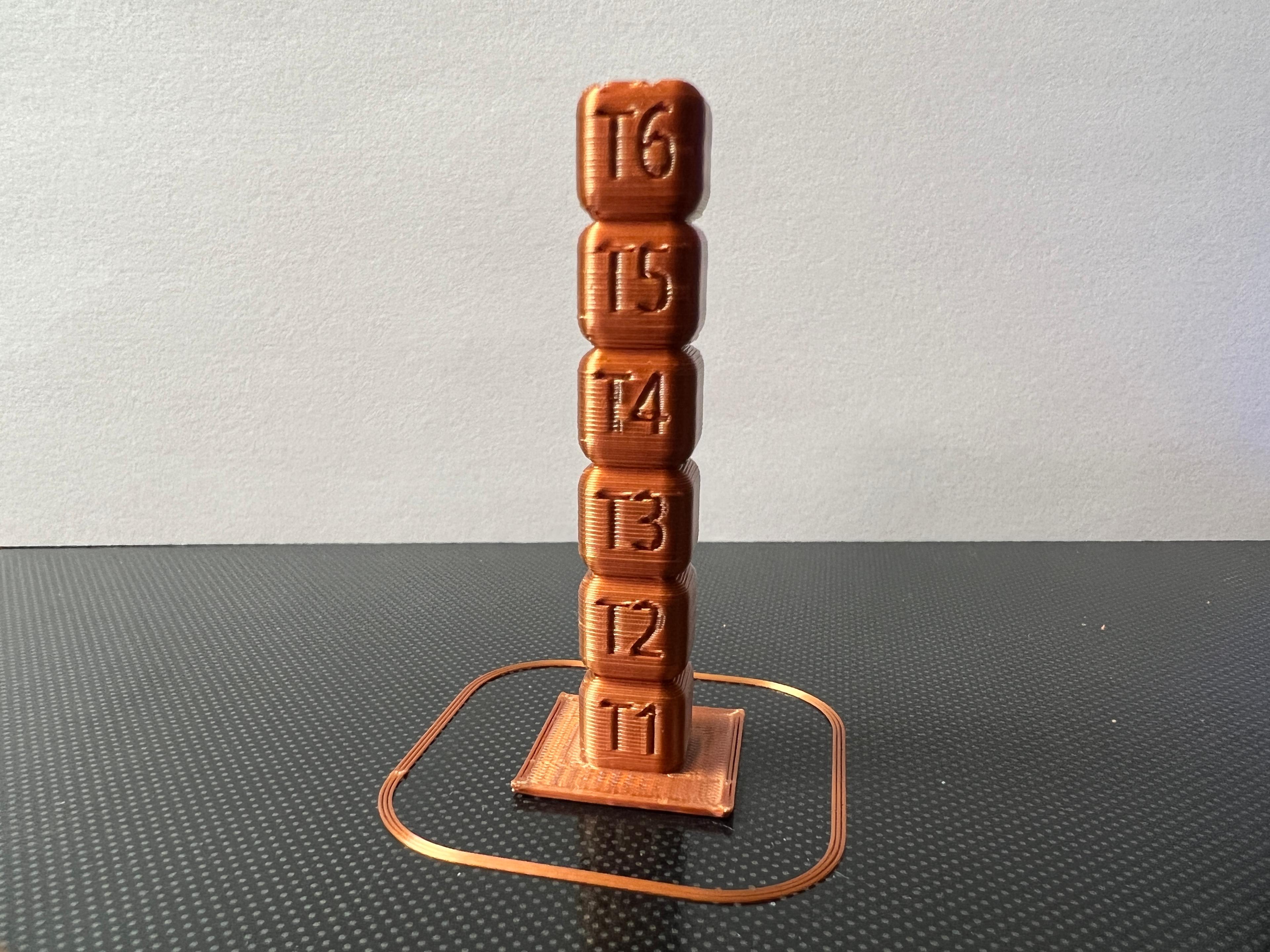
Filament Friday PLA Temperature Tower

Monitor Stand - Tower Bridge London v3

Simple as Posible Temperature Calibration Tower

Crumbling Bridge and Tower Terrain (Supportless)

Temp Tower - 220-240

Enchanted Rose Castle Bridge Cottage STL File for 3D Printing
Detail Dusting Brush
Print-in-place Clothes Hanger, foldable
Cylindrical Lattice Lamp Shades for E26 or E27
.png&w=3840&q=75)
City of London, UK - Small
Lamp Shade with Hexagon Lattice
Large Brush & Dust Pan
Small Brush & Dust Pan
The Hive - Supportless Dice Tower
.png&w=3840&q=75)
Not sure about other slicers but with Cura 5.9.0 and several earlier versions you need to disable z hop when retracted otherwise it inserts M104 commands to reset the temp to whatever the print temperature is (240)