


Ryobi Power Tool Hanger
Ryobi Power Tool Holder This holder is designed to secure the majority of hand held power tools in Ryobi's lineup. It can be mounted under a cabinet or workbench as well as vertically screwed into a wall.
HARDWARE • Screws: x4 wood self tapping countersunk screws at least 20mm long, max diameter of 5mm. (longer screws can be used to improve hold)
INSTRUCTIONS • Position tool holder
• Using self tapping screws insert the 4 screws into each corner of the holder.
NOTE: If mounting to wall it is recommended to screw at lease one side of the holder into a wall stud. DO NOT screw into drywall only.
SPECS Handle opening 52mm wide (I found this width to fit a wide range of tools but there is a bit of variation with Ryobi tools, please measure your tools for verification.)
PRINT SETTINGS Filament: PLA (PETG or ABS for heavier duty storage) Nozzle Size: 0.4mm Print Height: 0.2-0.35mm Infill: 10-20%

Ryobi Power Tool Hanger
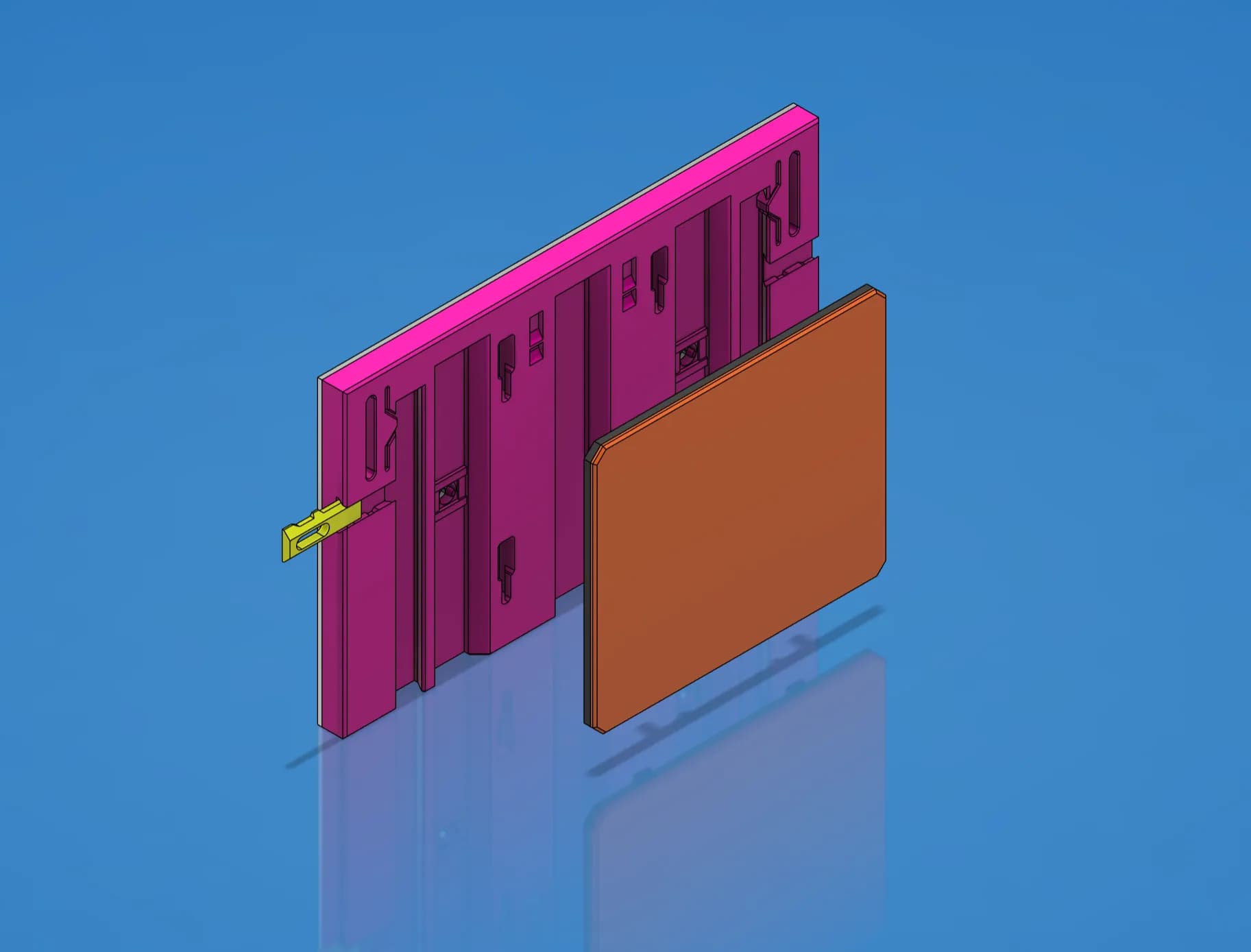
Faceplate Template - STEP/CAD Files (Essential Series)

GEN2 Cabinet Preview - Early Access

GEN2 59 Cases - All

GEN2 165 Cases - All

GEN2 185 Cases - All

GEN2 270 Cases - All

GEN2 240 Cases - All

GEN2 115 Cases - All

GEN2 185 Collection - STEP Files

GEN2 240 Collection - STEP Files

GEN2 270 Collection - STEP Files

GEN2 Wall Mount Kit - Lite - 165

GEN2 165 Collection - STEP Files

GEN2 Prusa Core-One - MK4 Tool Insert - 240

GEN2 115 - Case Extenders

GEN2 59 - Case Extenders

GEN2 165 Decor Drawers - All

GEN2 Wall Mount Kit - Lite - 115

GEN2 115 Collection - STEP Files

I love the models and the system, however I am having problems printing them. I can print other models fine. Printing a benchy now without an issue.
Your models fail and the filament stops flowing and it prints nothing in mid air. or the clip prints but with nothing between the body and the wiggly spring.
I have imported the models into "TinkerCad" and exported it into Cura and sliced it again. Still the same. I don't understand it as the printer seems okay with other models.
Help!
"the filament stops flowing and it prints nothing in mid air." Could probably determine if this is caused in the software or the machine itself. Is this happening consistently in the same spot? For instance in the slicer, at that layer, we could double check if the print shows everything printing normal there and beyond. Also do you know if the extruder motor is turning while it fails to print? It could be a section of the model that causes the machine to retract frequently and grind filament
I have done a few tests and found that I can fix this and get great prints if I retore "Cura" to a previous version. So you are spot on. It's "Cura" and yes the retraction is causing the the printer to grind the filament. Not sure why though, but it seems like a "Cura" update changed something in my settings or a fault with the "slicing" process.
That was actually a great idea to test it against the previous slicer. I don't know why things change like that, maybe a new default setting that isn't calibrated optimally for specific printers. Great work work diagnosing it 👍
The only way I know how to identify the change is to compare GCodes. But at the moment I have turned updates OFF and I am happy to sit on this version as my printer is very basic and no longer supported. Thanks for your help.
I'm sorry to hear that, but I'd be happy to help diagnose the issue. "the clip prints but with nothing between the body and the wiggly spring" I'm thinking this might be caused by a setting in the slicer, such as if the filament path is too thin is might not print it. The setting is usually Arachne, which allows a thinner bead of plastic to be put down in even if it's smaller than the opening on the nozzle. Would you happen to be printing with a nozzle greater than 0.4mm?