
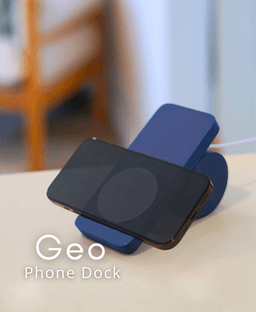
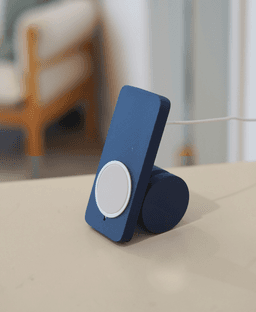

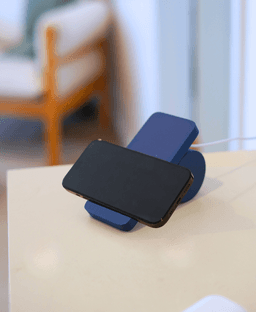

Geo Phone Dock
Geo Phone Dock The Geo Phone Dock is all about balance and shapes, giving it a clean geometric style. Designed to hold your phone securely without visual clutter, the Geo stand is also adjustable to your preferred phone stand angle. Print it alongside other models in the Geo line to create a cohesive, structured look across your space.
Printing This model downloads as a 3mf, which includes the ideal print settings. Download, select your printer, and click print.
Assembly -remove supports and clean support surfaces -add magnet to the circular base -add magnet to the small dome. It must repel when pushed against the base -place the small dome into the hex ring -press the hex ring into the circular base so that the dome is rappelled away from the magnet in the circular base -feed the induction charger cable through the rectangular holder -press the wire into the channel -rotate and slide the circular base into the channel in the back of the rectangular holder the dome and magnet resist movement allowing you to adjust the angle of your phone stand Need help? Send a message in the discord here
.png&w=3840&q=75)
Laro Glasses Hanger

Elowen Glasses Hanger

Verdin Glasses Hanger

Orso Glasses Hanger

Umbra Hanging Planter

Taro Hanging Planter
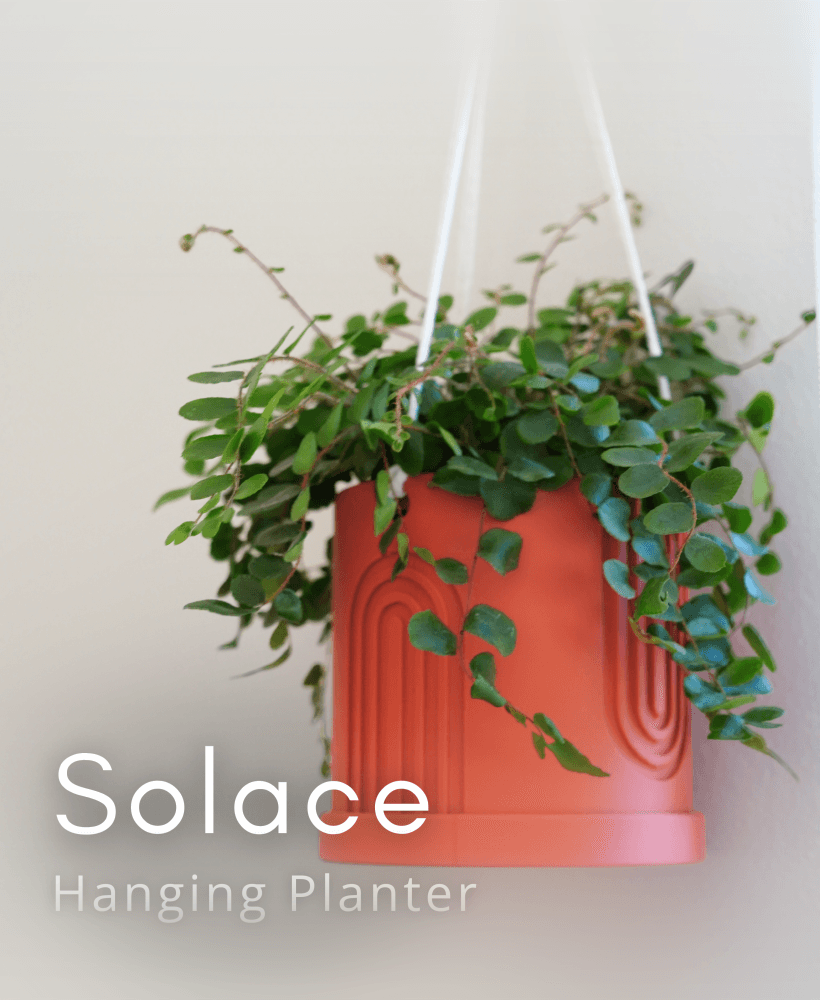
Solace Hanging Planter

Auro Hanging Planter

Wicker Tea Basket

Laro Tea Box

Geo Tea Caddy
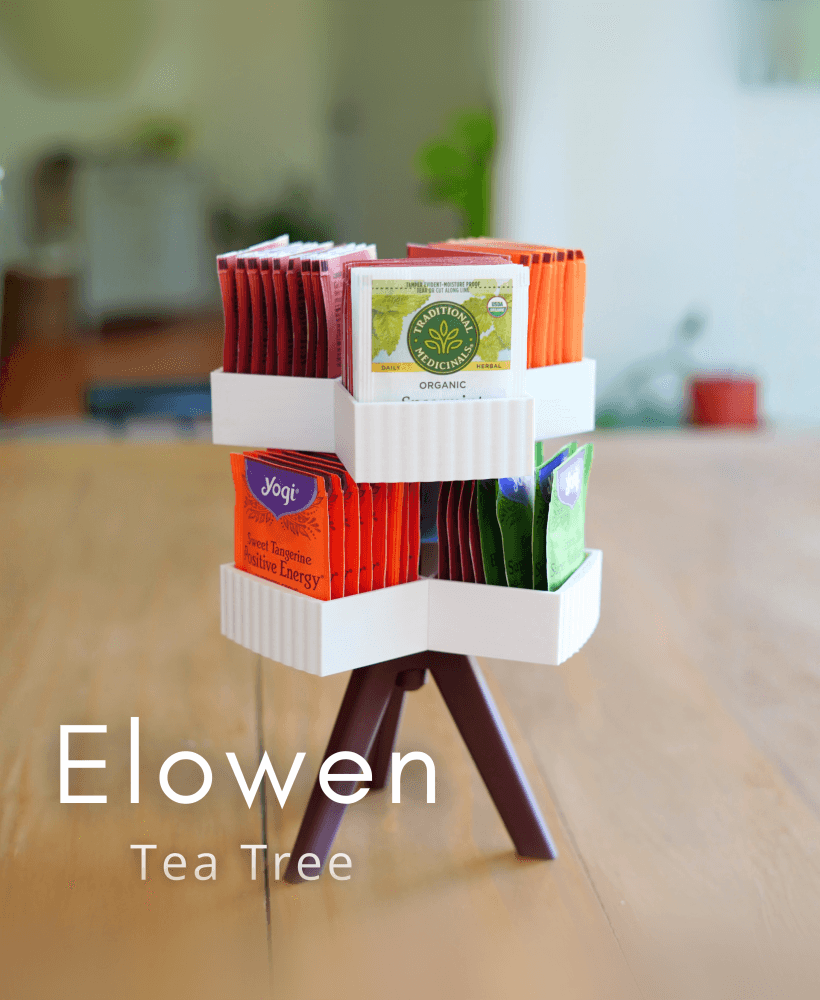
Elowen Tea Tree

Taro Bookend

Solace Bookend
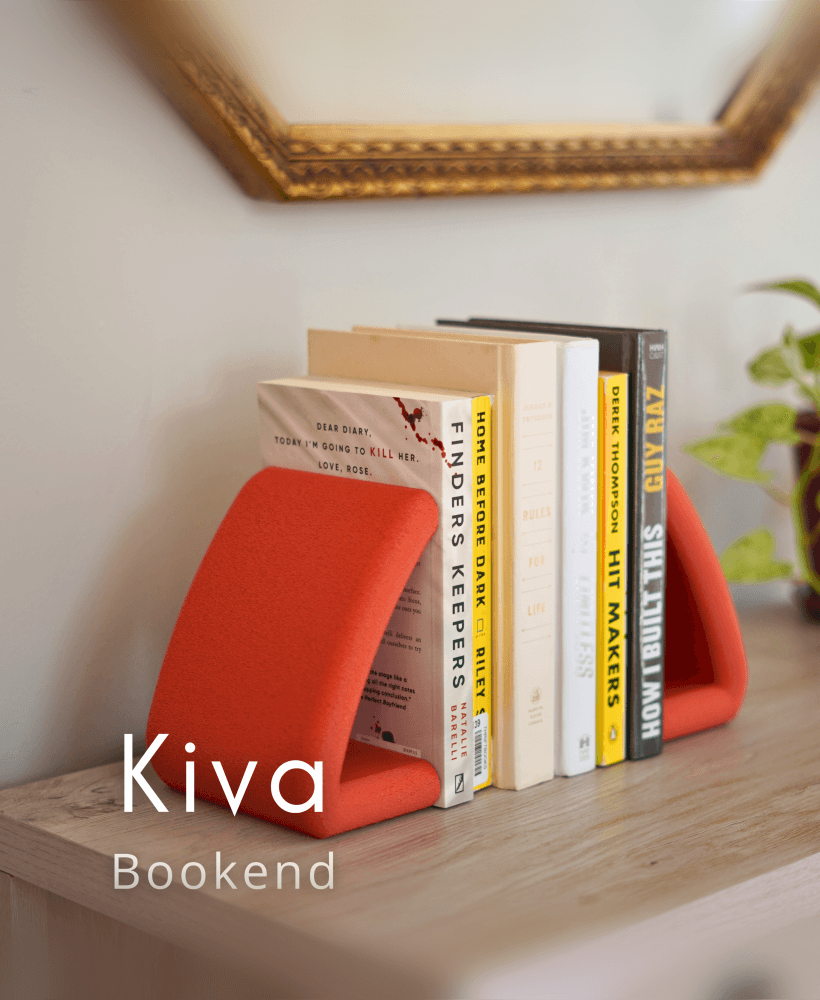
Kiva Bookend

Invis Bookend

Taro Napkin Holder
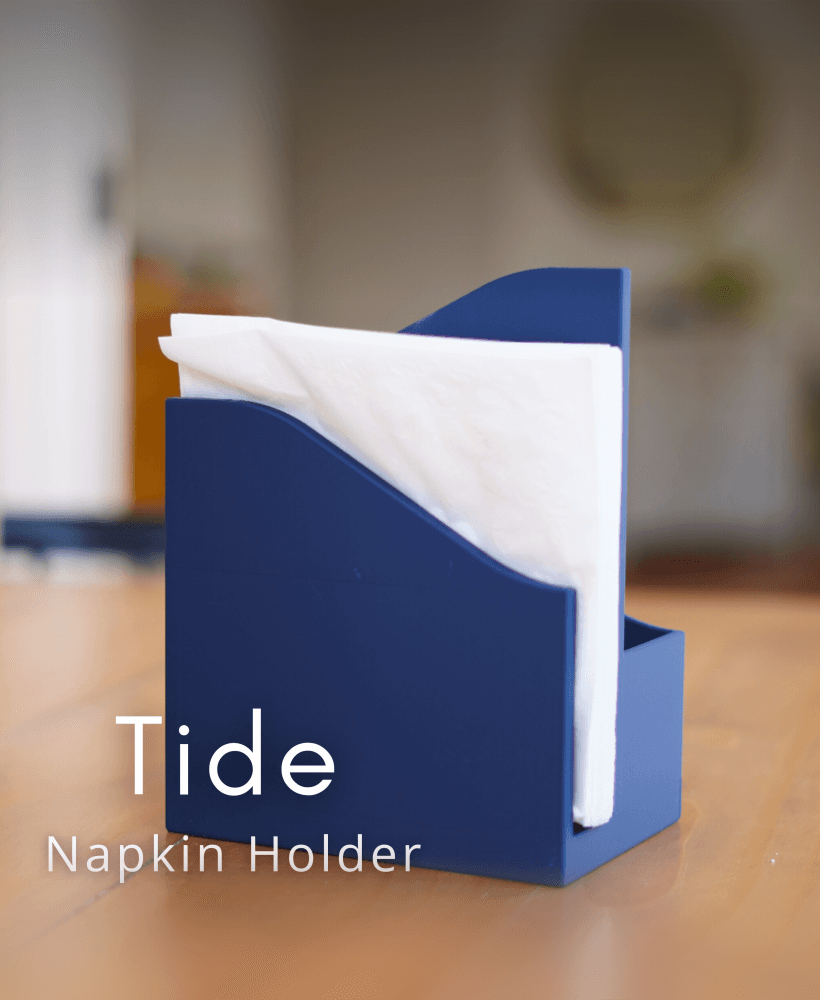
Tide Napkin Holder
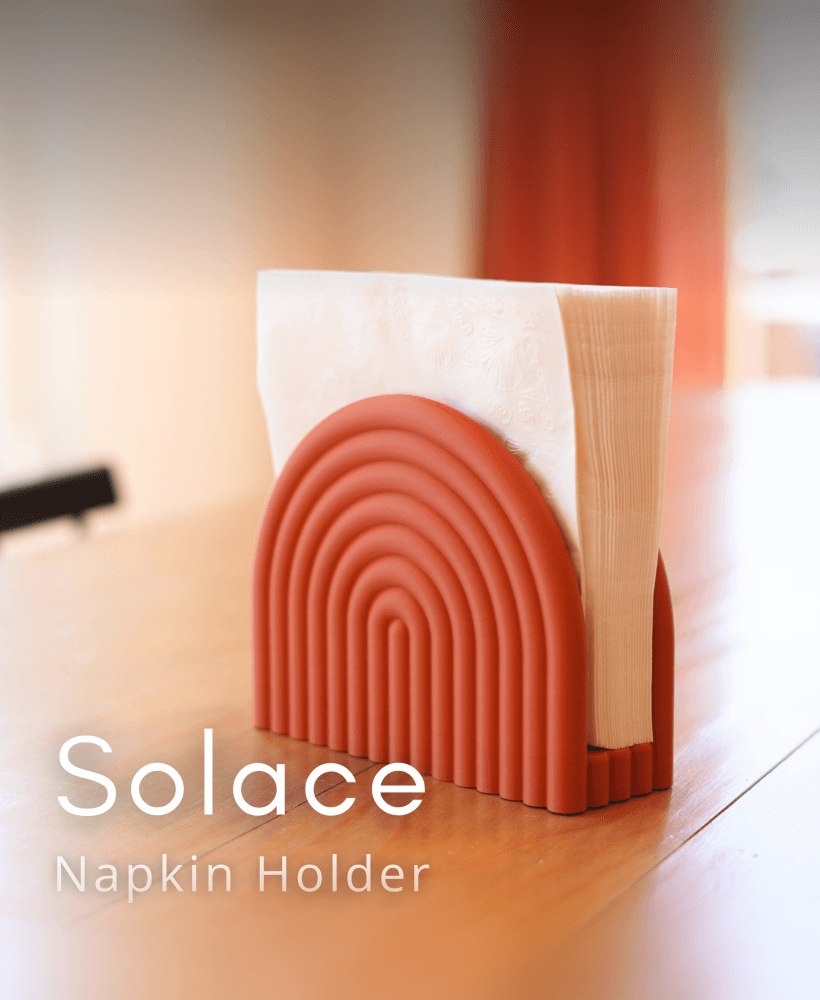
Solace Napkin Holder

Hello! What kind of Mag Safe charger did you use? Some generic ones I have are too large and the Apple ones have a stress relief boot that prevents the wire from going down in your slots.
Any help would be great.