


Beehive Egg
74 downloads · 1 year ago · There are several different version of our beehive eggs! Our First Beehive has no extra holes for ma
This model is restricted by licensing terms.
View license.
There are several different version of our beehive eggs! Our First Beehive has no extra holes for magnets. This way the file can be easily sized up or down. The beehive with "TopMagHole" has only a single magnet hole located on the top that will take a 6x2mm magnet. The beehive with "MultMagHoles" has a bunch of different spots that you can choose to add 6x2mm magnets to. These magnet spots will allow one to "attach" the bee files (with added magnets to) to the outside of the hive. Please make sure that you align your magnets correctly!
Estimated Layer Height Stops for Magnets for .2 layer Height: BeeHive_TopMagnetHole - stop at layer 378. Beehive_MultiMagnetHoles - Stop at layers 123, 196, 261, 312, 374
Beehive Egg
74 downloads · 1 year ago in and
This model is restricted by licensing terms.
View license.

Tiger Fidget Keychain

Tiger Fidget

Dino MakerChip Holder

Dino Tongue Out

Canadian Flag Soda Can Cover

American Flag Soda Can Cover

Bee Soda Can Cover

Knit Pattern Wide Bowl

Cat MakerChip Holder

Cat Tongue Out
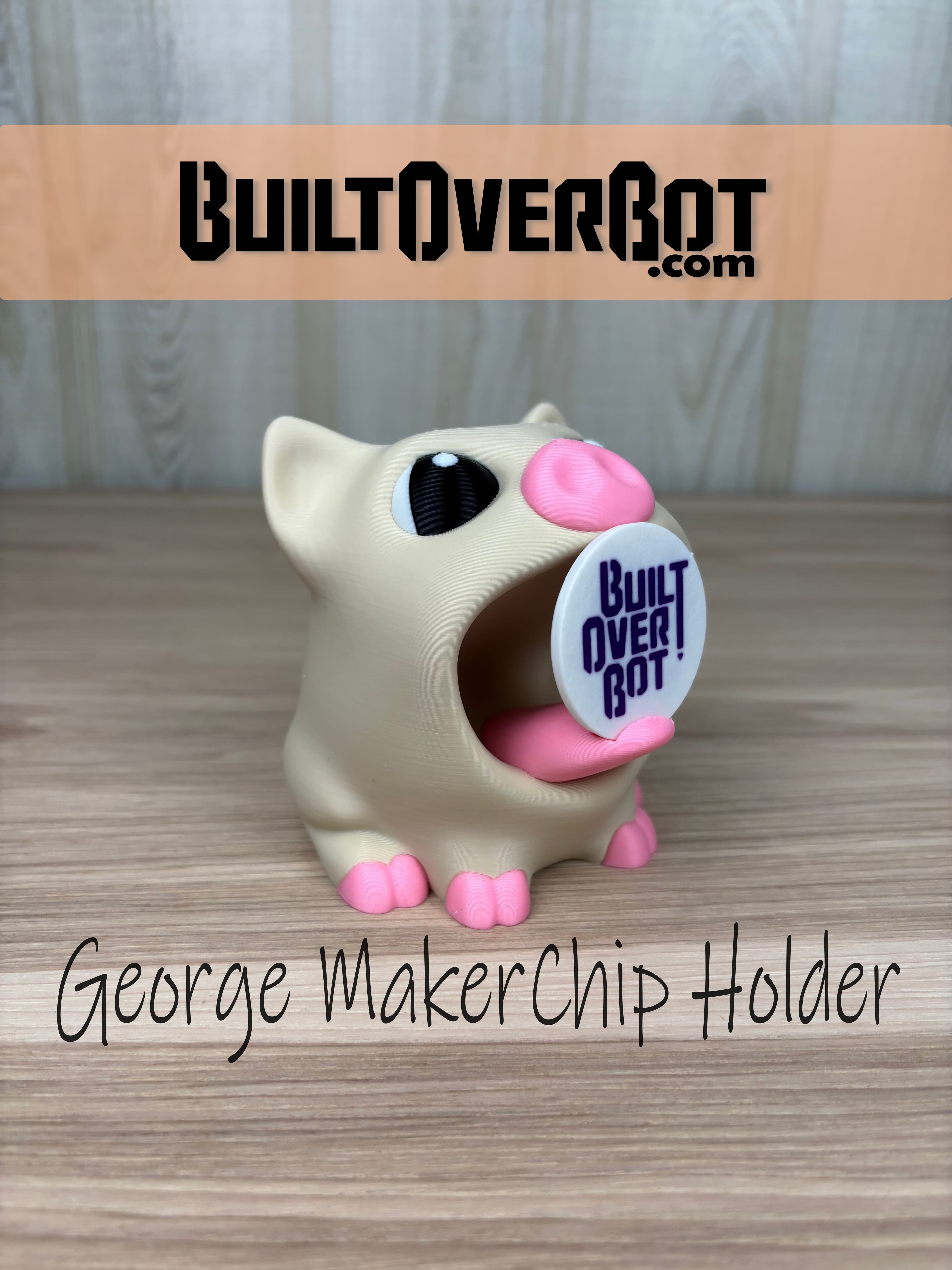
George the Pig MakerChip Holder

George the Pig with Tongue Out

Frog MakerChip Holder

Hippo Earrings

Pig Earrings

Pigeon Fidget Keychains
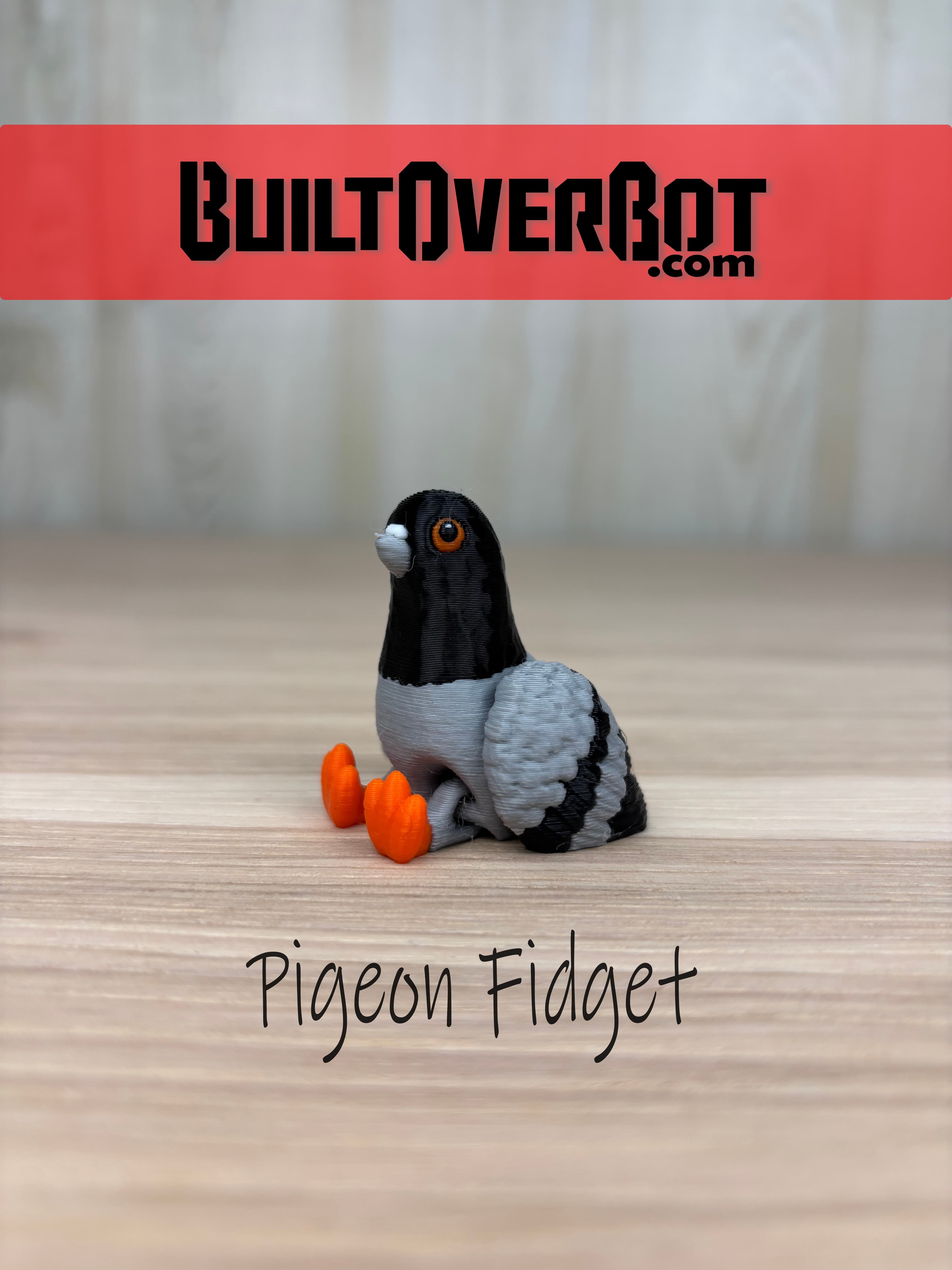
Pigeon Fidget

Pigeon Sit or Stand

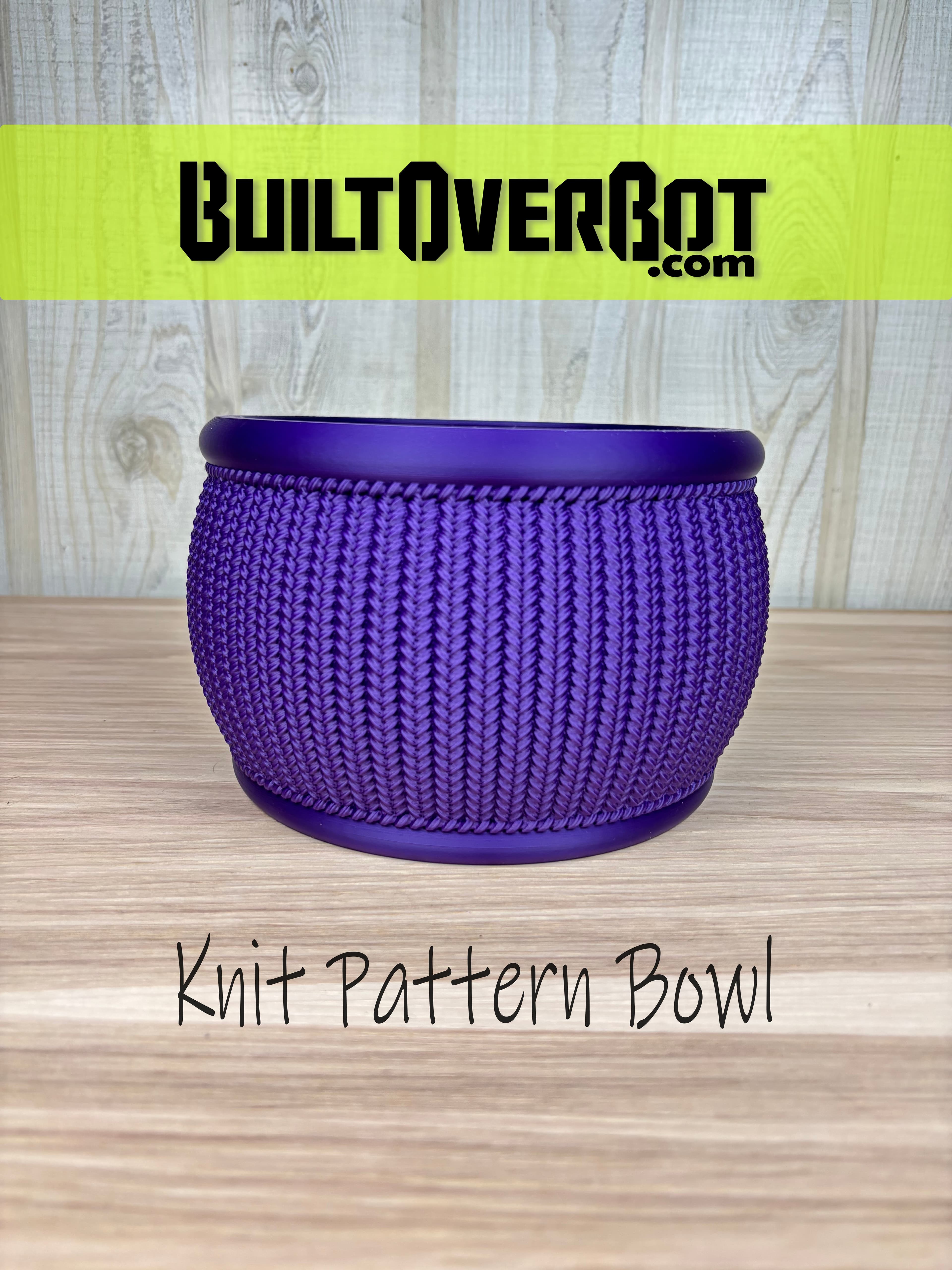
Knit Pattern Yarn Bowl
ok im confused to how to get the magnet holes for this?? i dont understand you instructions im fairly new to 3D still learning is there a simpler way to add thespots for the magnets like maybe adding a neg part? still learning how tro do that too any help would be appreciated or maybe make one that has the spot for the magnets
I have a negative space in the print to leave a opening for the magnet. I hide them in the print for safety as they can never come back out of the print once installed in this manner I feel it also looks better to do it this way.