


Collapsing Master Sword Multi-Color
2.3K downloads · 3 years ago · **Collapsing Master Sword**
_Multi-Color Print-in-Place Version_
This version prints complete all a
This model is restricted by licensing terms.
View license.
Collapsing Master Sword Multi-Color Print-in-Place Version
This version prints complete all as one piece, the files are split for multiple color printing with a AMS or MMU.
The Removable Blade Dual-Extrusion Version is available to my Members. (pictures are of the dual extrusion replaceable blade version.)
Printing Supports are not required, for best results use a .4mm nozzle. Find detailed instructions on how to print collapsing swords on my website. If this is your first time printing, I would suggest you try the test print first.
Support and Licensing If you would like to help support more free models please consider joining my Thangs Membership To get permission to sell physical copies of my models by joining my Patreon
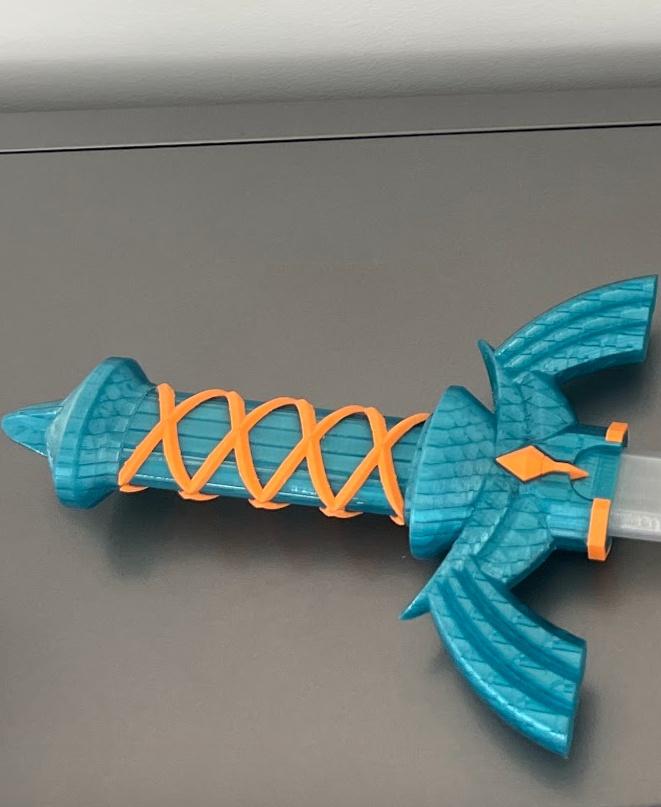
Collapsing Master Sword Multi-Color
2.3K downloads · 3 years ago in and
This model is restricted by licensing terms.
View license.

Quinlan Vos Collapsing Lightsaber

Master Sword Horizontal Wall Mount
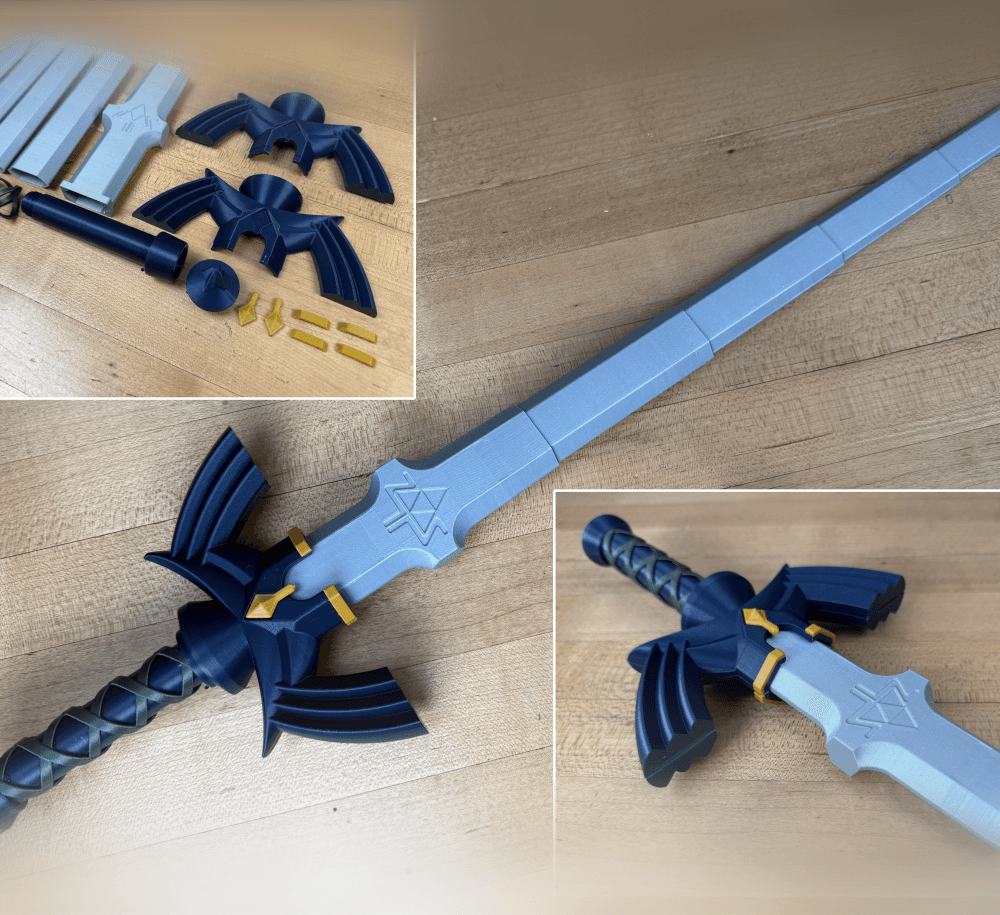
Expanding Master Sword

Lightsaber Belt Clip

Luke’s ROTJ Multi-Part Collapsing Lightsaber

BYOK #10
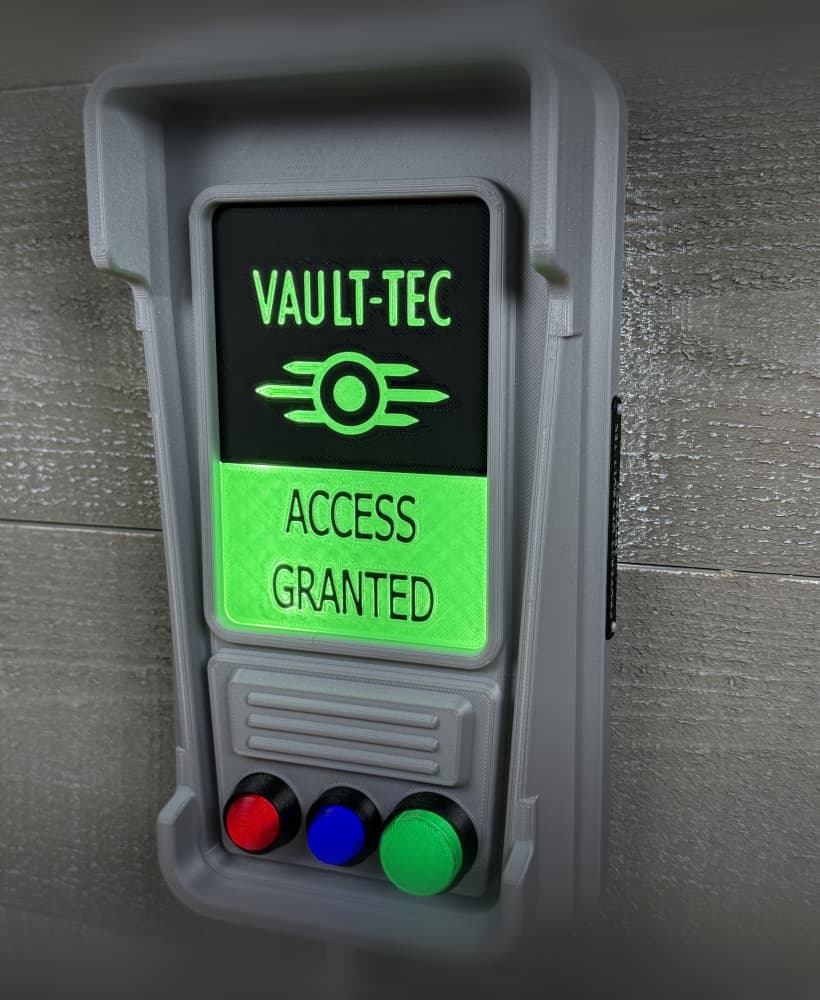
Fallout Access Granted Illuminated Panel

The Incinerator Multi-Color

The Incinerator Collapsing Lightsaber

Fallout Access Granted Panel

Devon Izara's Collapsing Lightsaber

Sakonji Tomioka Katana

Master Sword Vertical Wall Mount

Collapsing Easter Basket

Buster Sword Wall Mount

Textured Planetary Egg Container

Ezra Bridger 3rd Collapsing Lightsaber
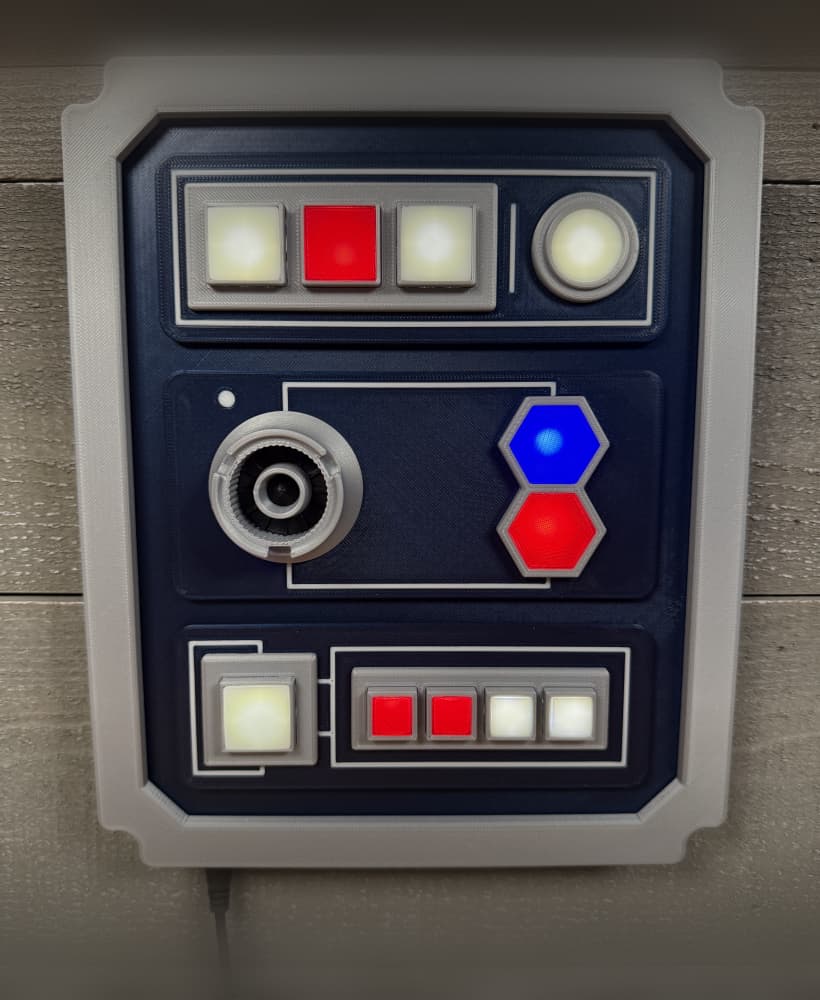
Illuminated Galaxy Edge Control Panel #2

Illuminated Galaxy Edge Control Panel #1

Can you print these pieces separately and assemble after printing?
No but you can with this version. https://than.gs/m/1112753
blades to thick for me idk i use ender 3 is that a problem
How do you get the blades in
I dont understand the question?
I printed the test print and everything seems fine, but after printing the full print the blades only come out a little bit, its like the blades are too thick but I tried to follow all the steps provided.
See the trouble shooting guide, I am guessing its from the first layer being too low(elephants foot) or from the size of the layer seam. You can always print the blade in vase mode instead.
I have the same problem... did you figure it out?
Hello, I love the model but I ran into a few problems that might just be on my end but I wanted to get the opinion of the masters. So I printed the handle and the handle decoration, they printed out ok, but when I tried to print the blade, that is where I was encountering my problem. When I tried to print any collapsing sword blades, I've tried several other models, the individual blade pieces would always get stuck and I couldn't figure out how to unstick them. Any help would be amazing. :)
Find the trouble shooting guide linked in the description, or post some pictures on our fb group.
try sanding them a lil bit and if that doesnt work, maybe try somthing to lube it up?
bonjour, j'ai essayer mais les soudure début fin de chaque tour ce soude avec les autre