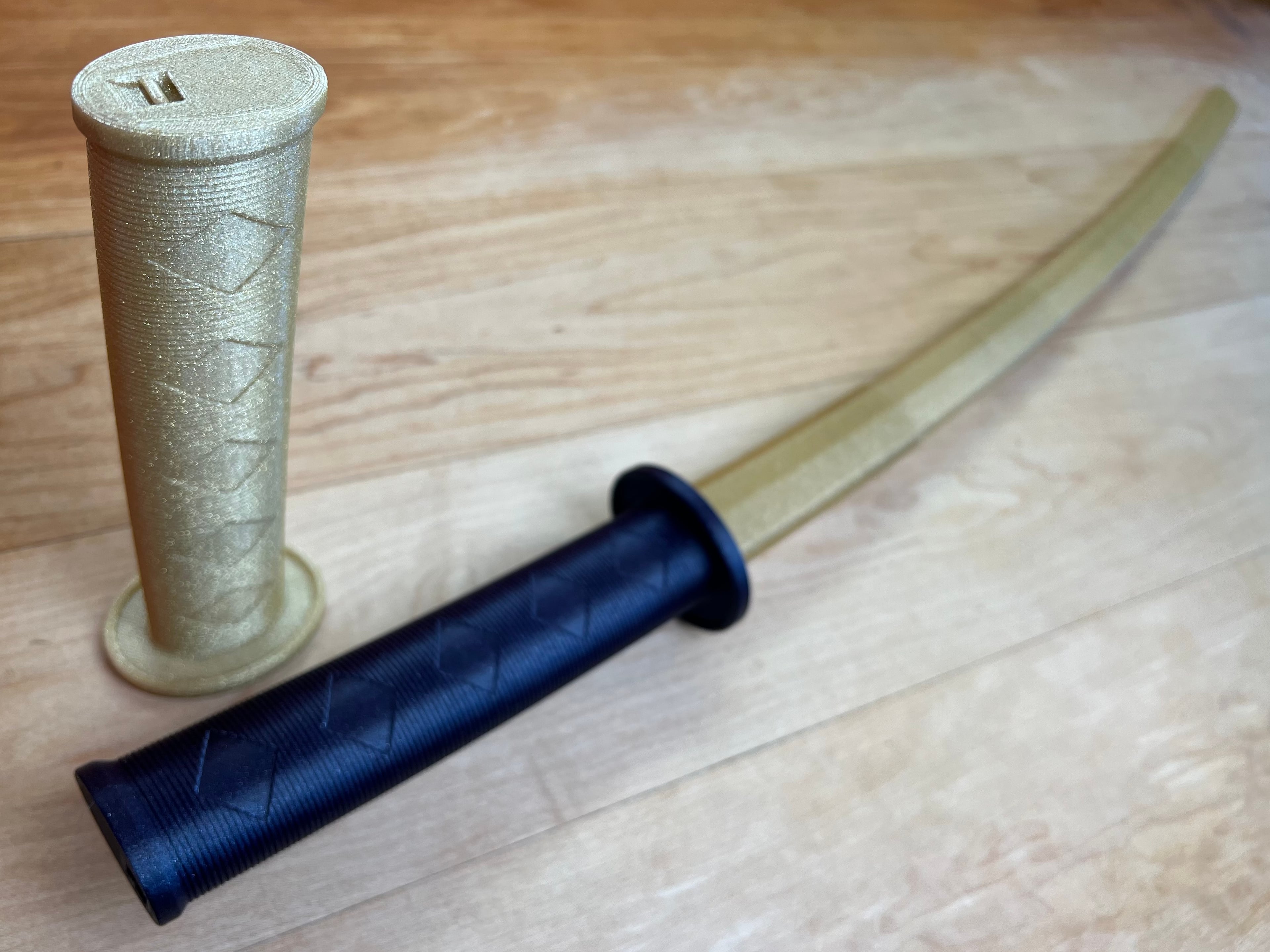


Collapsing Katana with Curved Blade
Collapsing Katana with Single Edged Curved Removable Blade
I updated the latest version of the Katana to have a single edged curved removable blade. You can still find the original print-in-place version here
Printing None of the parts require supports. The blades can be printed concentrically as an assembly or individually in vase mode. If you plan to print concentrically, a single stl contains all the blades. If printing in vase mode, there is a stl for each blade. Note the vase mode stl’s are supposed to be solid so the slicer knows not to make an internal perimeter.
Vase Mode I prefer printing the blades in vase mode as the result is a much cleaner and easier print that can easily be scaled. If you print sequentially, it’s faster too. If printing at 100% scale, set the line width to .94mm. If you plan to print it smaller, scale the line width down by the same about. If printing in vase mode you can scale down to a minimum of 55% with a .4mm nozzle. For vase mode turn top and bottom layers on for the first blade, but turn it off for segments 2-5. You will notice that the vase mode files are solid, this is so your slicer knows not to try to build a inner perimeter.
Top and Bottom layers Turn only the bottom layers off when printing the first blade segment, and turn both top and bottom layers off when printing the rest.
Print two blade segments and test. If the blades don't catch, bump your line width up .2mm or so. If they catch too soon, reduce line width.
Concentric When printing the blades concentrically use a .4mm nozzle and set the line width to .43 so the blades are two shell thick. If you would like to scale it down try printing the vase mode version instead. Before printing the blade assembly make sure perform the test print found here This print is sensitive to the layer seam and extruder calibration, it’s a good idea to make sure your setting are tuned so the blades don’t fuse.
Test Print The test print is a total of 24mm high so I change retraction settings every 8mm. Then I compare the changes until I achieve the best result. Each printer is going to be different but in my case I used a negative “extra restart” distance to reduce the size of the layer seam.
Detailed printing instructions can be found on my website
Printed with Protopasta Galactic Empire Metallic Purple HTPLA and [Gold Dust Translucent HTPLA with Gold Glitter
Printed on the Muldex rep-rap IDEX printer.
Other Collapsing Swords Master Sword Katana Jian Broad Sword Dagger
Note: Assembly model for reference only.
Having troubles printing or want to show off your prints? Join our Facebook Group.
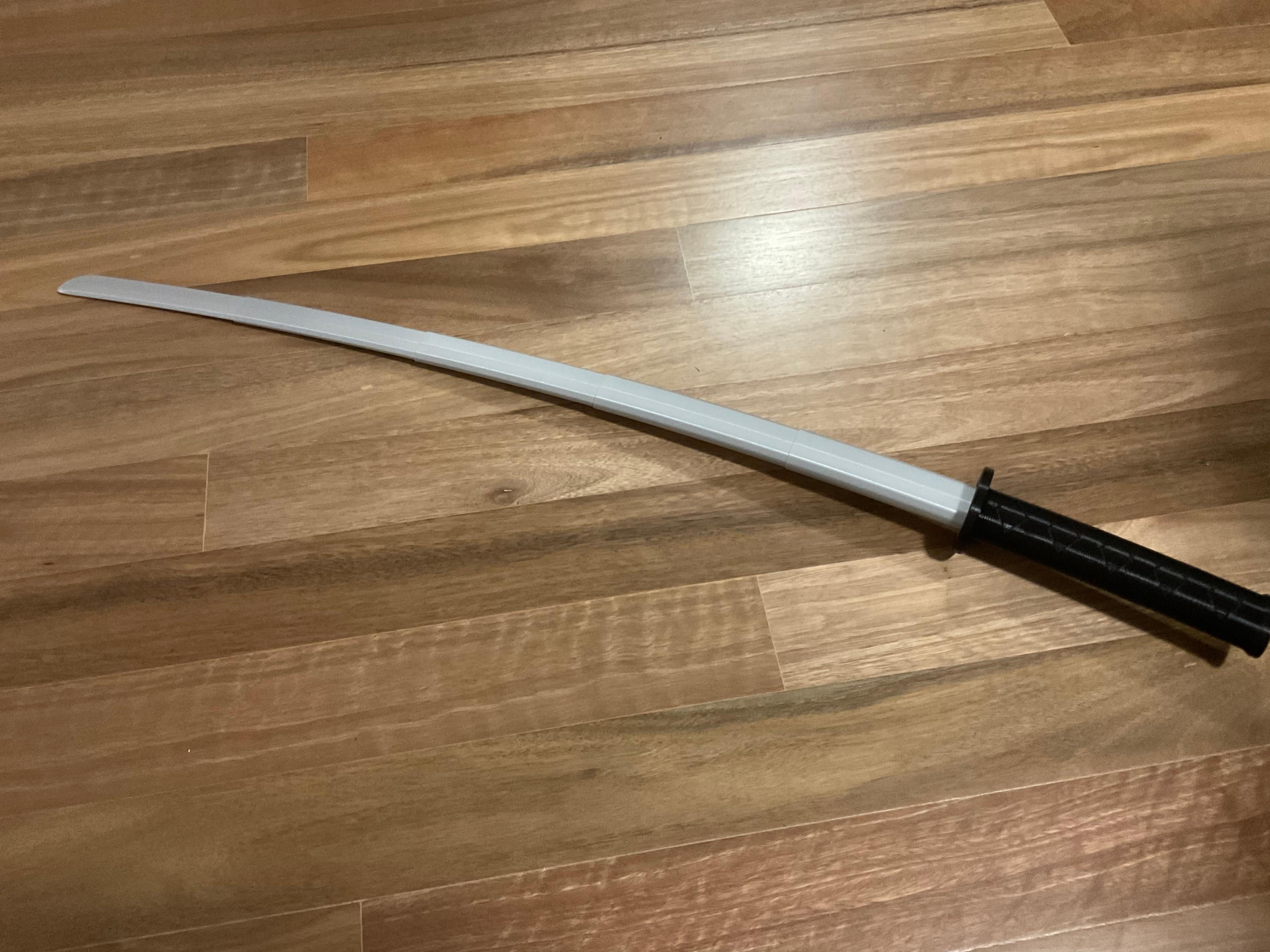
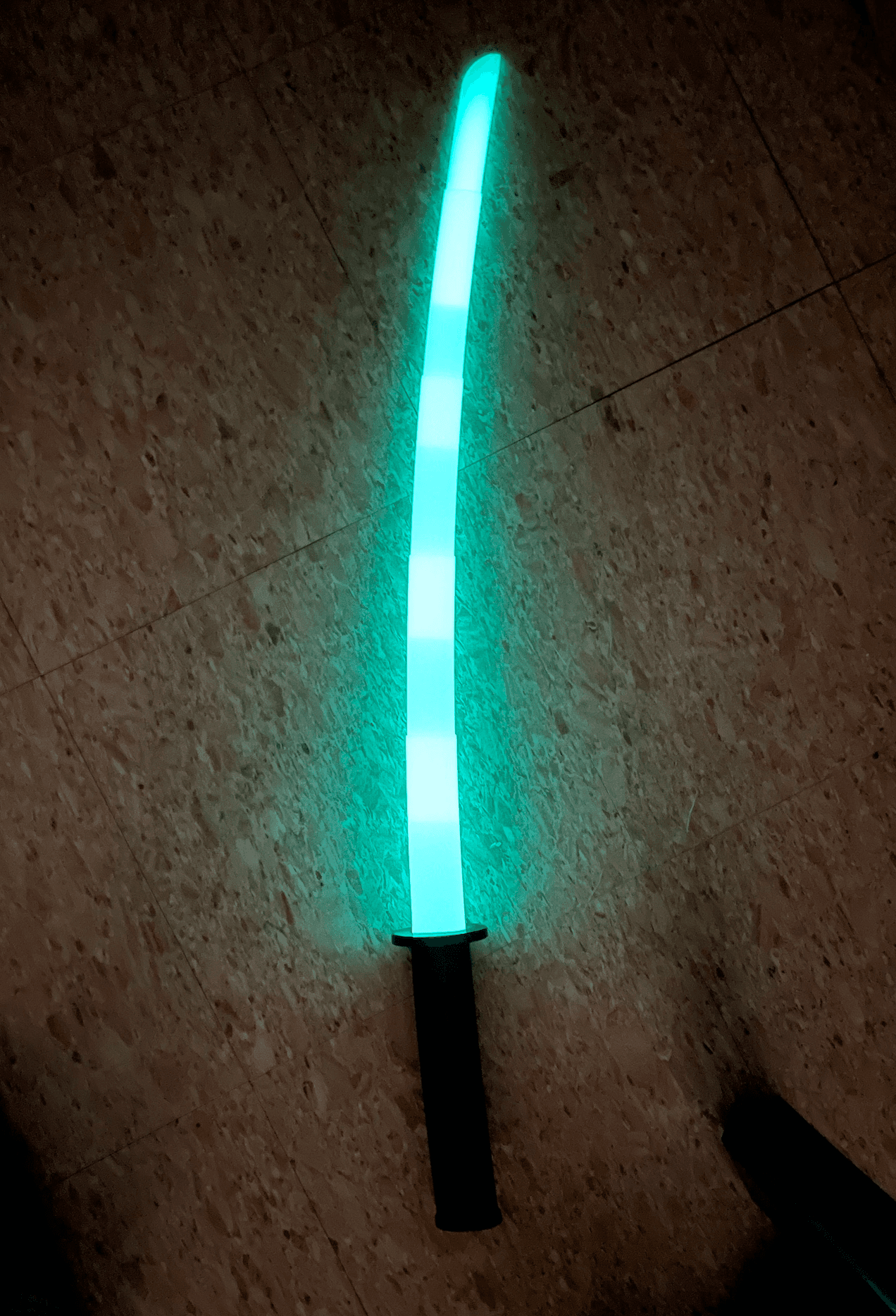
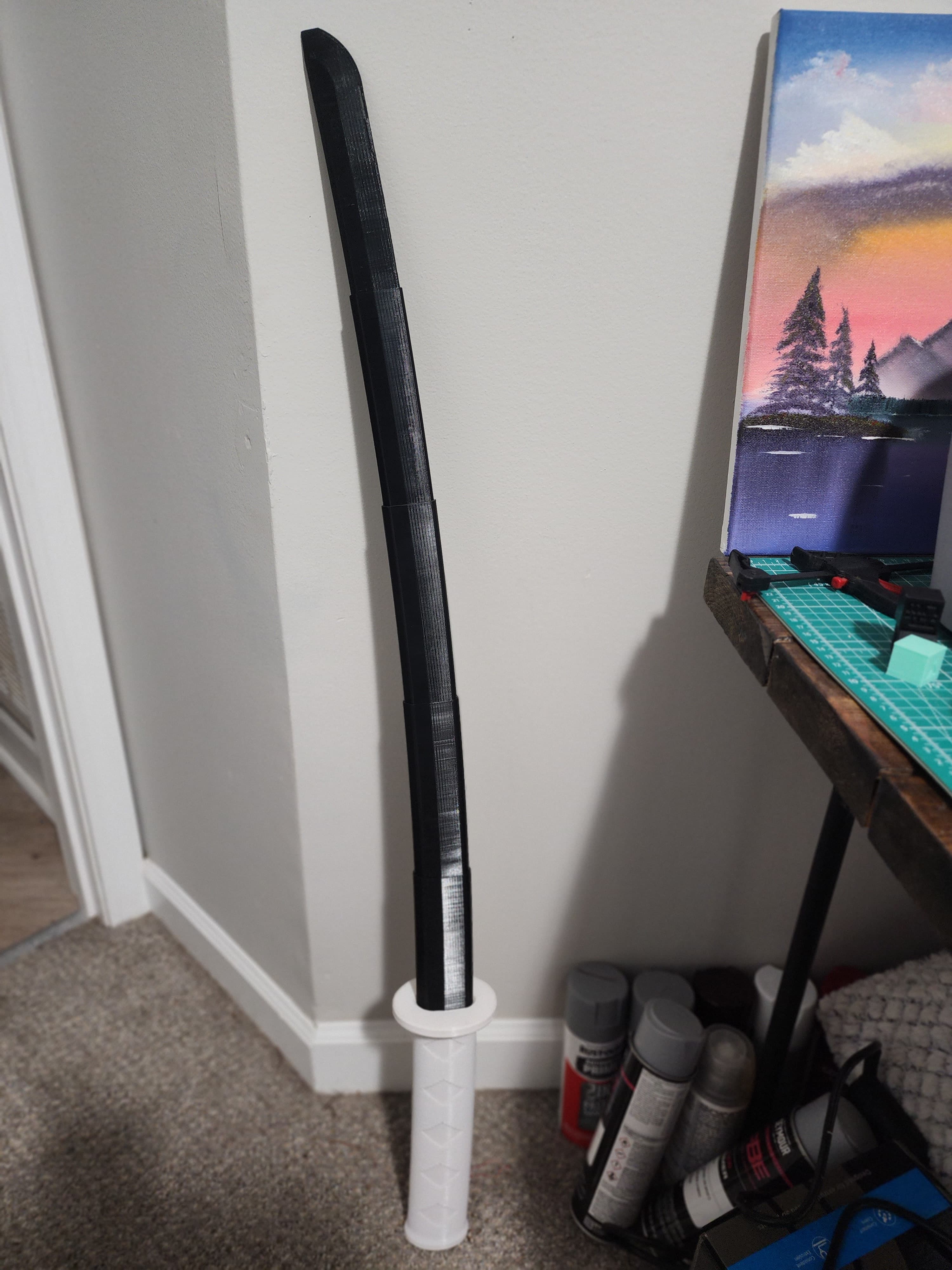
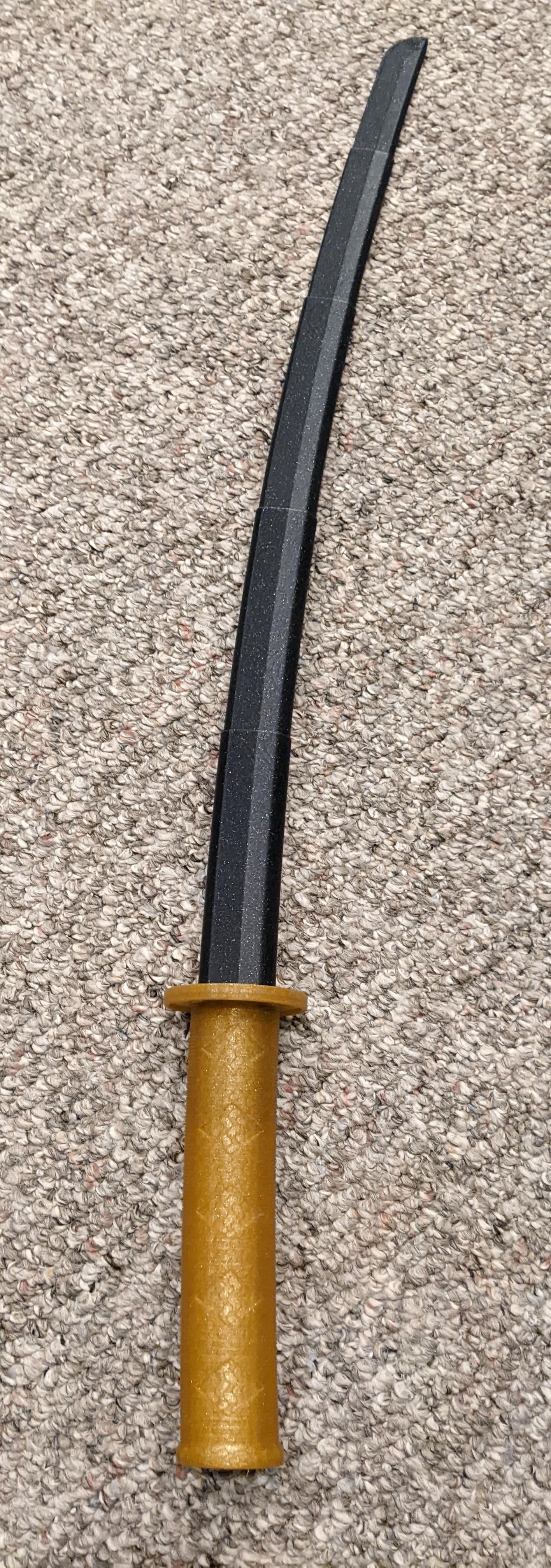
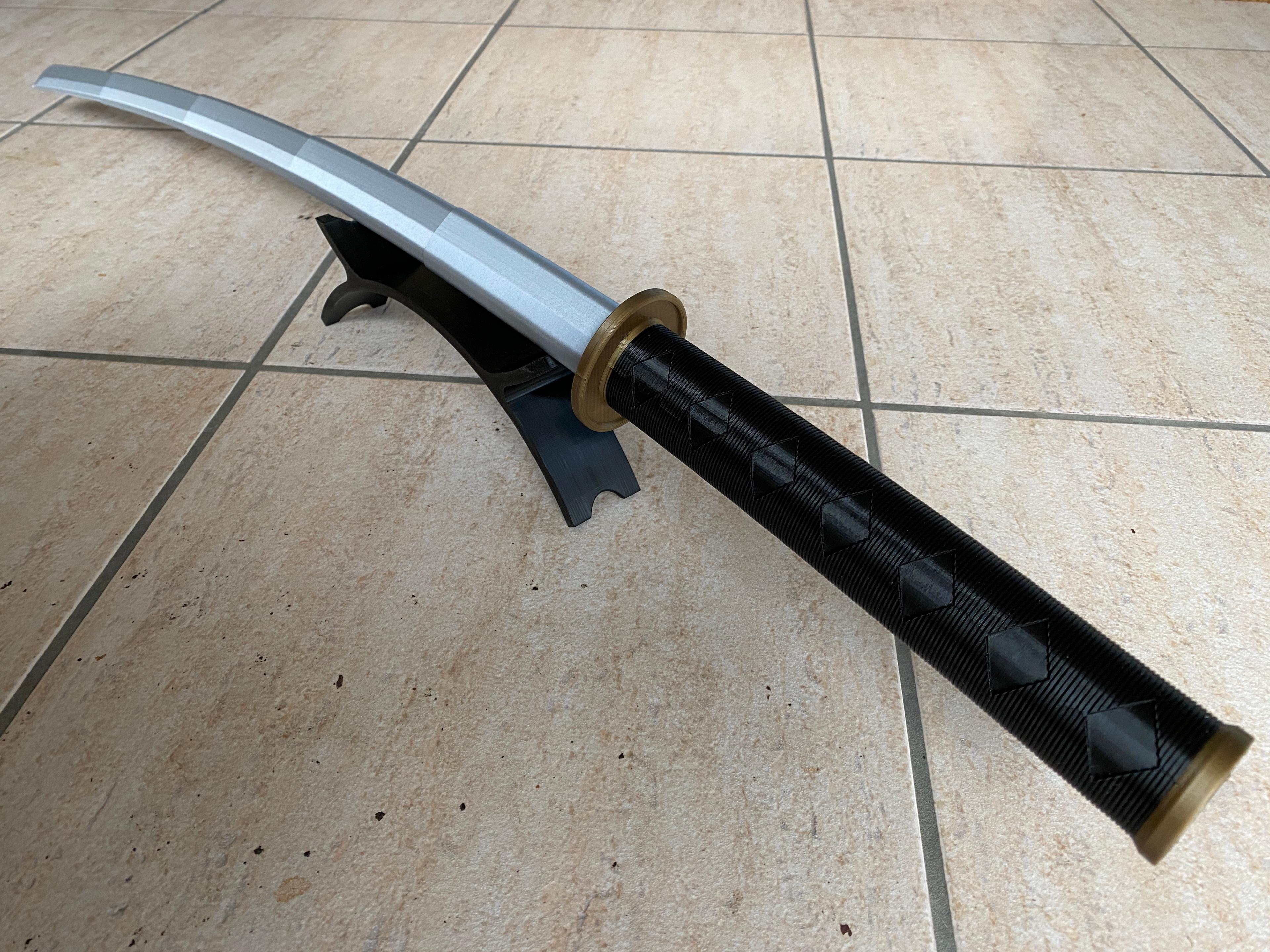
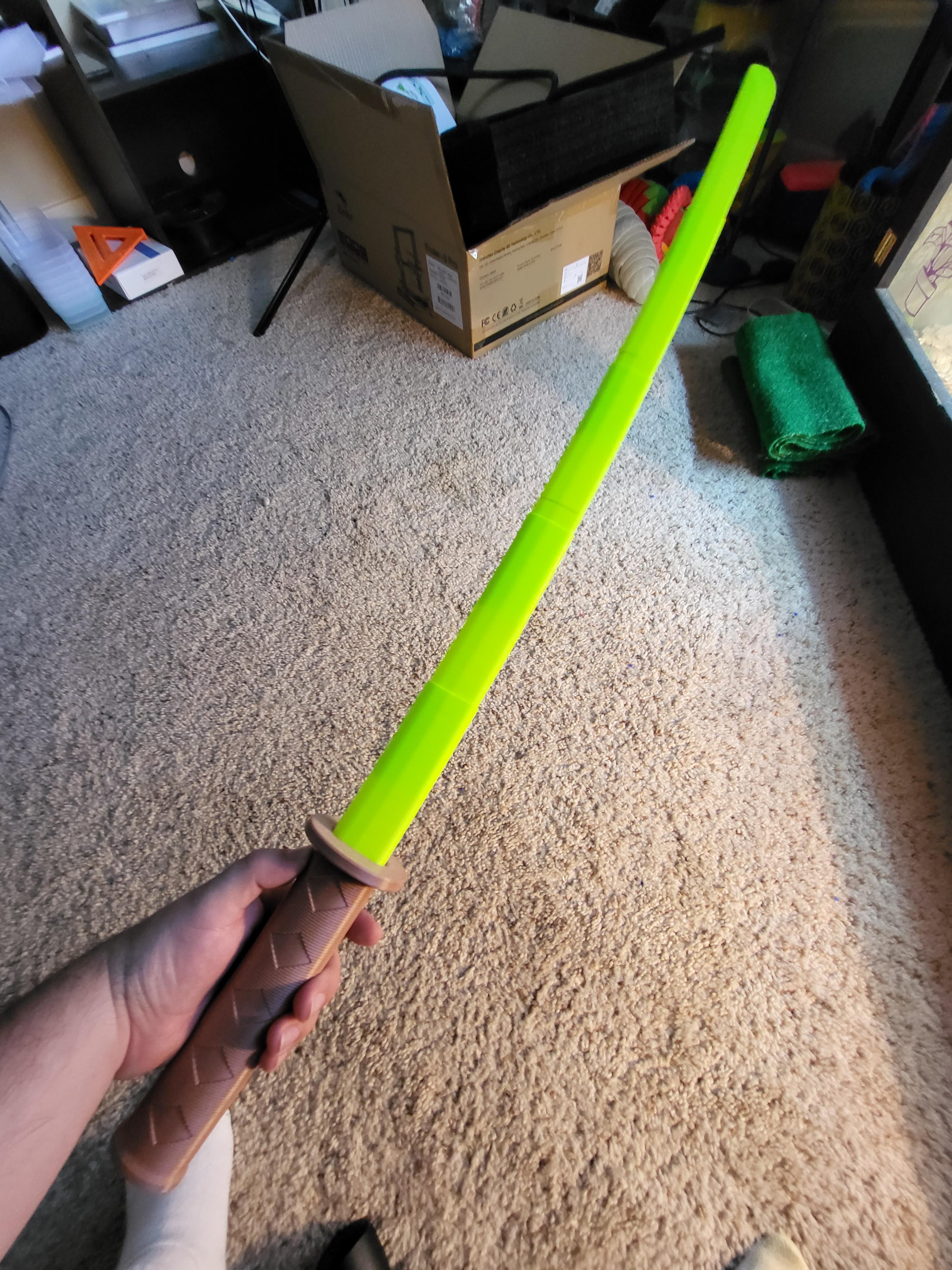
Collapsing Katana with Curved Blade

Quinlan Vos Collapsing Lightsaber

Master Sword Horizontal Wall Mount
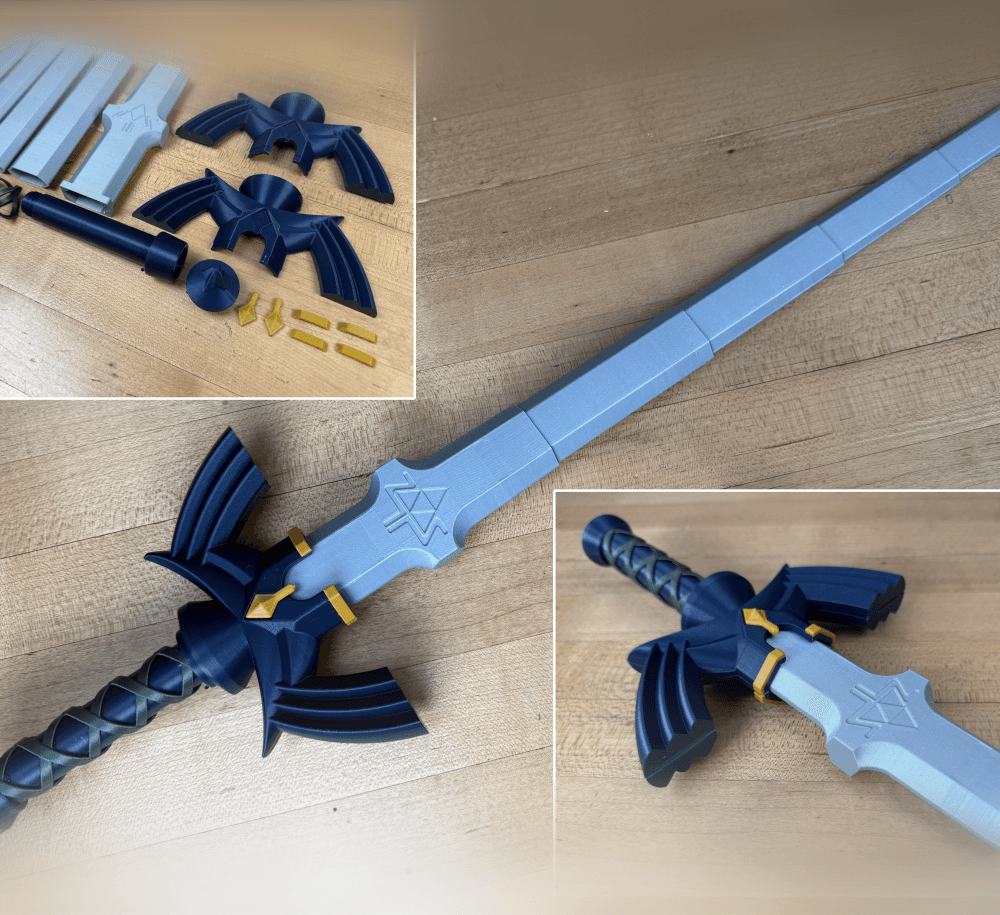
Expanding Master Sword

Lightsaber Belt Clip

Luke’s ROTJ Multi-Part Collapsing Lightsaber

BYOK #10
Fallout Access Granted Illuminated Panel

The Incinerator Multi-Color

The Incinerator Collapsing Lightsaber

Fallout Access Granted Panel

Devon Izara's Collapsing Lightsaber

Sakonji Tomioka Katana

Master Sword Vertical Wall Mount

Collapsing Easter Basket

Buster Sword Wall Mount

Textured Planetary Egg Container

Ezra Bridger 3rd Collapsing Lightsaber
Illuminated Galaxy Edge Control Panel #2

Illuminated Galaxy Edge Control Panel #1

on my slicker the single blades are not hollow so is it supposed to be like that?
Yes, so they can be printed in vase mode. See the troubleshooting guide, it goes into detail on this.
would i be able to get this through patrion
it said only 5 per month or do i get all thats here now
Currently its only on here, do you not want to join here?
when I brought it to my slicer profile it didn't wanna print it as one solid piece (hilt and blades together) so I printed them separately and the hilt came out great but the blades keep fuzing together and I cant figure out what I'm doing wrong.
You can find the troubleshooting page on my website or try printing the blades separately in vase mode.
ll pieces come out of the hilt fine but then when i try to retract two of the pieces kept getting stuck and when i push it into the hilt the pommel comes flying off and out comes the blade. Ive tried sanding both blades but no luck at at. Pls help me
Love your collapsable swords so much! Wondering if it's normal for the sword to fairly easily get stuck extended to the point I end up breaking it trying to collapse it again. Perhaps there is a setting I can try to alleviate this some.
This seems to be the biggest sword I can print with the Prusa mk3s. Hope to get a larger printer someday for some of the others.
The layers do like to get locked together when extended. I normally hold the blade in one hand and smack the pommel straight down on a table to get it unstuck.
What slicer do you use, prusa slicer will not allow you to print in vase mode with a top layer on
S3D, but just flip it over and use a big brim to keep it stable.
is it possible to get the step file? I want to make a few tweaks if that is okay.
Any suggestions for using a .6 nozzle?
Yes, or 150% because .6mm/.4mm=1.5 or 150%. This way the walls of the sword blade will still be two line widths thick. I know some people have had luck with a .6, but the slicer is trying to make .4mm walls with a .6mm nozzle so it might not work as well.
also wondering this, do you mean scale up by 50%?
Scale up to 1.5x's
the cap's spring function fused together, is there a way to fix this without printing a new one?
If one fuses to me a cut it apart to figure out the cause then try to reprint it. Try tuning the layer seam on the test print, or you can always print the blades in vase mode.
Thank you so much, my kids a superexcited with their new katana's.