


Collapsing Darksaber
Collapsing Darksaber Multi-Color Version
This Darksaber not only has a collapsing blade but its also changeable. The catch on the pommel is spring loaded, you push it to one side to unlock it.
The hilt needs to be glued together, and the pommel needs to be glued onto the cap. I used Starbond Medium CA Glue (aff.) There is a locator which makes it easy to glue the hilt together with the guard. When gluing the pommel on the cap, first set the cap on a flat surface. Then put glue around the top edge of the cap post, before pressing on the pommel.
To get a full color version, you will need a multi-color printer. For best results use a .4mm nozzle for the blades. You can print the blades all at once concentrically or one at a time in vase mode. I suggest printing in vase mode but if printing concentrically, I would separate the blades on the bed in your slicer. Find detailed instructions on how to print collapsing swords on my website.
Assembled with Starbond Medium CA Glue (aff.)
Printed on the Prusa XL(aff.) with Polymaker Metallic Pro PLA and Atomic UV Yellow Petg.

Quinlan Vos Collapsing Lightsaber

Master Sword Horizontal Wall Mount
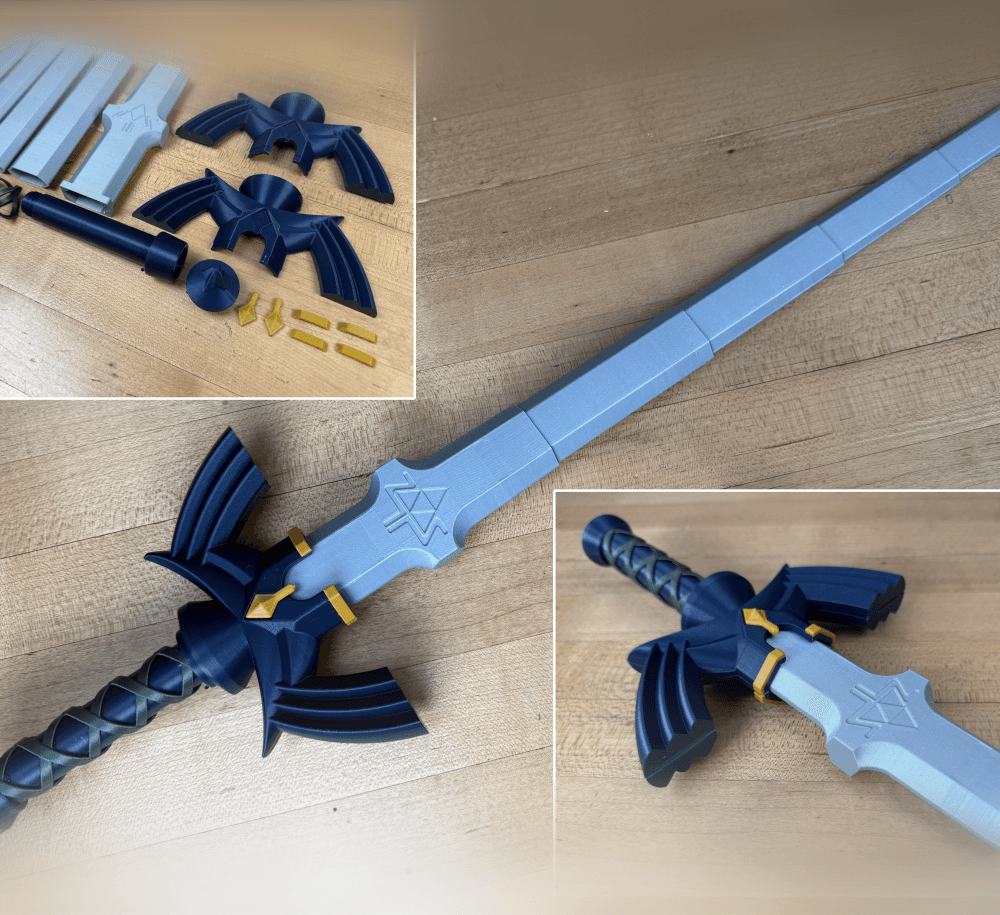
Expanding Master Sword

Lightsaber Belt Clip

Luke’s ROTJ Multi-Part Collapsing Lightsaber

BYOK #10
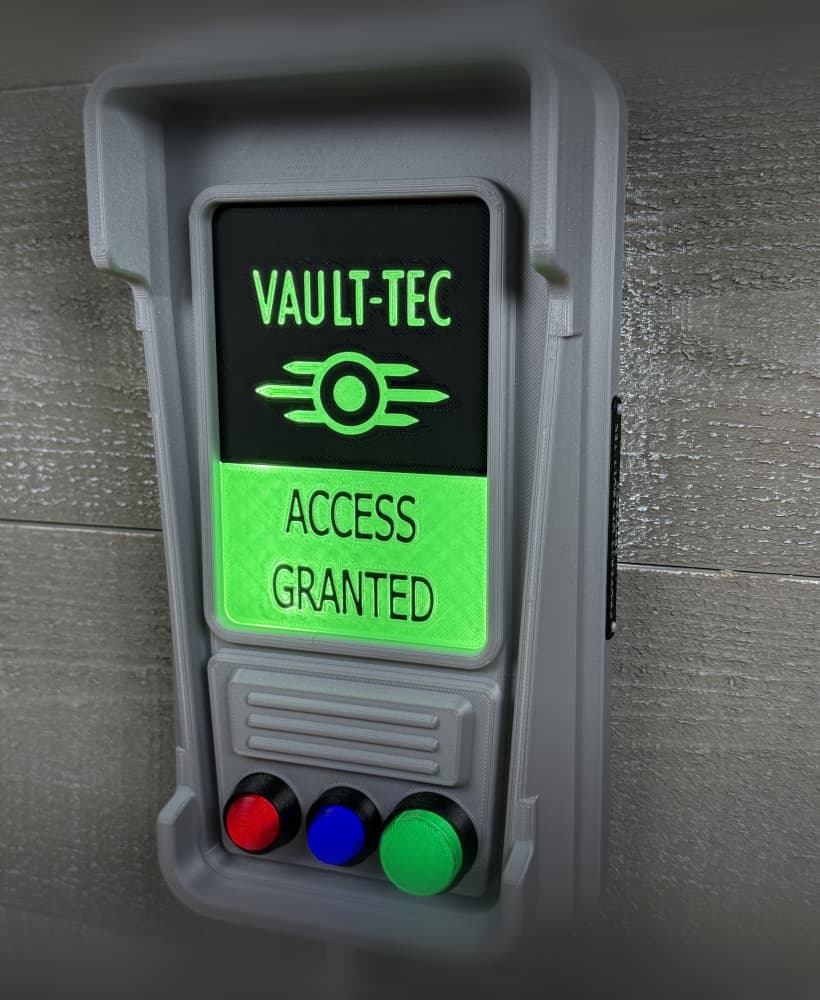
Fallout Access Granted Illuminated Panel

The Incinerator Multi-Color

The Incinerator Collapsing Lightsaber

Fallout Access Granted Panel

Devon Izara's Collapsing Lightsaber

Sakonji Tomioka Katana

Master Sword Vertical Wall Mount

Collapsing Easter Basket

Buster Sword Wall Mount

Textured Planetary Egg Container

Ezra Bridger 3rd Collapsing Lightsaber
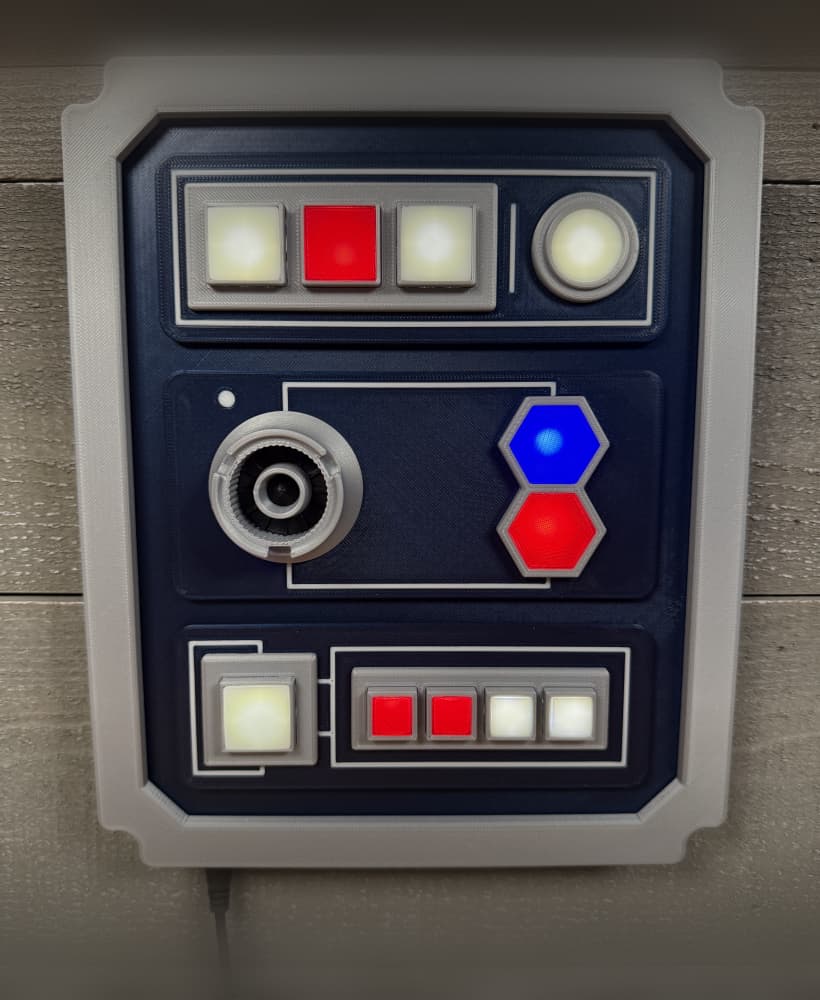
Illuminated Galaxy Edge Control Panel #2

Illuminated Galaxy Edge Control Panel #1
