
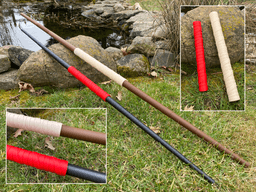

Collapsing Bo Staff
These are Bo Staffs that collapse back into the handle, similar to my other collapsing swords. There are two sizes; small and large. You will need 150mm of Z for the small and 205mm of Z for the large. The small staff’s handle is 30cm long but extends to 140cm, and the large staff’s handle is 41cm long but extends to 180cm long. The small is more child size and the large is more adult size.
The handle consists of two parts that screw together with a threaded connector. I would print the connector with a few more perimeters to make it a little heavier. There is a file containing all five segments so you can print them all at one time, or individual files for vase mode printing. Personally I print in vase mode because you get higher quality and a stronger print. If you print in sequential mode you might be able to print all five segments at once. Set your line thickness to .85mm when printing in vase mode, and .43(two shells) when printing all the segments at once.
Filament Here are some affiliate links to the filament I used.
Small Staff Lipstick red Galaxy Black
Support and Licensing If you would like to help support more free models, or gain permission to sell physical copies of my models, consider joining my Patreon
Collapsing Bo Staff

Master Sword Horizontal Wall Mount
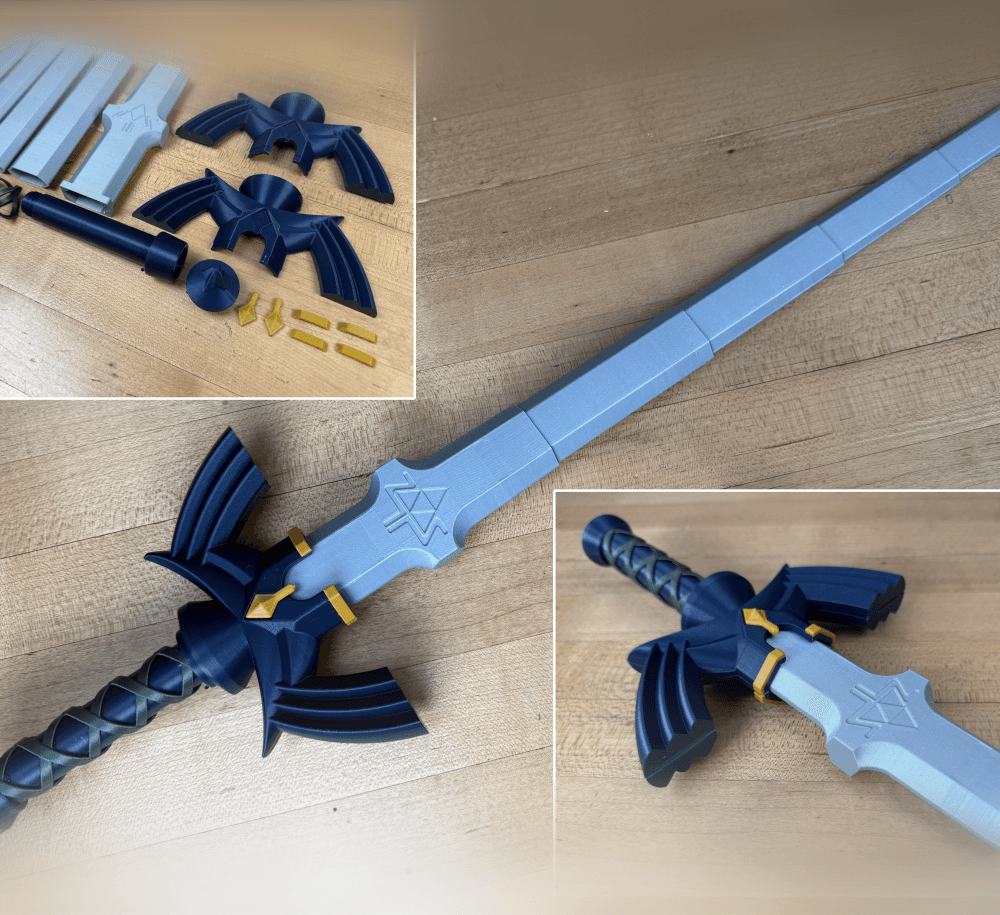
Expanding Master Sword

Lightsaber Belt Clip

Luke’s ROTJ Multi-Part Collapsing Lightsaber

BYOK #10
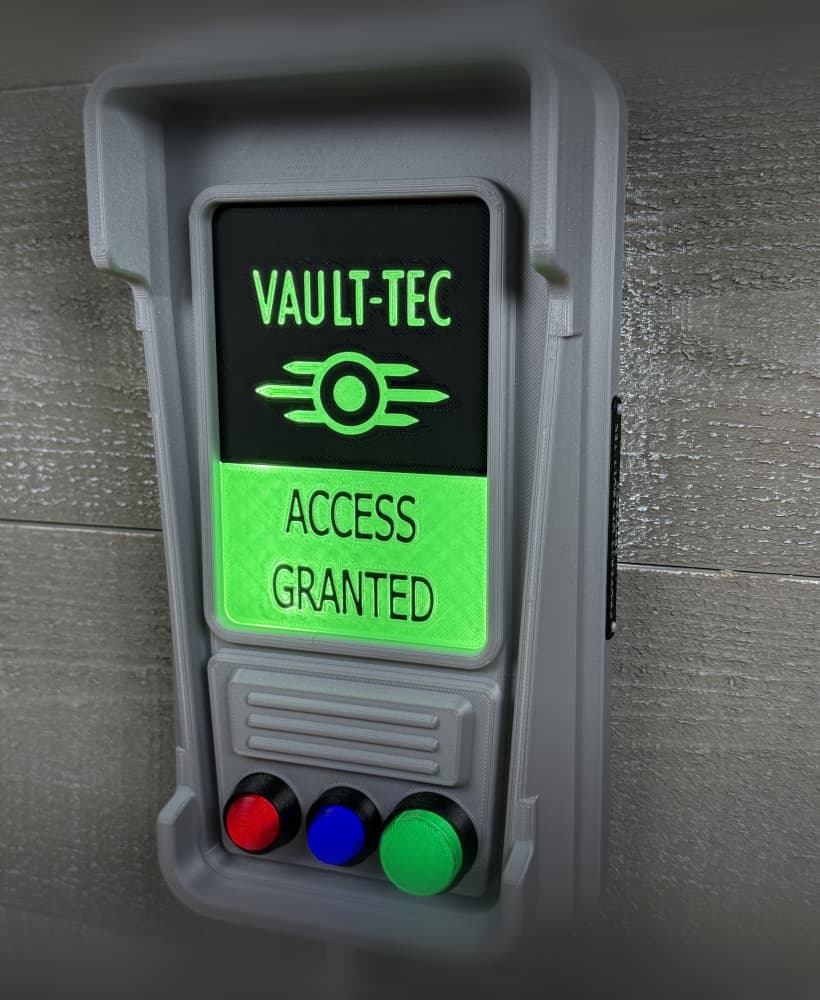
Fallout Access Granted Illuminated Panel

The Incinerator Multi-Color

The Incinerator Collapsing Lightsaber

Fallout Access Granted Panel

Devon Izara's Collapsing Lightsaber

Sakonji Tomioka Katana

Master Sword Vertical Wall Mount

Collapsing Easter Basket

Buster Sword Wall Mount

Textured Planetary Egg Container

Ezra Bridger 3rd Collapsing Lightsaber
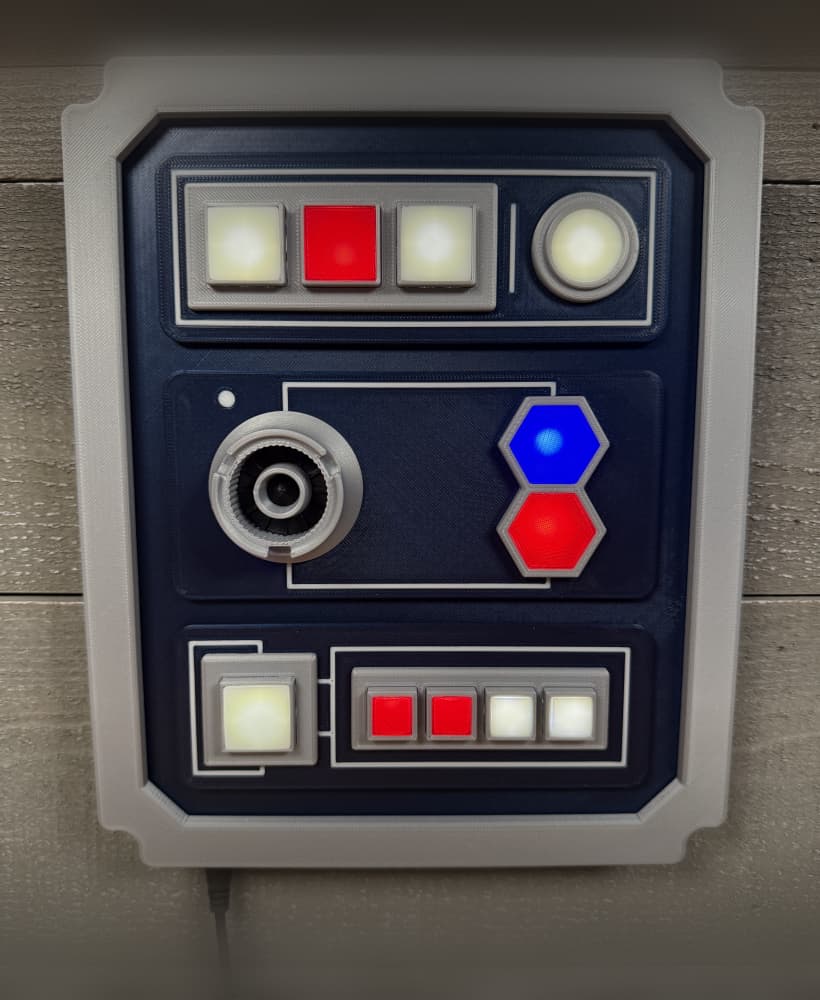
Illuminated Galaxy Edge Control Panel #2

Illuminated Galaxy Edge Control Panel #1

Illuminated Mini Lightsaber

do you know where i could find out how to assemble this?
You just have two half's and a middle. Put the blades in one half, then put the middle on. Put the blades in the other half, then screw the two half's together.
Newbie here, just checking but will this type of print work on a resin printer?
Curious question. If i were to break the tip of Bo Staff thats Large (the one that prints them all together), could i print a large from vase mode not in vase mode? or would i have to reprint the whole thing again?
I think that you can print that tip using the vase
Update, I have figured out how to get the two halves of the staffs to line up at least on the small version so far. I split the connector in two, rotated one half 70-75 degrees and then printed, and the model is almost seamless at the connection. working on the large version now, and currently my quackulations have me at 115 degree rotation on the large connector. As Far as the blades go though, im not sure whats going on as it could be my printer but i am printing at .88mm width which is wider than reccommended. But my remedy to get the blades to fit the handles have been to measure the ID of the ends of the handles and in my slicer (prusa) i would upscale the blade setions .40-.45 larger to each section and then they would lock into the handles along with each other. whatever you increase the #5 section to will need to be the exact same for section 1-4. only do this if you have the problem i am having though. This is by far the coolest print i have came across. its a ton of fun to play with even as an adult.
If the blades don't fit the handle right, I would scale the blades. If the blades don't fit each other, change the wall thickness.
All of your sword designs are great! my nephew loves them. But with this one there is two problems i had that you may know the answer to. Its probably an error on my part. But i printed the small version handles and one of the sets of blades in vase mode, but the blades do not stay captive in the handle. all the blades lock together beautifully but just not in the handle. I havent had this problem with the Jedi or Sith models. Could i just scale the blades up like 1%? the OD of the 1st section of blade is almost exactly the same as the ID of the handle at the end and it just flies right out of the handle. I'm printing at .88mm walls but from printing the other blades Ive found it seems like the wall thickness doesn't change the outer diameter of the blade only the inner. What do you think i could do to fix it?
Just a quick thing, how do the retracting ends attach to the handle? Is it a friction fit or do they need a dab of superglue?
Not sure I understand, no glue needed. The two extending segments fit into each half of the handle, they are trapped inside because of the taper. In between the two half's there is a threaded connector. Once threaded together, the segments are trapped.