


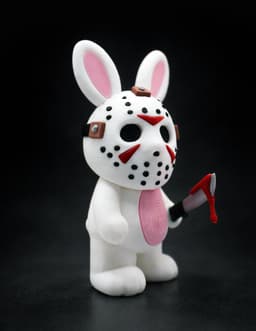
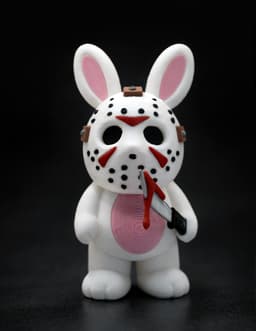


Horror Bunnies - Jason
So I had this idea to create a series of horror-inspired Easter bunnies - as you know, I rarely do cute-only 🙂
This is the first one in the series: Jason.
The model is fully multipart if you want to avoid multicolor printing, but there’s also a pre-colored 3MF file if you prefer.
Printing:
Mask – requires solid supports since most of it is floating. There’s very little contact with the build plate, so make sure your first layer adhesion is good and supports are easy to remove.
Body & strap – also require supports.
Use tree / organic supports for best results.
Strap connectors can be printed in two colors without a multicolor printer by swapping filament when the bolt section begins.
Assembly:
Assembly requires glue, but it’s very easy and straightforward:
- Glue the strap
- Glue the strap connectors (the smaller middle one goes in the middle of the mask)
- Glue the ears_inside
- Push the eyes_inside into their sockets
- Insert the mask details (add a bit of glue)
- Insert the blade into the handle
- Attach the blood piece onto the blade
Optional:
For the mask holes, you can do what I did: Use black filament + lighter + pliers:
- Slightly melt the tip of the filament
- Push it into a hole
- Let it cool for a few seconds
- Trim it flat with the mask
Repeat ~30 times 😅
You can also use a thin black marker instead. (My Instagram video shows the full process.)
Reminder that if you go with the multicolor print - set your purge volume to **at least ** 1.0 to avoid color lines on the white.
Horror Bunnies - Jason
Freddy’s Ice Cream Pint Holder

Slimer Ice Cream Holder

Handy Bottle Opener

Pillar Tray

E.T - the Extra Testy

Beerboard

Screaming Cactuses - Part II
Screaming Cactuses - Part I

Bad Easter Bunny

Bunny Flip Stash
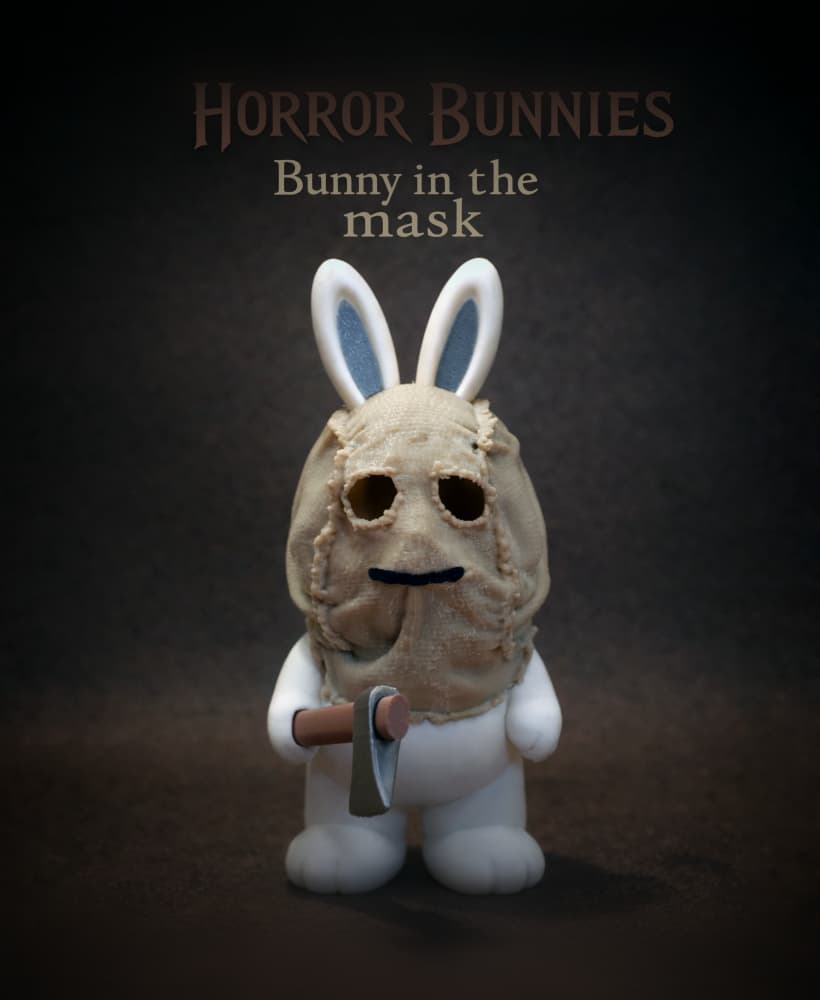
Horror Bunnies - The Bunny In The Mask

Horror Bunnies - Ghostface
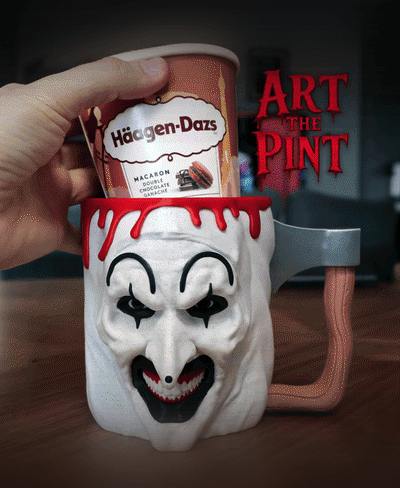
Art The Pint

Jason Voorhees Ice Cream Pint Holder

Tree Trunk Lamp

Bad Leprechaun

Armored Banana Case

Bad Penguin
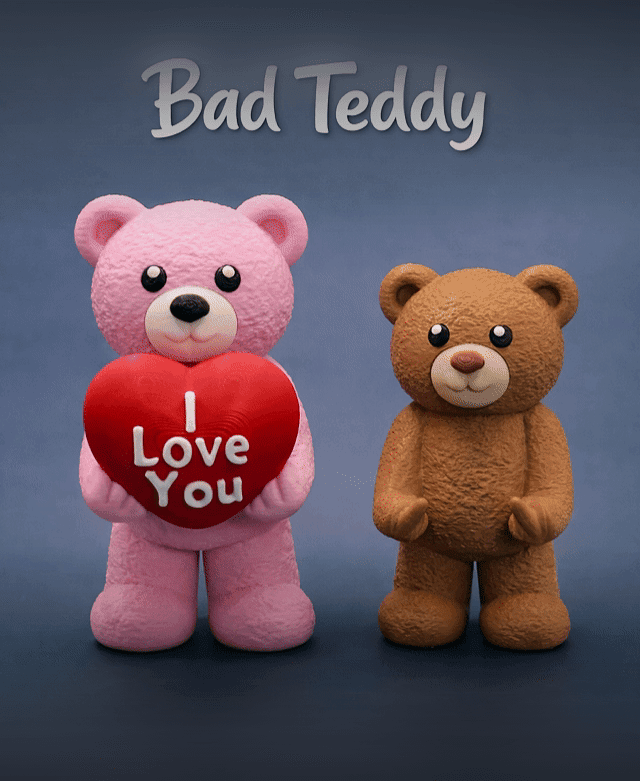
Bad Teddy
