

.png&w=256&q=75)
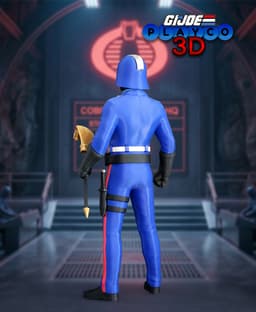
Cobra Commander (G.I. Joe)
Important: To reproduce the colored cobra symbol on the chest, a multi-color printing setup is required.
I recommend the Snapmaker U1 3D printer as that is the printer I used for this model. If you are planning to purchase one you can get 5% off using my referral link. Make sure to click the link below and enter PLAY_CO during checkout so the discount is applied.
Purchase the Snapmaker U1 3D printer and save 5% click here! COBRA! The ruthless leader is finally ready for your printer. This Cobra Commander sculpt captures his classic look with modern precision, designed to stand out as the centerpiece of any 80s collection.
Dimensions: At 100% scale, Cobra Commander stands approximately 9.64 inches (245mm). Scaling up should work fine, but scaling down may tighten tolerances and make the multi color parts less detailed.
Colors Used: Bambu Basic: Red, Blue, Cyan Bambu Matte: White, Black Bambu Silk+: Silver Geetech Silk: Gold
Print Profile: Two print profiles are included: one for Bambu printers and one for the Snapmaker U1. Please note that the Snapmaker U1 profile contains only the multi-color components, not the complete model.
All multi-color parts shown in the photos were printed using the Snapmaker.
Below is a breakdown of the multi-color parts for a standard Bambu AMS system and the Snapmaker U1 multi-tool changer.
Bambu (AMS) Chest: 6Hr 10m. Filament used 110g Chest without buttons: 4Hr 6m. Filament used 75g Snapmaker (Tool Changer) Chest: 2Hr 24m. Filament used 47g
Optional Parts: The default pose for Cobra Commander features his head facing forward. If you prefer a more dynamic look, you can print the “angled” head parts to give him a slight turn.
Optional hands are included with a hole designed specifically to hold the knife, allowing you to attach it to either the left or right hand.
Printing Tips: When printing the knife blade, you may notice the top can come out blobby or slightly deformed. This is likely due to insufficient cooling time during the print. A simple fix is to print a second knife blade of the same height placed about halfway across the build plate. This adds a small delay between layers, allowing each blade more time to cool and resulting in a cleaner finish. If you run into this issue, give this method a try.
Assembly Steps: Build the leg assembly by attaching the left belt, mid-leg, and bottom belt pieces. Look for the “TOP” marking on each part to ensure proper orientation Attach the red stripe details to both the left and right legs Attach the shoes to the pants Glue the knife case onto the left leg Assemble the belt by stacking the black belt (with the rectangular cutout on top), the blue mid-section, and the white belt. Align carefully so the belt loops fit later Attach the upper body to the white belt section then firmly press in all the belt loops. Attach the belt buckle the belt pouches. Attach the left and right arms using the pins Attach the blue collar to the upper body, choosing either the straight or angled pose Assemble the head: Attach the black neck to the helmet using the pin Add the upper silver helmet stripe (slanted cut points to the right when facing the helmet) Attach the silver mask Connect the head to the blue collar Build the gold staff: Insert the black staff into the left hand and gently twist until it loosens Flip and repeat from the other side until it moves freely Attach the base to the staff Attach the cobra to the top section Secure the assembled top to the black staff Assemble the knife by gluing the blade and base to the handle. Once dry, slide it into the knife case on the leg
Your model is now complete!
You’ve now brought the infamous Cobra Commander to life. From his sleek helmet and commanding presence to his unmistakable villainous style, he’s ready to lead Cobra and take his place in your collection. Thank you for printing this model and for supporting Playco3D. I’d love to see your finished print, so be sure to share your photos!

TCG Munkey Card Scanner With Phone Tower
.png&w=3840&q=75)
Elder Articulated Arctic Dragon

Frame Lamp - in Multiple Options
Tank Commander

Zombies - Tabletop Miniature

Mushroom Shelves!!
Skull Lord - Tabletop Miniature

Lunar Beacon Command
SIMPLE FLEXI COBRA - SUPPORT FREE - PRINT IN PLACE
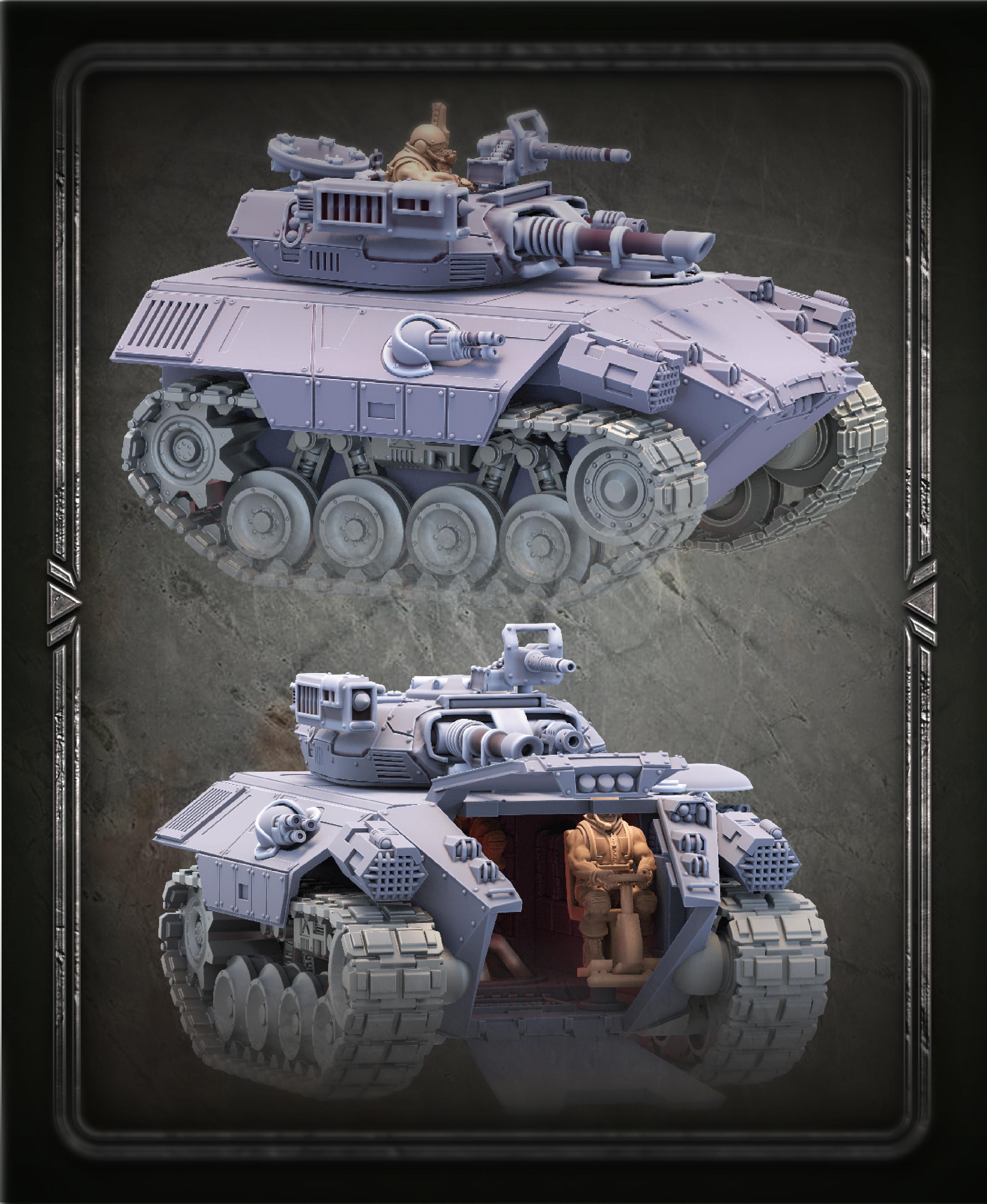
Oppressor IFV (July Release)

DRAGON BOOK STAND - VULCANO DRAGON / MODERN HOMEDECOR / GOTHIC / DRAGON DECOR / BOOKEND HOLDER
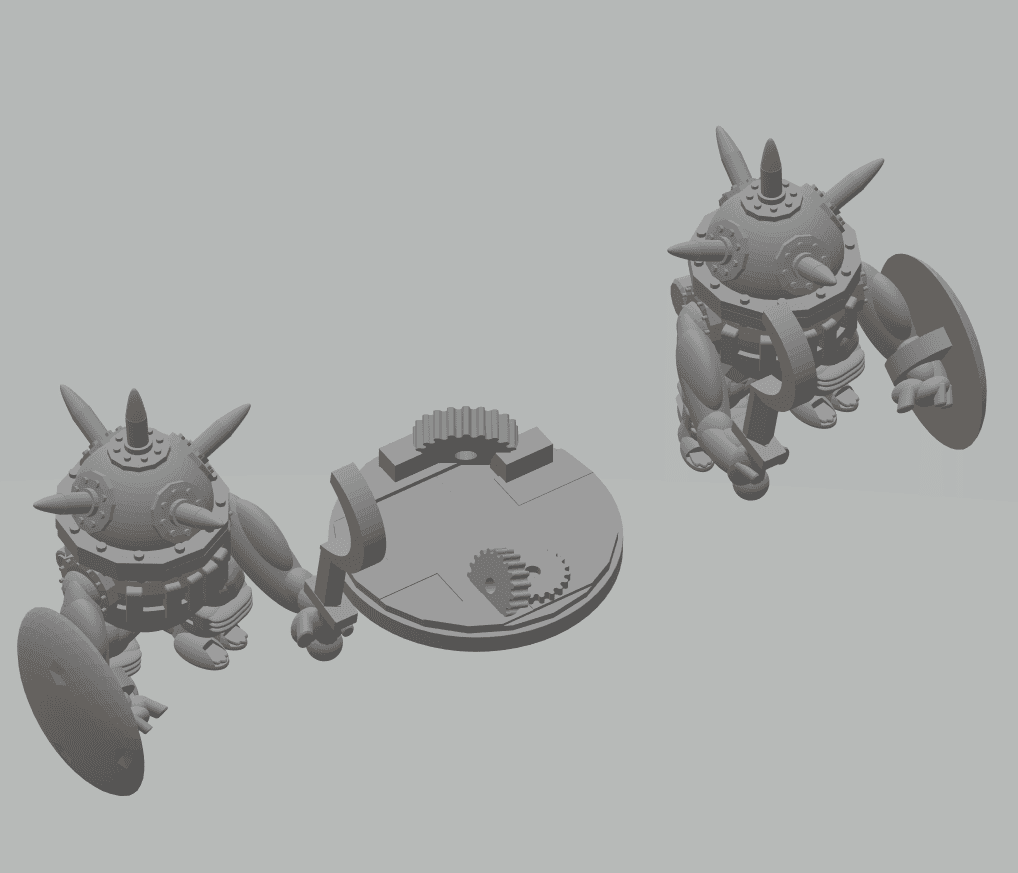
FHW: Zorblin Cult of the Flat Moon Sapper Melee Trooper
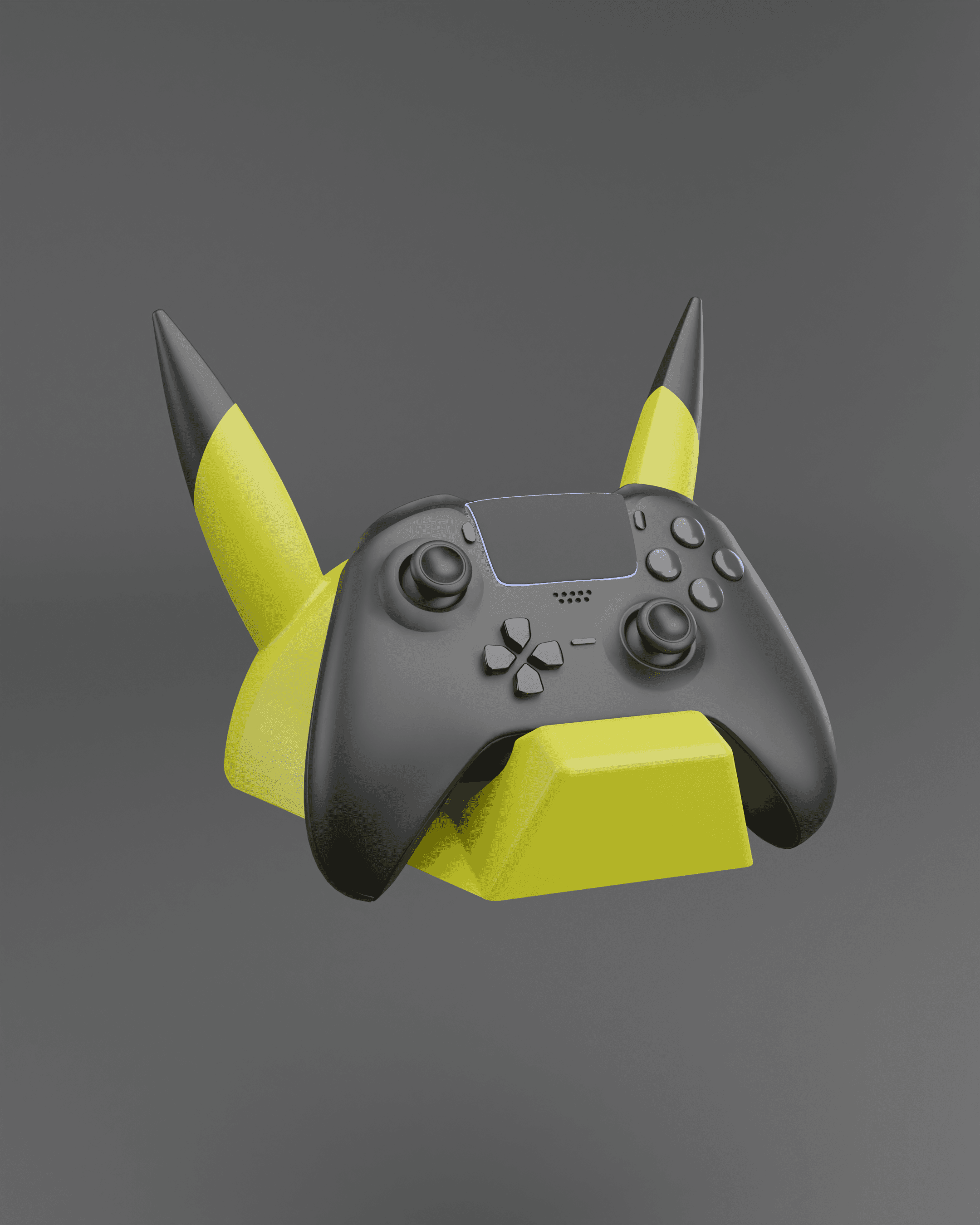
Pikachu Themed Controller Holder Wall Mount - Fan Art

Dark Lord Duck – Galactic Villain Collectible

Coiled Snake Catchall Bowl STL | Cobra Jewelry Dish | Rustic Reptile Home Decor | 3D Printable Entry

Majestic Grizzly Bear Catch-All Tray | Rustic Entryway Decor

Adult Blue Dragon - Tabletop Miniature (Pre-Supported)

Shelf – Captain America
Grave Titan - Tabletop Miniature (Pre-Supported)