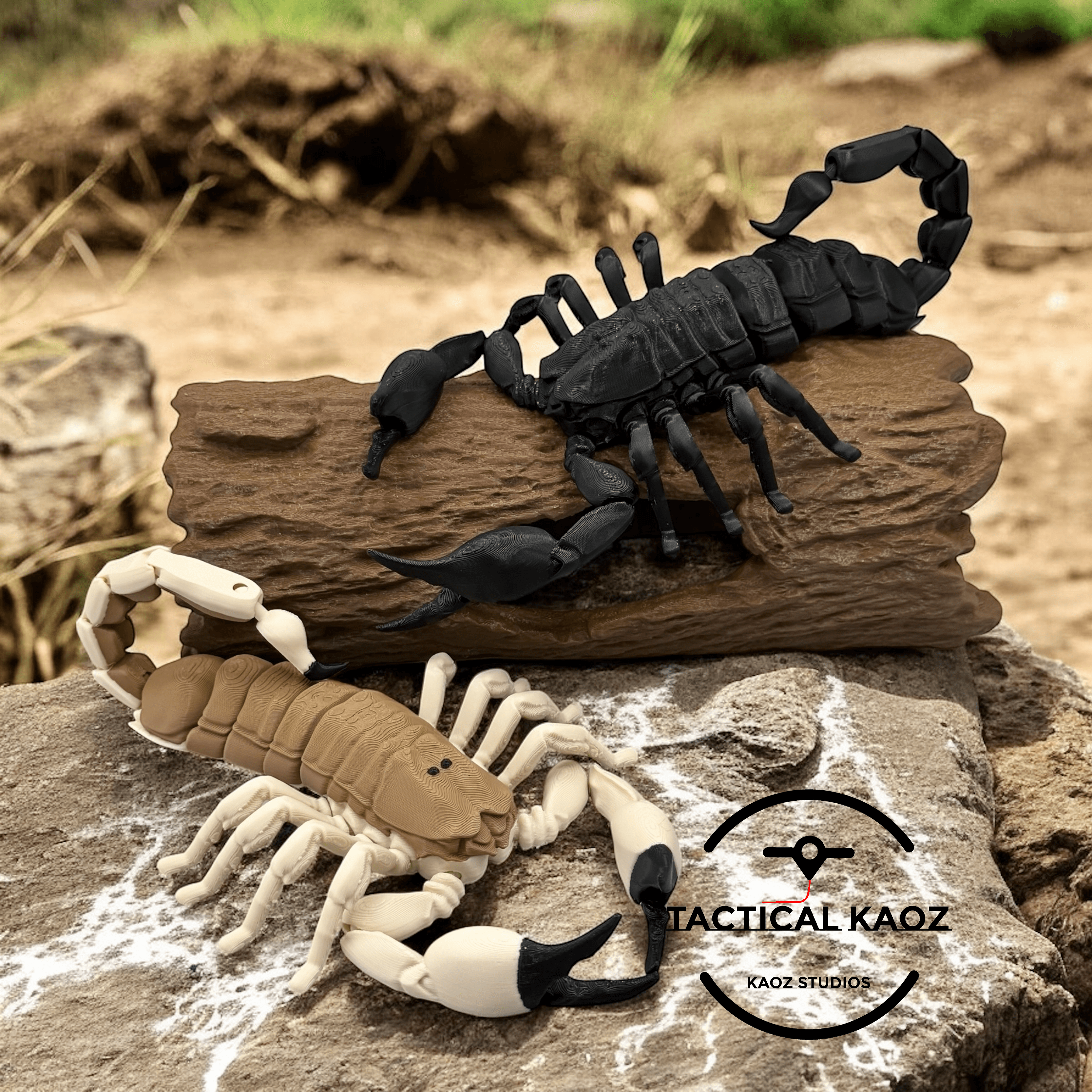


Articulating Scorpion Print in Place
Bring the desert’s fiercest predator to life with this fully poseable 🧩 3D-printed scorpion! Each model features 24 points of articulation for smooth, lifelike posing — crawl 🐾, strike ⚡, or coil its tail 🔁. The tail can even be locked in place to rest dramatically over its back, or left loose for a natural stance.
Includes two versions: 🖤 Black Scorpion – bold, sleek, and intimidating 🤎 Desert Scorpion – warm, realistic tones inspired by nature
A friction plate is included to keep the legs upright and perfectly poseable. When assembling, apply glue only to the center area as shown in the image — this ensures the legs remain flexible and hold their position firmly.
🛠️ Joints may need a little gentle back-and-forth movement to fully free up after printing. The model was not design for smaller scaling due to tight fitment — only larger sizes.
Designed for realism, movement, and durability, these scorpions print support-free and assemble easily right off the bed 🖨️.
Printed using high-quality filaments: 🧵 MatterHackers PLA Black, eSUN PLA Pro+ Brown, and Elegoo PLA Beige


Articulating Scorpion Print in Place

Flexi Scorpion STL – Articulated Print-in-Place Scorpion Toy | No Supports | Easy FDM 3D Print

FLEXI HYBRID SCORPION

I AM BATMAN: Print-in-Place Articulating Figure
.png&w=3840&q=75)
Bendy Beast Print in Place Articulated Dragon
.gif&w=3840&q=75)
Articulated Print in Place Dragon Rockscale

Flexi Donkey – Articulated Print-in-Place Model

Flexi Sloth – Print-in-Place Articulated Model
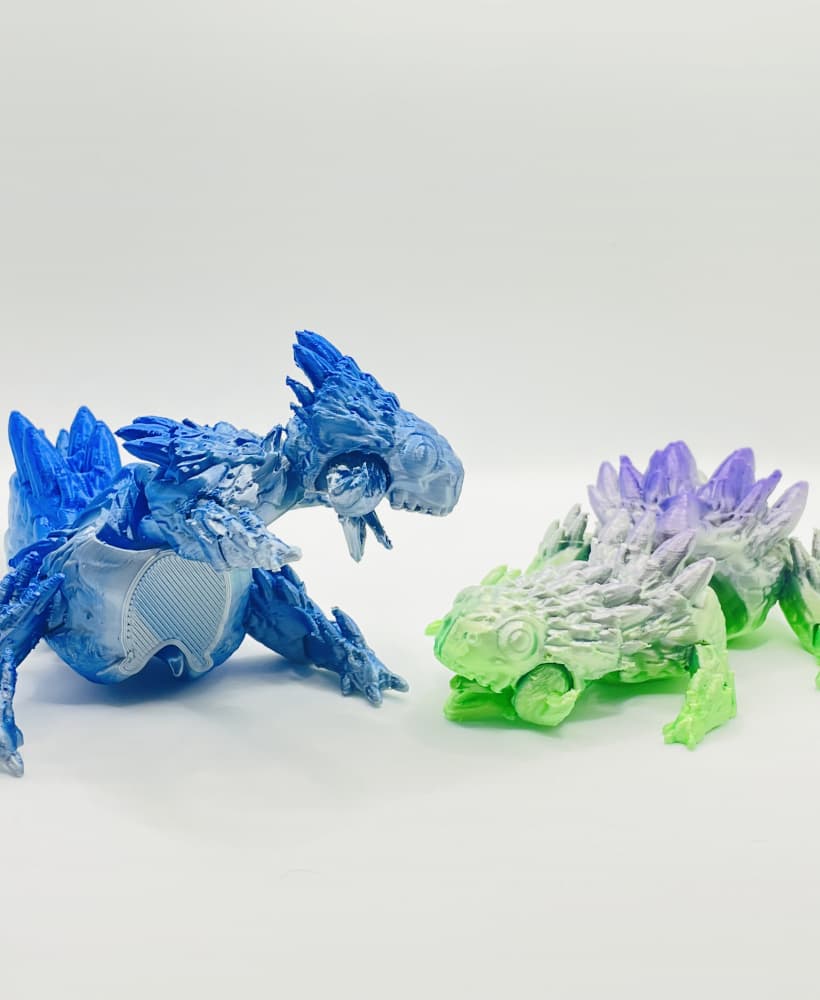
Cute Spiky Dinosaur - Articulated - Print in Place - Flexi
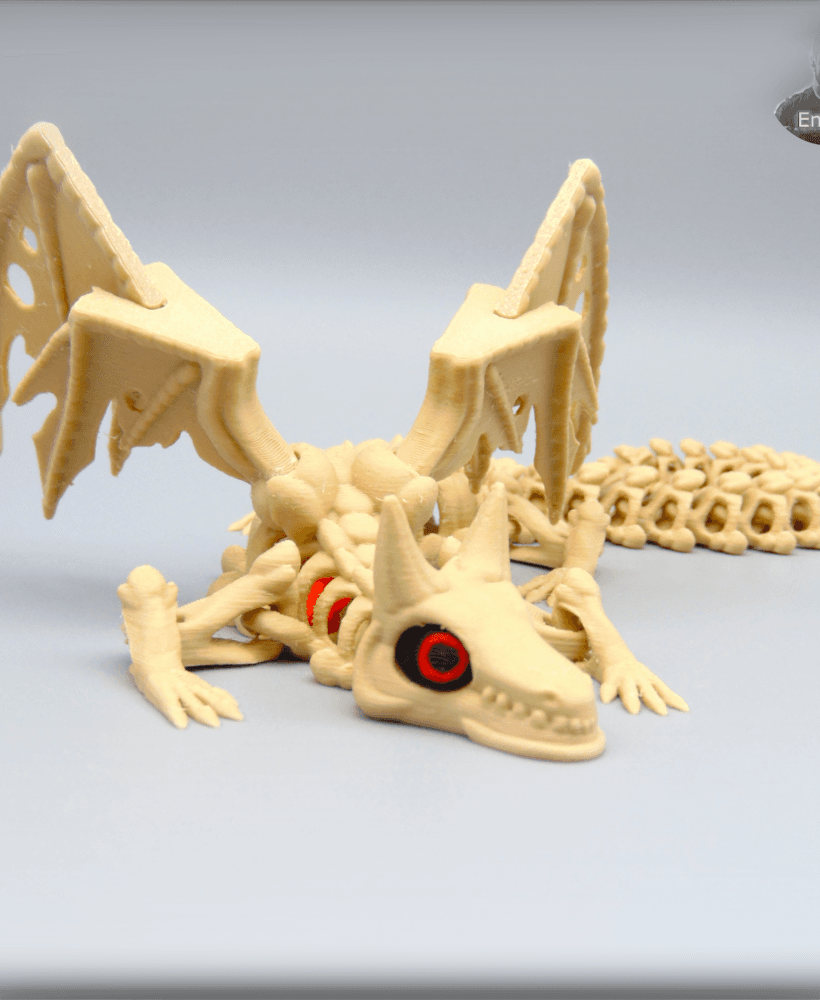
Skeleton Dragon V2 - Articulated - Print in place - No Supports - Fantasy
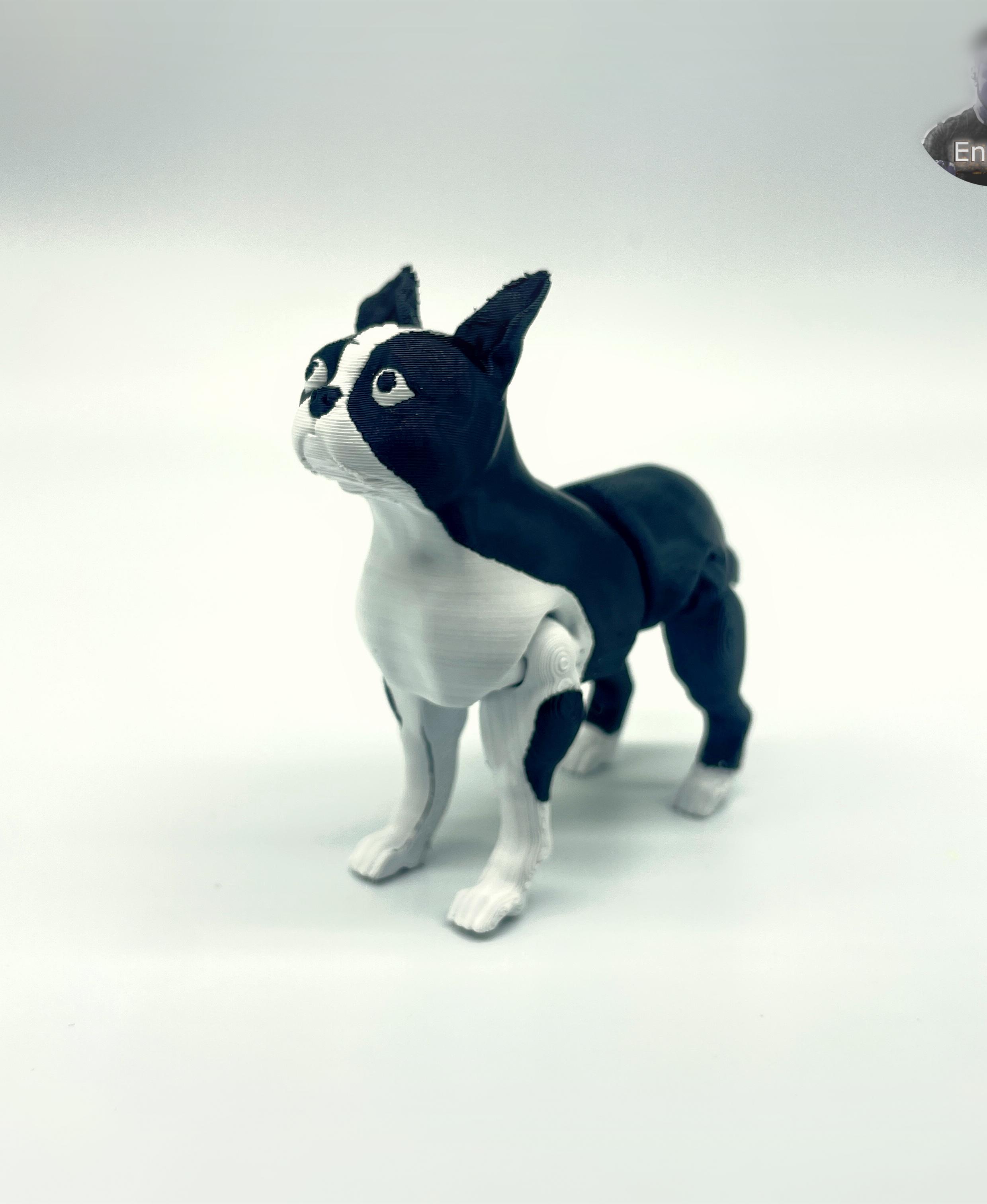
Boston Terrier Dog - Articulated - Print in Place - Flexi - No supports
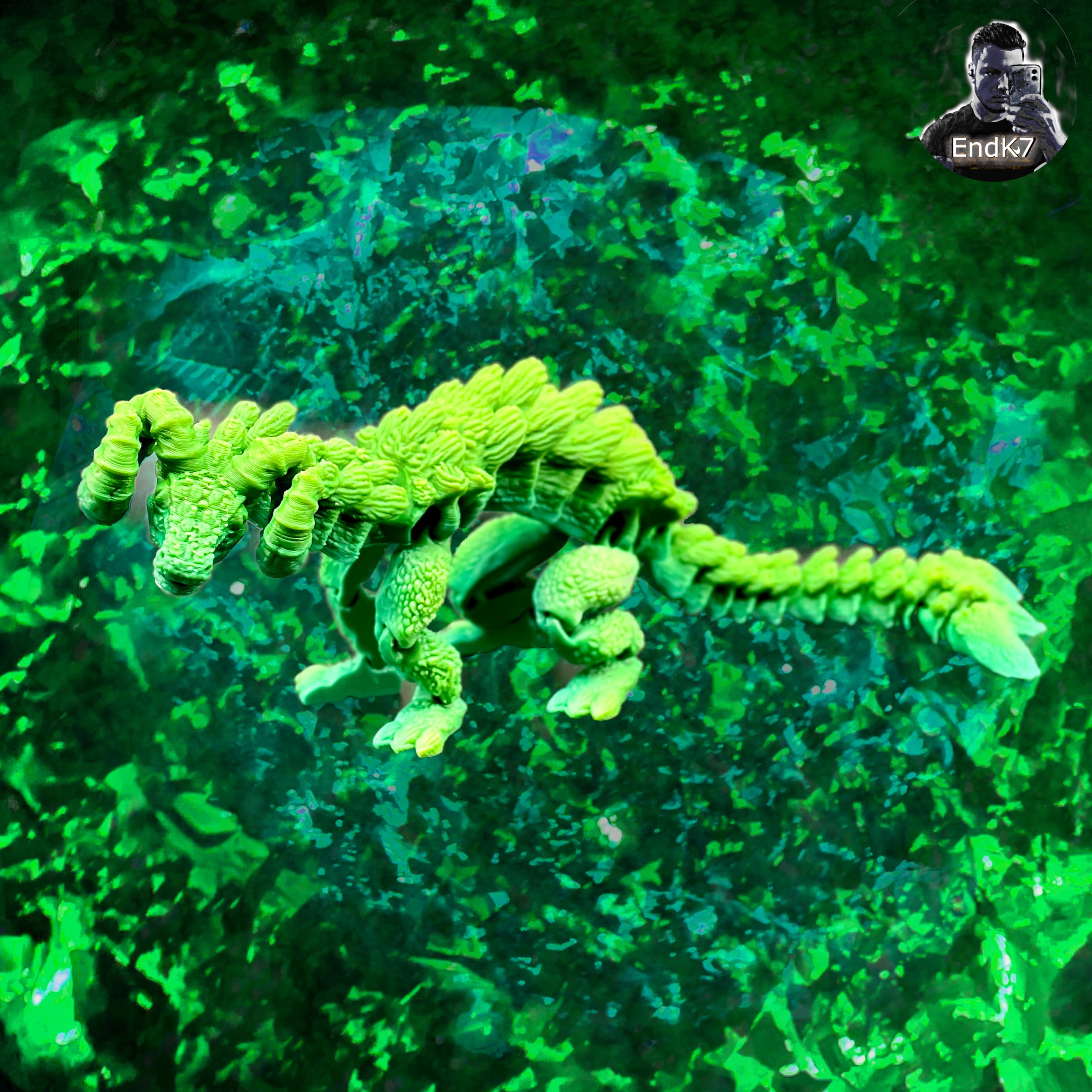
Mythical RamHorn Dragon - Articulated - Print in Place - No Supports

Heart Dragon - articulated - print in place
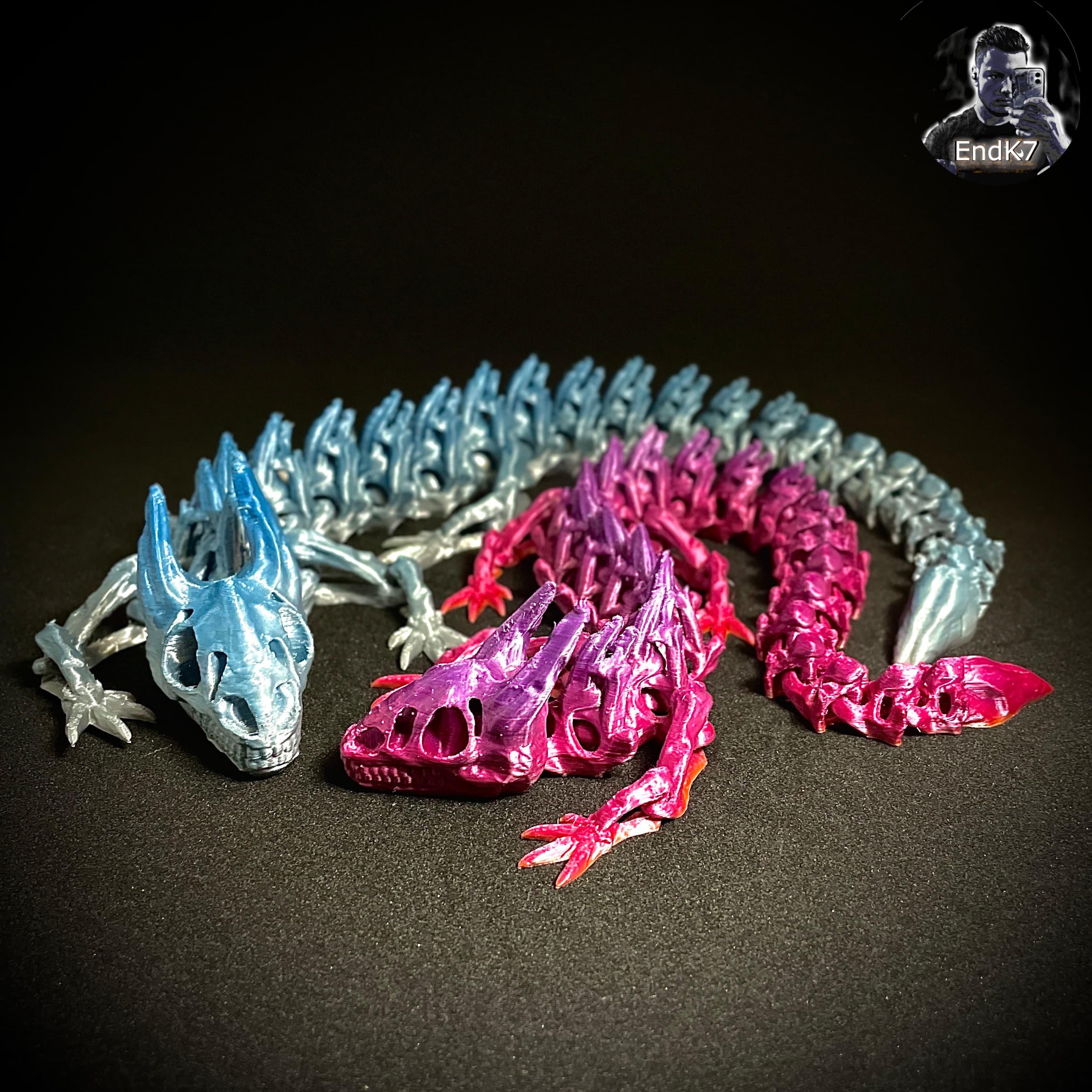
Skeleton Dragon - Articulated - Print in Place - No Supports - Flexi - Multicolor
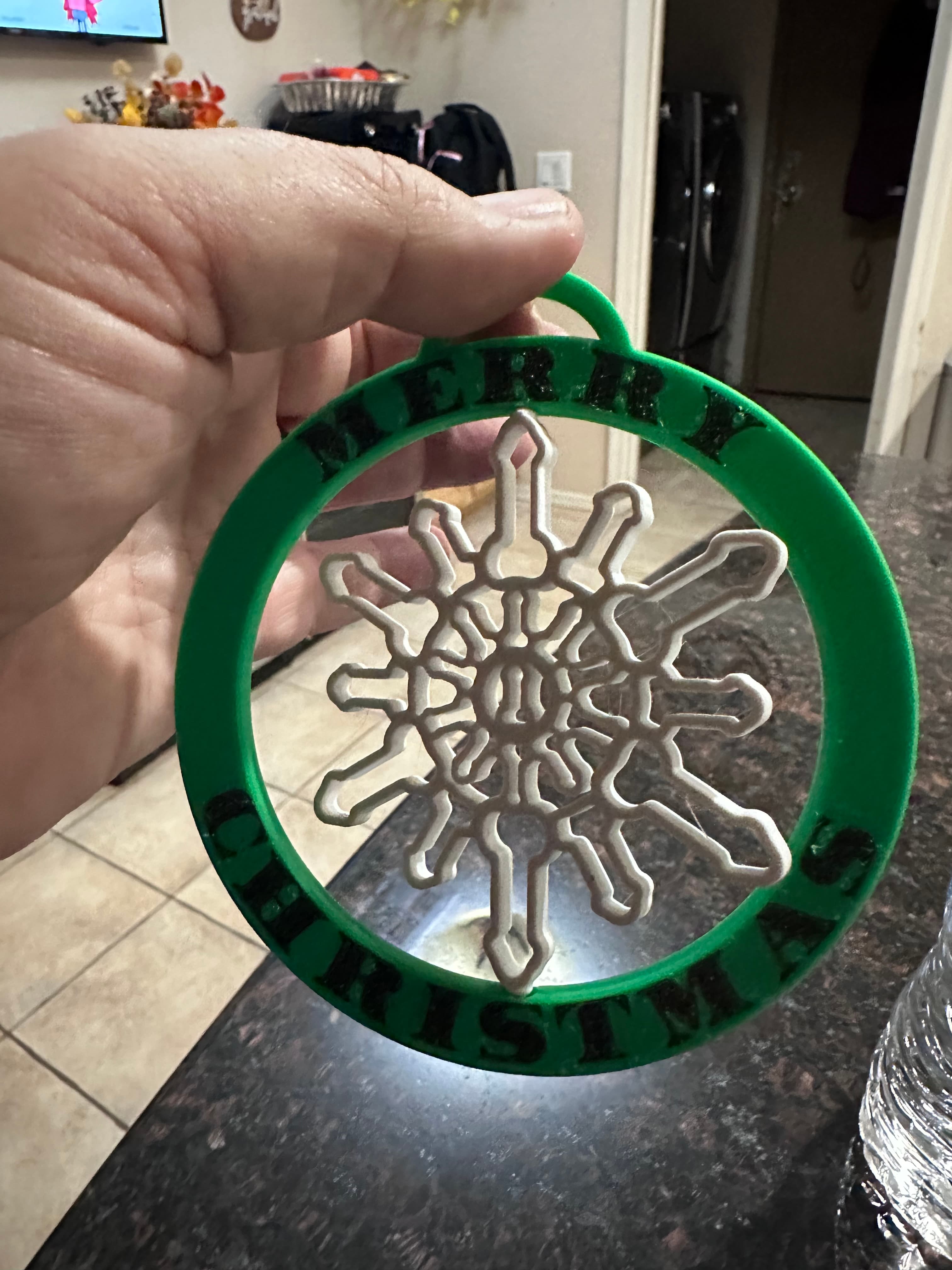
Snowflake, Dong, Ornament, Print in Place, Articulated, SPINNER, Christmas Tree

Kintted Elf on a Shelf, Print in Place, articulating, Christmas

Flexi Easter Bunny – Articulated Print-in-Place Model

Milwaukee Magnetic Socket Buddy, Articulated, Print in Place socket to watch over your tools.

Grinch Bear that Cares - Articulated, Print in Place Care, Bear
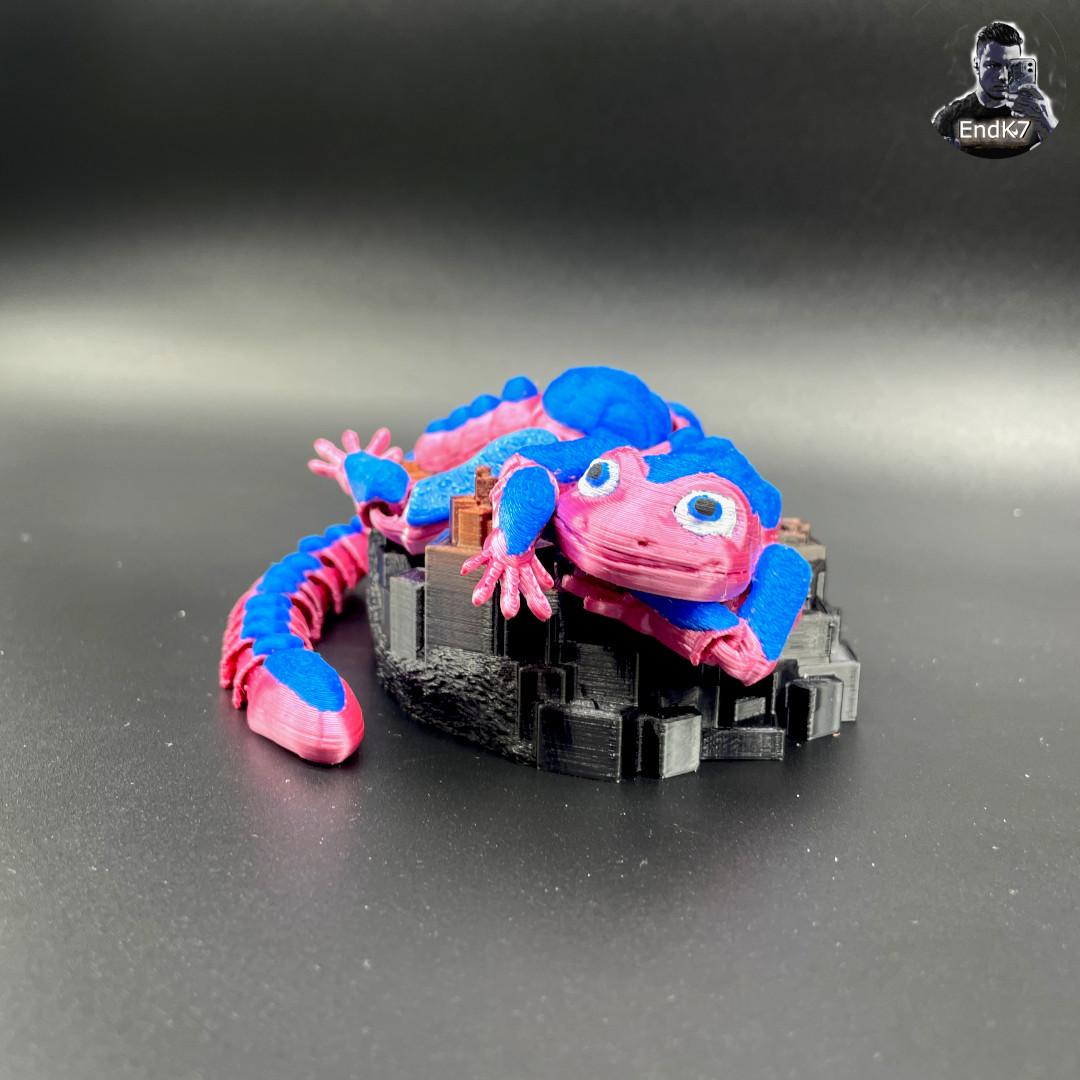
cute fuzzy Gecko - Articulated - Print in Place - No Supports

Can you share your preferred print settings for your reptiles, such as layer height, number of walls, infill, tope surface pattern etc?
For all of my reptile models, I use standard bambu slicer settings. Nothing special or customized — just clean defaults that work great on the X1C/P1 series. Here are the exact settings I use:
Layer Height: 0.20 mm Nozzle: 0.4 mm Line Widths: • Outer Wall: 0.42 mm • Inner Wall: 0.45 mm • Top Surface: 0.42 mm • Internal Infill: 0.42 mm
Top/Bottom Layers: • Top: 5 layers • Bottom: 3 layers • Pattern: Monotonic
Walls: 2–3 (default Bambu walls)
Infill: 15–20% Rectilinear or Gyroid
Speed: • Oute
Need to do a tokay gecko
Definitely doing one :)