


Thermaltake - The Tower 500 - Top Vent Extension
9 downloads · 2 years ago
Thermaltake - The Tower 500 - Top Vent Extension
9 downloads · 2 years ago in and

Thermaltake Tower 500 Mod - Top Vent Extension - With RGB Strip Slot

Assembly Lightsaber - Jedi Survivor

Patience Lightsaber - Jedi Survivor

TCG Munkey Card Scanner With Phone Tower
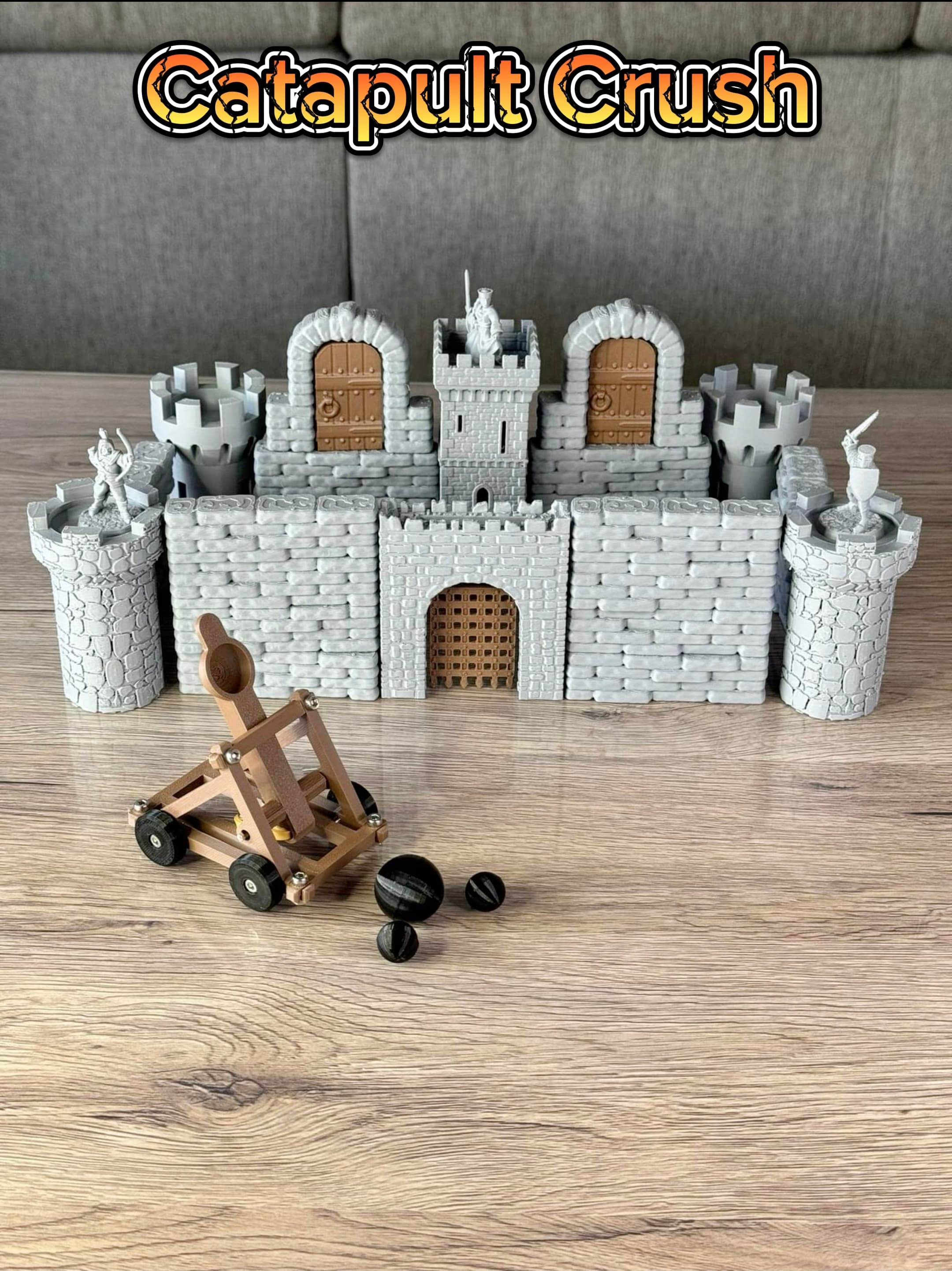
Catapult Crush !

Creepy Dice Tower!

Castle - Support Free

Demon Dice Tower!
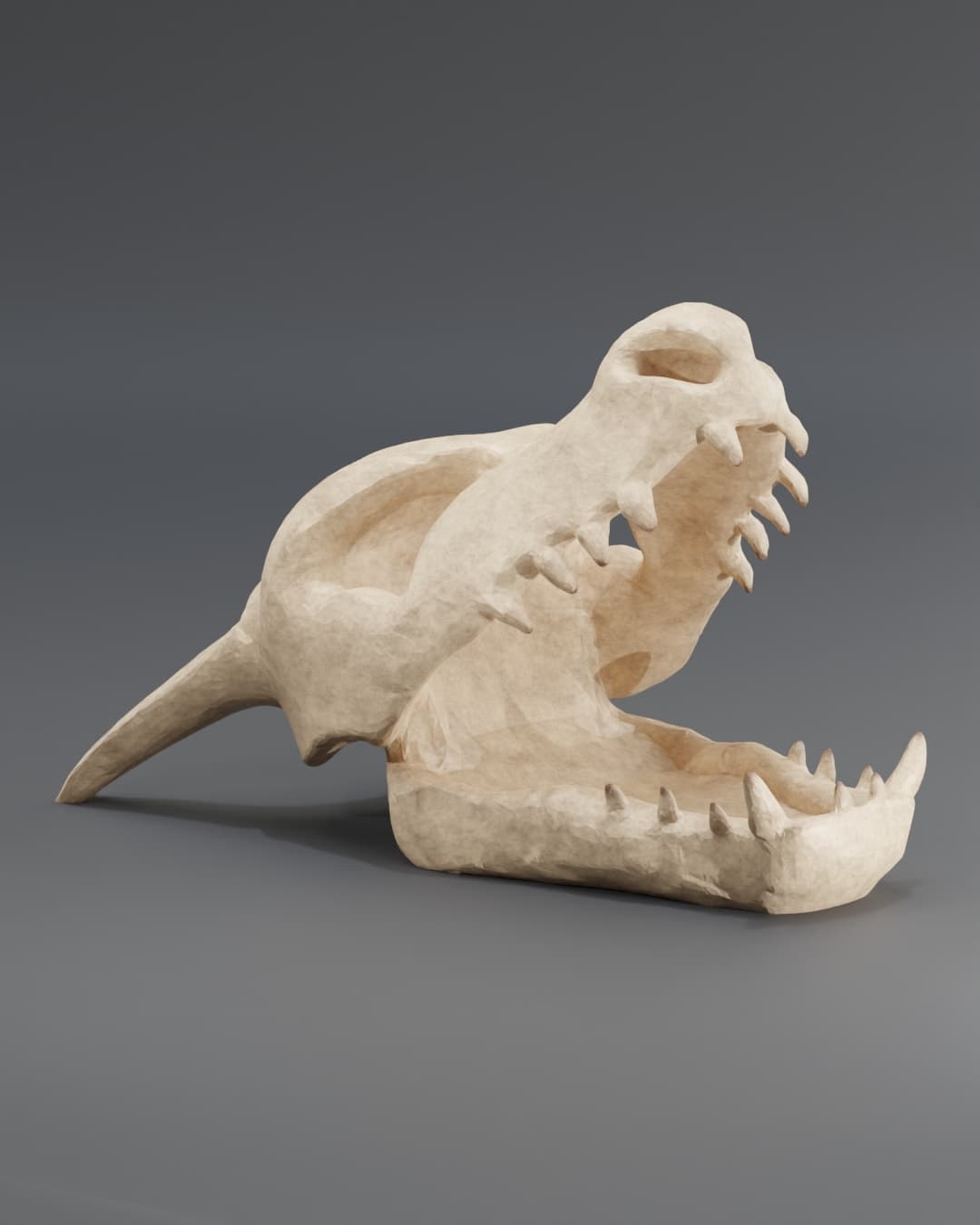
Charizard Skull Dice Tower - Fan Art
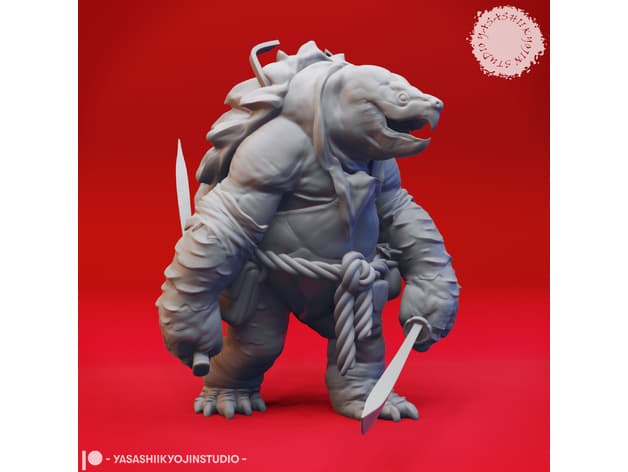
Dual Sword Tortle - Tabletop Miniature
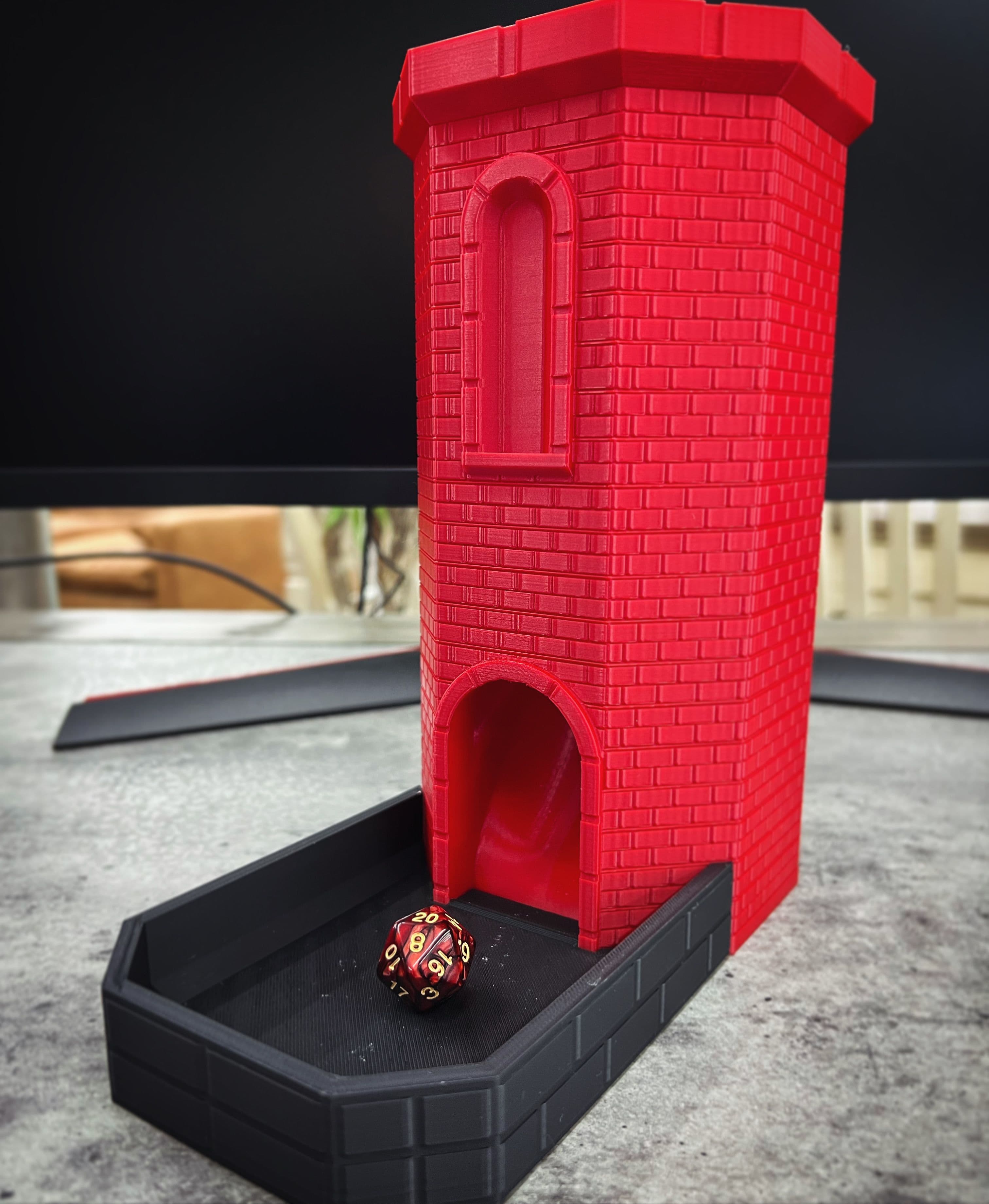
Brick castle dice tower! Print in place!
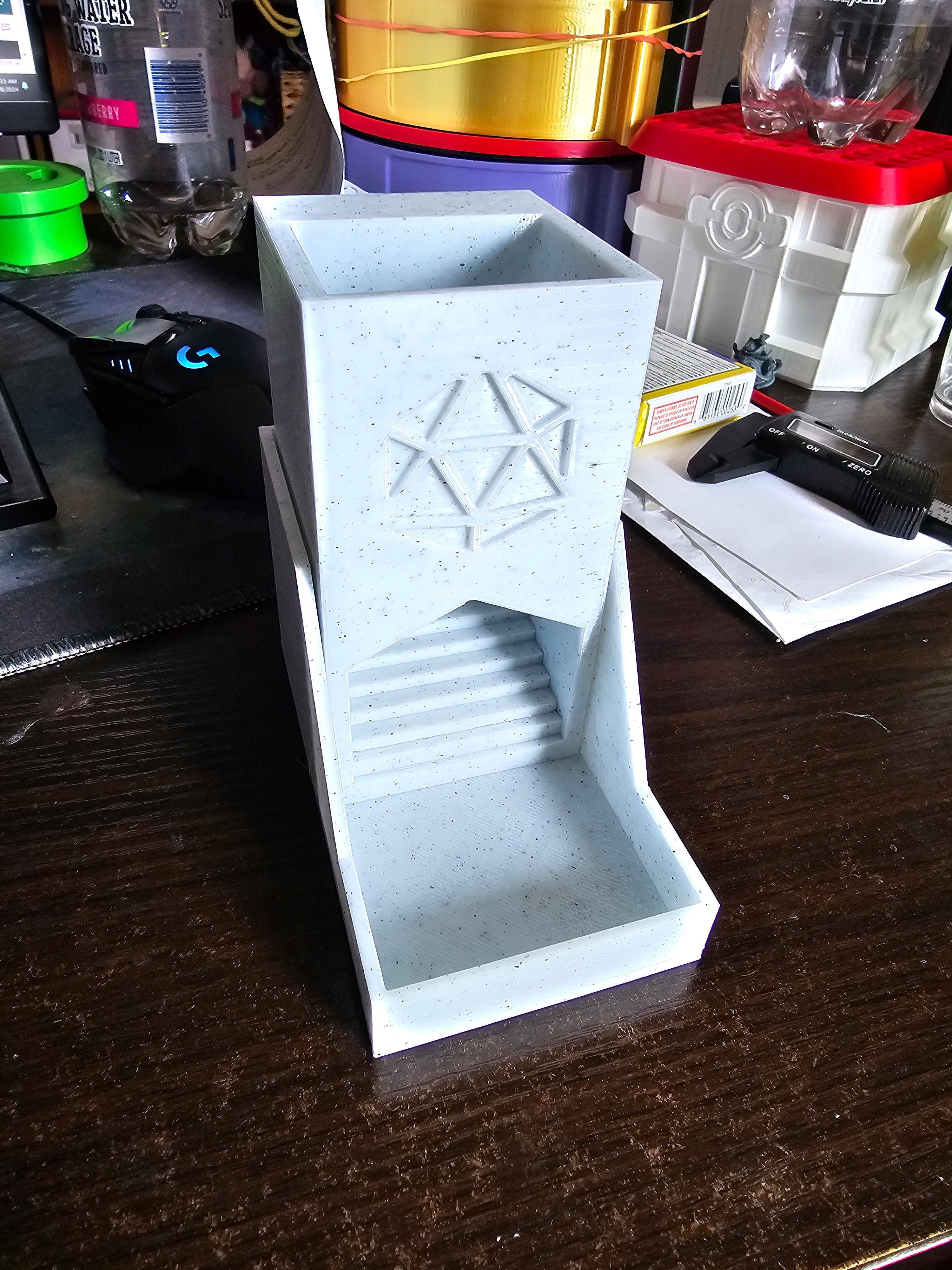
Simple Dice Tower with Cover Tray
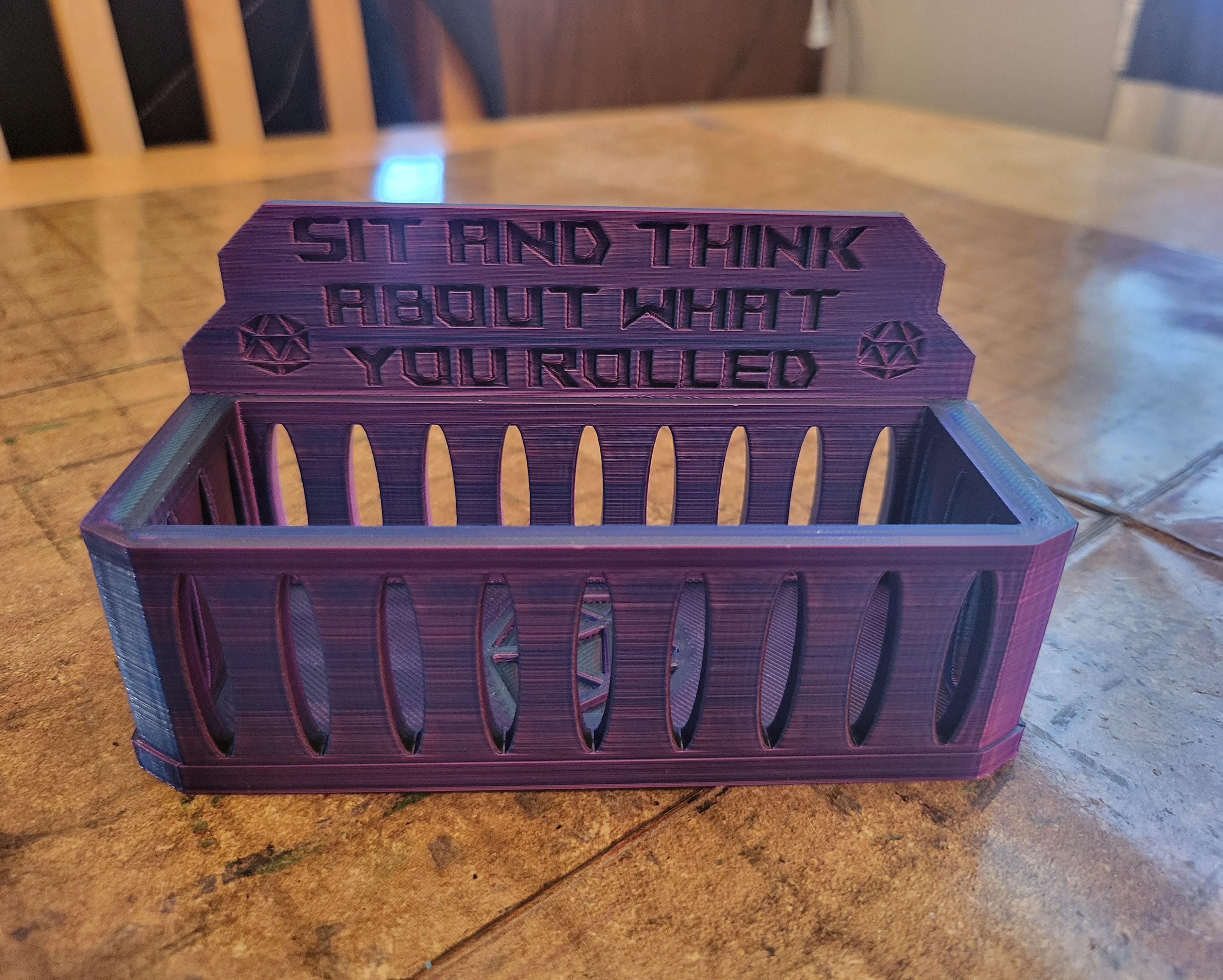
Dice Jail - DnD Dice Jail Box - Free Version
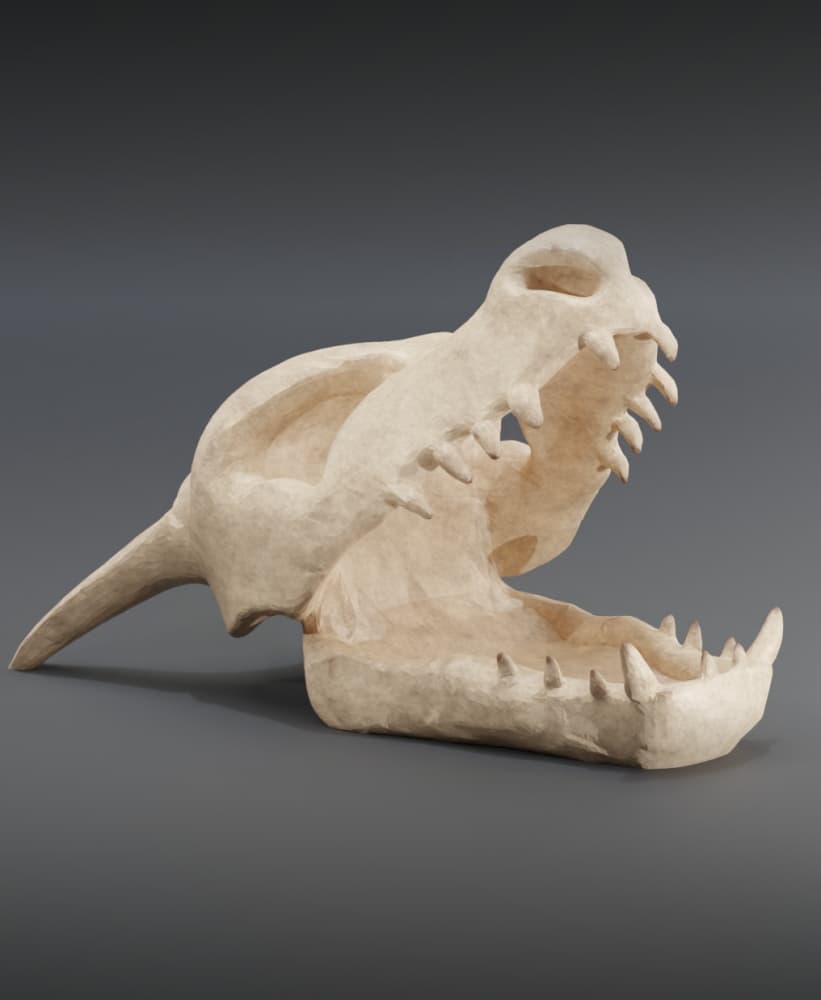
#Throwback Charizard Skull Dice Tower
Round Dice Tower

Gengar Dice Tower - Fan Art

Small Table/Bedside Lamp - Pisa

Lunar Beacon Command

Basilisk Serpent Dice Tower

is their a way to brake it into four pieces that can be printed on a any cubic vyper? still new to all this.
Added a zip file with the model split into 4 parts!
I'll see if I can break it into four this afternoon and upload the pieces. However, I usually use a free program called Meshmixer. If you import the stl and click on the edit tab, there should be a "Plane Cut" subtab that should do what you want. Just make sure to change the default settings for it to "Keep both" to keep it from deleting part of the model. After using "Plane Cut" twice to cut it into four pieces, go to edit -> separate shells. Then you can export each individual piece.