



Anycubic Kobra 3 Max Printer Stand
This is a stand for the Anycubic Kobra 3 Max.
It includes drawers for tools, bits, and other small stuff, storage space for extra build sheets, and a tidy spot underneath for the ACE unit. The ACE unit mounts to a set of slide rails so you can pull it out for easy access. It's a really nice setup if you're tight on desk space.
Links for the Hardware I'm using:
- Slide Rails
- Threaded Inserts
- Socket Head Screws
- Flat Head Screws
- Shorter Button Head Screws
- Longer Button Head Screws
Note: The slide rails from McMaster aren't an exact match for the ones in the model — you'll need to drill a hole in them to make it work.
Feeder Tubes:
You'll also need some longer PTFE tubes to run from the ACE unit to the printer. Around 92" (2.34m) total worked for me. I ordered this tubing on Amazon and had a bit left over. I cut it into four equal pieces, ran the lines, pulled the ACE unit out, and trimmed each one to final length individually.
Anycubic Kobra 3 Max Printer Stand

Pixel Watch 2 & 3 Charging Stand - Angled Efficiency

Minimalist 3-Part Headphone Stand with Storage Trays – 3D Printable Organizer

Whimsical Butterfly 3-Tier Vanity Organizer - Makeup and Jewelry Stand
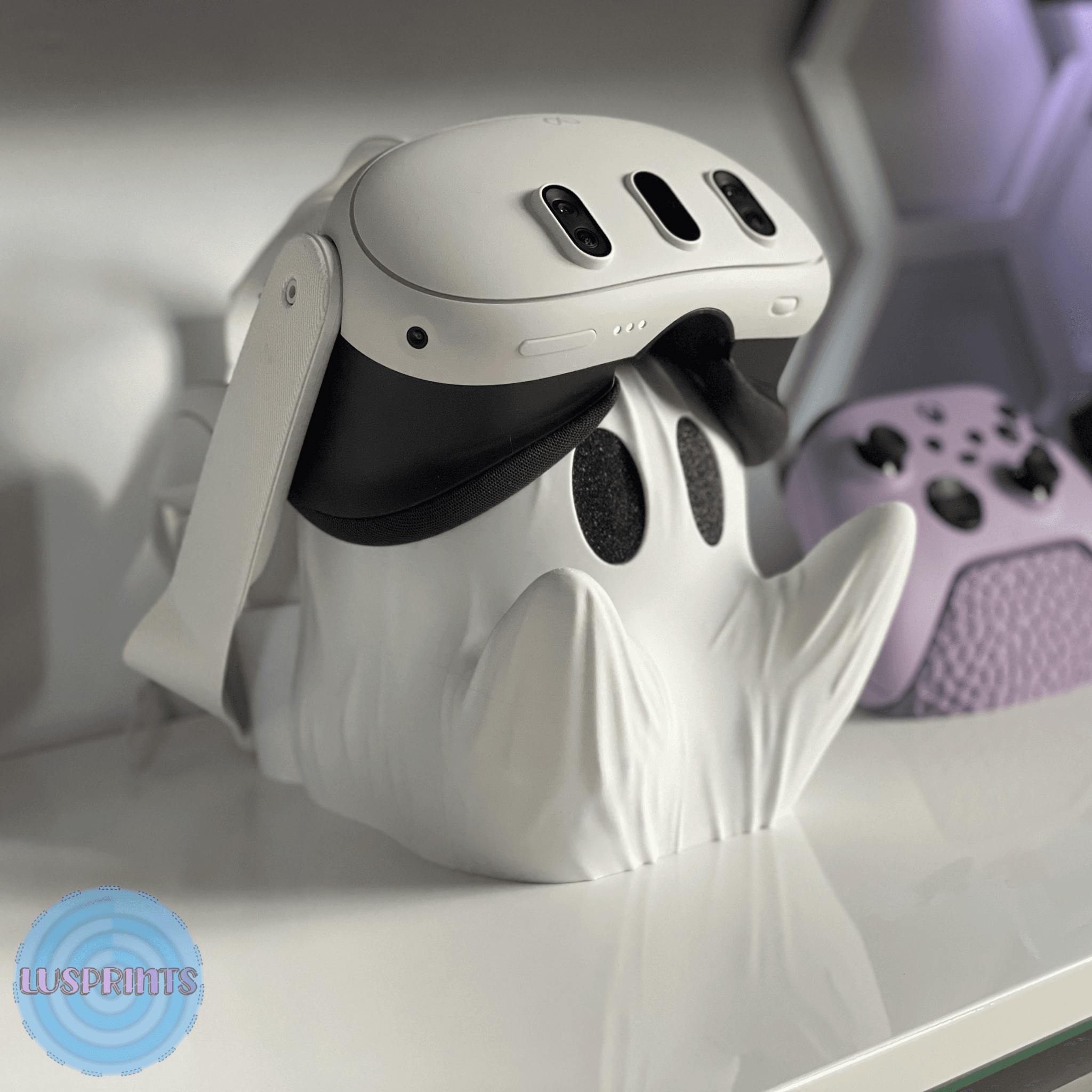
Ghost Meta Quest 3 Holder 👻
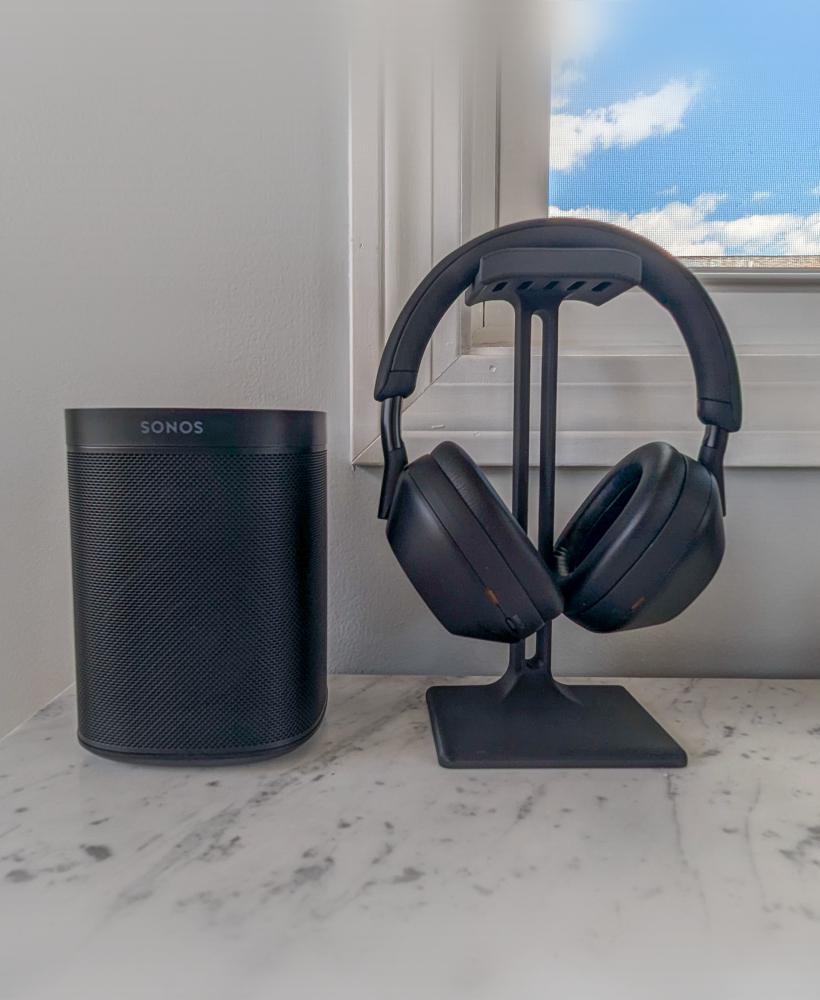
Modern Headphone Stand
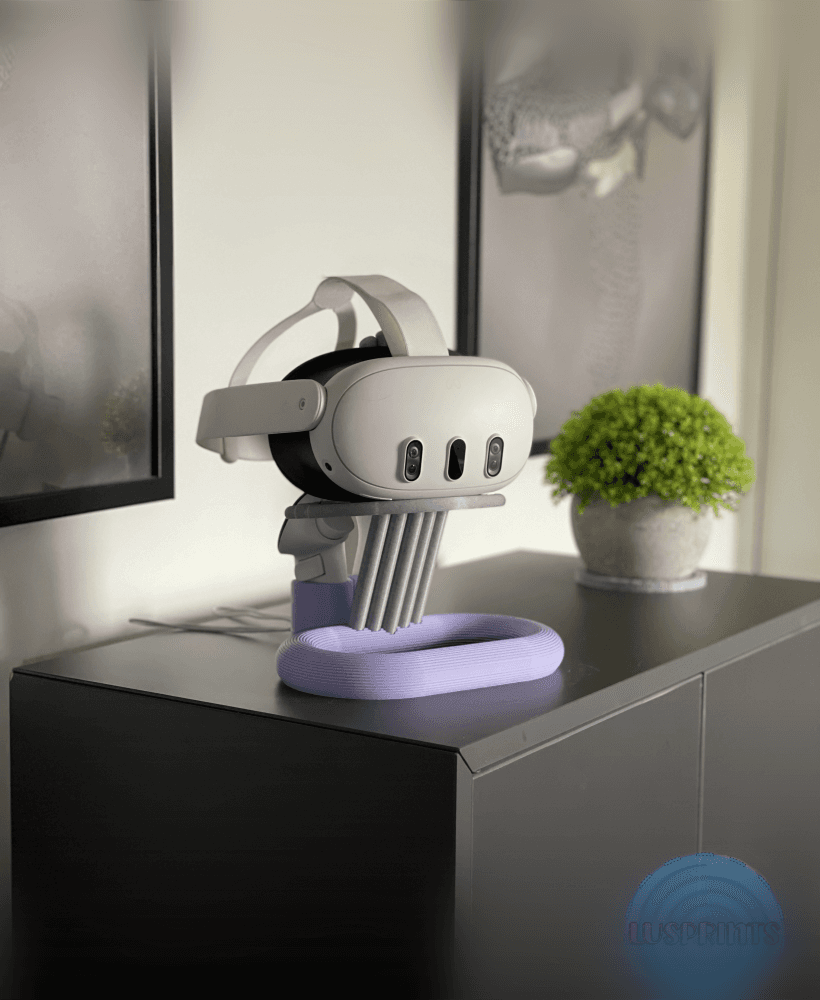
Sleek Meta Quest 3/3S stand!

Not So.. XL Highland Cow (standing) for smaller build plates below 300x300x300
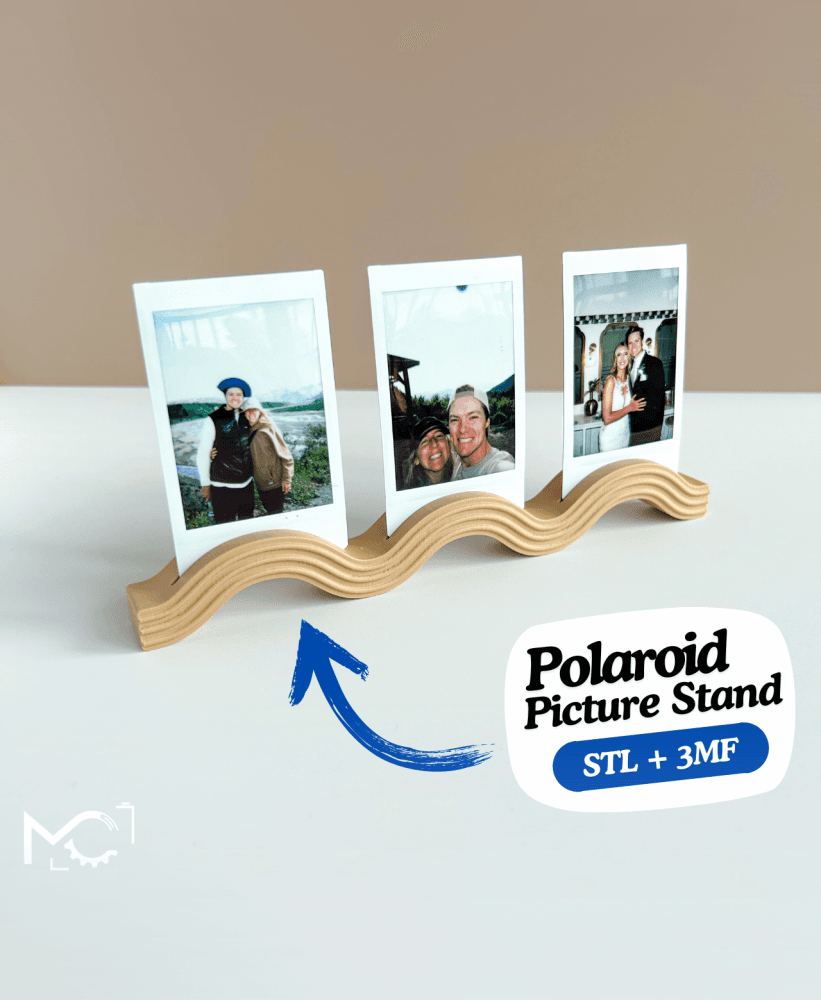
WavyPolaroidStand

Demongorgn Bowl (Inspired Funchional Fan Art)

FORBIDDEN ROSE / ROSE WITH SKELETON HEAD ROSE AND STEM / GOTHIC DECOR / HALLOWEEN
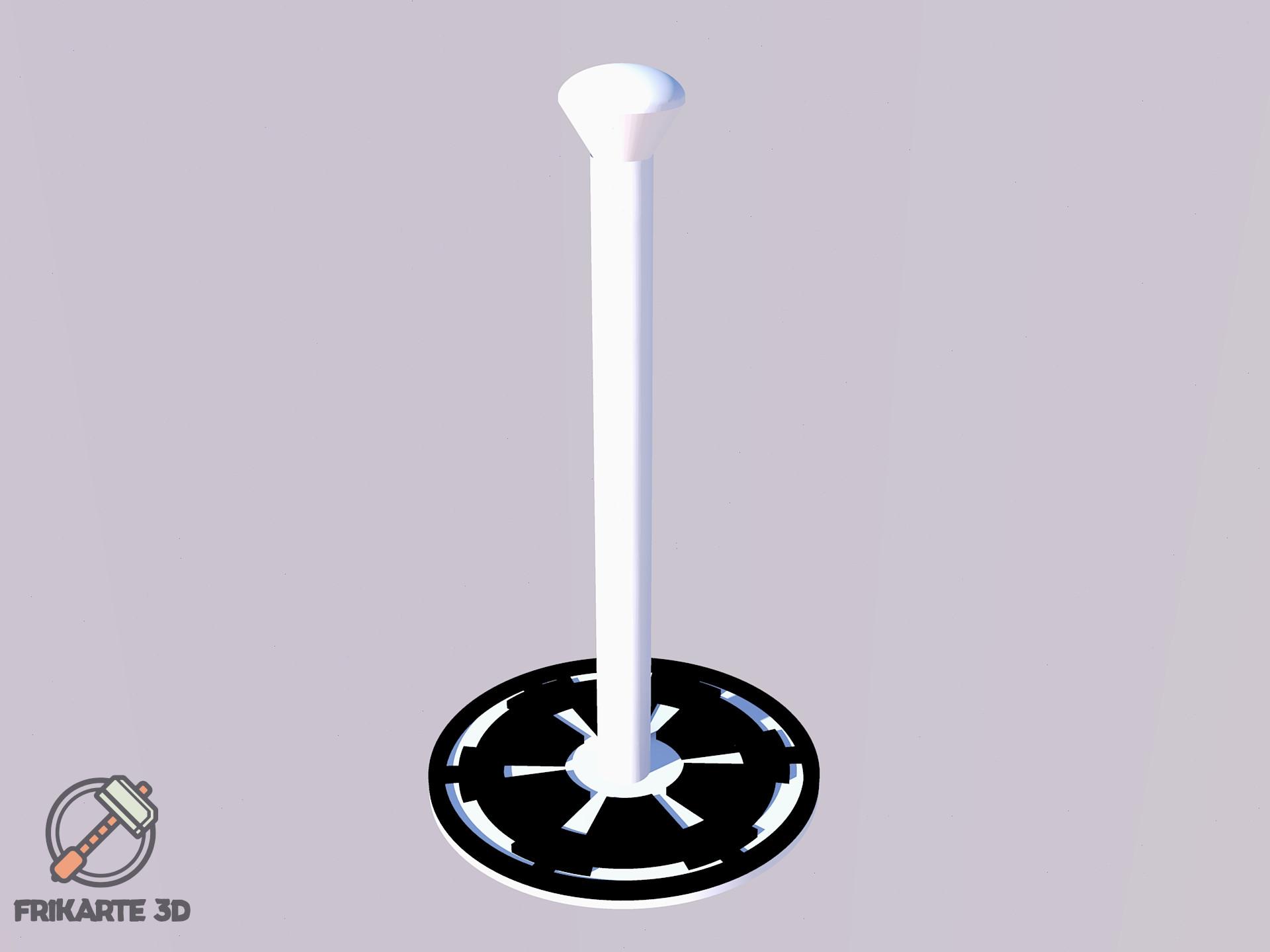
Galactic Empire Helmet Display Stand

XL Highland Cow (standing) for larger build plates above 300x300x300

YouTube Subscribers Customizable Play Button

Tiered Toadstool Display Stand!!!

POLAROID PHOTO FRAME / PHOTO STAND / VALENTINES GIFT / MODERN HOMEDECOR / DECORATIONS

Minecraft_Sword_Smooth_Blade_Part_01_3Demon.stl

Violet Earrings
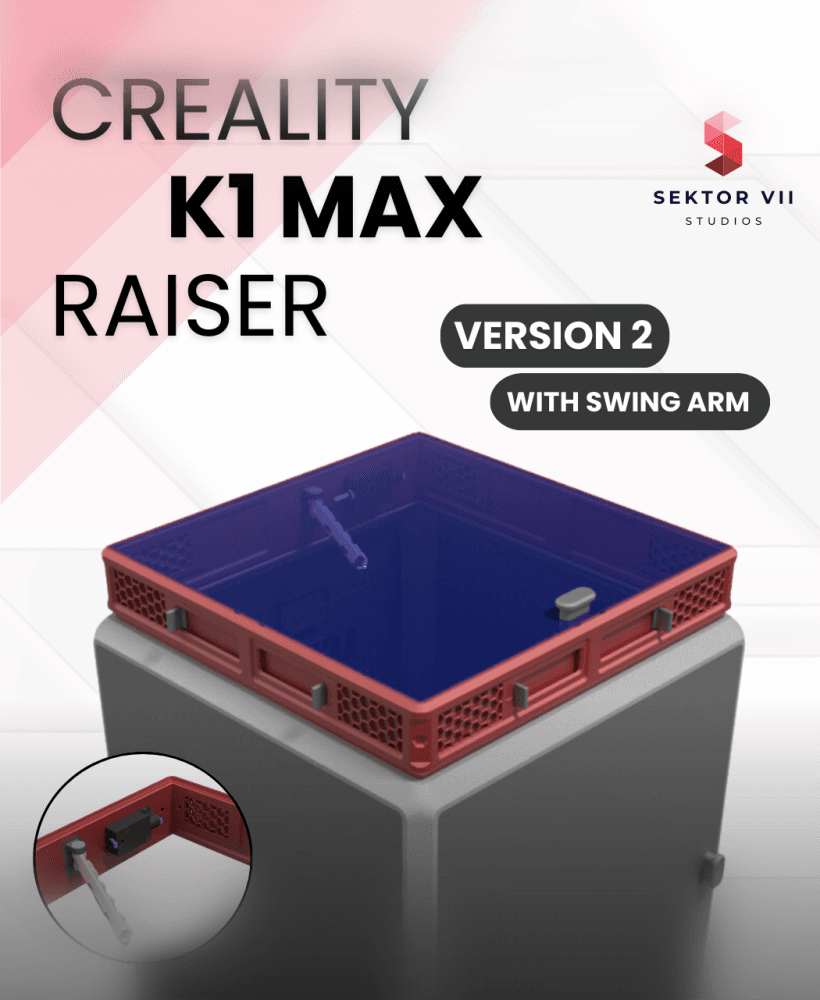
CREALITY K1 MAX RAISER / RISER / DECKEL / TOP COVER / UPGRADE (VERSION 2, WITH SWING-ARM)
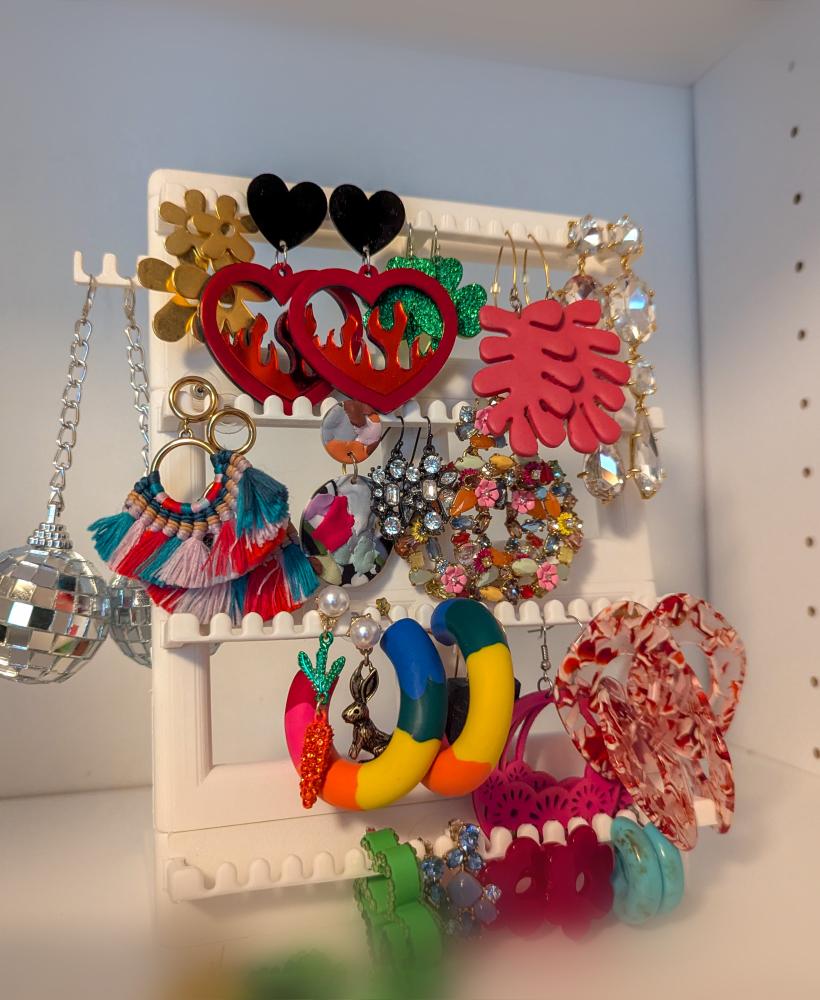
Modular Jewelry Stand
Hello,
I am in the process of printing all the pieces to the set up, I really like this idea a lot. My question is, having a hard time finding the info, is what are the dimensions of the plywood you used for this?
Thanks
In the download their are several PDF files. The ones that have "HOLES" in the name will give you the dimensions of the ply wood. but for quick reference its 23.88" x 23.88" x 11/16" thick. Your supplier may sell it listed as 24 x 24 x 3/4" or something called "Handi-Panels" its basically the same thing, as long as your holes all come from the same corner you should be good to go.
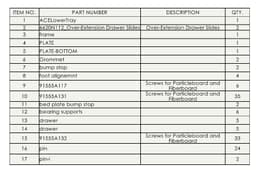
Hey there, i was just checking to see if you have maybe a video or some type of instructions for this printer stand. I am attempting to build one at the moment and i am not sure how many screws i need of each type and more specifically what screw goes where. I am just not sure how it all goes together. I love the design and it will be super helpful for my setup, any help is greatly appreciated.
I don't, however i believe all the models were provided as STEP, even the full assembly. Even though I'm not a huge fan of it you could use edrawings from solidworks to view it and it you should be able to get all the info from that. Ill try and post a bill of materials in the next day or so.
ok, a screen shot of the BOM is posted. some day ill do instructions life is just too crazy for me right now, i haven't even been able to create anything new in months.
would be nice. awsome work, thanks
Where did you get the ace mod?
the model?
Wow, this looks awesome! I just got the ACE Pro for my Kobra 3 Max and am desperate to minimize the horizontal space they take up while still being able to access the ACE Pro. I've seen the top mounts, but I'm short :\
I do have a question about future upgrades. Once I can prove to my husband that I can and do use the ACE Pro, I plan on getting a 2nd one so that I can do the 8-color printing. How do you think a 2nd ACE Pro would fit into this setup?
I've thought about different ways to do it but haven't settled on anything I truly like, one idea I did have was to put just a single row of drawers in the center and have the units pivot out from the sides, I've thought about putting the whole thing on a lazy Susan and having the second unit in the back. What I'm not brave enough to try is making the unit taller. If I did that I would probably make this a whole table and have the two units on rails under a bench.
Their was one where a designer made brackets that attached to wall and top of the printer. I could see that maybe being a way to do two units and better secure the printer. If I can find it I'll post a link so others can find it.
I HAVE A QUESTION HOW THE INNER SUPPORTS CONNECT? IF I PUT A SCREW YOU CANT USE THE PLATE HOLDER.
you use an m4 x 12mm lg socket head cap screw and a jam nut ill add a photo of a section view of it
DO YOU HAVE VIDEO ON HOW TO PUT THIS TOGETHER? I HAVE EVERYTHING PRINTED.
with the AMS off the bottom plate you can assemble the top to the bottom, put the other grommets and feet brackets on the top plate and verify the printer sits nicely. take the printer back off put the stand where you want it install the printer and AMS, and run the feed tubes from the AMS to the print head. if you don't install rubber feet of any kind on the stand you will want to secure it the table some how, i threw a screw in mine to keep it on the desk, otherwise it will walk off on you.
if you are using the modified drawer rails you wont need the bearings installed in the u-shaped bracket that goes on the AMS. I took the rails apart, installed the u-bracket on the AMS then loosely attached the rails to the AMS bracket. Once you have the bracket sliding nicely you can separate the slides again.
At this time I don't, the full assembly model was uploaded with all the other files. you could open it with some free software like e-drawings. I can walk you thru anything you may have questions on. I started out by pre-drilling all my holes in the two wooden boards then assembled the two uprights that hold the drawers and attached them to the underside of the top plate then the mid and rear supports went on the top plate.
OK THANK YOU I WILL REACH OUT IF I NEED ANY MORE HELP.