


8x8 MU - Top Left Grid Interfitted - MultiBoard Octagon Plate
"Border" Tile: Border Tiles only go on the outer tiles of your board (The center tiles are "Core Tiles"). Border Tiles create a straight border around your board.
"Corner" Border Tile: Corner Tiles only go on the corners of your board. There are top left, top right, bottom left and bottom right Corner Border Tiles.
To create a full board, you will need: Corner Border Tiles, Edge Border Tiles and Core Tiles.
What Are Multiboard Tiles? Multiboard Tiles are multi-use boards with holes that are 25 mm apart. All holes on the Tiles are threaded and are compatible with many connection types. Learn more at multiboard.io.
Printing Guidelines:
Use 3 perimeter wall thickness, 0.2 mm layer height, 15% infill, and no supports. Apart from that, use your printer's default settings.
The printing orientation is as provided in the file. Make sure the downloaded files are .STL. This part has been designed with a tolerance of 0.25 mm. Your printer will need to be able to bridge gaps of up to 30 mm for some designs.
This object is part of Multiboard, a FREE and ridiculously modular organization system with thousands of parts, for creating the most adaptable workspace possible. Learn more and find ALL the parts at https://multiboard.io
8x8 MU - Top Left Grid Interfitted - MultiBoard Octagon Plate

Kitty Cutter v2 - Cardboard Cutter for Cat Scratchers

Scandinavian Owl Lantern

Festive Lamppost

Not so… XL Nutcracker, for smaller build plates

Heart Coregrid Organizer - Valentine’s Gifts - Storage Solutions & Organizers by Lunfardo

Not So.. XL April showers Goose, for smaller build plates, below 300x300x300

Bear Piggy Bank/Money Box

Not So XL Grinch

Not Soo XL Santa

Not So XL Easter Bunny - for smaller build plates

Not So.. XL Highland Cow (standing) for smaller build plates below 300x300x300

Not So XL Rudolph

XL Grinch

XL Nutcracker for larger build plates

XL Santa
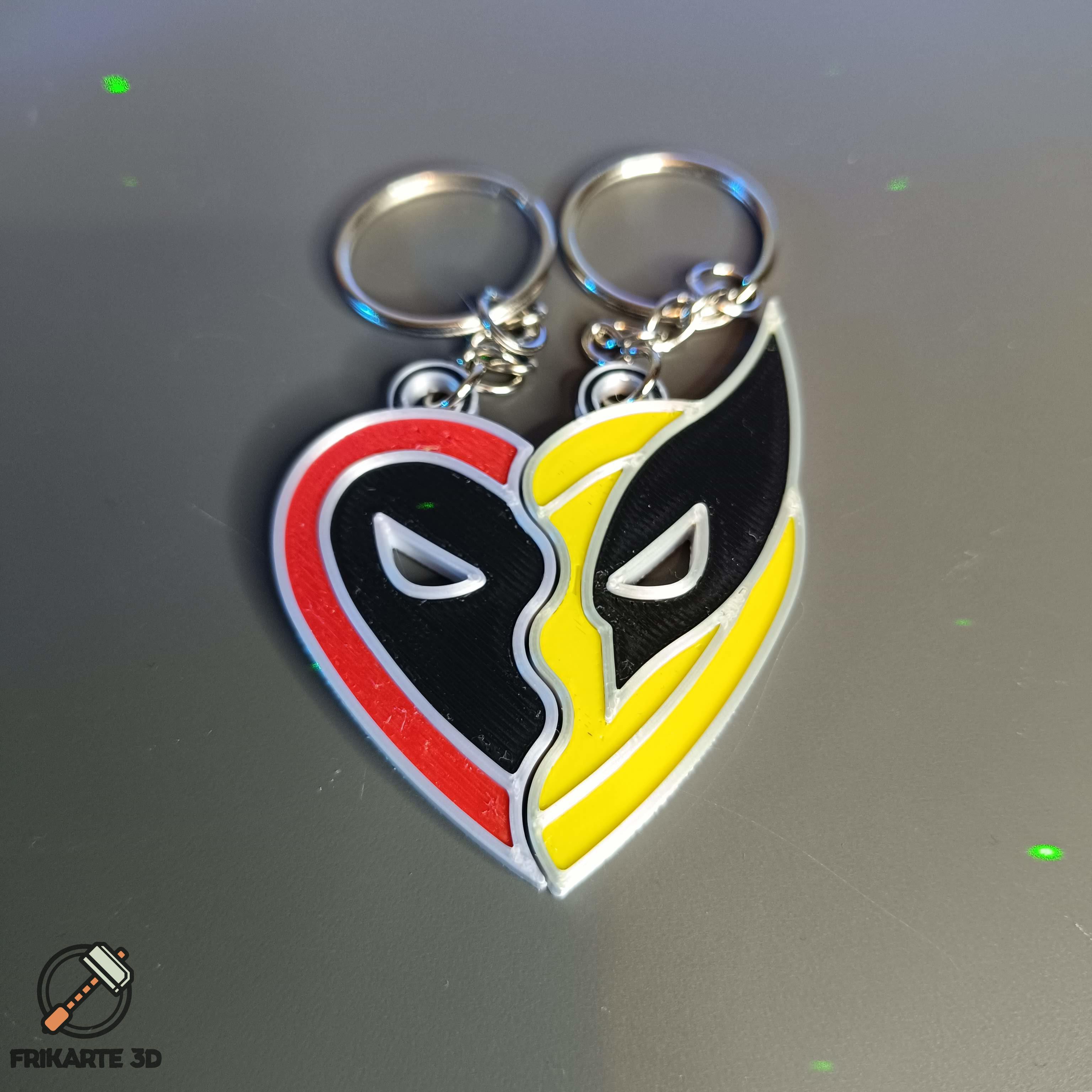
Deadpool & Wolverine Best Friends Heart Necklace/Keychain

Not So XL Grinch Collection… Inspired Fan Art

XL April Showers Goose, for large build plates above 300x300x300mm
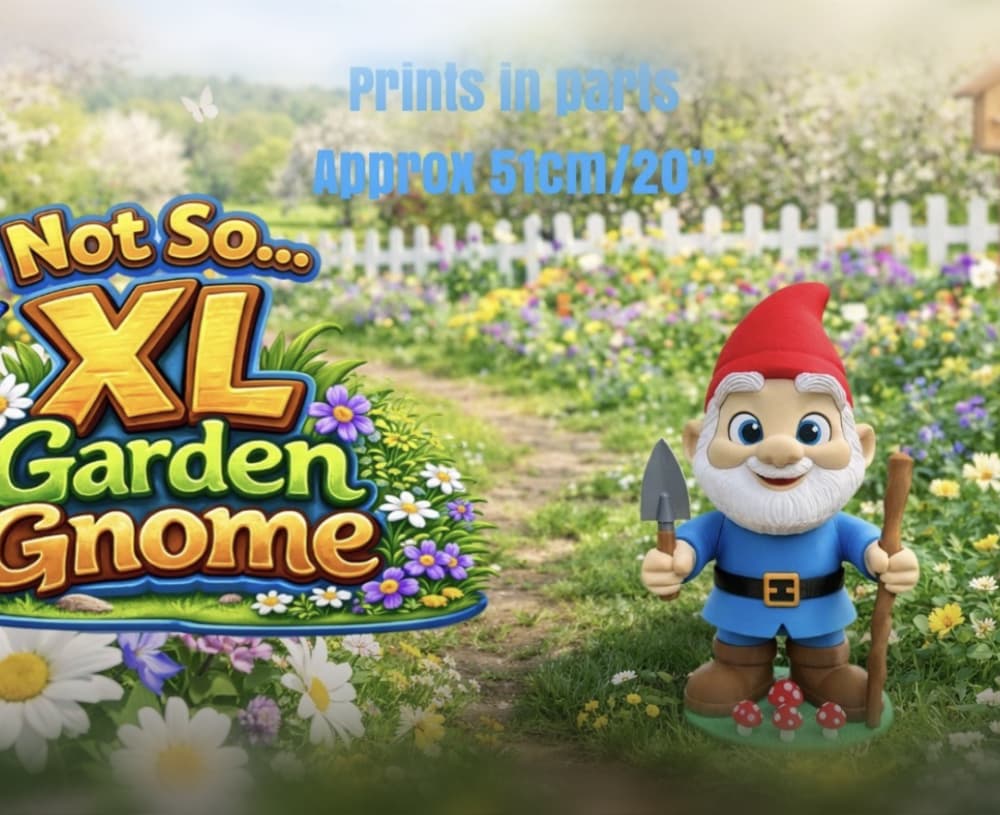
Not So XL Garden Gnome

My Orca Slicer really doesn't like this one. Locks up on wall generation during slicing. Only with this specific tile though. Edit: Ok, so rotating it 90 degrees fixed that. Weird.
Same issue on my side! Thanks for the tips! It worked.
Can we print them on the other direction (top side at the printer plate) ? As the first layer is looking nicer than top layer, I would prefer use the face of first layer as front plate side.
Where are the stacks? How does these differ from the old ones? Is it just the flat edges?