


12x12 MU - Center Grid Interfitted - MultiBoard Octagon Plate
The Multiboard Tiles form the base of Multiboard, allowing you to screw in Threads, insert Snaps and use the Pegboard holes.
The Tiles have two types of holes: Multiholes and Pegboard Holes.
The Multiholes (big holes) are 25 mm apart and allow you to insert “Snap” pieces, in a similar way to the “Honeycomb Storage Wall'' system. The Multihole is also a threaded hole, allowing you to screw in Big Thread Bolts.
The Pegboard Holes (small holes) are 25 mm apart and allow you to use hundreds of pegboard accessories with the tiles. The Pegboard Holes are also threaded, allowing you to screw in Small Thread Bolts.
Tiles are also symmetrical on both sides.
This is a “Core” Tile, so it has two sides with pegboard holes, and forms most of your Multiboard.
Learn more about this part at https://multiboard.io/knowledge-hub
Printing Guidelines:
The printing orientation is as provided in the file. The print has been designed to be “3 wall perimeters” in wall thickness. Printed at a layout height of 0.2 mm. It doesn't need printing supports. Use the default 15% infill. This part has been designed with a tolerance of 0.25 mm. Your printer will need to be able to bridge gaps of up to 30 mm for some designs.
—
This object is part of Multiboard, a FREE "all in one" organization system with 700+ parts, that combines pegboard holes, honeycomb snaps, Gridfinity like bins, threads, brakes, and much more.
Explore and build the coolest, most adaptable workshop at https://multiboard.io
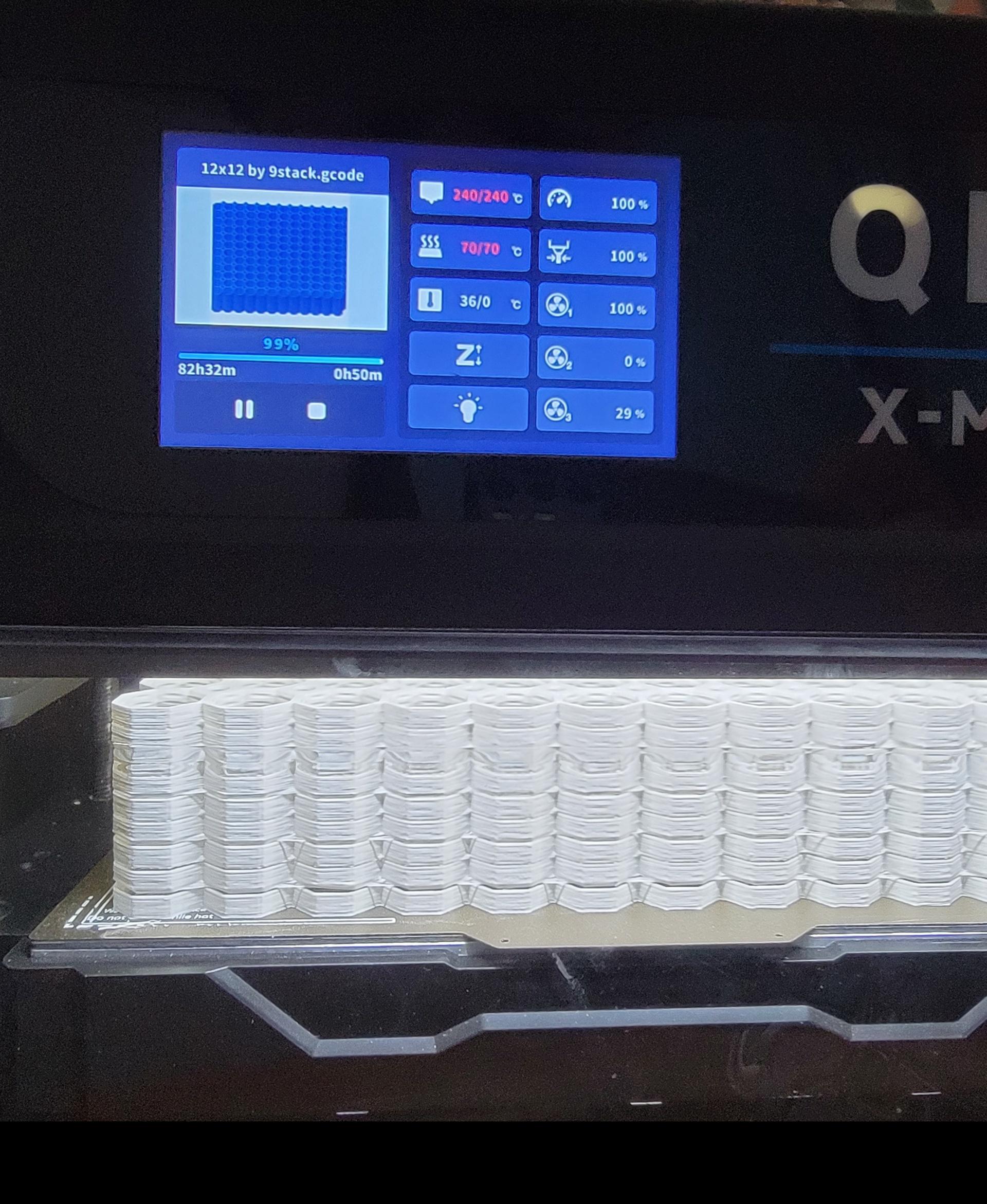
12x12 MU - Center Grid Interfitted - MultiBoard Octagon Plate
Ovo Pendant Lamp - Lamps & Lighting by Lunfardo

Cup Holders for Sofa Cushions

3D Printed Buckets – With Lids, Handles & Tray Insert
_1.jpg&w=3840&q=75)
Snowflake Fidget Spinner (Classic Decorated)
Lattice Benchy (Wicker Lattice)
Bambu Lab Filament Spool - Hex Snowflake

Festive Lamppost
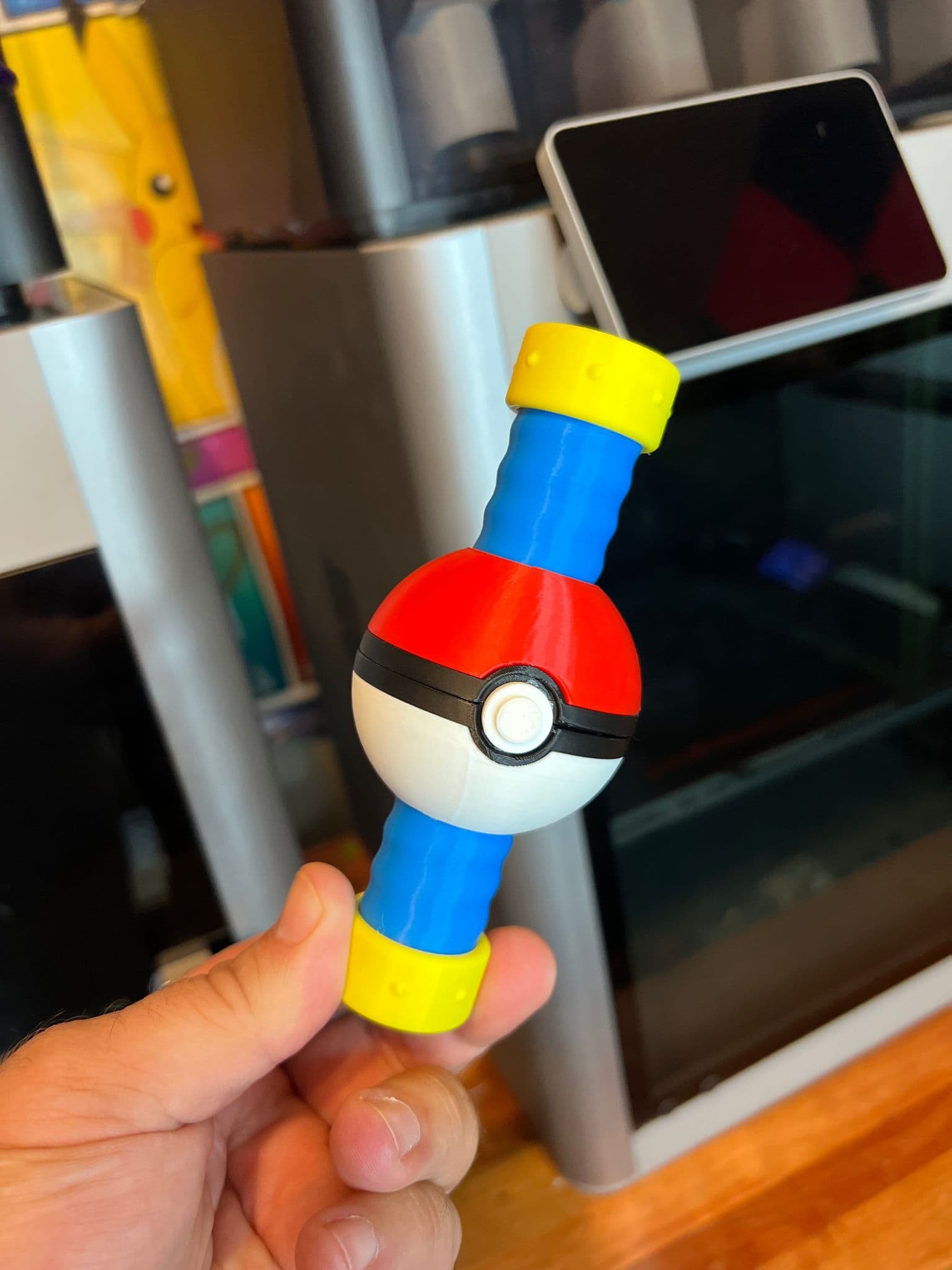
Pokeball Fidget Spinner
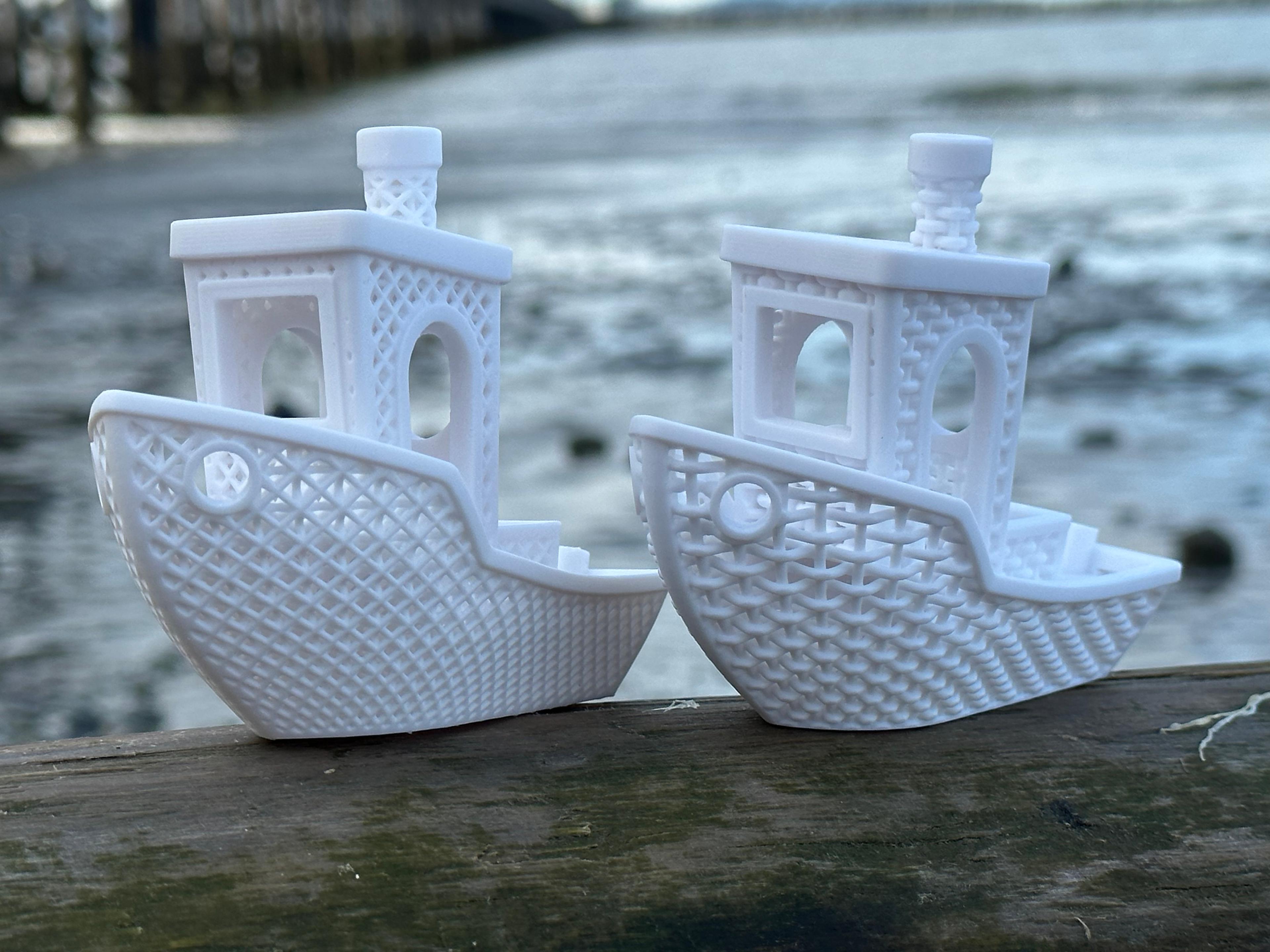
Lattice Benchy (Face-centered Cubic Lattice)

Not So XL Girl Elf

Smooth-Rolling Self-Centering Filament Spool Roller

NOT SO… XL APRILS SHOWERS GOOSE

PokeCenter - Nintendo Switch 2 Dock
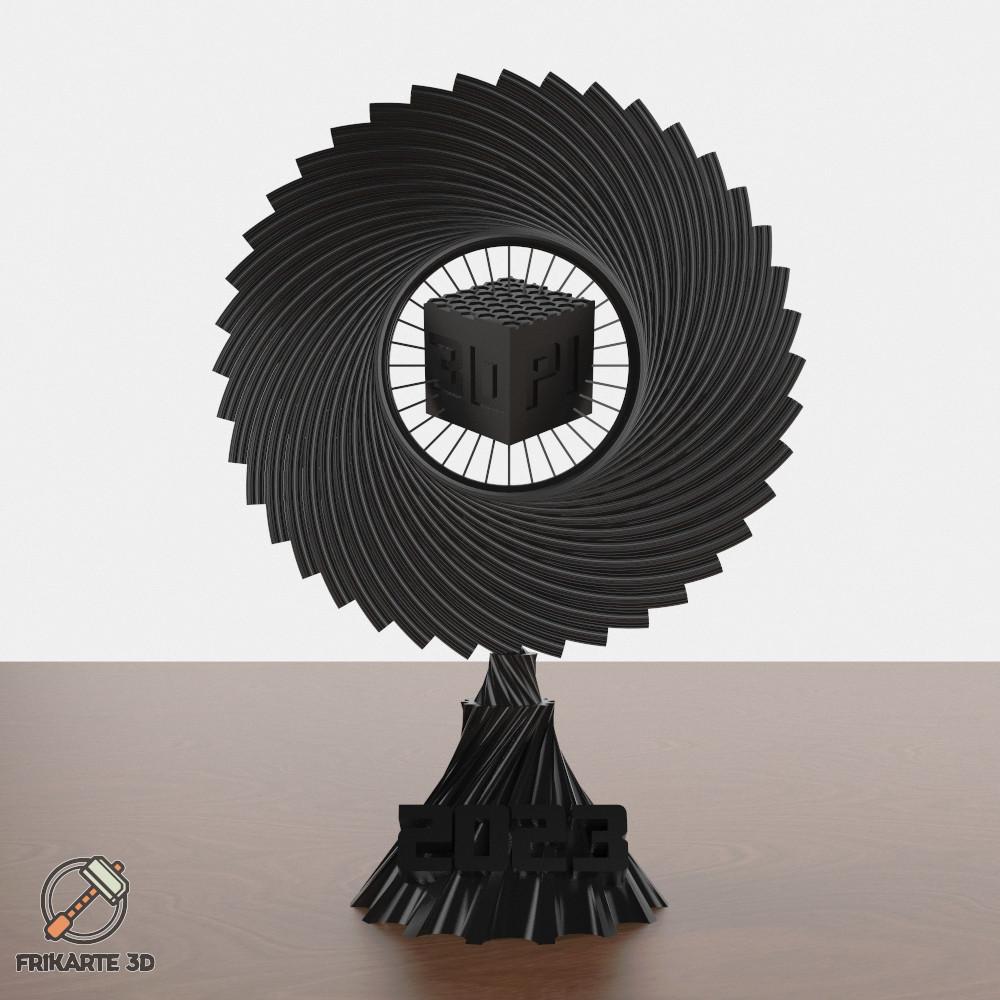
Spiral Cube 3D PI Awards Trophy 2023

Heart Envelope Box – Romantic Multi-Purpose Holder
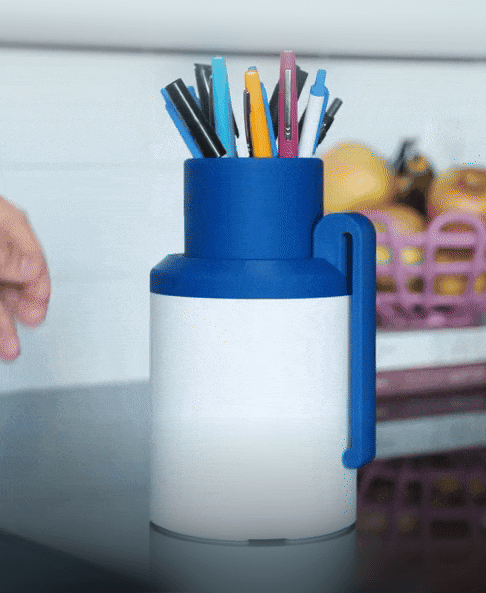
Clicky Pen Holder

Sakura Flower Vase - Luxury Floral Decor

XL Girl Elf

RETRO GameStack - NES

Thank you for the details that is possible to stack it. I did it with Orcaslicer. If anyone interested check this video I found and it is pretty clear. https://www.youtube.com/watch?v=QX_RO8q0f8o&t=246s
how did you get your between layers to stick mine keep making nests
what software did you use to get them to stack? im using Creality Print and didnt know if you had to do it in CAD.
I stack them in Bambu Studio. Just copy paste, group, -> global click each one and manually type location in any axis with the move feature. I like to add PETG in between but takes some playing with settings to get it to work.