


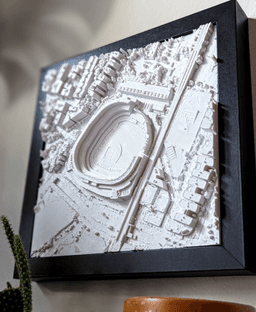
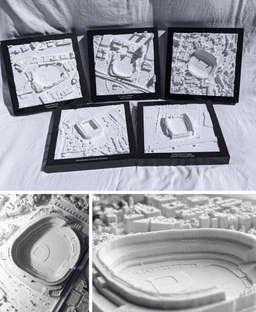
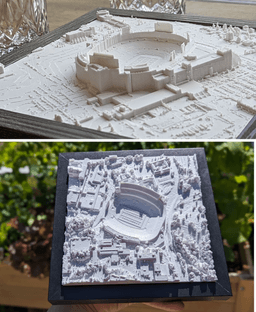
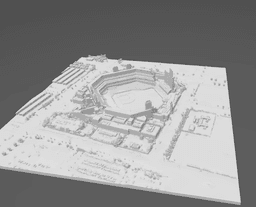
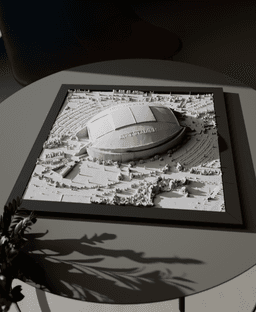
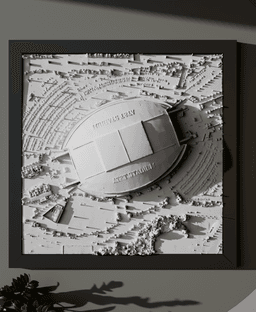
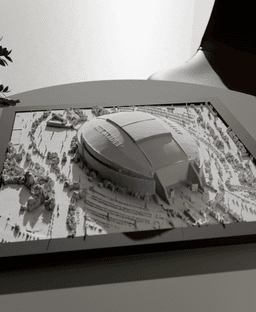
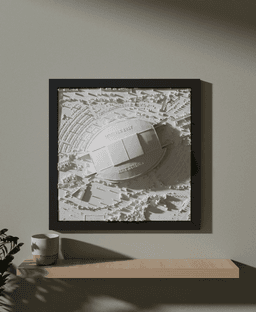

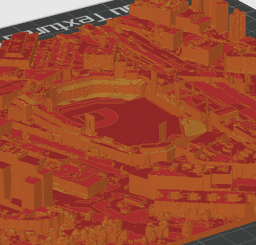
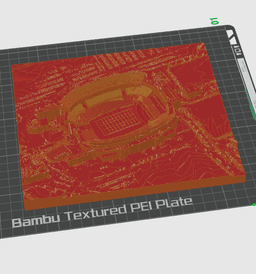

Dallas Cowboys - AT&T Stadium
Bring the stadium to you home! Perfect gift and home decor for fans of the team.
Recommended filament: MICROPOLITAN Bright White PLA
See the PDF included with your download for printing tips.
Check out our complete collection of cities, states, national parks, and more!
Steps:
- Import the STL to your slicer. Versions are available with and without elevated field lines.
- Scale the X or Y dimension to the desired size with 'Uniform scale' checked.
- Slice and print!
- Display framed or unframed. Set it on a shelf, tabletop, or hang it on a wall.
About the models Each model is designed and optimized from Micropolitan's 5+ years of experience developing and selling 3D prints of iconic locations worldwide. The models are designed by hand, assisted with a combination of data and reference imagery. We use LiDAR and refine the architecture, block by block, using digital sculpting tools and satellite imagery. The models are then optimized for detail preservation while keeping the file size manageable for everyday computers.
This 3D model was developed with reference data sources and satellite imagery from OpenStreetMap contributors and USGS 3DEP.

Wild West Cowboy on Horseback
-screenshot%2520(1)%2520(1).png&w=3840&q=75)
Western Cowboy Riding Horse Diorama | 3D Printable Sculpture STL Files

Swordfish II
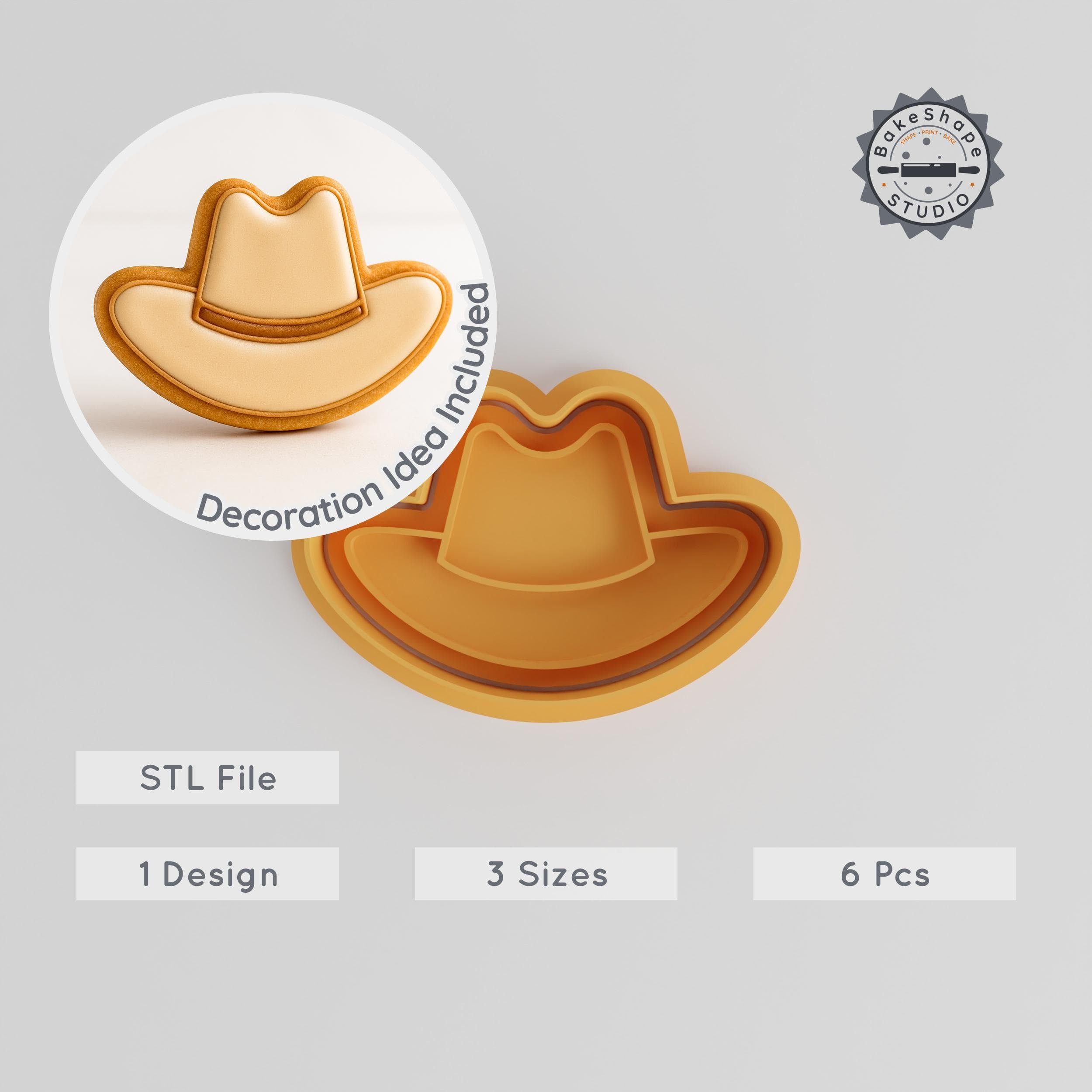
Cowboy Hat Cookie Cutter & Stamp Set, Western Hat Fondant Shaper, 3 Sizes, 6 Pieces, Perfect for Baking and Cake Decorating PRODUCT_2894
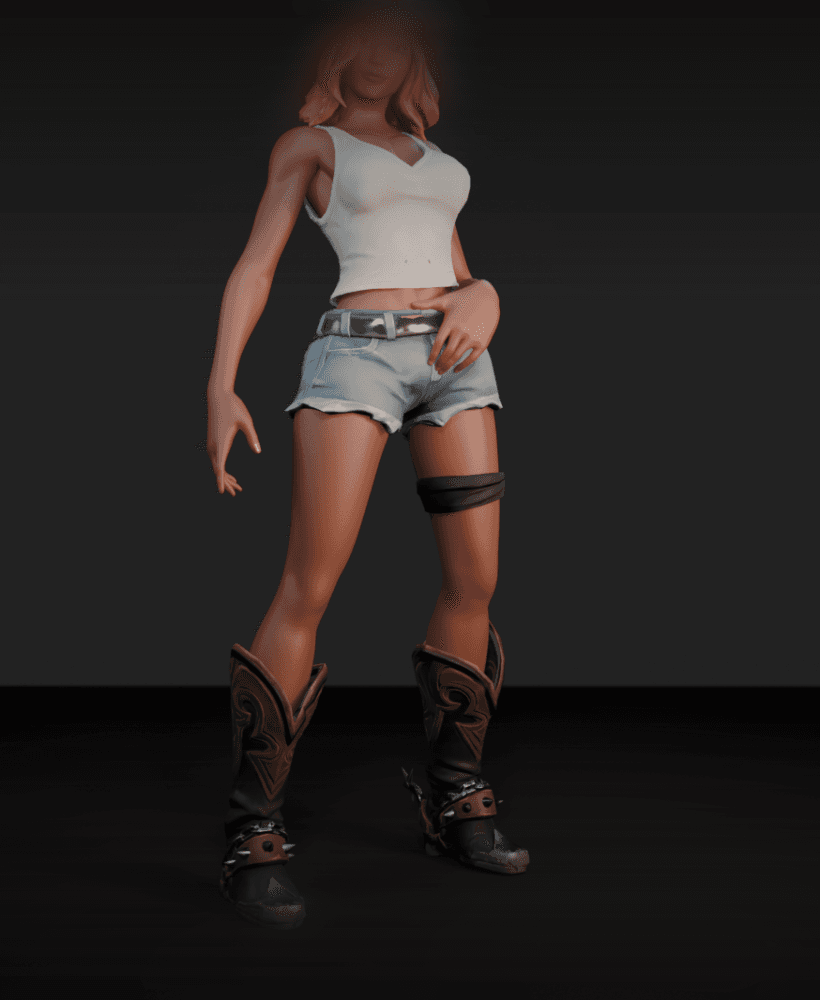
Sexy Cowgirl v2

Hat Shape Cutter & Stamp Set, Perfect for Cookies & Fondant, 6 Pieces, Fashion Cap, Baseball & Cowboy Design PRODUCT_2831

Cowboy Romance.stl

Cowboy Boot - Multicolor.stl

Cowboy Hat.stl

Cute Dragon : Tiny Cowboy Dragon Western Beast

Sheriff Badge Cookie Cutter & Stamp Set, Western Authority Badge Designs, 6-Piece, Sizes S-M-L PRODUCT_2832
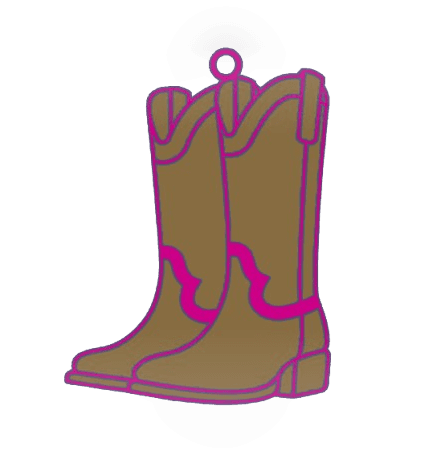
Cowboy Boots - Multicolor.stl

Cow Print Cowgirl Boot.stl

Cowboy Ghost Coaster Western Haunted Drink Holder

Cowboy Shape Cutter & Stamp, Set of 6, Cookie Fondant Tool, Perfect for Wild West & Costume Themes, S/M/L Sizes, Halloween Collection PRODUCT_5641

Cowboy Boot.stl

Cowboy Boots.stl

Cowboy Romance 3 MM Thick.stl

Cowboy Door Corner Decor

How do I make it to 4 panels the discord does not work
You can join the Discord with the link in the included pdf with the file download. If you want to split the file into 4, use the native cut feature in Orca or BMABUSlicer.
How do i spit the stadium file into 4 parts?
Here's instructions on how I do it using 3D Builder (Windows App): https://discord.com/channels/1257057844931596409/1276901821553578025/1276901821553578025