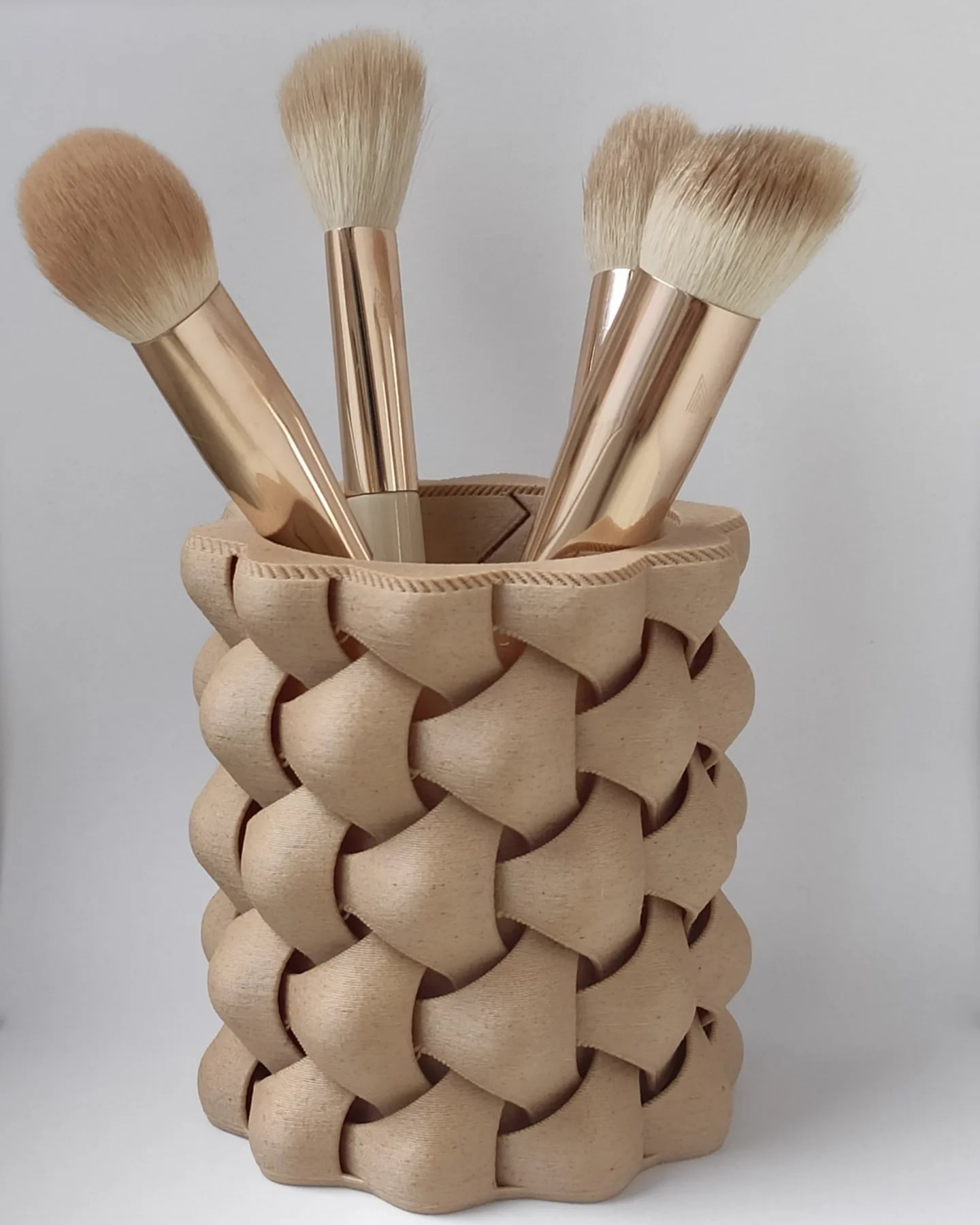

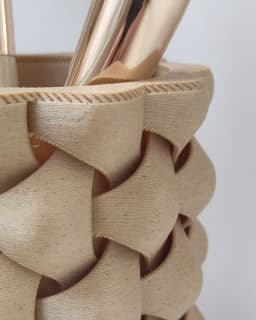
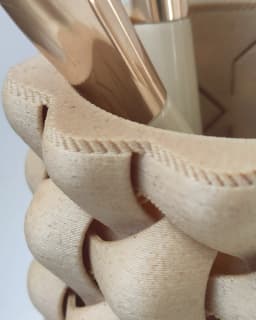

Pen holder - vase mode
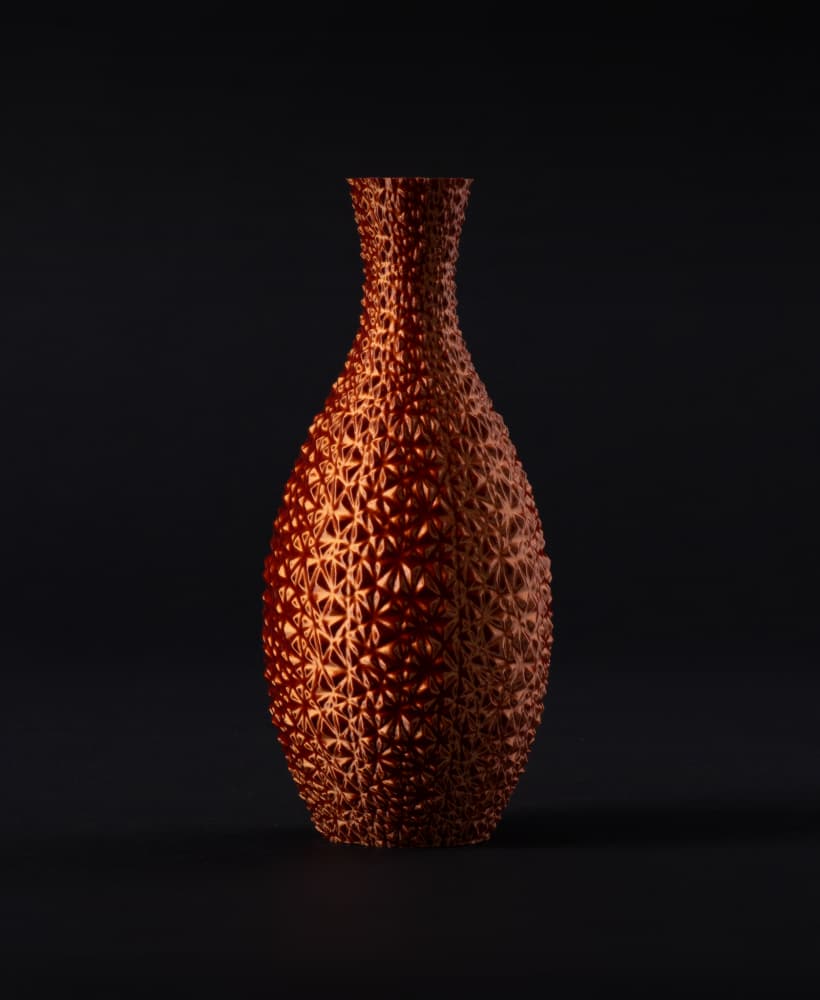
478 downloads · 1 year ago · Pen holder with overengineered pattern for printing in vase mode.
**The model is available under a
This model is restricted by licensing terms.
View license.
Pen holder with overengineered pattern for printing in vase mode.
The model is available under a Private Use License. To unlock commercial rights, you need to be an active subscriber to a membership plan.
Best results with .8 line width and vase mode on.
A print profile for .4 nozzle + vase mode is included, however for best quality swapping to .8 nozzle is recommended
Pen holder - vase mode
478 downloads · 1 year ago in
This model is restricted by licensing terms.
View license.
Shipto you

Ceiling lamp
Shipto you

Planter with dripping tray
Shipto you

Vase
Shipto you

Vase
Shipto you

Vase
Shipto you
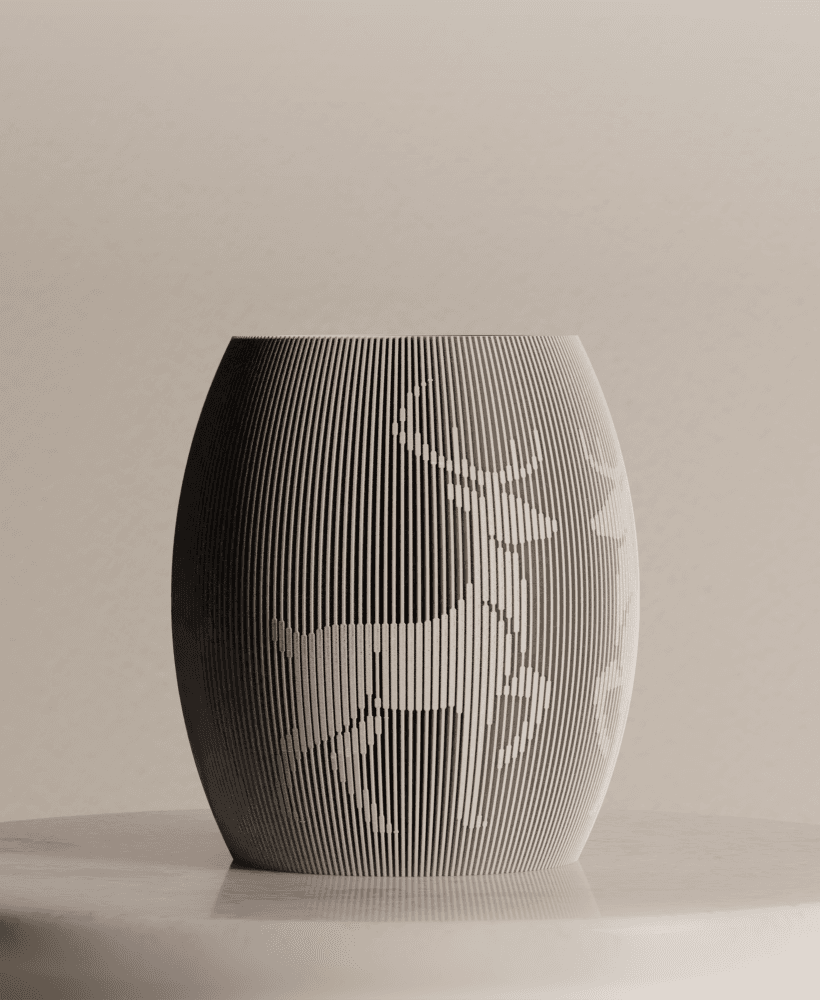
Reindeer Vase
Shipto you
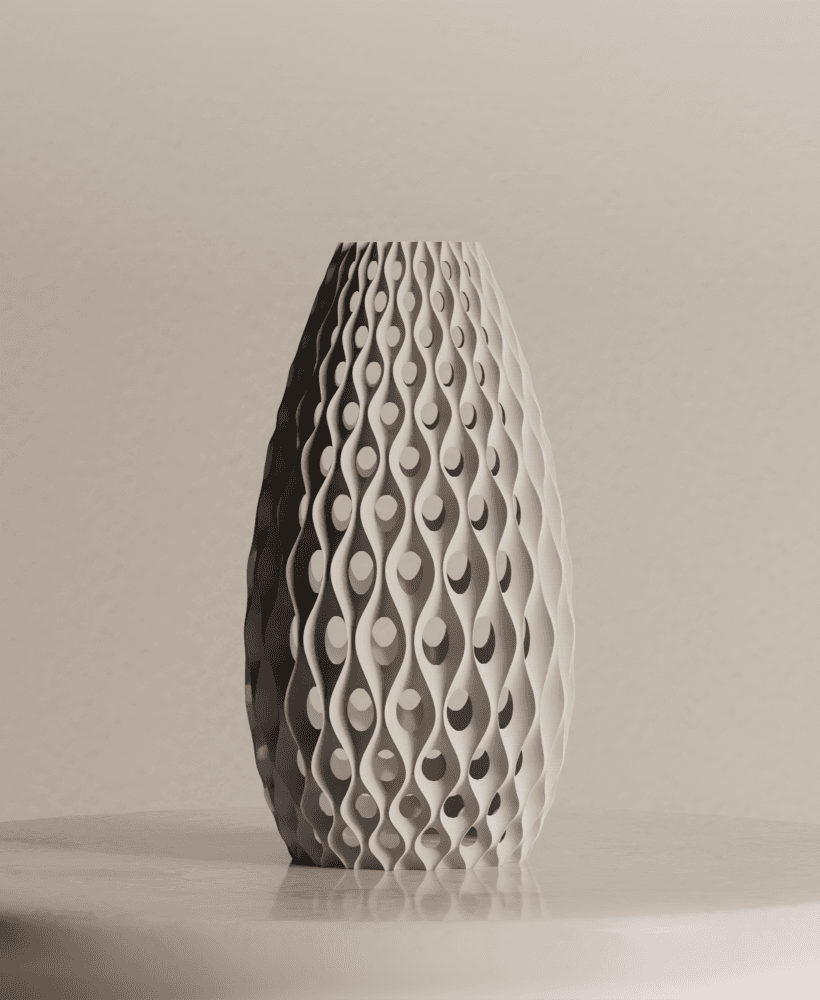
Vase

Work Study Desk Organizer, Minimalist Pen Pot, Modern Pencil Holder, Organized Desktop | Vase Mode

Minimalist Modern Pen Holder, Minimal Desk Organizer, Pencil Cup | Vase mode

Minimalist Pen Holder for Organized Desks | "Havre" pen holder

SAKURA | Scalable Pencil Holder
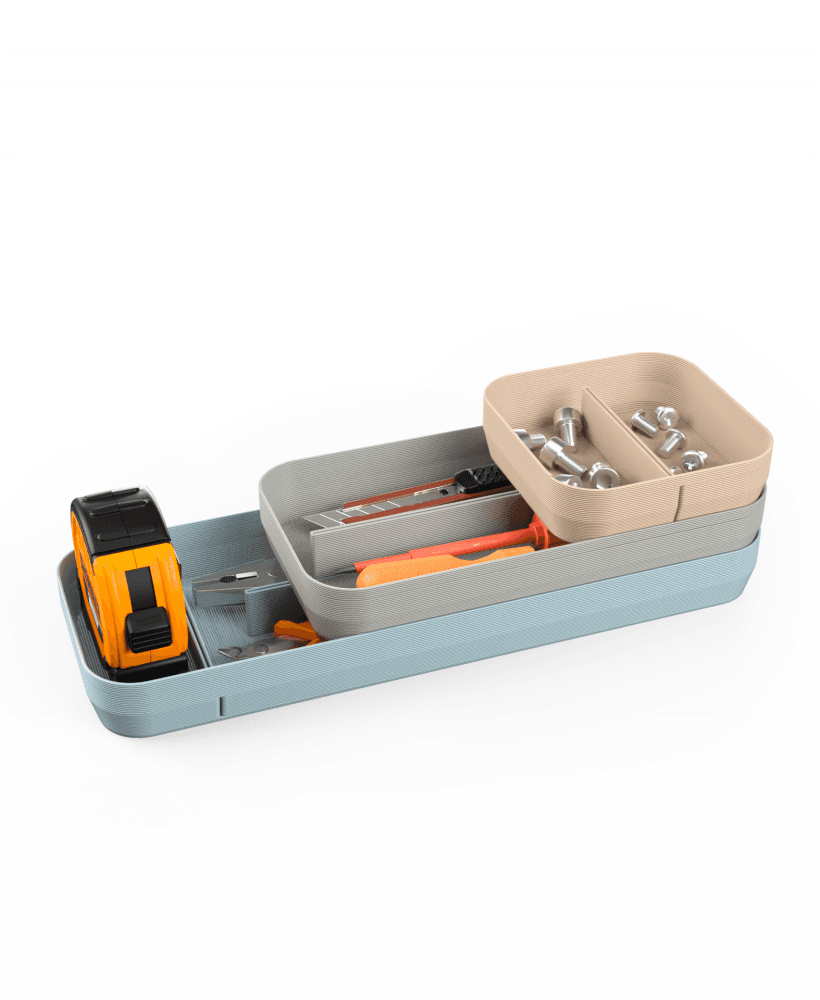
SLOT DESKTOP ORGANIZER
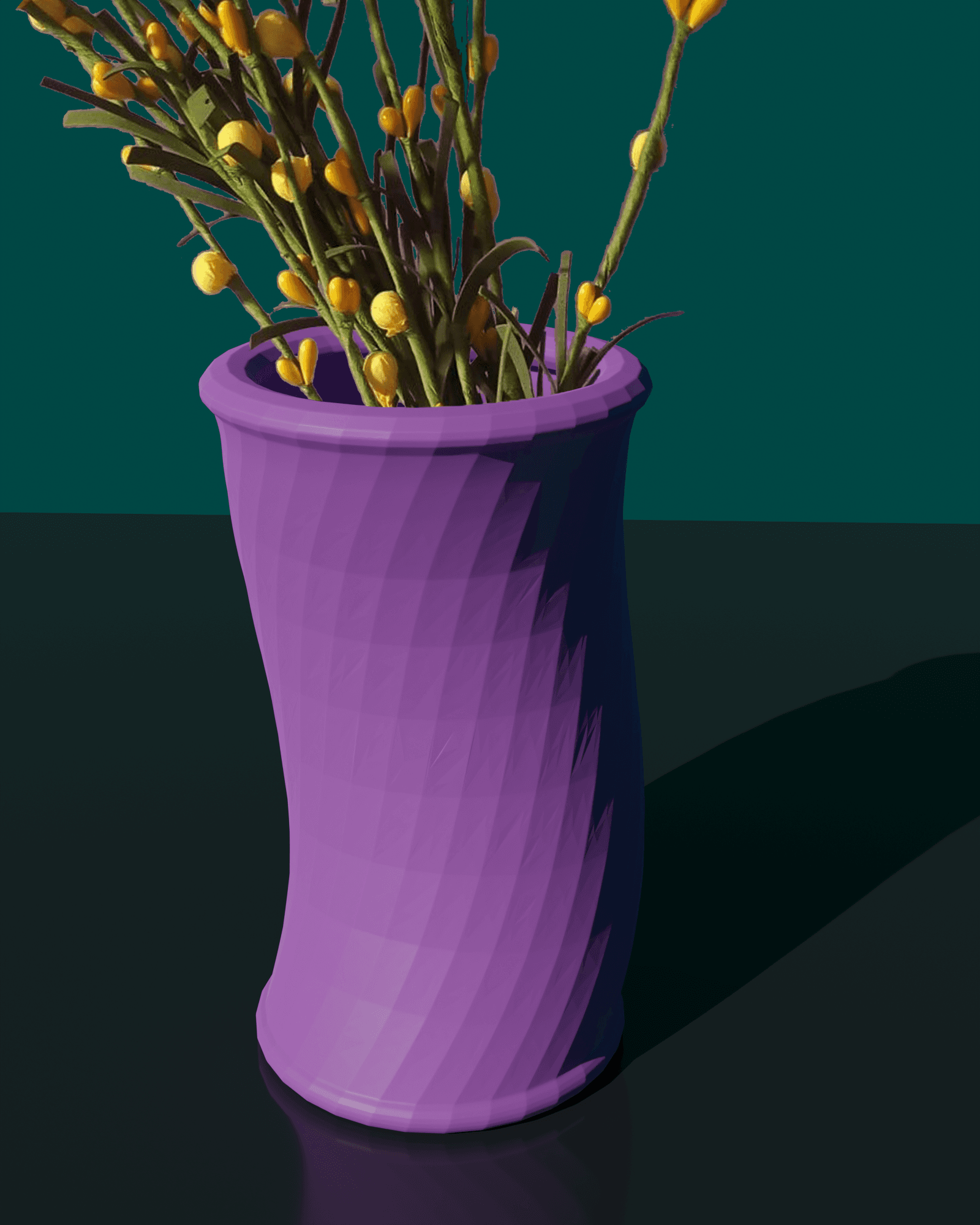
Bendy Vase / Pen holder - Support Free
Faceted Mosaic Vase (vase mode)

SPIRAL Vase - Vase Mode

Minimalist Knitted Vase (vase mode)

Mini Hoodie Pen Holder - Cute Desktop Organizer Vase 3D Print

SPROUT Vase - Vase Mode

SWIRL Vase - Vase Mode
You can't even put pens in it. It is blocked off completely. I do not recommend downloading this.
I'm sorry you are not happy with the model. I can only hope you took your time and checked what "vase mode" is
No he / she didn't... ;-) But instead of reading about "vase mode", they always blame the makers first... As usual. Aurora, get yourself informed about printing in vase mode before spreading lies.
It may also be that they're using Cura, which seems to be playing weird with it. I Turned on vase mode, and even messed with other settings like z-seams and scarfs, but it keeps wanting to extrude 2 straight lines across the middle on every layer. It was always consistent with the lines, so either, I did something wrong, or Cura just doesn't like the model.
Please try setting "slice gap closing radius" to 0.01 mm
How did you print the top layer? Did you print that separately, and then glue it on?
The design is made in a way that the top prints as one piece in vase mode. If your slicer doesn't do it, please try setting "slice gap closing radius" to 0.01 mm