




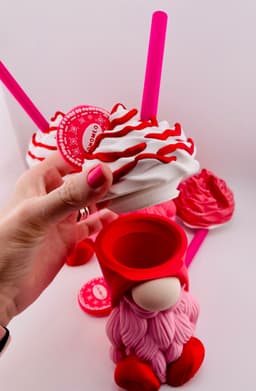
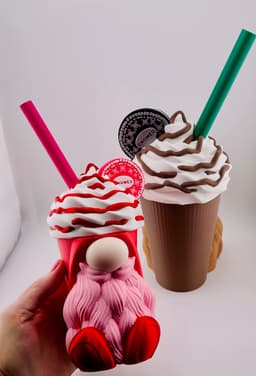


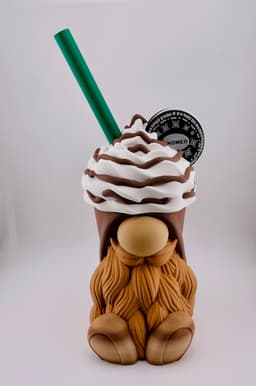

Frappe Gnome Container
Frappe Gnome Container
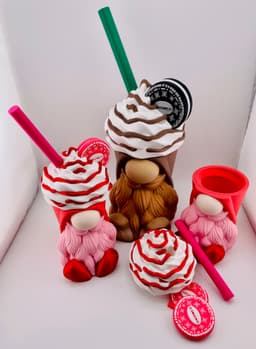
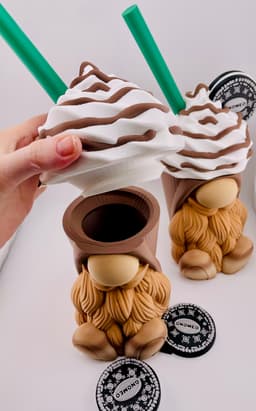
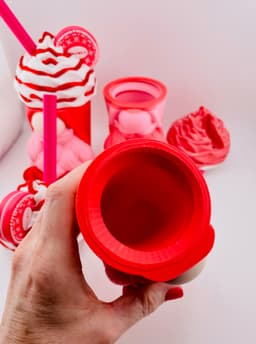
Another Gnome container! This one is modeled on a delicious Mocha Frappe and features a larger storage space! Slurp slurp slurp! Try not to get brain freeze!
To save on filament you can use an extra gnome and an extra whipped cream lid as flush objects!
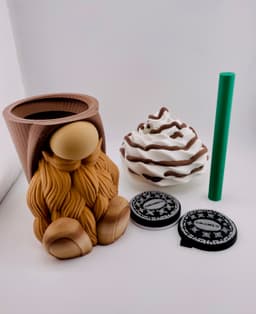
There are 5 parts that print on separate plates:
- Gnome Container
- Whipped cream lid
- Straw
- Cookie half with cream
- Cookie half
Print settings notes: The lid needs supports on the flat area around the thread. The thread itself doesn't need supports. We used a brim on the straw.
UPDATE: This version has the follwing updates as of 8:15pm Central US time Missing "Gnomeo" text on cookies has been added Incorrect "Top shell layers" setting has been fixed.
Models in Download Multi-color Mocha Frappe Gnome .3mf 1 Color Mocha Frappe Gnome .3mf Multi-color Small Mocha Frappe Gnome .3mf Strawberry Small Frappe Gnome .3mf
Filaments Used in Photos
Mocha Gnome: Bambu Dark Brown Matte PLA -Cup Bambu Cocoa Brown Matte PLA -Drizzle Bambu Caramel Matte PLA -Beard Bambu Mistletoe Green PLA -Straw Overture Sedimentary Rock PLA -Shoes Bambu Latte Matte PLA -Nose Bambu Ivory White PLA -Whipped cream
Strawberry gnome: Creality Strawberry Matte PLA -Cup Bambu Ivory WhiteMatte PLA -Whipped cream/cookie details Bambu Hot Pink PLA -Cookie Bambu Sakura Pink Matte PLA -Beard/Cooke Cream Bambu Magenta PLA -Straw Bambu Beige PLA -Nose
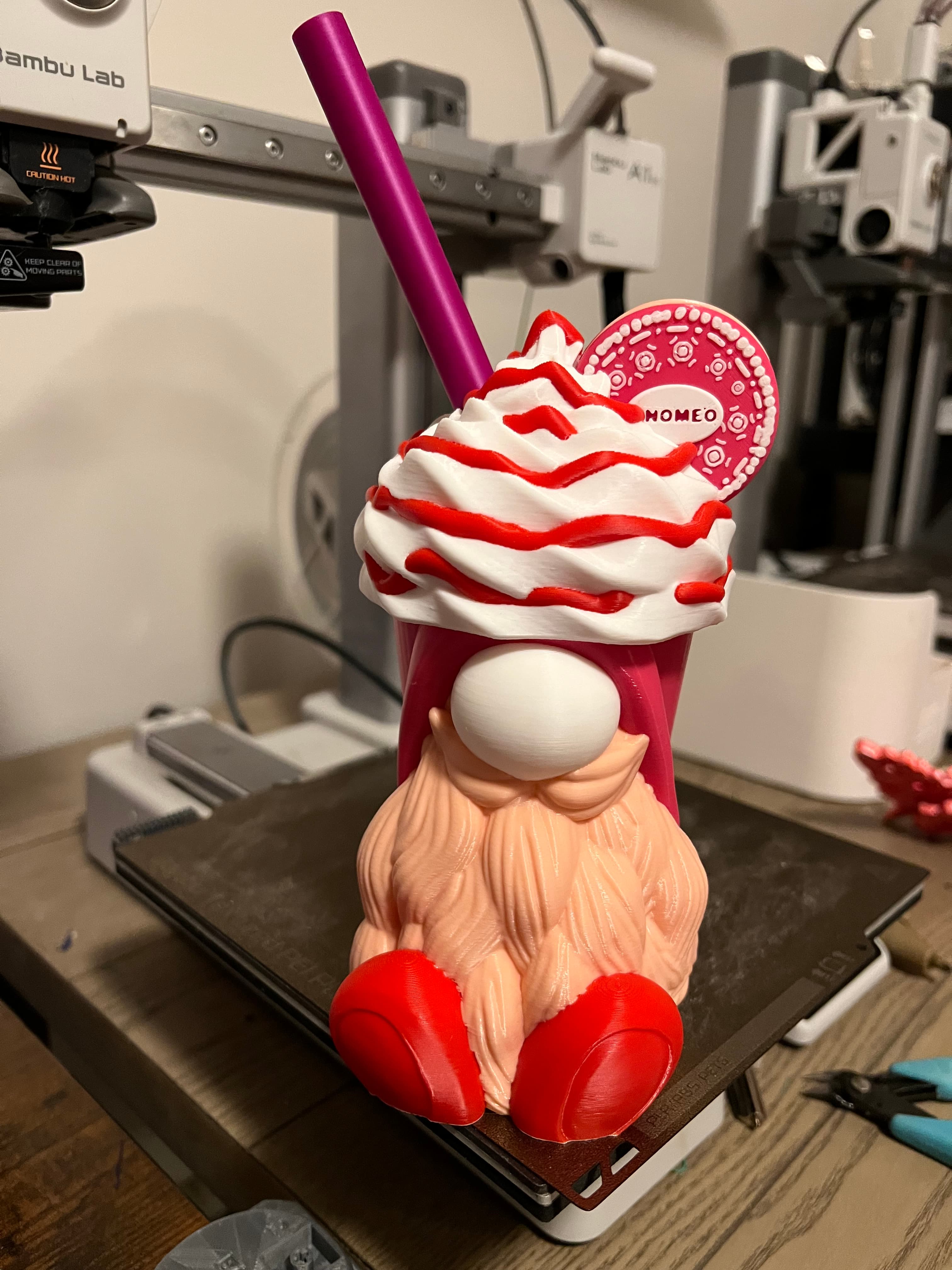
Frappe Gnome Container

Dress Up Porch Goose for Goose Gear
Set of 3 Gnomes – Plain & Magnet

Girl Build-a-Gnome Doctor Add-On Bundle STL | Doctor Gnome Accessories | Medical Hat, Stethoscope &

Book Lover Gnome STL | Build-a-Gnome Add-On | Daisy Hat & Book Stack Accessories

Build-a-Gnome Mechanic Add-On STL Bundle – Baseball Cap, Tire, Oil Can and Wrench

Spinning Gear Box
.png&w=3840&q=75)
Mario Cactus Container - Single Color

SX07 - Sci-fi Storage Box (decorational)
DELTA RIDGE | Table lamp E14 & E27 fast-print

Wood Barrel Stash / Container
VORONOI PEN HOLDER

Verdant Guardian Gnome.3mf
M3D - Fantastic Animal Transport 2.0
Seismic Vases - Cylindrical

3D Printed Buckets – With Lids, Handles & Tray Insert

Emergency Stash Keychain
Magnet-ready Wargaming bases
CALIZ | Woven Table Lamp E14 & E26/27

Threaded Mini Five Gallon Bucket!

That looks great!
my cookie wont fit:( too big
Oh no! Some filaments shrink more than others when they cool. You may need to do a test print for the fitment.
I am likely missing something but the strawberry version has 6 colors. I only have 1 AMS. The sauce for the whipped cream is in slot 6 so when I synchronize colors, it gets removed. What's the best option for me? Is there a 4 color version, or is there a way to reorder the slots for the colors in the 3mf?
W printed them on separate plates so each part doesn't use more than 4 colors at a time. You don't have to synchronize all of your colors at one time. For example when you're ready to print the whipped cream under the device tab select the printer you're going to use, then back under the Prepare tab click where the type of filament is listed next to the color swatch i.e "Bambu Basic PLA" then you can select which AMS slot you want to use and it with change the color and type to match the AMS.
That was my doofus moment for the day, I was thinking I would need to refresh the whole thing for the software to know what filament was in the printer, but it was right there. Thanks! Printing now!
Great! We'd love to see it when it's done!
I have download again the mocha cookie is not showing colored
Did you check it sliced? The cookie is colored by layer, so you won't see it until after it's sliced.