


Rose Dragon '23 Edition
This is an updated, FREE for subscribers version of the classic Rose Dragon! This features updated thicker links!
AND... I also wanted to include some special files for you all as a BONUS! .3mf files!! These are pre-colored progress files made for multicolored printers! These are not perfect and might need a couple touch-ups but will save you HOURS of digital painting!Hi, I'm Tracy! Veteran, full-time mom, and entrepreneur at heart! I love creating unique and fun designs!
This design (like all Cinderwing3D designs) is under copyright. Which means, upon purchase, you do NOT have the right to sell commercially. If you would like to legally sell them commercially, please join my Tribe or my Patreon and subscribe to the tier for commercial resale. Link Below! The Digital files are never to be re-sold, shared, or given away!
Commercial License and monthly bonus models: Thangs Memberships Patreon MMF Tribes 3D PRINTING SETTINGS FDM Settings 3 walls 10-25% infill No supports Raft or brim if you have adhesion issues
Resin Settings No supports, flat on plate 50 um layer thickness Light off delay can be helpful to let resin drip from links.
Proper bottom exposure tuning is recommended. Models, particularly in clear resins, can suffer from overexposure and fused links. The Ameralabs Town testing is highly recommended to tune your settings as to get proper articulated prints! Exposure varies greatly between resins, printers, and environments.


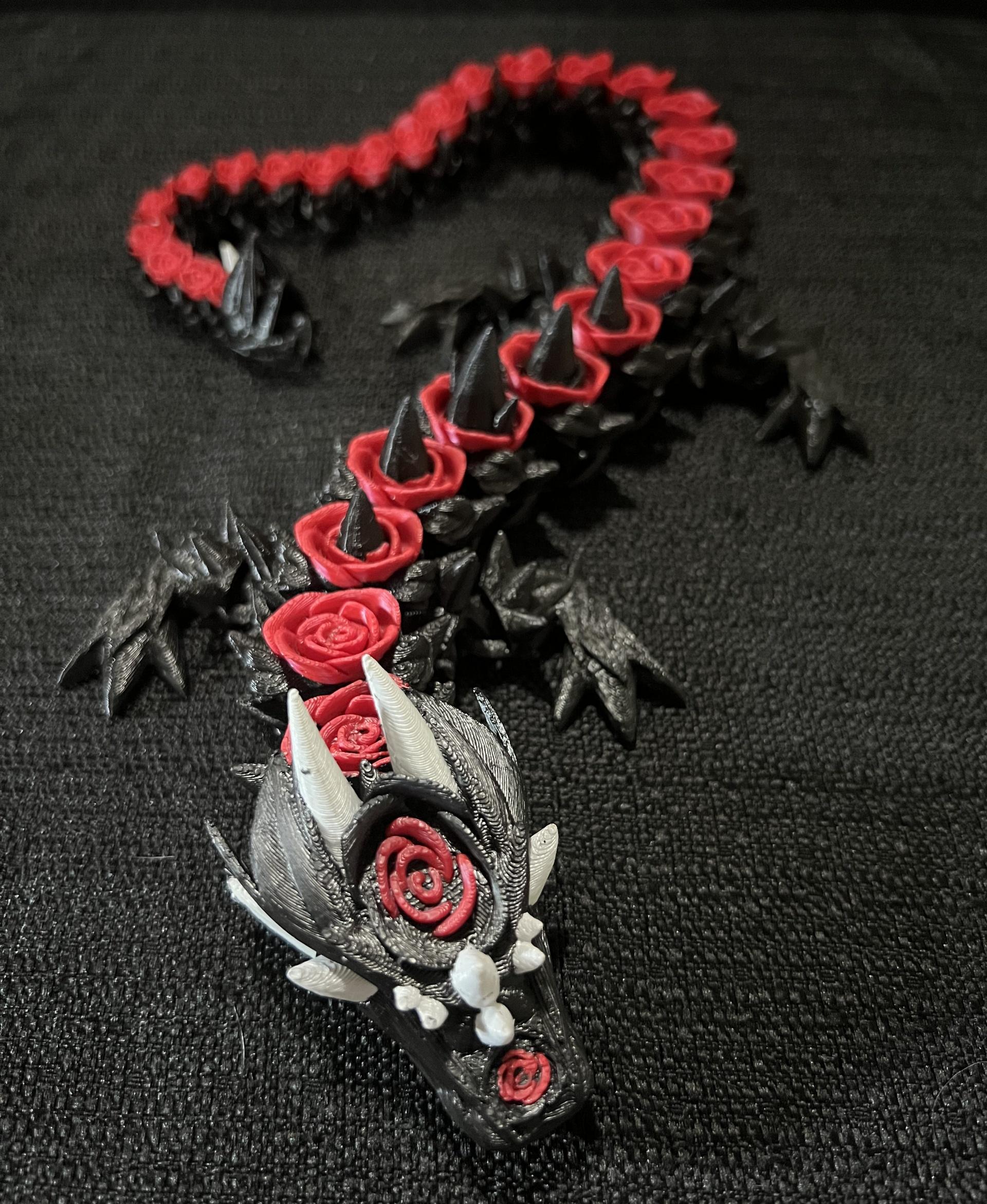
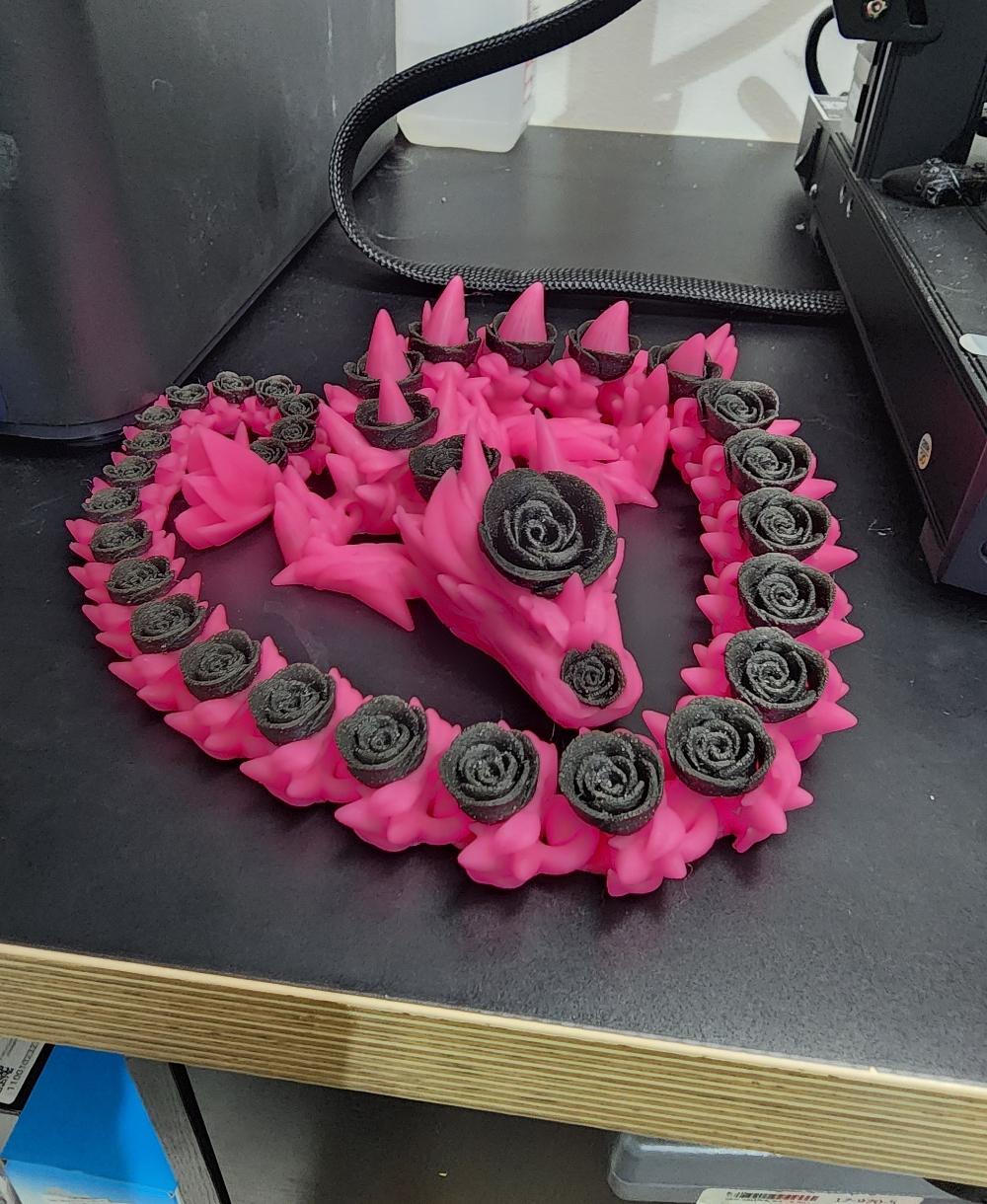
Rose Dragon '23 Edition

Elder Articulated Rose Dragon — The Flora Guardians

Mini Dragon 01 (Christmas Edition)

Articulated Rose Turtle Flexi
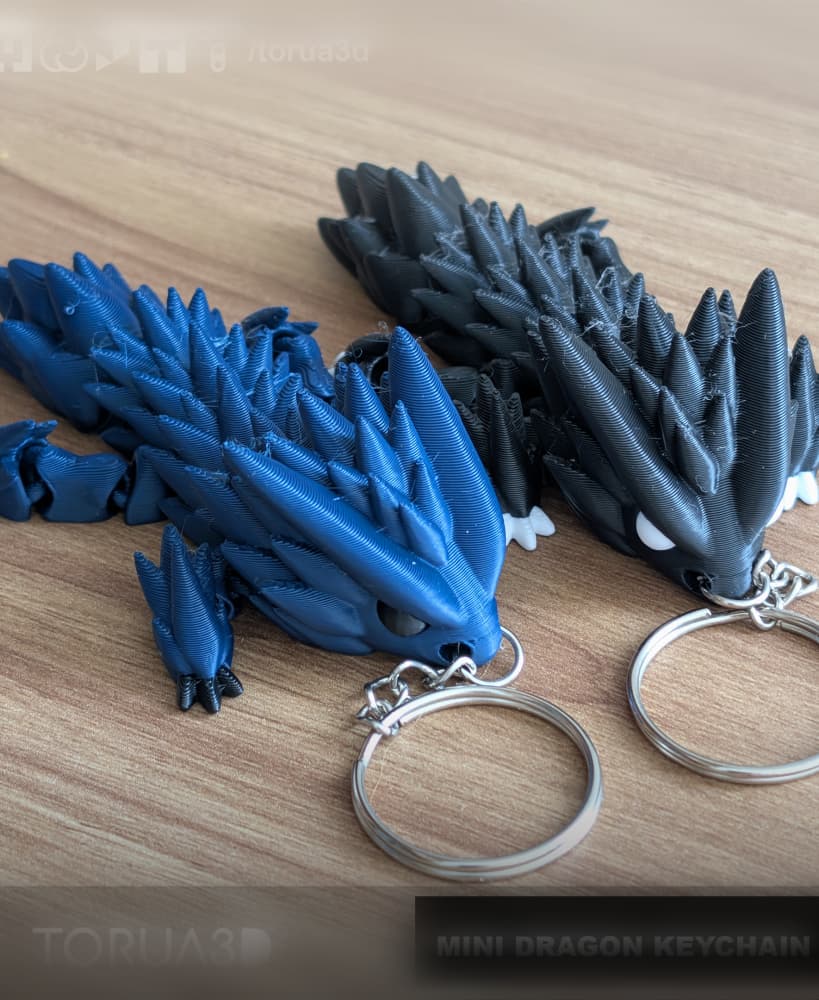
Mini dragon keychain 008 - Print in place - No supports - 3mf - stl
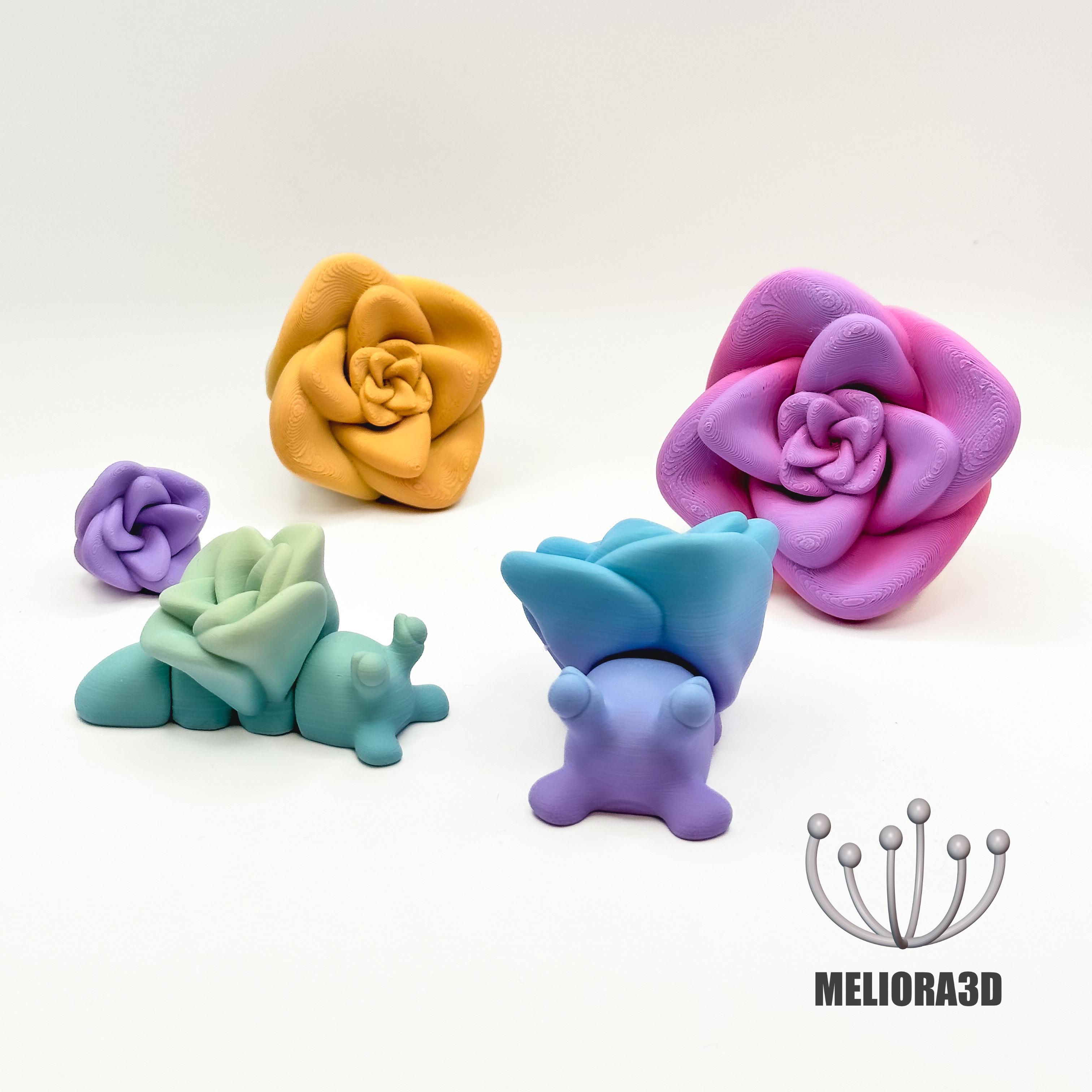
M3D - Baby Rose Snail

TealCatCreative Horned Bristlecone dragon
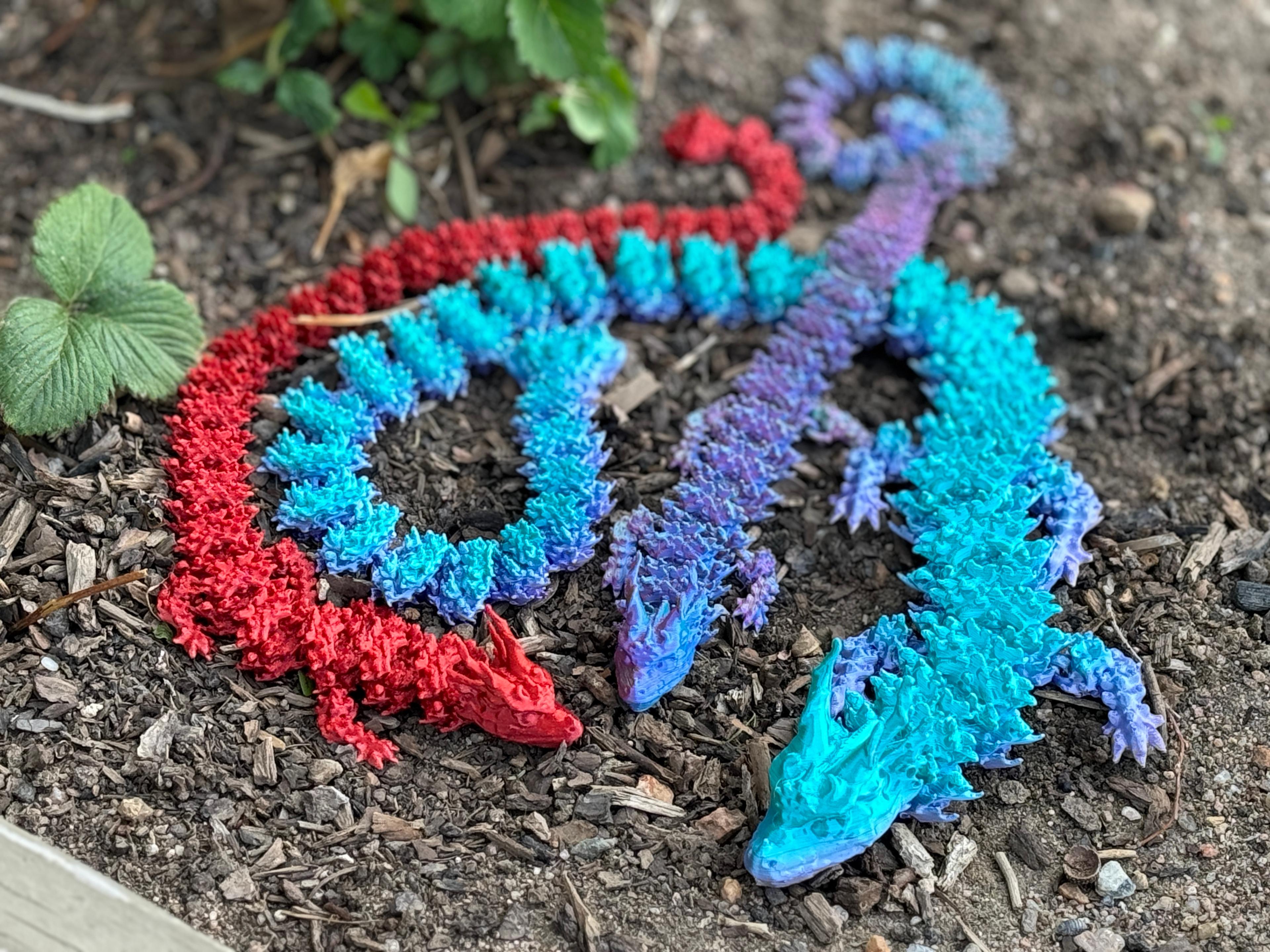
Teal Cat Fire dragon
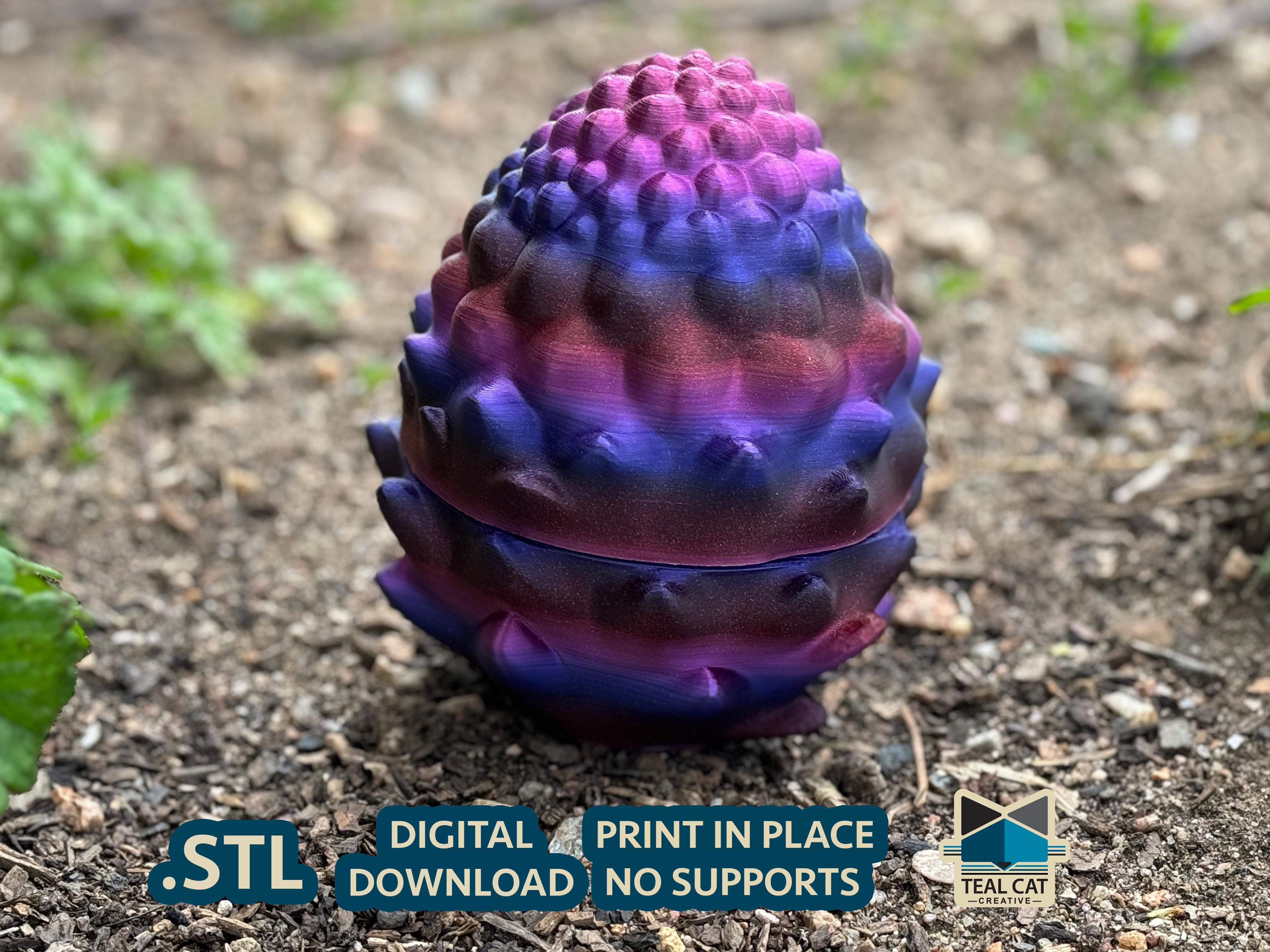
TealCat Bristlecone Egg
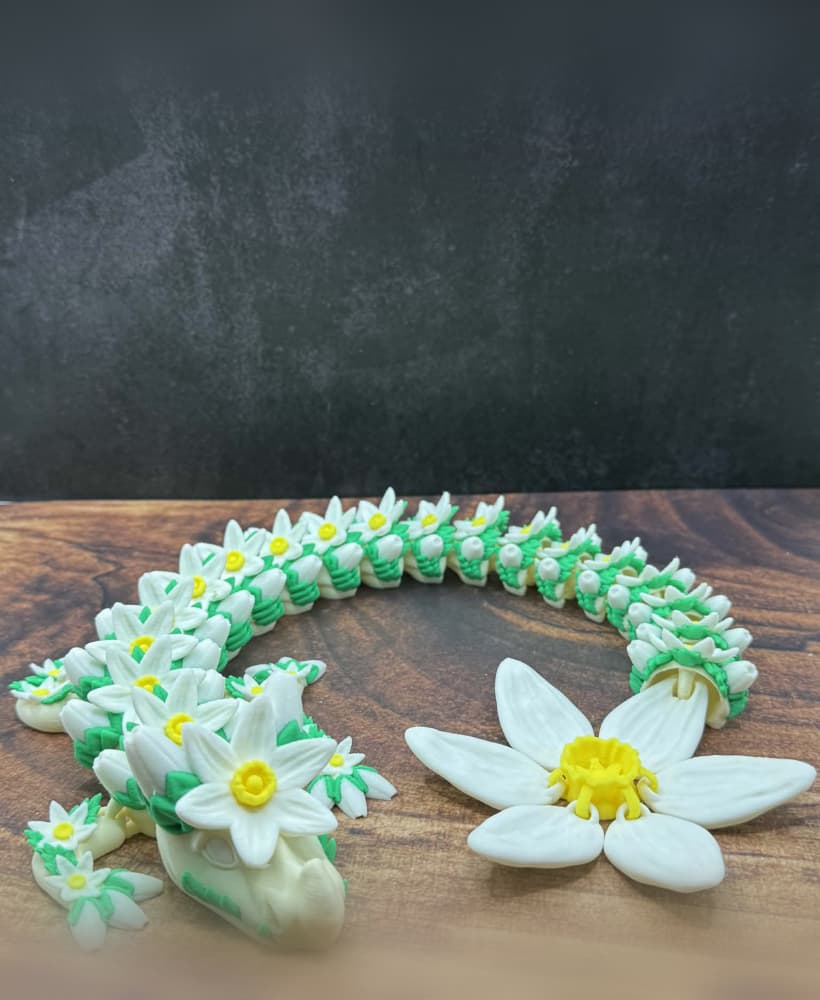
Springstrike Wingless

Sonic - Fan Art - PRINT IN PARTS - FULL COLOR

Ornate Display Frame v3 – Bestiary / Codex Series (175 × 123 mm)
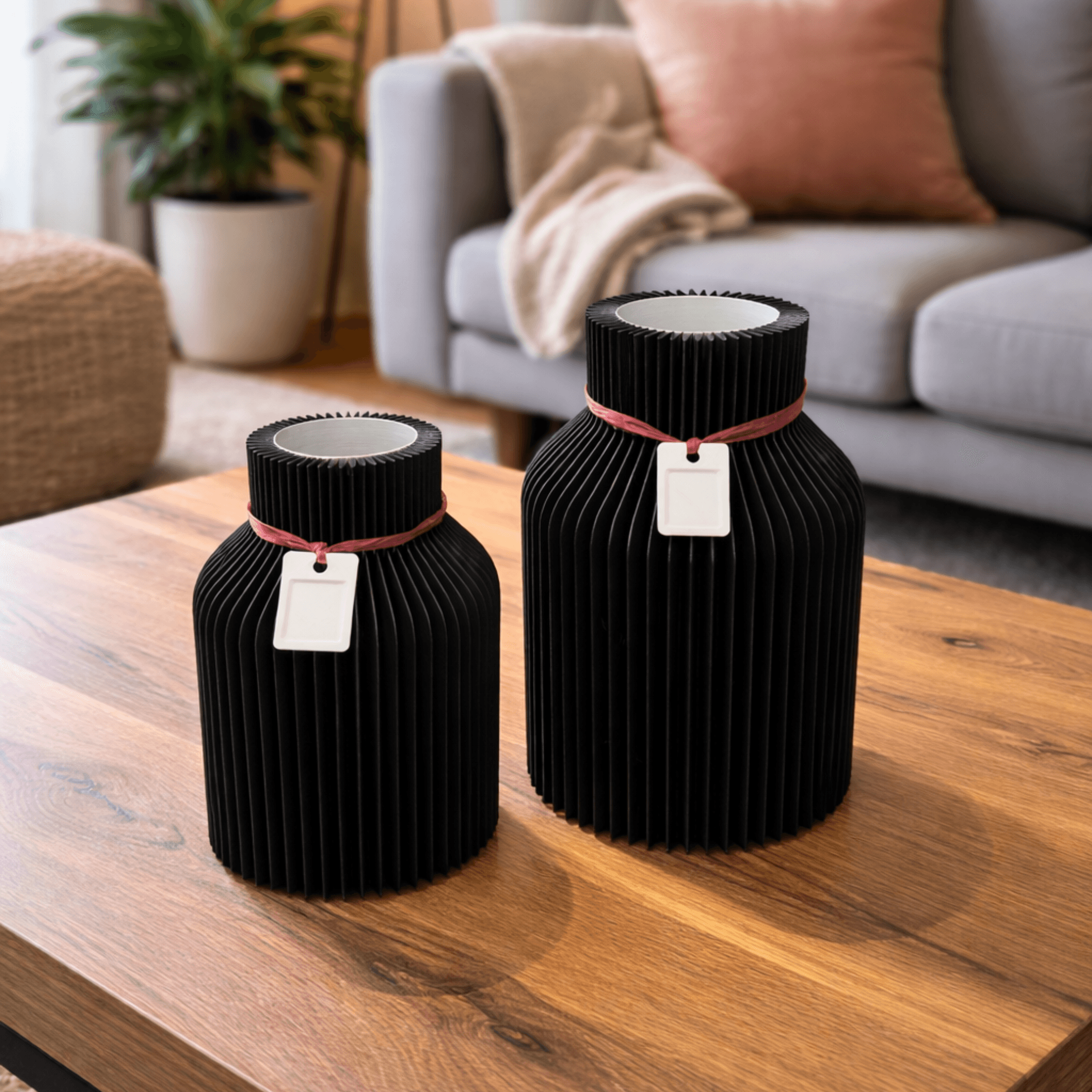
RIBBED VASE WITH INLET & PENDANT / MODERN DECOR / HOMEDECOR / TABLEDECOR

Brogar Ironhide of The Iron Howl
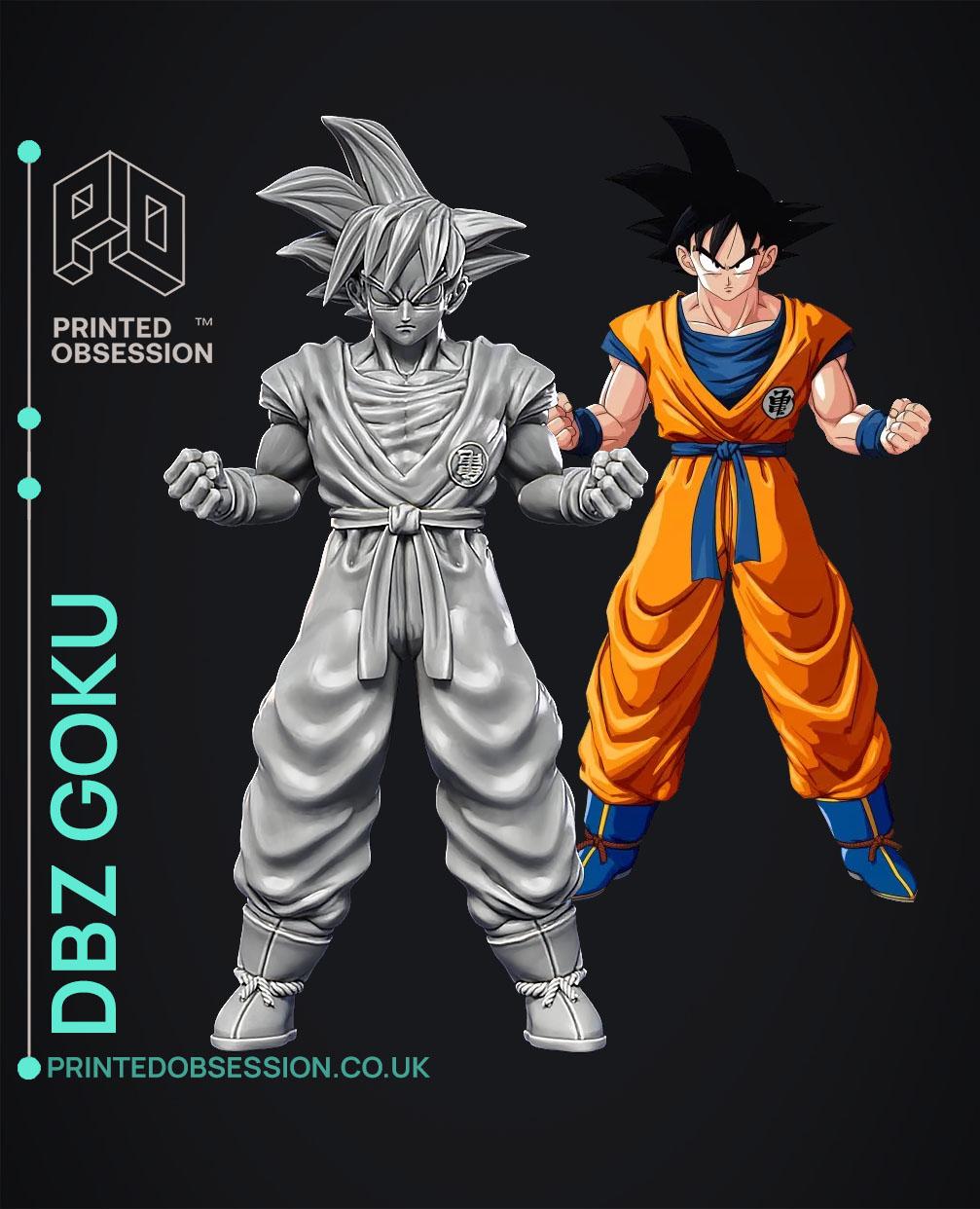
Goku - Dragon Ball Z - Fan Art
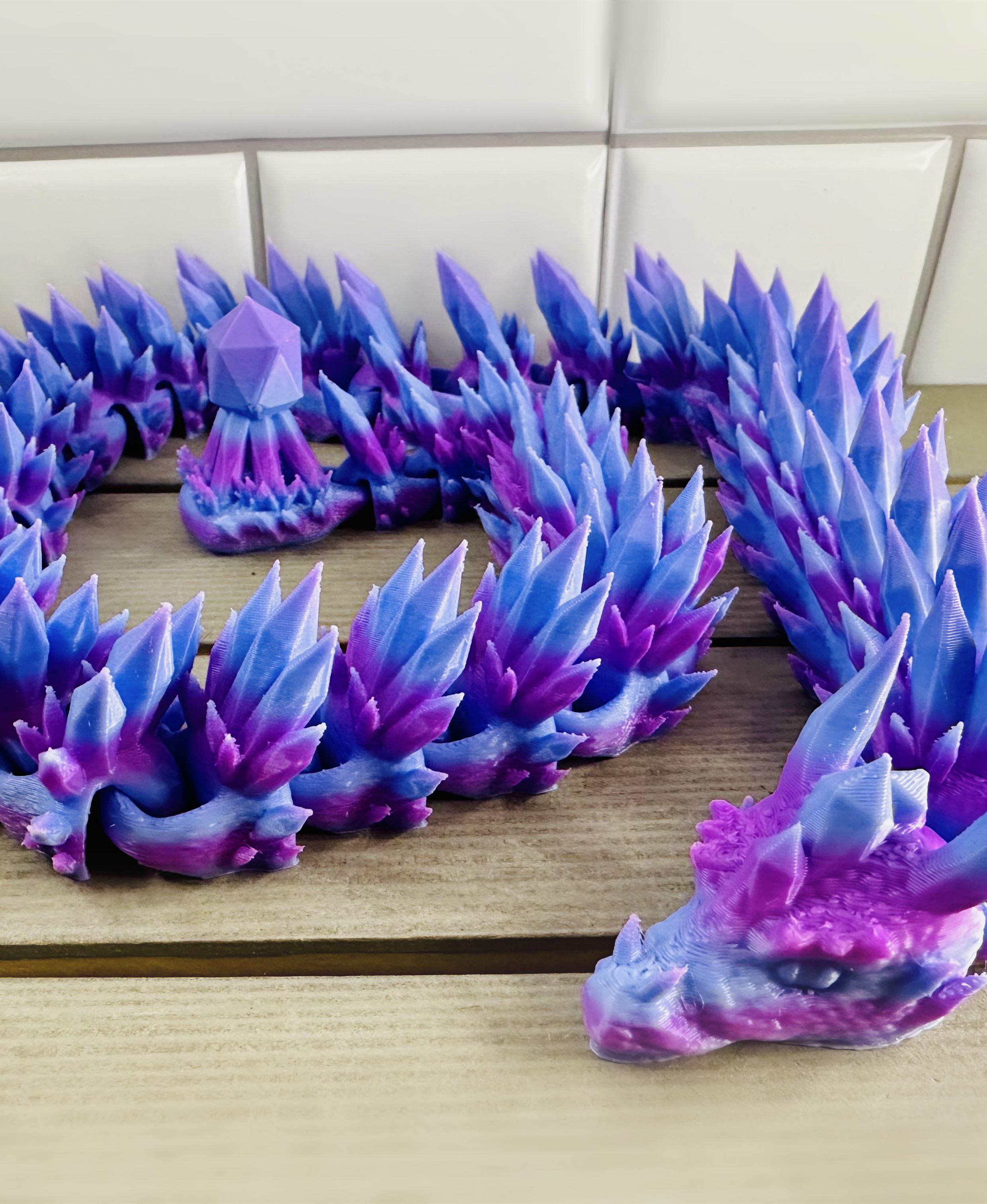
Odon the Obsidian Lindwyrm
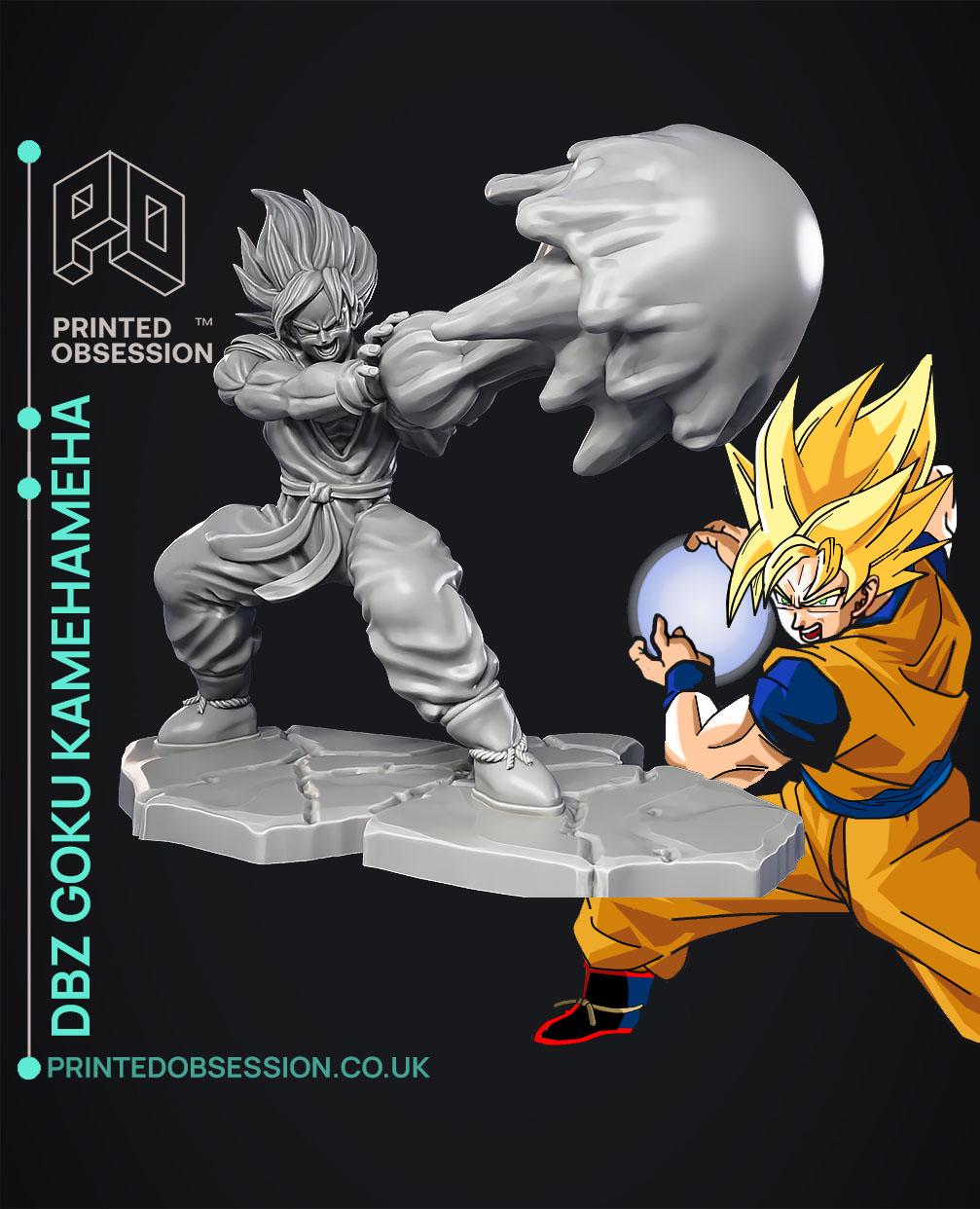
Goku kamehameha - Dragon Ball Z - Fan Art
.png&w=3840&q=75)
Bendy Beast Print in Place Articulated Dragon
.gif&w=3840&q=75)
Articulated Unicorn Dragon Keychain Print-in-Place
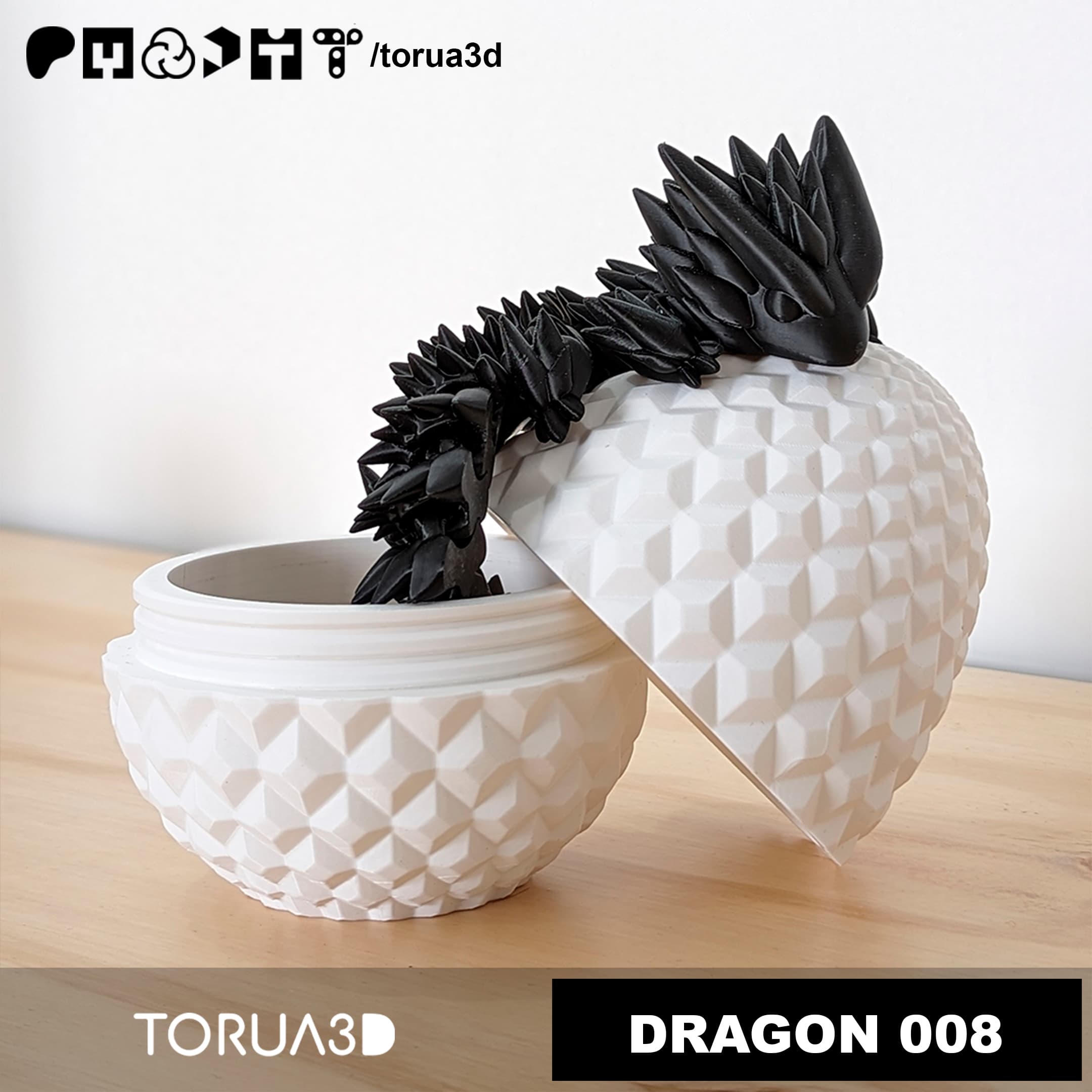
Articulated Dragon 008 And Dragon egg 009 - No supports - STL - Print in place

Anyone print this on a k1max or k2plus? My first layer was great, it messed up somewhere after that
When I split the file into the 4 separate object layers to change filament, the roses drop to the build plate and are no longer lined up at the correct height. Do you by chance know how I would fix that?
Please use the STL if you want to paint it that way! This one was a "paint by object" experiment I was trying (and didn't do again) so its a little different
I opened the coloured 3mf file in bambustudio, but its not showing the colours. Was it created in Prusaslicer or am I doing something wrong?
Hi! This model is split into 4 separate object layers, you use those to color instead of a paint job! Just click the object tab and you'll see the 4 objects, you can right click an object to change what filament it's using.