
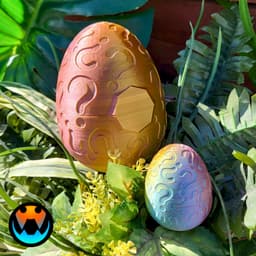

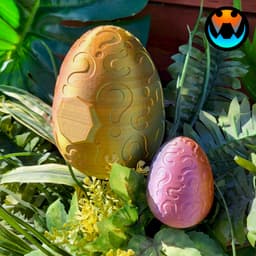


Mystery Egg, Two Versions
This model features TWO versions! One version that is a simple egg with question marks, the other has a gem plate on the front!
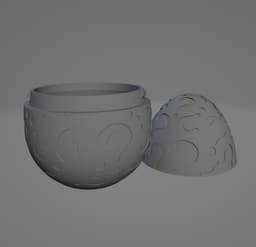
The lock on the eggs has been re-done to be looser and easier to lock and unlock The eggs have been made thinner to use less filament and has faster print times then the originals The eggs have been resized from the original eggs (Dragon Scale & Crystal) and are now Larger to match 100% Egg to 100% dragon. Thus, if you scale the eggs to 60% they can fit 60% baby dragons in them! And thanks to Jazzy, all the eggs have been aligned so the top and bottom have the same color when using tri or duel filamentsHi, I'm Tracy! Veteran, full-time mom, and entrepreneur at heart! I love creating unique and fun designs!
This design (like all Cinderwing3D designs) is under copyright. Which means, upon purchase, you do NOT have the right to sell commercially. If you would like to legally sell them commercially, please join my Tribe or my Patreon and subscribe to the tier for commercial resale. Link Below! The Digital files are never to be re-sold, shared, or given away!
Commercial License and monthly bonus models: Thangs Memberships Patreon MMF Tribes 3D PRINTING SETTINGS FDM Settings 3 walls 10-25% infill No supports Raft or brim if you have adhesion issues
Resin Settings No supports, flat on plate 50 um layer thickness Light off delay can be helpful to let resin drip from links.
Proper bottom exposure tuning is recommended. Models, particularly in clear resins, can suffer from overexposure and fused links. The Ameralabs Town testing is highly recommended to tune your settings as to get proper articulated prints! Exposure varies greatly between resins, printers, and environments.

Mystery Egg, Two Versions

Two Tone Egg Planter

VORONOI HEART SCULPTURE / TWO VERSION (ONE PART OR MULTIPART) / HOMEDECOR / DECORATIONS

LOVE TEDDY KEYCHAINS (TWO VERSIONS) / CUTE KEYCHAIN BUDDIES / TOY / KIDS / KEYCHAIN / TEDDY BEAR

LOVE TEDDY (TWO VERSIONS) - NO AMS / CUTE KEYCHAIN BUDDIES / TOY / KIDS / KEYCHAIN / TEDDY BEAR

Holy Sigil Egg - Single and On a Stand versions

CREALITY K1 MAX RAISER / RISER / DECKEL / TOP COVER / UPGRADE (VERSION 1)

MULTIPURPOSE ORGANIZER (KASAMO) - DOUBLE PATTERN / KITCHEN ORGANIZER / OFFICE ORGANIZER/ DECOR

JAPANDI BUNNY TEALIGHTS / MODERN EASTER DECOR / BUNNY DECOR / HOMEDECOR / DECORATIONS

Christmas Dragon Egg 2025

Grim Reaper Hood Wall Art (with TeaLight Sconce version)

Cup Holders for Sofa Cushions

Universal Wall Mount for Remote Controls

Chick Dragon Collection

HALF JAPANDI BUNNY - LONG VERSION (ARTICULATED) / EASTER DECOR / CUTE EASTER DECOR / MODERN HOMEDECO

Pumpkins Tower – Spooky & Fun Faces | Decor & Carved Versions

HALF JAPANDI BUNNY - NORMAL VERSION / MODERN EASTER DECOR / BUNNY DECOR / HOMEDECOR / DECOR

Block Pen Saber – Double Blade Edition

Paint & Brush Storage Case
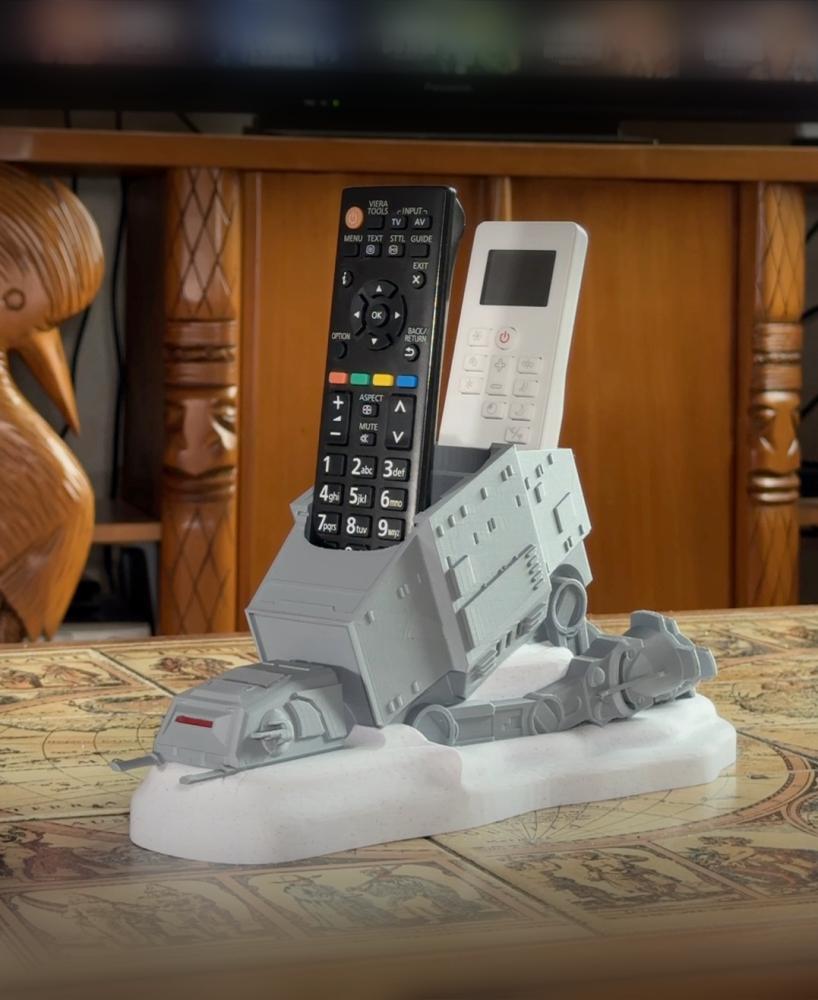
Fallen AT-AT Remote Holder
How much should this be scaled down for the pet hatchlings?
I think some folks had luck around 35-45% but the lock may not work at that size
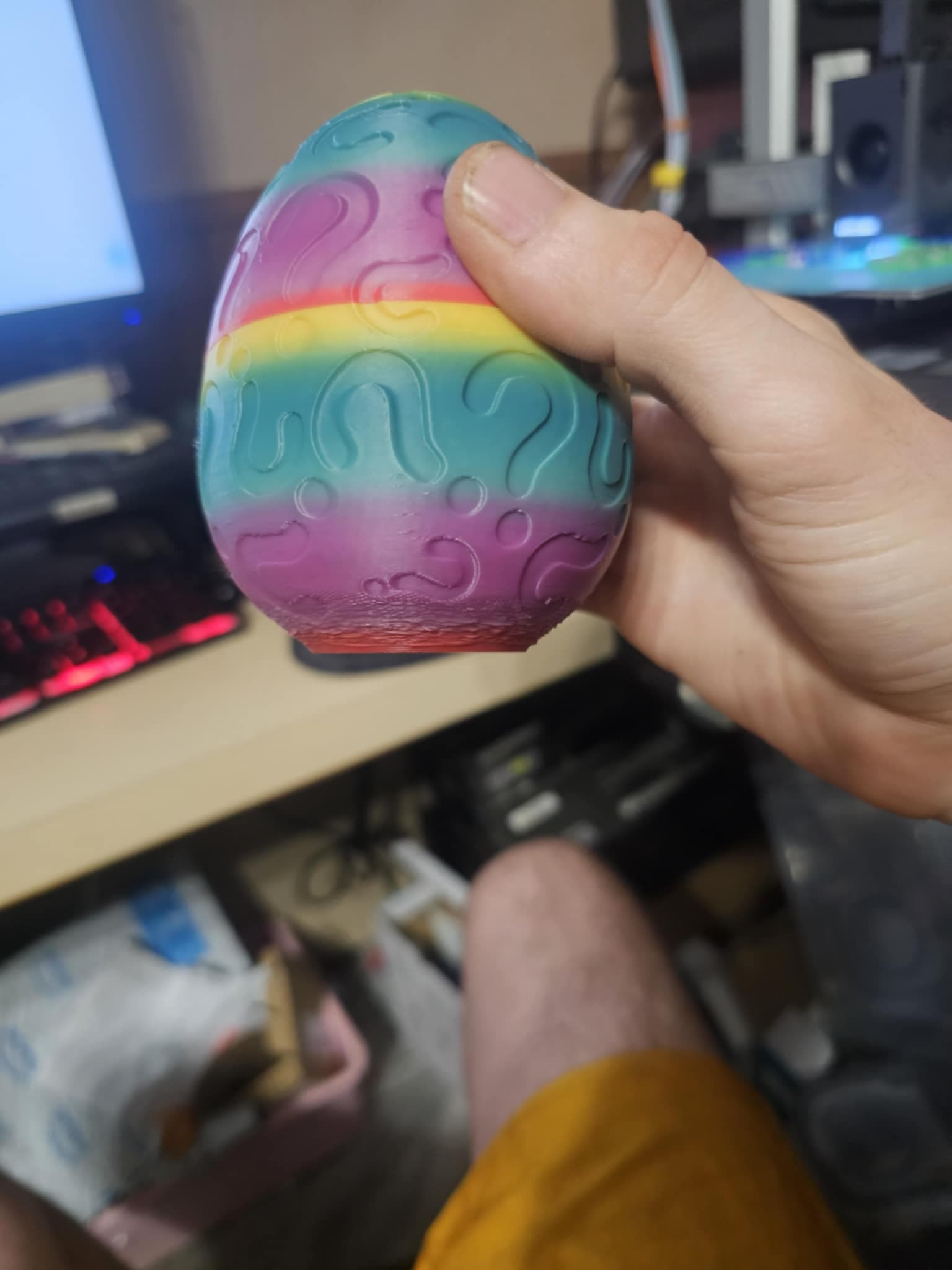
hello the bottom of our eggs come out kinda messed up is it possible that we need suppourts at the bottom?
No you do not need support, looks like you have some overhang cooling issues!
Can you tell me how to fix it?
I'd recommend joining my Discord! discord.gg/cinderwing3d Theres a lot of factors involved but the simple thing is you dont have enough cooling for the overhang to stabilize as it prints
i was able to get it to print by slowing it down and it turned out great.
Every time I try to print this I get a "non-manifolds" error and my bambu studio isn't able to repair it. Any suggestions on how to fix this? Thank you!
You can ignore them and print as is! That being said, I'll have this updated shortly to be fixed. 👍
Thank you!