


2x2 Multiboard Side Legacy Tile - x4 Multi-Material Stack
Stack Prints are parts that are printed on top of each other.
This stack is made of 4 "Side" Tiles. Side Tiles have one side with pegboard holes and are usually placed on two edges of your Multiboard. (Look at the second image).
Each Tile is a 2x2 (approximately 50x50 mm).
Learn more about Tiles at https://multiboard.io/knowledge-hub
Printing Guidelines
Multi-Material Stack Printing is an advanced printing method you can use if Ironing printing doesn't work for you, and you have a multi-material printer. Click here to watch a video tutorial about it.
Multi-Material printing is done with PLA and PETG.
Printer Settings:
- Make sure the downloaded files are .STL. The printing orientation is as provided in the file.
- Once the file is in the slicer, split it by objects. Change the Tiles to be PLA, and change the spacing objects to be PETG (or vice-versa).
- Change the plate temperature for the PETG to be the same as the plate temperature for the PLA.
- Set the flow ratio (aka extrusion multiplier) for the PETG to be between 1 and 1.3. You will have to test what flow ratio works best for you using this test file. For me 1.1 works best with a Bambu Lab.
- Set seam position to "random" for more strength (optional). Use 3 perimeter wall thickness, 0.2 mm layer height, 15% infill, and no supports. Apart from that, use your printer's default settings.
For more information about printing options and guidelines, click here.
This object is part of Multiboard, a FREE and ridiculously modular organization system with thousands of parts for creating the most adaptable workspace possible. Learn more and find ALL the parts at https://multiboard.io
2x2 Multiboard Side Legacy Tile - x4 Multi-Material Stack

Fix Point to Countersink Adapter

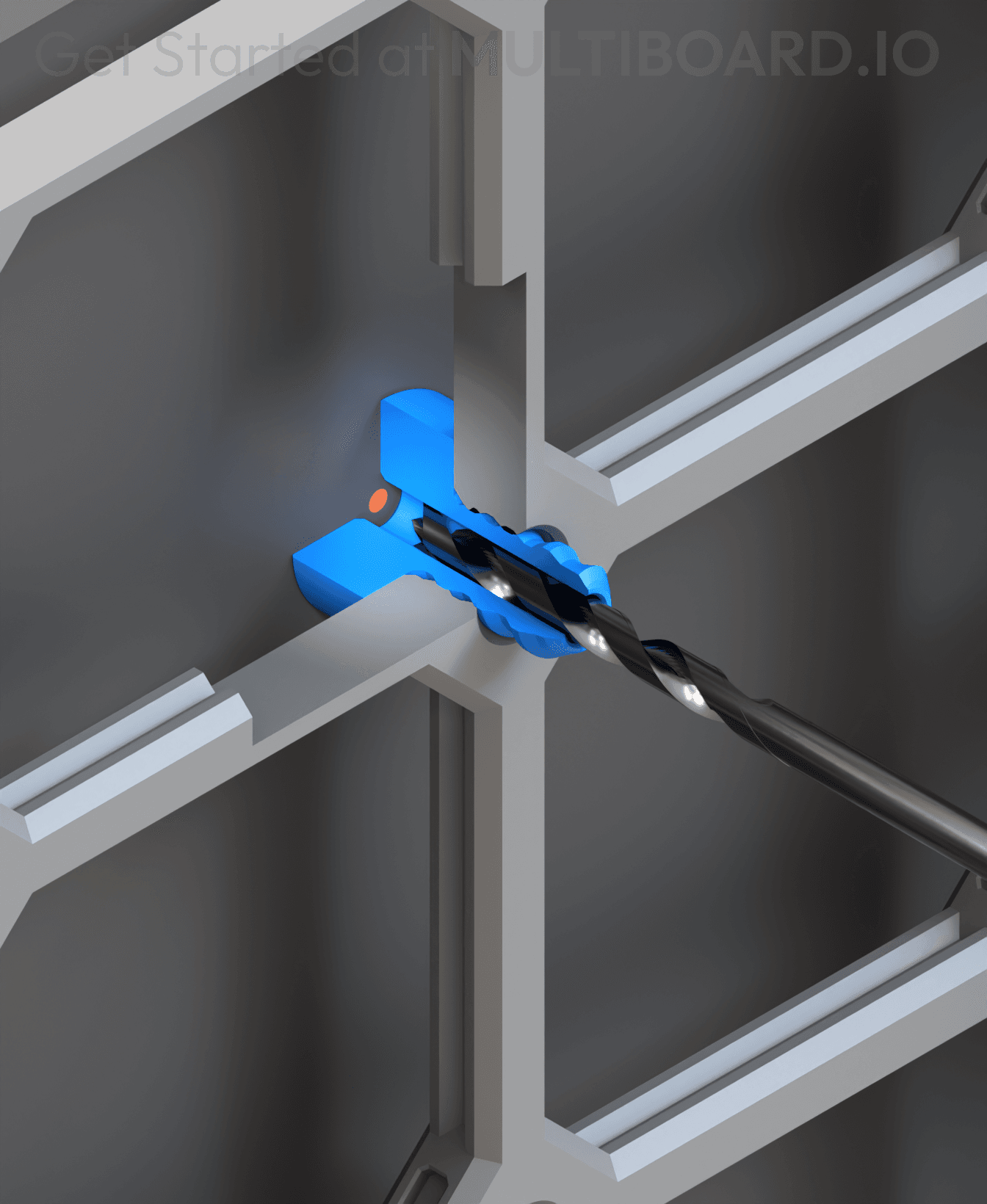
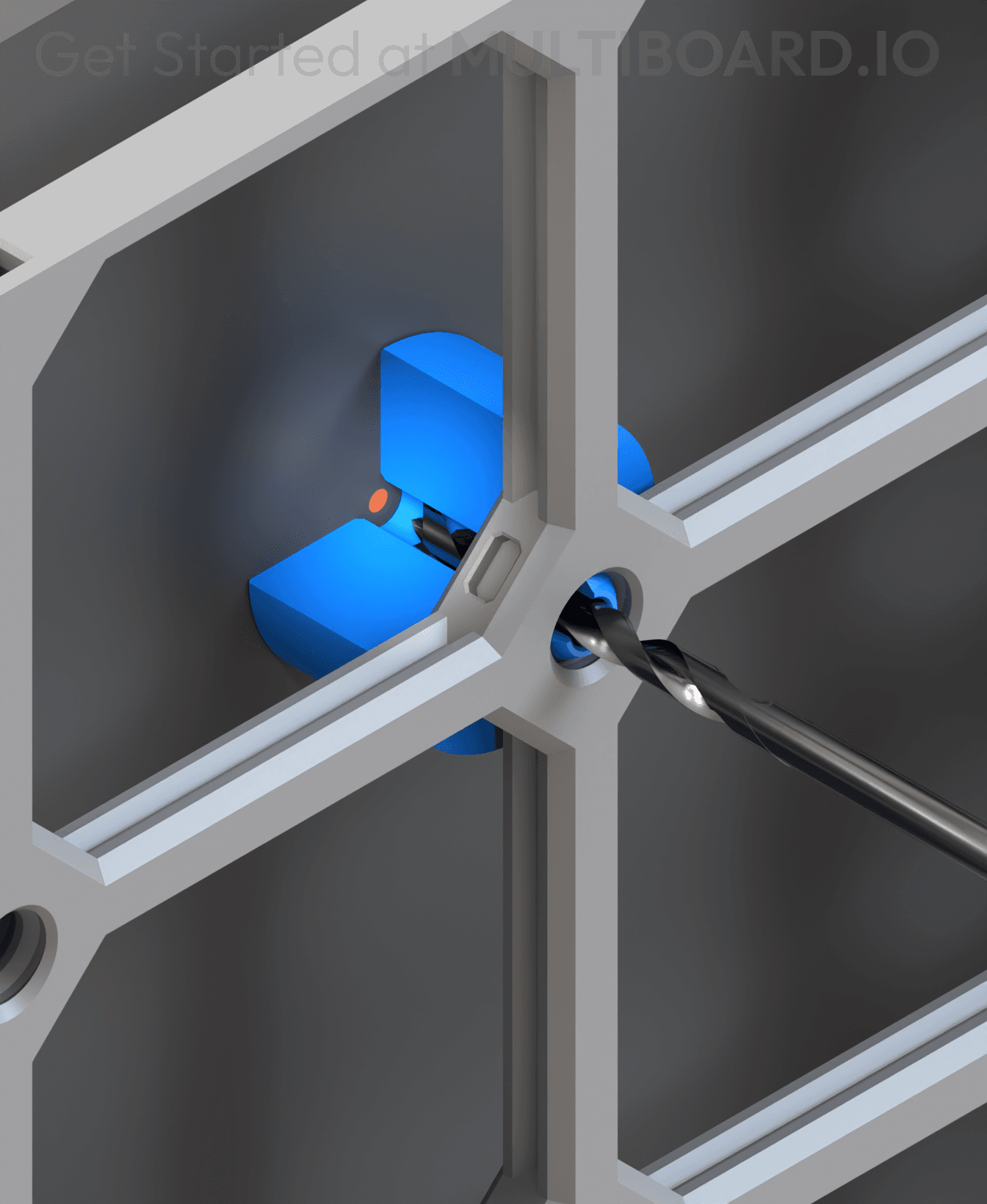
Flush - Small Hole Center Marking Tool
6.25 Offset - Small Hole Center Marking Tool
12.5 Offset - Small Hole Center Marking Tool
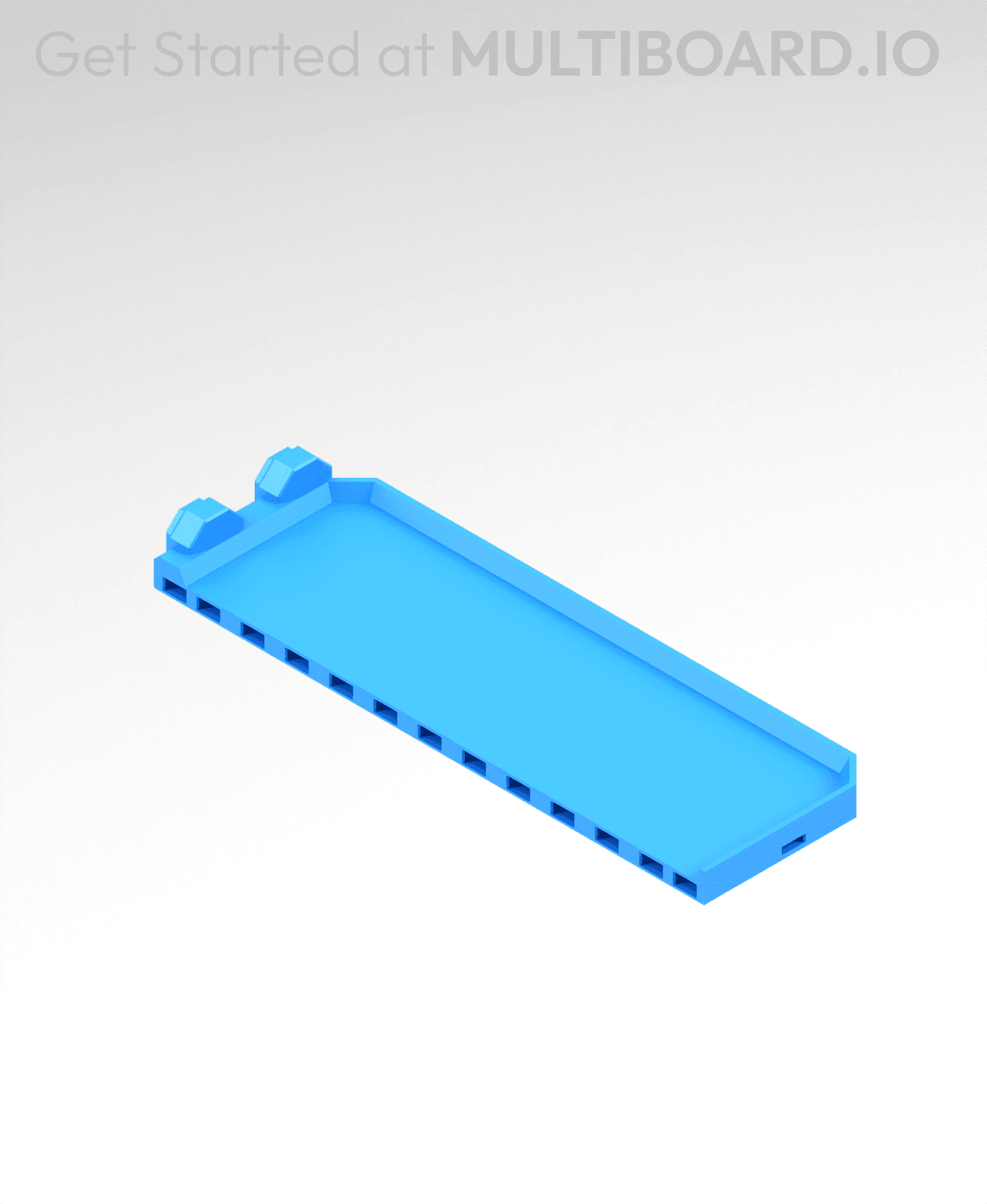
2x6 MU - Right Support End - Modular Bolt-Locked Shelf

4x8 MU - Center - Modular Bolt-Locked Shelf

2x2 MU - Right Support End - Modular Bolt-Locked Shelf
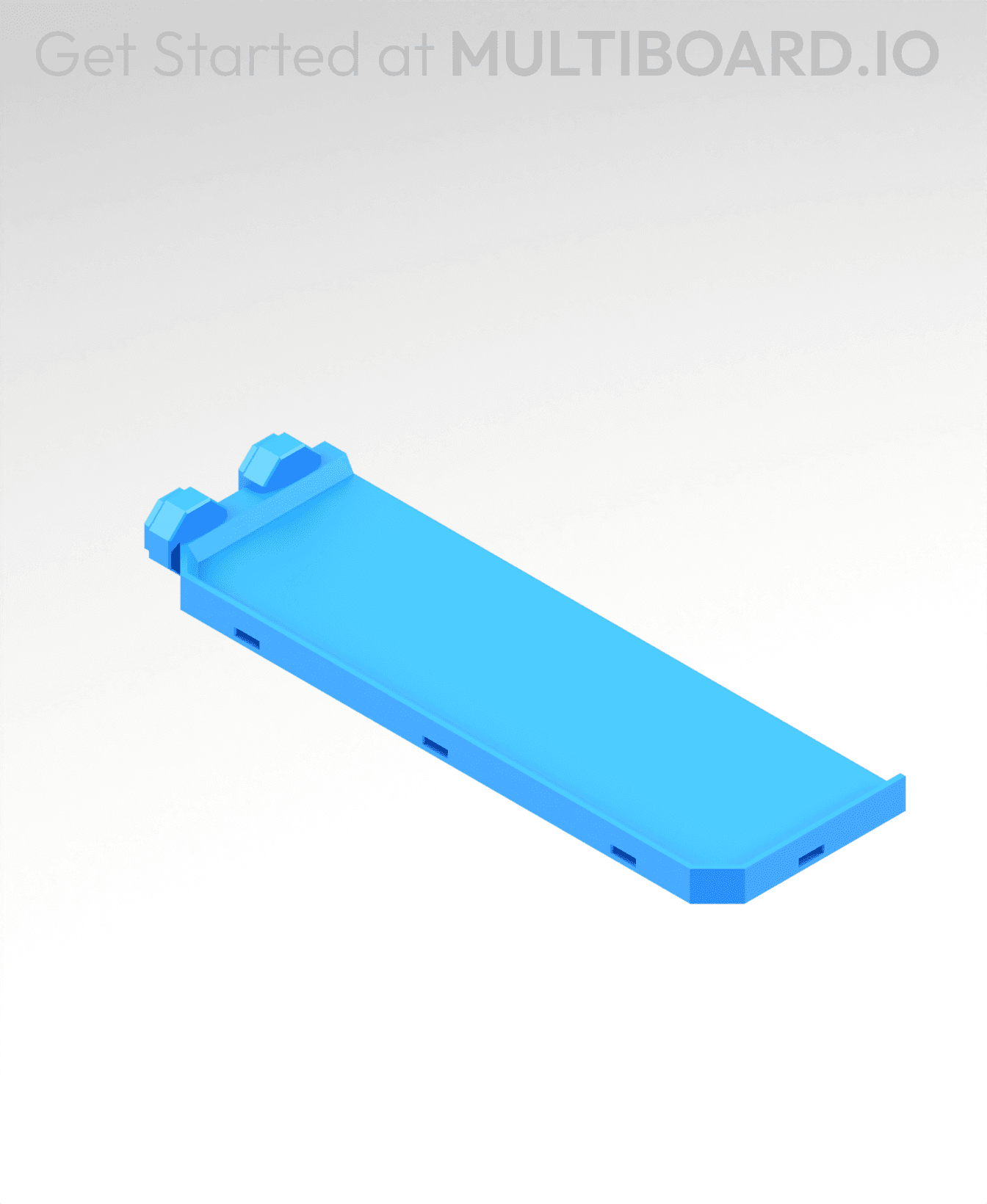
2x6 MU - Left Support End - Modular Bolt-Locked Shelf

8x8 MU - Center - Modular Bolt-Locked Shelf

2x4 MU - Right Support End - Modular Bolt-Locked Shelf

4x6 MU - Center - Modular Bolt-Locked Shelf

2x8 MU - Left Support End - Modular Bolt-Locked Shelf
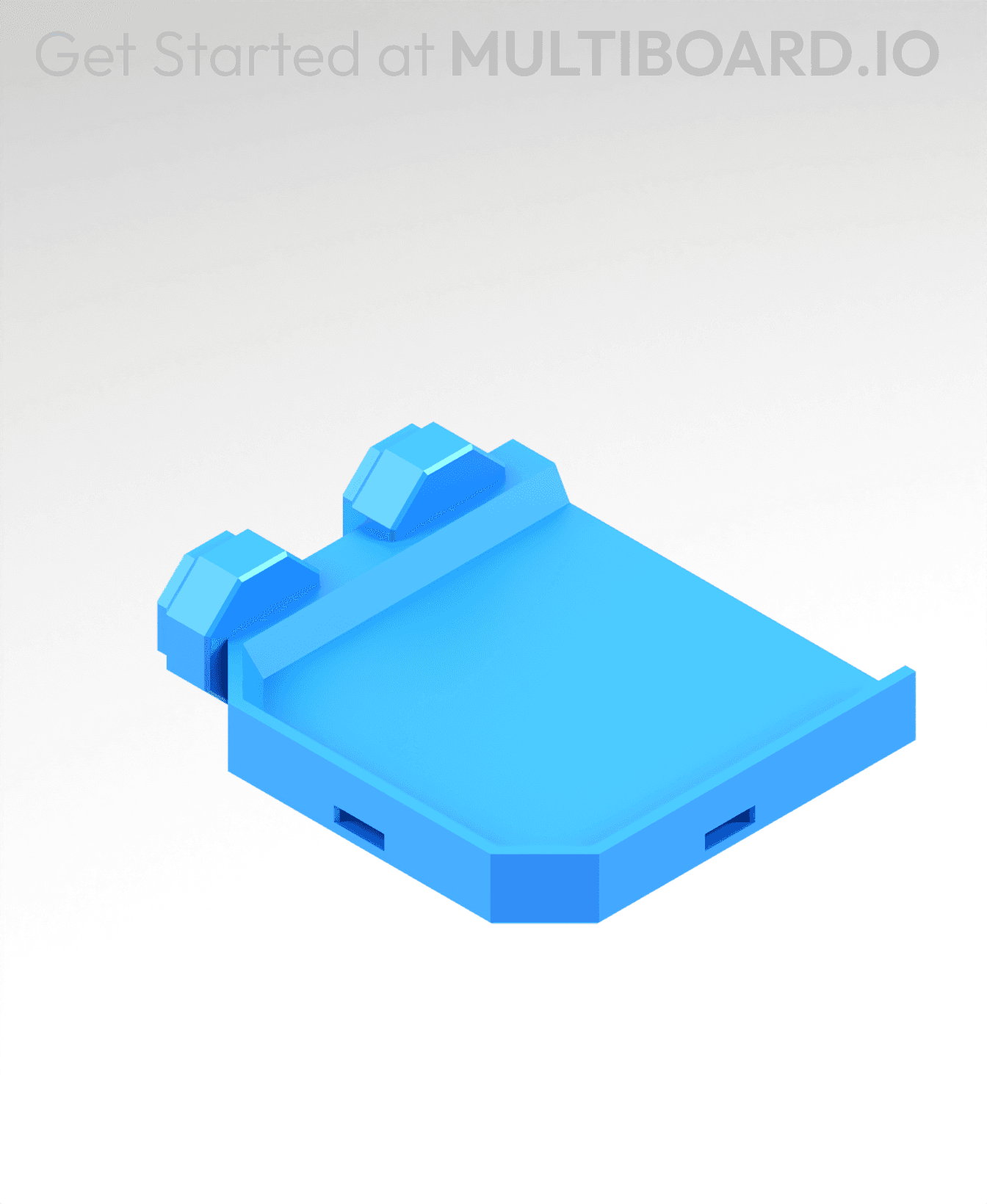
2x2 MU - Left Support End - Modular Bolt-Locked Shelf

8x2 MU - Center - Modular Bolt-Locked Shelf

8x4 MU - Center - Modular Bolt-Locked Shelf
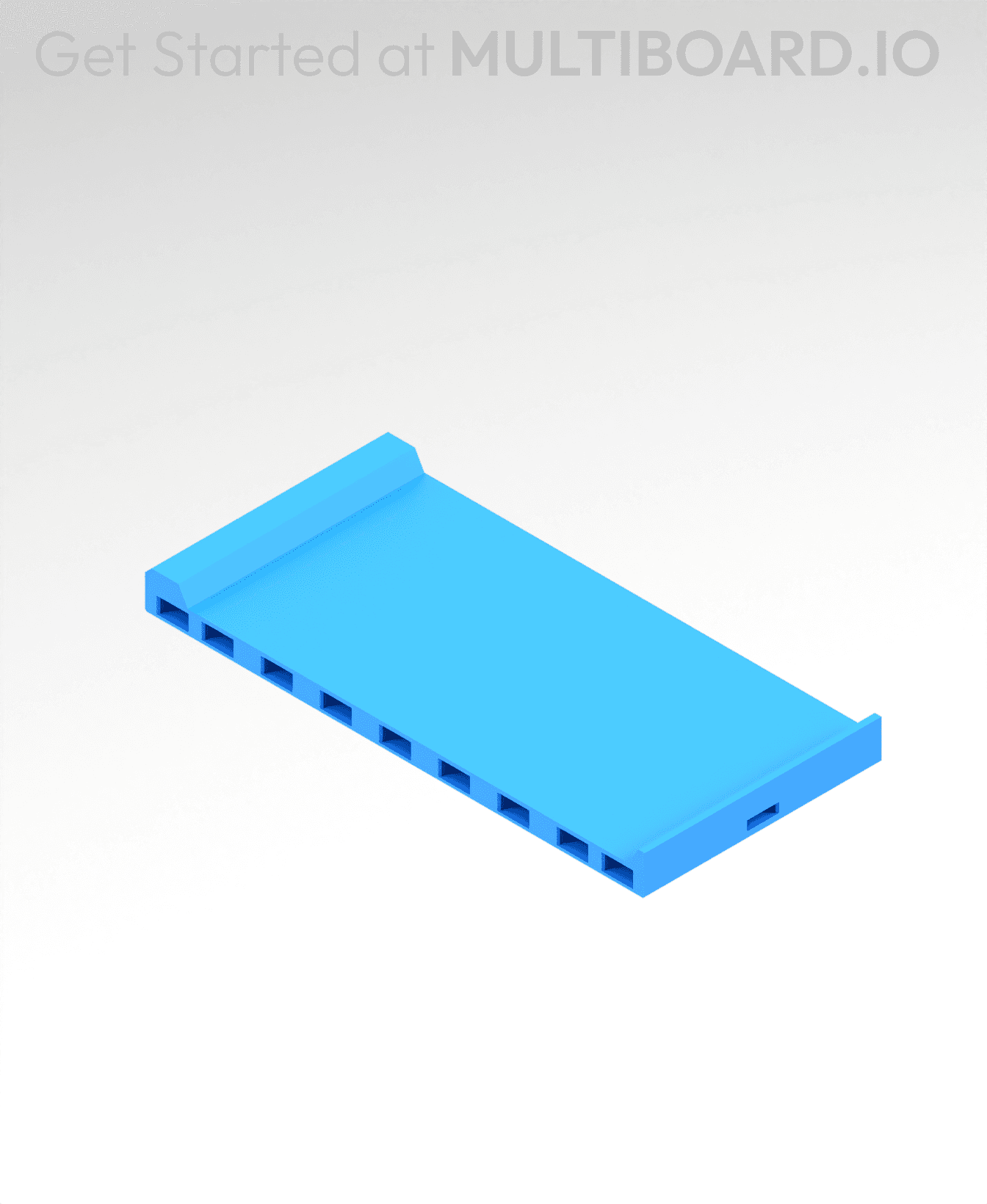
2x4 MU - Center - Modular Bolt-Locked Shelf

2x8 MU - Right Support End - Modular Bolt-Locked Shelf

8x6 MU - Center - Modular Bolt-Locked Shelf

2x8 MU - Center Support - Modular Bolt-Locked Shelf

The download for this model does not apper to be multi-material.