





Print-in-Place Folding Scalpel
I have a significantly improved version of this knife which accepts a wide range of blades, version 2.0 posted here... https://than.gs/m/1092890
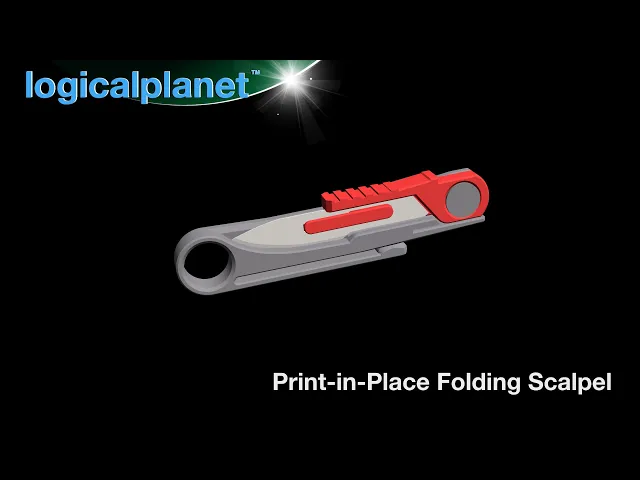
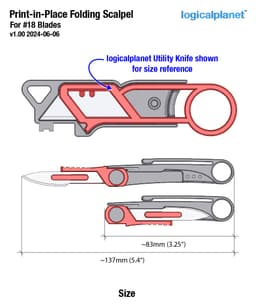
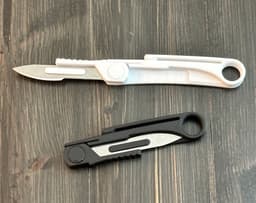
This is a 100% printed and print-in-place folding scalpel. No hardware or fasteners required. The scalpel is small, super light (about 8g) and very convenient. I have added a pressure point on the top of the blade which conventional scalpels do not typically have. This helps to give you a safe place to put your index finger and also allows you to comfortably apply pressure when cutting. It is important to note this knife, like all scalpels, is designed to be held like a pencil.
There are 3 different STLs with varying tolerances so you can hopefully find the one that prints best for your setup. The knife should be super tight after printing. And, freeing the print-in-place parts is a little more onerous than usual so please take care to work the parts free carefully. Once the parts are free the knife should work for a long time.
Inserting and removing the #18 scalpel blade is normal. The first time inserting a blade it will be a little tight but after that, it will be very smooth.
I have just added a modified version of this file which I think will accommodate a #24 blade as well as a #18 blade. But I need someone to test it and let me know.
Related Links Logical Utility Knife version 2.0 Scalpel Station Widget - with Auto Blade Removal and Capture Folding Scalpel Pocket Knife v2.1 Folding Scalpel XL v2.1 (for #60 Blades) Skeleton Utility Knife (original version)
Please join the LogicalPlanet Discord community via my linktree to discuss this and any other LogicalPlanet projects, upcoming projects, ideas and anything else related to LogicalPlanet.
https://www.logicalplanet.com/ email me at logicalplanet3d@gmail.com
Revisions and Updates I occasionally update and revise my designs. When I do, I’ll document the changes here. Check back periodically for the latest revision notes or if you’re experiencing any issues with a model.
Print-in-Place Folding Scalpel

I AM BATMAN: Print-in-Place Articulating Figure

Flexi Scorpion STL – Articulated Print-in-Place Scorpion Toy | No Supports | Easy FDM 3D Print
Flexi Cat Felix — Articulated Print-In-Place 3D Printable Cat Toy (No Supports Required)

James P. Sullivan Hand – Print-in-Place Flexible Toy

Flexi Donkey – Articulated Print-in-Place Model

Flexi Easter Bunny – Articulated Print-in-Place Model

Print-in-Place Mini Dumpster Fire Model – "This Is Fine" Edition

Flexi Love Cat | Print-in-place | No Support

Tactical 12oz Can Cup (Poser Edition) – Print-in-Place Multicolor STL | Display Style Drink Holder
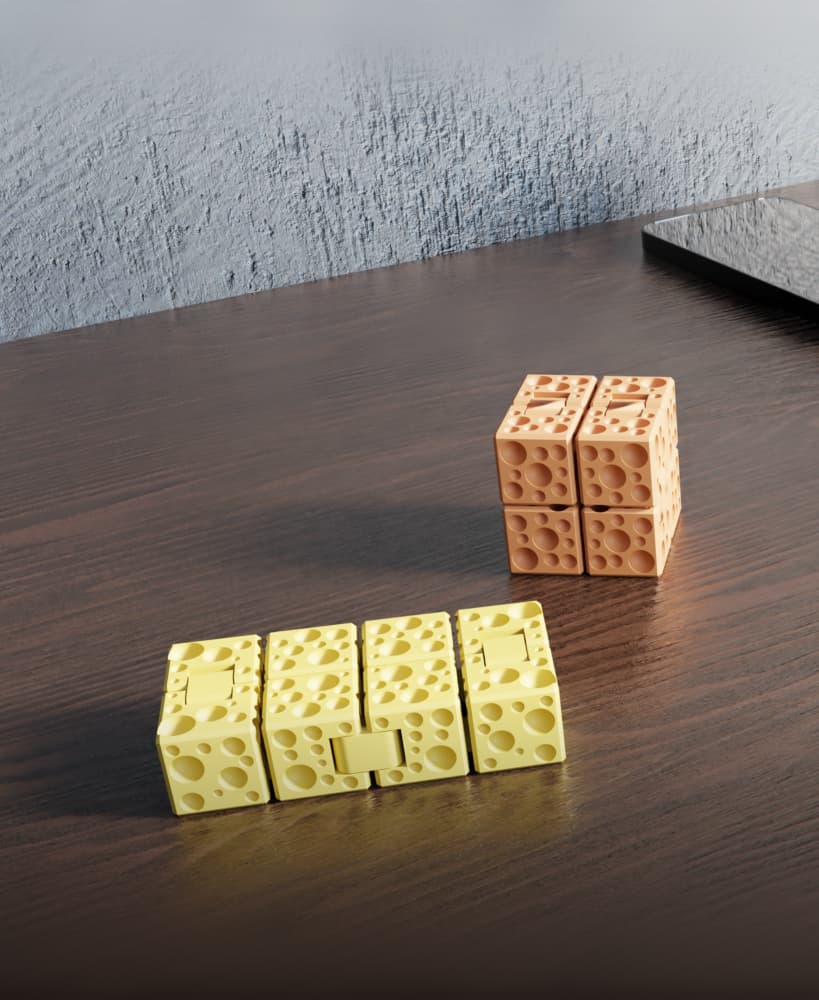
CheeseCube – Print-In-Place Infinity Cube

Christmas Tree Ornament – Print-in-Place Flexi Toy (No Supports)

ORIGAMI STILT | Table Lamp E14, E26, E27 print-in-place

Flexi Fox | Print-in-place | No Support

Flexi Border Collie | Print-in-place | No Support

Flexi Crocodile | Print-in-place | No Support

Flexi hanging Monkey | Print-in-place | No Support

Skeleton Unicorn – Articulated Print-in-Place Toy

Witch's Cauldron – Print-in-Place Halloween Toy (No Supports Needed)
.png&w=3840&q=75)
Squeak Articulated Dragon Print-in-Place Mesh Mayhem
