


5x3 MU - Low Profile Bolt-Locked Bracket
Connect these brackets to your tiles using Multiboard Snaps (use a Weight-Bearing Snap at the top), and lock into place using Locking Bolts.
Brackets can hold another Tile, a Multibin Base Plate, or a Tray:
-
Holding a Tile: Connect your Bracket and Tile together using Snaps (facing down). Then lock using Locking Bolts.
-
Holding a Base Plate: Place the Base Plate on the brackets and lock using Locking Bolts.
-
Holding a Tray: To hold a Tray, use Bracket-Multipoint Joins, you will also need a Multipoint and a Locking Bolt.
Printing Guidelines:
The printing orientation is as provided in the file. The print has been designed to be “3 wall perimeters” in wall thickness. Printed at a layout height of 0.2 mm. It doesn't need printing supports. Use the default 15% infill. This part has been designed with a tolerance of 0.25 mm. Your printer will need to be able to bridge gaps of up to 30 mm for some designs.
This object is part of Multiboard, a FREE and ridiculously modular organization system with thousands of parts, for creating the most adaptable workspace possible. Learn more and find ALL the parts at https://multiboard.io
5x3 MU - Low Profile Bolt-Locked Bracket
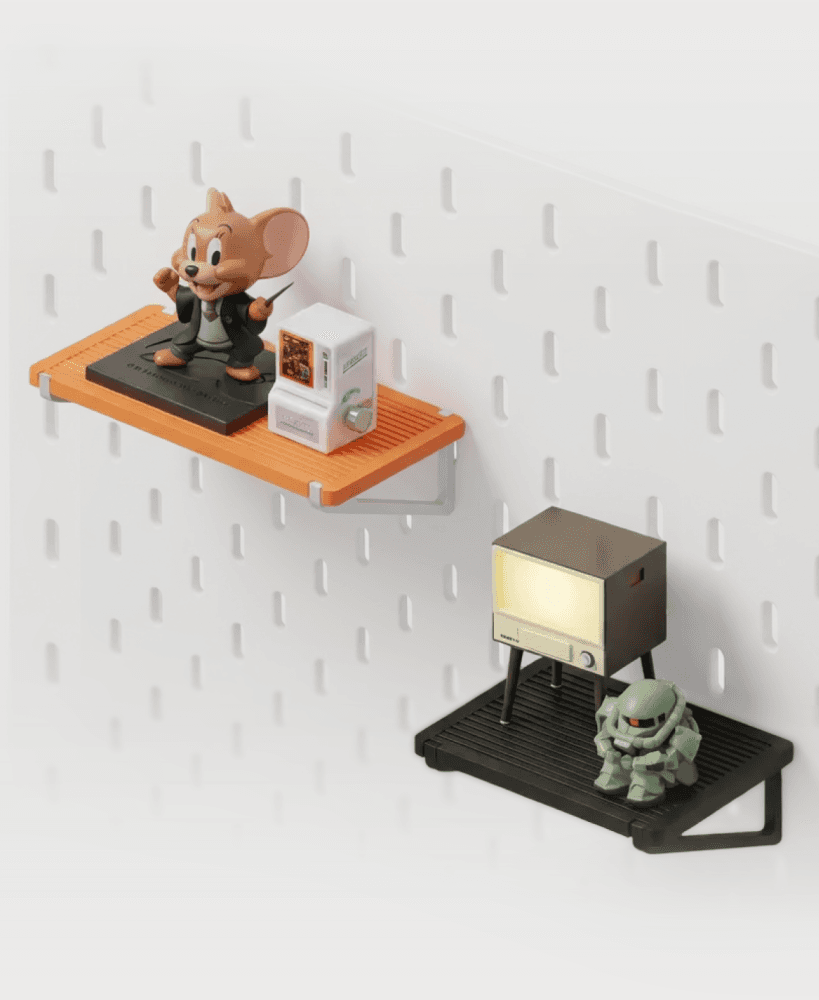
IKEA SKADIS Minimal Toy Display Shelf – Snap‑On Pegboard Shelf for Mini Figures
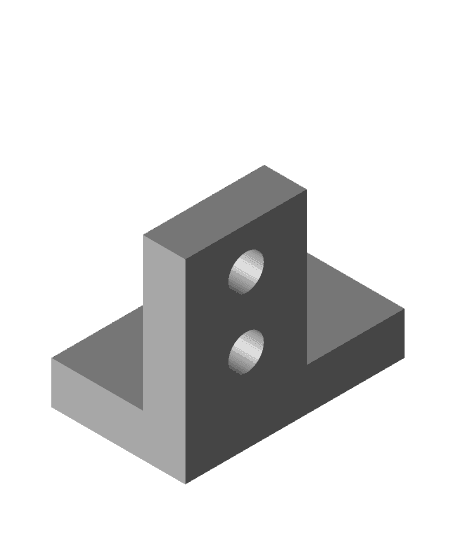
Prusa MK2.5S mods for Wham Bam Mutant V2

Corner Bracket glass plate Wanhao i3 Plus

Prusa MK2.5S mods for Wham Bam Mutant V2

Candy dispenser

Smooth-Rolling Self-Centering Filament Spool Roller

MDO - Support Top Pen Holder

CelphoneHolder customizable
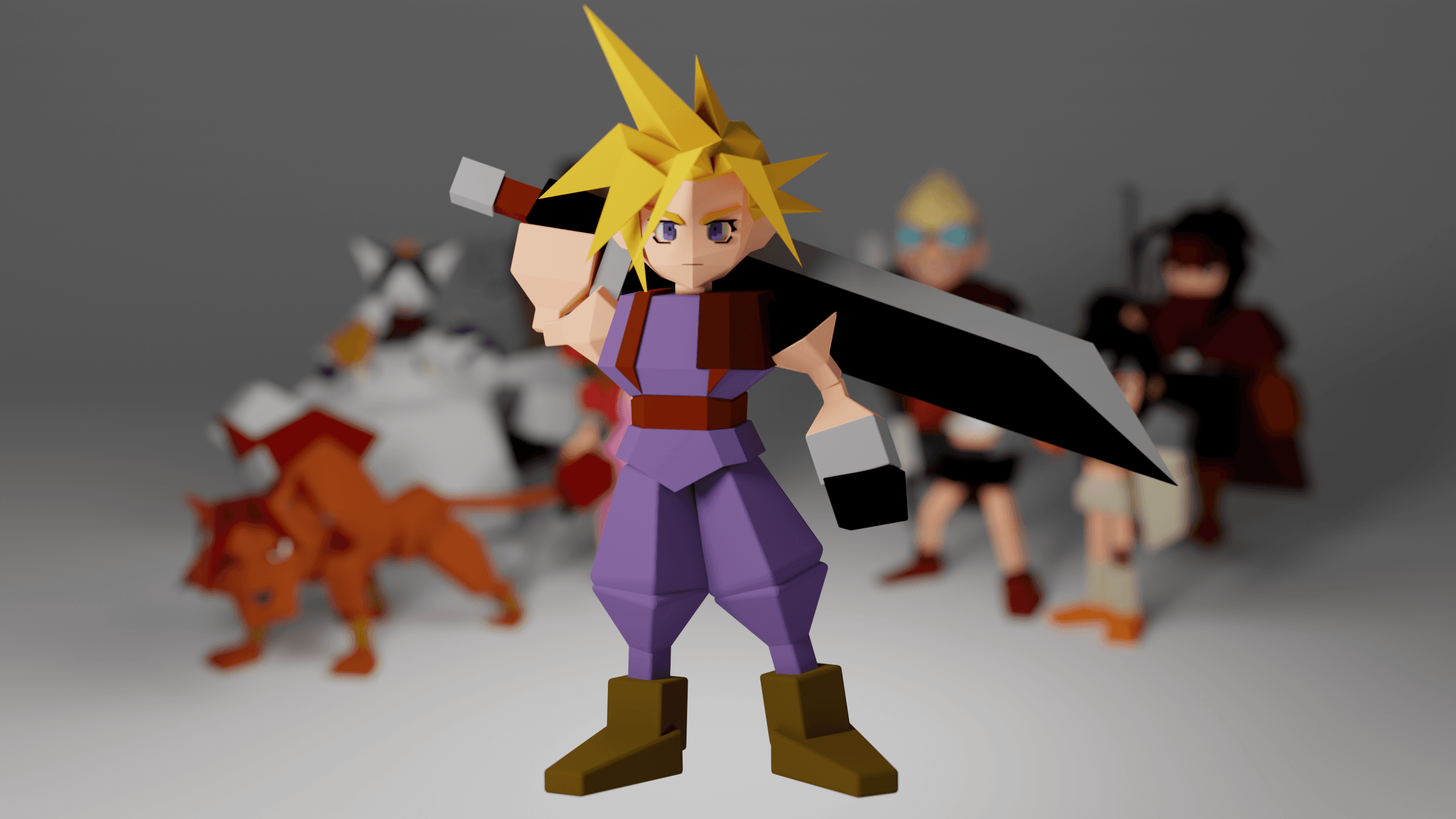
Cloud -Final Fantasy 7
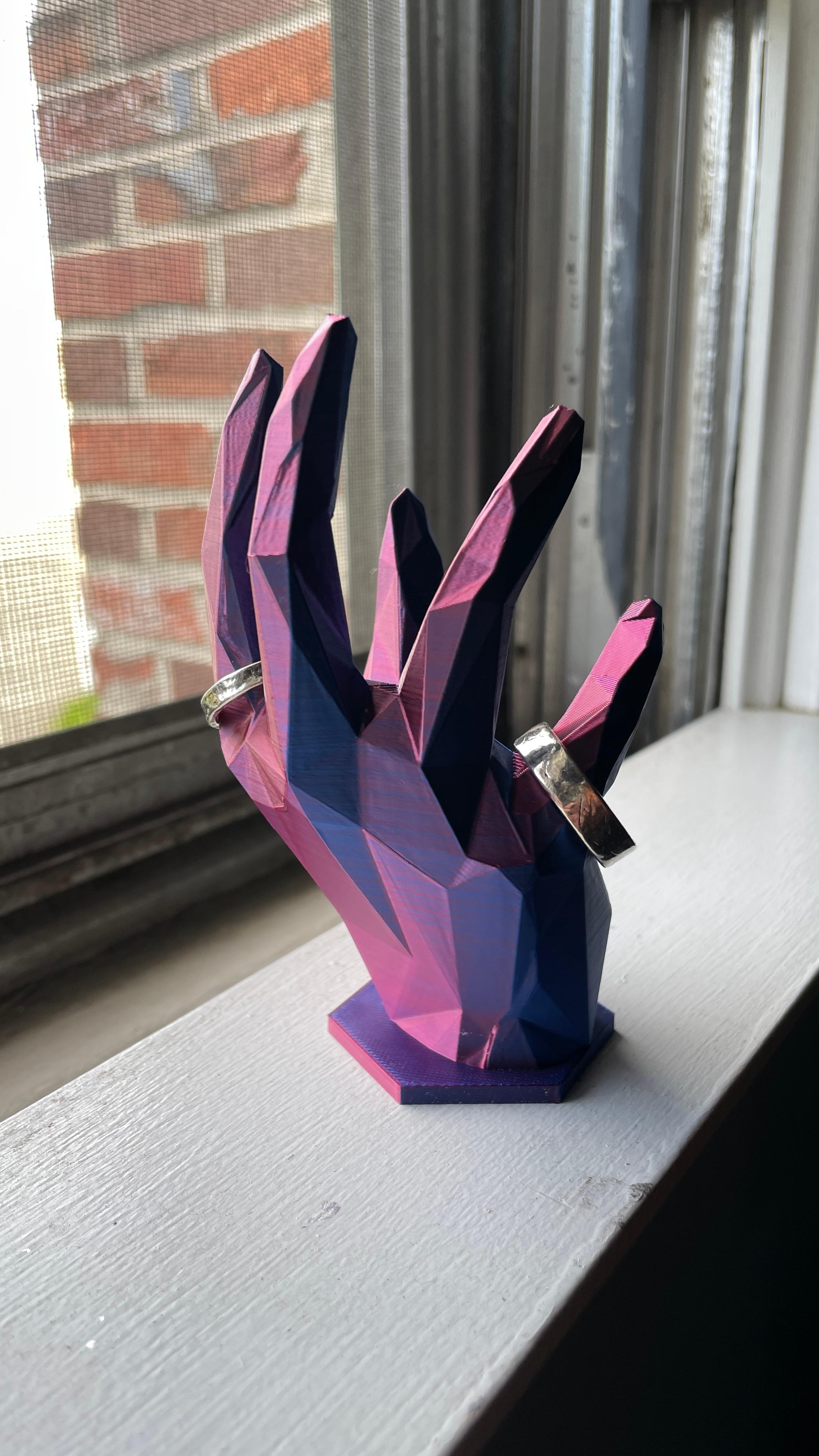
Crystal Hand Ring Stand V2
Sephiroth -Final Fantasy 7
Caitsith -Final Fantasy 7

Tifa -Final Fantasy 7

Emergency Stash Keychain
Aerith -Final Fantasy 7
Redxii -Final Fantasy 7
Vincent -Final Fantasy 7
Barret -Final Fantasy 7
Yuffie -Final Fantasy 7

In my opinion, he should host it all in printables, thangs is terrible to find organized parts
How are these supposed to connect to the Multiboard?? They won't go into a snaps. I just built my first Multiboard wall and so far I am super frustrated. I can't find anything. Thangs sucks. They should have direction links to any of there official parts.
Hold it against a snap, and then screw in a locking bolt.
The old design was better
I created a remix for the small locking screws https://thangs.com/designer/nos123648/3d-model/1331340
Where is the old bracket???
Did you ever find it? I've spent months printing the now old system, and desperately need the old brackets!
I've printed 2 different bolt locking brackets including this one and I can't figure out how to actually bolt lock it as the hole to screw into is a lot large than the multipoint part that is linked here. How do I do this? I feel like I must be missing something...
I'm having many frustrations with this but for the opposite reason. I finally found the parts that make it happen, but I guess I need to recalibrate my printer because the locking bolts are too tight and won't screw in all the way.
What you need, to complete this, is snaps and locking bolts (which are different than the bolts you are trying to use). https://www.multiboard.io/parts-library/shelves-brackets
Also is too large for the Mid Hole Bolt Lockers I printed...