




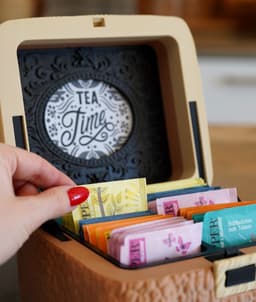
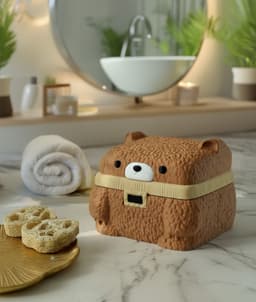

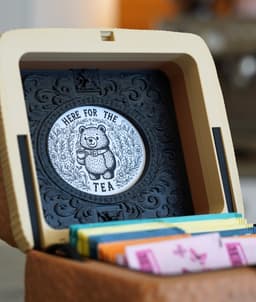
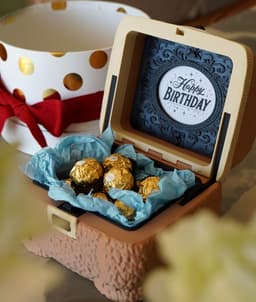

SquareBear Gift & Storage Box
🎁 5 MONTHS FREE with annual plans - Save 42%
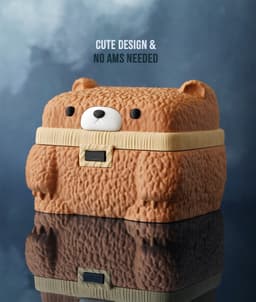
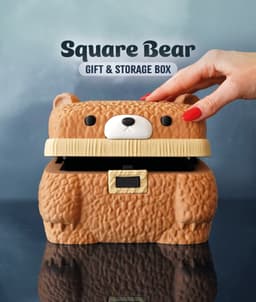
SquareBear Gift & Storage Box 🐻🎁
The cutest way to wrap or store your treasures!
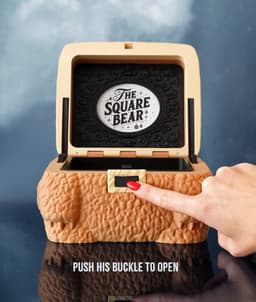
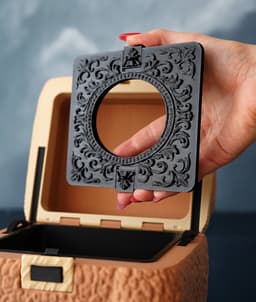
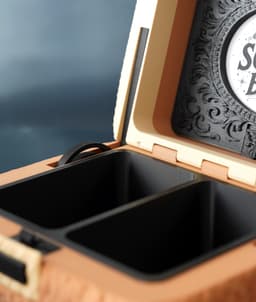
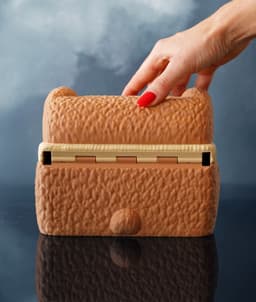
SquareBear is a fun bear-shaped box with a clever spring-lid and roomy 144 × 118 × 105 mm interior — perfect for candy, jewelry, or little surprises. Adorable, practical, and sure to make anyone smile!
😊 Why You'll Love It:
- 🧸 Charming Design brings warmth and joy to your desk or shelf
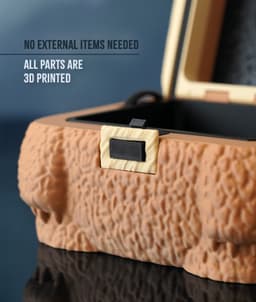
- ⚙️ Spring-loaded lid opens smoothly for a delightful experience
- 💡 Smart modular parts allow easy multi-color prints with crisp details
- 🖨️ Single-color model prints beautifully on any 200 mm+ printer
- 🎁 Perfect for gifting small presents, treats, or keepsakes
📐 Quick Specs: Fits candy, jewelry, and small items (144 × 118 × 105 mm interior | requires 200 mm build plate)
🎨 Filament Used:
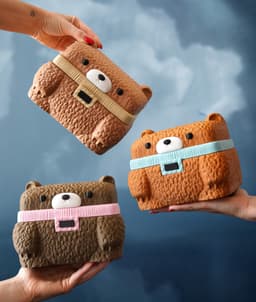
✨ Beige Scarf Bear: PLA MATTE CARAMEL (Get it) • PLA MATTE DESERT TAN (Get it) 🌸 Pink Scarf Bear: PLA WOOD BLACK WALNUT (Get it) • PLA MATTE PINK (Get it) ❄️ Blue Scarf Bear: PLA WOOD OCHRE (Get it) • PLA MATTE ICE BLUE (Get it)
• PLA Basic Black (Get it) • PLA Basic White (Get it) • PETG/ABS Springs (any color)
🛠️ Hardware Used:
• None – 100% 3D printed parts including springs and latch
⚠️ Important: All common filaments will creep over time. PLA is the worst, PETG performs better, and we originally believed ABS would hold up long-term — but after about a month, ABS also begins to lose elasticity.
We’re currently testing PC as a potential long-term solution.
Please print this model only if you're okay with these current limitations.
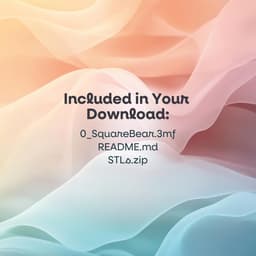
📋 Print Settings: See included README.md for detailed instructions
🎯 New to 3D Printing? Perfect prints guaranteed → Start Here


SquareBear Gift & Storage Box

Cute Easter Egg Box - Ribbed Gift and Storage Box

Ripple Ring Box - Valentine’s Gifts - Storage Solutions & Organizers by Lunfardo

Ripple Heart Box - Valentine’s Gifts - Storage Solutions & Organizers by Lunfardo

Yin Yang Annoying Box – 84-Screw Puzzle Gift Box

Gift Box Cake Pop Mold Set, Present Design, Surprise Gift 3D Print Model PRODUCT_1233

Articulated Pixel Heart Storage Box
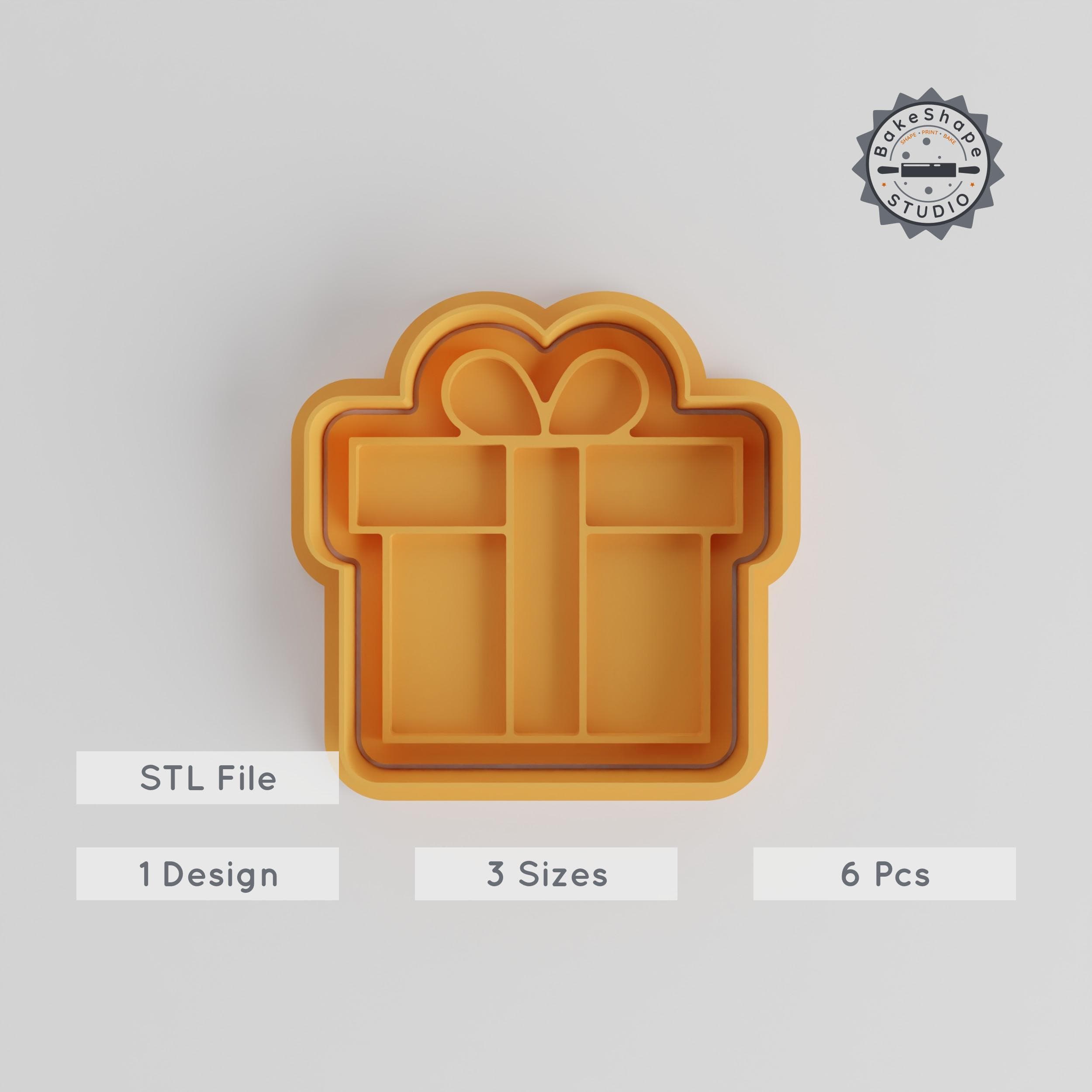
Gift Box Shape Cutter & Stamp Set, Perfect for Cookies & Fondant, 6 Piece Bundle, Sizes S/M/L, Ideal for Celebrations & Holidays PRODUCT_4875

Gift Box Cookie Cutter & Stamp Set, Perfect for Fondant, 3 Sizes, 6 Pieces, Ideal for Parties & Celebrations PRODUCT_4877

Gift Box Shape Cutter, 18 Sizes, Perfect for Cookies & Fondant, Cookie Cutter Set PRODUCT_1430
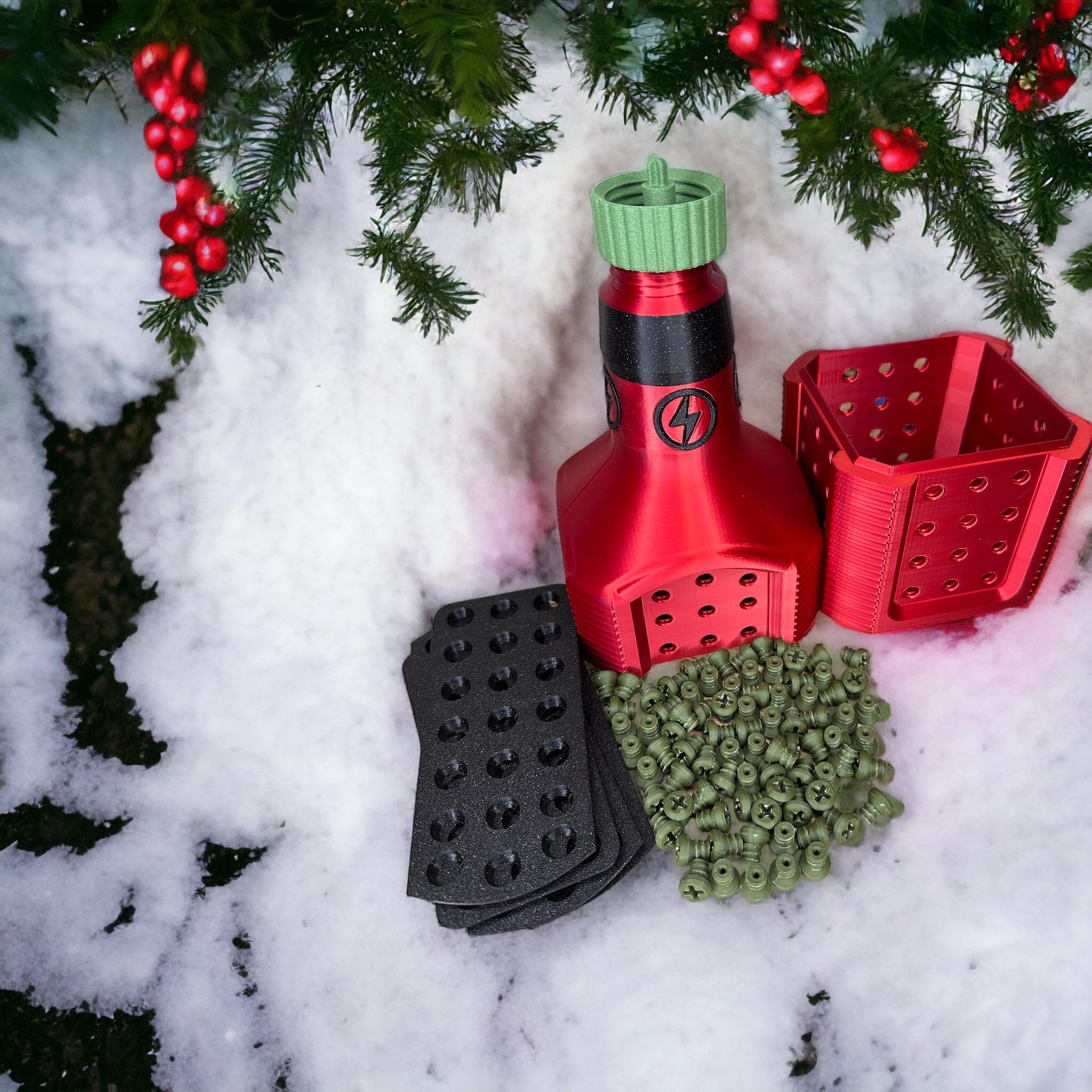
Annoying liquor box - 84 screws, for gifting a bottle of liquor, christmas, gifts, for, him

Gift Box Stamp Tile Set, 5 Sizes 20-40mm, Perfect for Clay, Cookies & Fondant PRODUCT_4665

SX07 - Sci-fi Storage Box (decorational)

Gift Box Stamp Tile Set, 20-40mm Motif Sizes, Perfect for Clay, Cookies, Fondant & Soft Materials, 5-Piece Celebration Collection PRODUCT_4658

Gift Box Shape Cutter Set, 18 Pieces, 0.75"-5", Perfect for Cookies, Fondant & Clay PRODUCT_3646

Velvet Fold Box - Luxury Storage Solution

Gift Box Stamp Tile Set, 5 Sizes, Perfect for Clay, Cookies & Fondant PRODUCT_2234

IKEA SKADIS hexagon storage box with lids

Gift Box Shape Cutter & Stamp Set, Perfect for Cookies & Fondant, Includes 6 Pieces in S/M/L Sizes PRODUCT_4878

Gift Box Stamp Tile Set, Versatile 5-Piece Design, Perfect for Clay, Cookies & Fondant PRODUCT_4666

Hello. I'm new to printing but how can you make the head with 2 colors? Don't seem to get it on my creality to work.
You can do a manual filament swap, when the scraf is printed red , to the color brown.
hello, i am afraid, this is just the nature of the process. 3d printing works in layers, therefore we always will have some stairstepping
if the crocodile look is the thing you dont like ?
I have made this for adult neice for christmas i was just thinking how cute it would be to have a matching coaster and tea bag bowl to put the teabag in as i know some people use tea bags more than once (not sure i like the reuse tea bag game lol)
thats such a great idea :) thankyou!
now i am thinking matching ice pint holder would be a perfect set to give someone
This is probably a dumb question, so I apologize in advance. I am very new to the 3D printing game. I'm still at the open and send to printer stage. I'm curious as to why people are changing their settings. I assumed as a purchased file, it was smart to just print it as it is designed. Am I missing something? Should I not just be sending it straight to print from download?
there are no dumb questions :) the 3mf file usually contains all the right settings, but 3MF isn't 100% portable from one slicer to another slicer, so bambustudio can open it, but prusa-slicer for instance wont open a file (if it has more than one plate) thats the reason we also provide the STL file. But then people need to fiddle with the settings.
therefore i highly recommned using the 3MF File with Bambustudio
Hi. I love this bear. Ive printed one out. My problem is its stiff to open. Can you suggest anything to help please....Thanks
does it open and close easily without the springs? or is there a lot of friction? did you use filament as hinge?
it has all the springs in. And i did use filament as a hinge. It is the button thats stiff
my best guess is, some glue may be got stuck to the button, when you glued in the buckle? if you remove the spring from the button, does the button move freely?
TY for the reply. Just found out hubby glued that in to
It's designed to perfection, looks adorable and is easy to put together. I love it so much. Thank you!
This happened to me too but worse. Im pretty new to 3d printing and dont known how to fix it… i printed the 3mf file on my A1
Any help would be greatly appreciated :)
if you used the 3mf file, this is as good as it gets unfortunately. i added height range modifier, to adapt the print speed, to even out layer times i used archimedian chrods as internal solid infill pattern, to reduce pulling force and changed the overhang geometry to have multiple small overhangs instead of one big.
Thank you for your response… I dried my wood pla for 5 hours and came out perfect this time!
did you use the 3mf or the stl file?
its due to the pulling force of the overhang section, so it takes longer to print, and also has more time to shrink. its also dependant on the machine&filament, i've tested it on my p1s and a1 and both came out nice looking
Used 3mf file. Maybe I configured the print incorrectly. I have an A1 printer. I'll try again a little later, because we have severe power outages right now(
I get similar line when the print resume after power interruptions.
omg i know what iam printing this weekend its so cute
I have a bambu a1 printer, do i use .3mf or stl file that was included?
yes pls use the 3mf file
I'm still quite new to 3D printing. My question is: what do you use as a hinge axis?
welcome here <3 it's simply a piece of filament that is threaded through the holes, connecting the two parts